JSP | Expression tag (original) (raw)
Last Updated : 14 May, 2026
The Expression Tag in JSP is used to display output directly on the client’s browser. It allows embedding Java expressions inside a JSP page and automatically converts them into string output. This tag simplifies printing data without writing explicit output statements.
- Uses <%= %> syntax to write Java expressions
- Automatically prints output to the browser (no need for out.print())
- Mainly used for displaying data, not for writing logic
**Syntax:
<%= expression %>
Difference from Scriptlet Tag
- Scriptlet (<% %>) → used for writing Java logic (loops, conditions)
- Expression (<%= %>) → used for displaying output
- Expression tag automatically converts into out.print()
**Example
html `
<%= GeeksforGeeks %>`
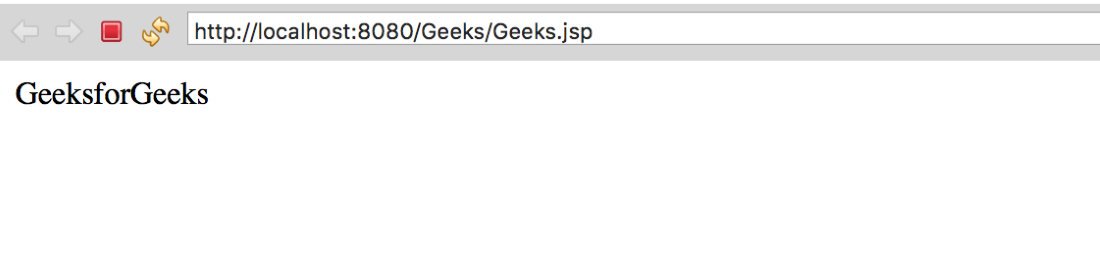
**Explanation: In this example, the string "Welcome to GeeksforGeeks" will be printed directly in the client's browser.
**Output
output
Implementation of JSP Expression Tag
Step 1: Create Dynamic Web Project
- Go to File -> New -> Dynamic Web Project
- Project Name: Geeks
- Select Apache Tomcat
- Click Finish
**Step 2: Create index.html.
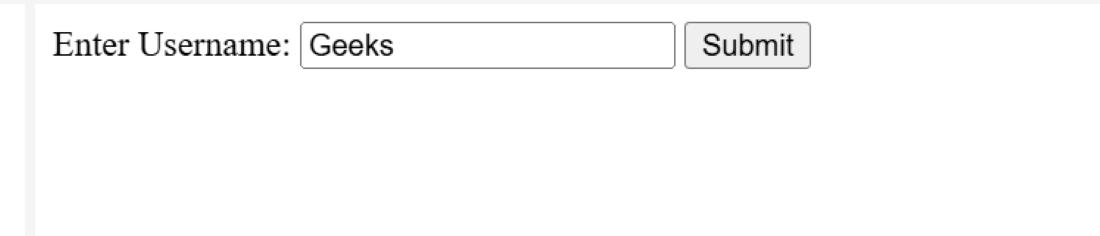
This HTML file takes the username from the user and sends it to Geeks.jsp on form submission
HTML `
Enter Username:
`
**Output:
output
Step 3: Create JSP File
Here we are creating a jsp file names as Geeks.jsp
HTML `
<%@ page language="java" contentType="text/html; charset=UTF-8" pageEncoding="UTF-8"%>
Insert title here <%= String name=request.getParameter("username"); out.print("Hello "+name); %>`
**Explanation:
- <%@ page ... %>: Sets page settings (Java language, UTF-8 encoding).
- request.getParameter("username"): Retrieves the username entered in the HTML form.
- <% ... %>: Used for writing Java code (e.g., storing the username in a variable).
- <%= name %>: Outputs the value of name to the browser (auto-converted to out.print()).
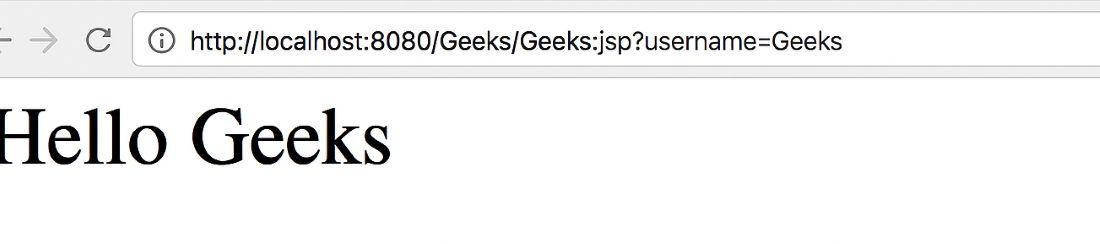
If user enters Geeks, it displays: Hello Geeks!
**Output:
output