jQuery :lang() Selector (original) (raw)
Last Updated : 11 Jul, 2025
The jQuery :lang Selector is used to select all the elements which have the lang attribute with the specified value. This attribute contains single value language_code which is used to specify the language of content. Some examples of languages are " en" for English, "es" for Spanish etc. It takes a whole word as value such as lang=” en” or followed by a hyphen(-) like lang=” en-us”.
Syntax:
$(":lang(language)")
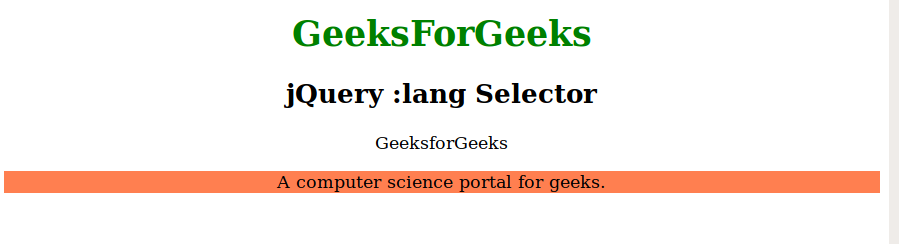
Example 1: In this example, we will select the element which English lang attribute by using jQuery :lang() Selector.
HTML `
<script>
    $(document).ready(function () {
        $("p:lang(en)").css(
            "background-color", "coral");
    });
</script>
GeeksForGeeks
jQuery :lang Selector
GeeksforGeeks
A computer science portal for geeks.
`
Output:
Example 2: In this example, we will change the color of the element which has English lang attribute with the help of click function.
HTML `
<script>
    $(document).ready(function () {
        $("button").click(function () {
            $("p:lang(en)").css(
                "color", "green");
        });
    });
</script>
GeeksForGeeks
jQuery :lang Selector
GeeksforGeeks
A computer science portal for geeks.
Change color`
Output:
