jQuery ready() Method (original) (raw)
Last Updated : 11 Jul, 2025
The **jQuery ready() method helps to load the whole page and then execute the rest code. This method specifies the function to execute when the DOM is fully loaded.
**Syntax:
$(document).ready(function)
**Parameters: This method accepts a single parameter _function which is mandatory. It is used to specify the function to run after the document is loaded.
**Return Value: This method returns the document after performing the ready() method.
**Example 1: This example illustrates the ready() method in jQuery.
HTML `
The ready Method<!-- jQuery code to show the working of this method -->
<script>
$(document).ready(function () {
$("button").click(function () {
$("p").css("color", "green");
$("p").css("font-size", "40px");
$("p").css("font-weight", "bold")
});
});
</script>
<style>
div {
text-align: center;
width: 60%;
min-height: 100px;
padding: 10px;
border: 2px solid green;
}
</style>Welcome to
GeeksforGeeks!
Click Here!`
**Output:
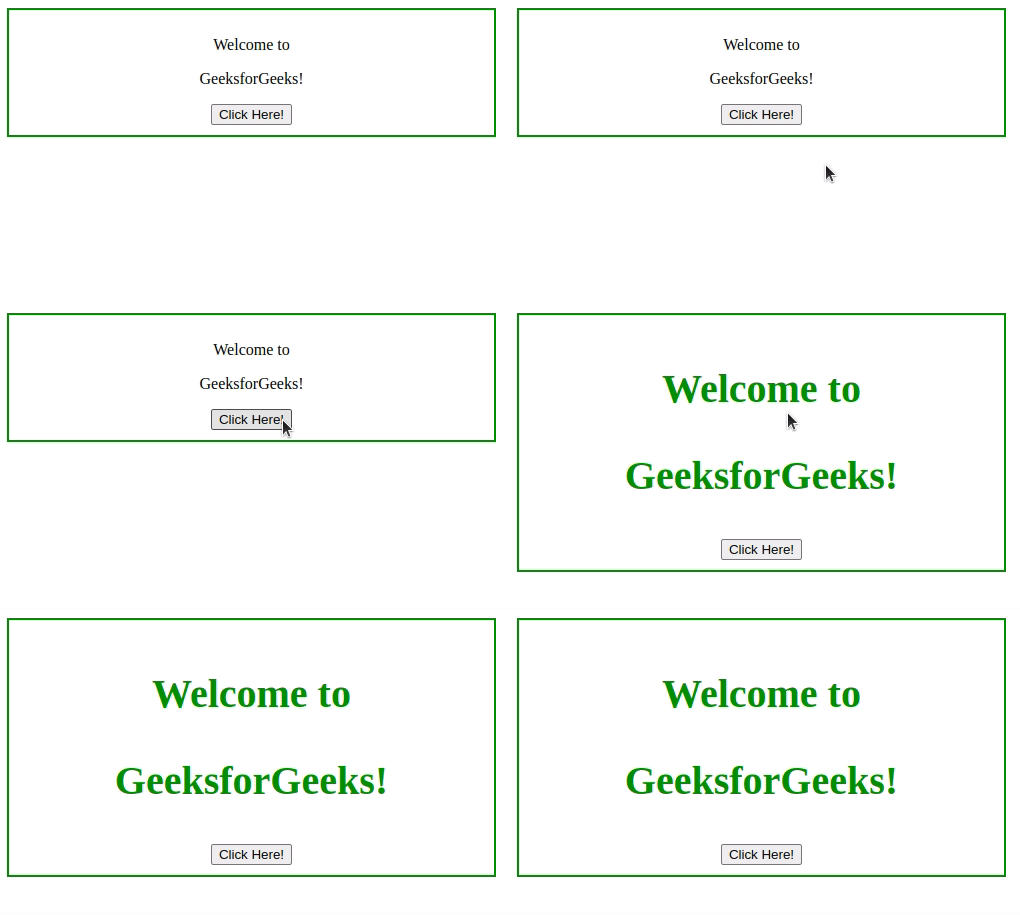
**Example 2: In this example, we will animate the text in ready() method.
HTML `
The ready Method<!-- jQuery code to show the working of this method -->
<script>
$(document).ready(function () {
$("button").click(function () {
$("p").animate({ fontSize: "+=14px" });
});
});
</script>
<style>
div {
text-align: center;
width: 60%;
min-height: 100px;
padding: 10px;
border: 2px solid green;
}
</style>Welcome to
GeeksforGeeks!
Click Here!`
**Output:
