jQuery resize() method (original) (raw)
Last Updated : 11 Jul, 2025
The **jQuery resize() method is an inbuilt method that is used when the browser window changes its size, resize() method triggers an event when the size of an element is changed, allowing you to perform actions or apply styles based on the new dimensions.
**Syntax:
$(selector).resize(function)
**Parameter: This method accepts a single parameter _function which is optional. It is used to specify the function to run when the resize event is called.
**Example 1: In this example, we will increase the size of the text by using resize() method.
HTML `
The resize method<!-- jQuery code to show the working of this method -->
<script>
x = 0;
$(document).ready(function () {
$(window).resize(function () {
$("p").text(x += 1);
});
});
</script>
<style>
div {
width: 150px;
height: 100px;
padding: 20px;
border: 2px solid green;
font-size: 20px;
}
</style>
Welcome to GfG!
0
times.`
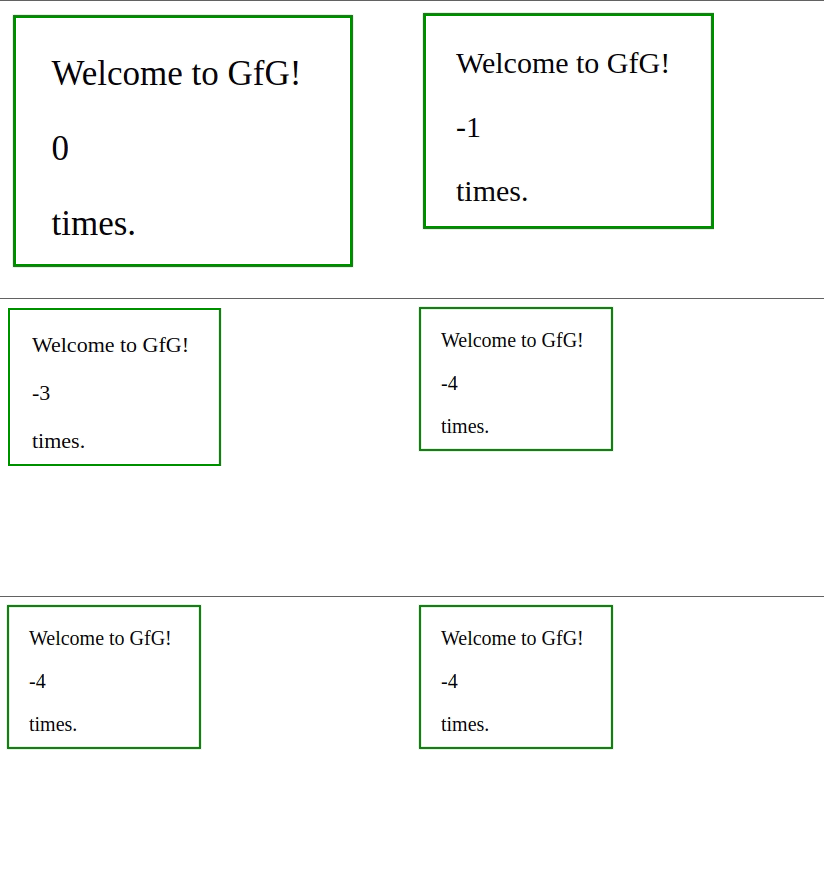
**Output:

**Example 2: In this example, we will decrease the size of the text by using resize() method.
HTML `
The resize method<!-- jQuery code to show the working of this method -->
<script>
x = 0;
$(document).ready(function () {
$(window).resize(function () {
$("p").text(x -= 1);
});
});
</script>
<style>
div {
width: 150px;
height: 100px;
padding: 20px;
border: 2px solid green;
font-size: 20px;
}
</style>
Welcome to GfG!
0
times.`
**Output: