How to Install and Configure Apache Subversion(SVN) In Linux? (original) (raw)
Last Updated : 6 Oct, 2021
Apache Subversion (SVN), is a version control system like Git. it is distributed under an open-source license. SVN was created by CollabNet Inc. but now it is developed as a project of the Apache Software Foundation.
Downloading and Installing Apache SVN
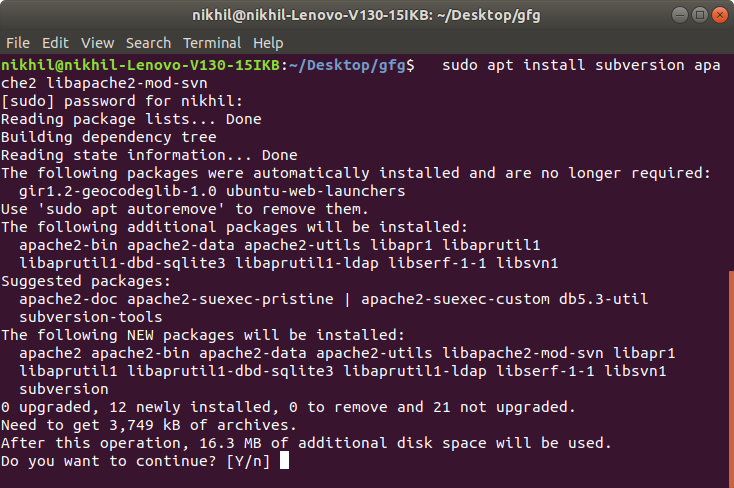
Apache Subversion(SVN) can be easily downloaded and installed with the use of the command-line. Following steps provide a step-by-step procedure to install Apache SVN:Step 1: First, we need to Install the subversion, apache2 and libapache2-svn/libapache2-mod-svn packages. For this open terminal and type the following command and press Enter:
$ sudo apt install subversion apache2 libapache2-mod-svn
 Step 2: Now create a SVN directory, at the root of file system. Type the following command and press Enter:
$ sudo mkdir /svn
Step 3: Now, change the owner's permission of the directory to the webserver user, www-data by default.
$ sudo chown www-data:www-data /svn
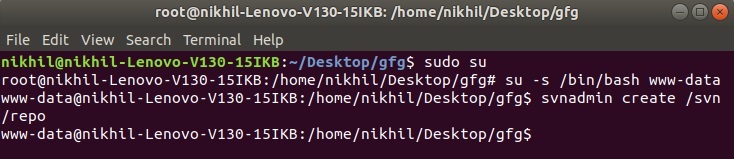
Step 4: Now change to superuser by typing this command and then type password
$ sudo su
 now switch to www-data user
$ su -s /bin/bash www-data
 Step 5: Create a new SVN repository to store files.
$ svnadmin create /svn/repo
 Step 6: Now we'll have to create credentials for User:
$ htpasswd -cmb /svn/passwd admin password
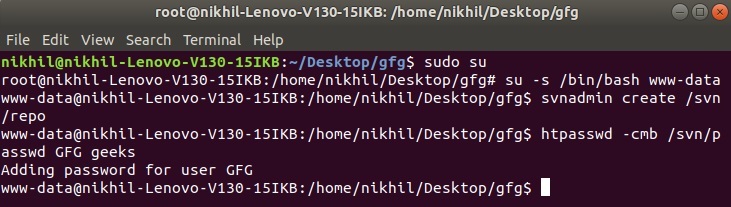 here "admin" is username and "password" is passwordStep 7: Now exit from www-data and install Vim editor. Type the following command to install Vim editor:
$ sudo apt-get install vim
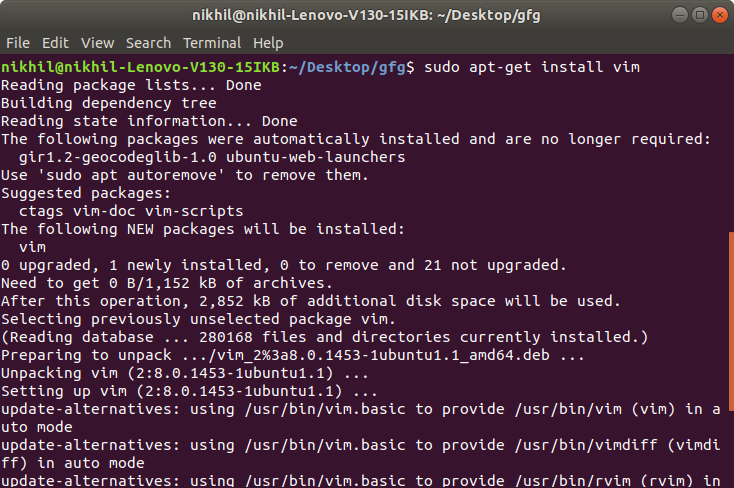 Step 8: Open and edit SVN configuration file in sudo mode with the use of following command:
$ sudo vim /etc/apache2/mods-enabled/dav_svn.conf
 Now, paste the following code in that file:
html `
<Location /repo> DAV svn SVNPath /svn/repo AuthUserFile /svn/passwd Require valid-user AuthType basic AuthName "Subversion"
`
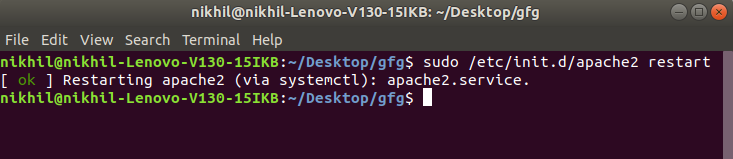
Now save the file and exit the Vim Editor by using the command :wq 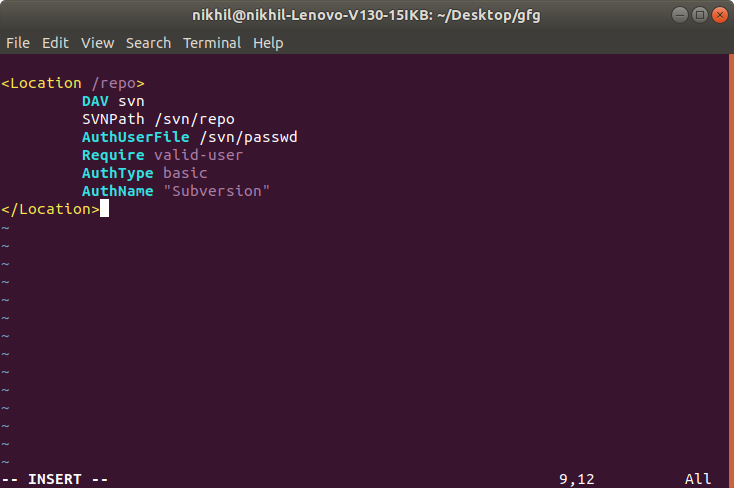 Step 9: Now restart Apache Subversion and you are done with the installation process. Type the following command and press Enter:
$ sudo /etc/init.d/apache2 restart