reset command in Linux with Examples (original) (raw)
Last Updated : 16 Oct, 2024
**reset command in the Linux system is used to initialize the terminal. This is useful once a program dies leaving a terminal in an abnormal state. Note that you may have to type **reset to get the terminal up and work, as carriage-return may no longer work in the abnormal state. Also, the terminal will often not going to echo the command.
**Syntax
reset [-IQVcqrsw] [-] [-e ch] [-i ch] [-k ch] [-m mapping] [terminal]
**Basic Example
Suppose we have a terminal screen with a bunch of commands written on the screen and when we will use the reset command then we will have an initialized terminal screen as shown below.
Before using **reset command: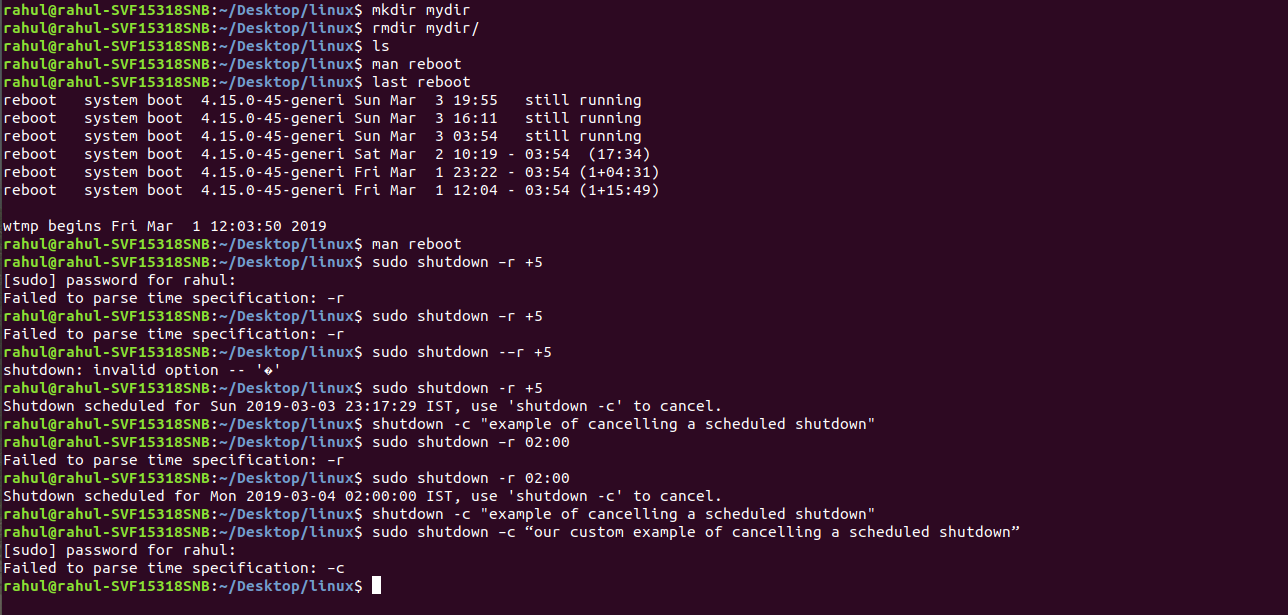
The terminal screen might be filled with strange symbols or unresponsive to input.
After using **reset command:
The terminal screen will be cleared and initialized, giving you a clean slate to continue working.
Common **Options for reset Command
**--help:
It will print the general syntax of the command along with the various options that can be used with the reset command as well as gives a brief description about each option. 
| **Option | **Description |
|---|---|
| reset -c | Sets the control characters and modes. |
| reset -e | Sets the erase character to ch. |
| reset -l | Does not send the terminal or tab initialization strings to the terminal. |
| reset -i | Sets the interrupt character to ch. |
| reset -k | Sets the line kill character to ch. |
| reset -m | Specifies a mapping from a port type to a terminal. |
| reset -Q | Does not display values for erase, interrupt, and line kill characters. Normally, these are displayed if they differ from the system’s defaults. |
| reset -q | Displays the terminal type to the standard output without initializing the terminal. The option - by itself is equivalent but considered archaic. |
| reset -r | Prints the terminal type to the standard error output. |
| reset -s | Prints shell commands to initialize the environment variable TERM to the standard output. |
| reset -V | Reports the version of ncurses used in the program and exits. |
| reset -w | Resizes the window to match the size deduced via setupterm. Normally, this has no effect unless setupterm cannot detect the window size. |
Conclusion
The reset command is a powerful and essential tool in any Linux user’s toolkit, especially when working with command-line interfaces prone to instability. By understanding the different options available, you can handle various terminal issues and ensure that your working environment is always in a stable state.