sync command in Linux with Examples (original) (raw)
Last Updated : 18 Jan, 2022
sync command in Linux is used to synchronize cached writes to persistent storage. If one or more files are specified, sync only them, or their containing file systems.
Syntax:
sync [OPTION] [FILE]...
Note: Nothing is being shown in the screenshots just because sync command makes the cache in the background.
Example: It will be going to sync all cached file data that belongs to the current user.

Options:
- sync -d: This option sync only file data, no unneeded metadata.
Example:
sync -d /home/algoscale/Desktop/aricleslist.txt /home/algoscale/Desktop/advance.html

- sync -f: This option will sync the file systems which contains the files.
Example:
sync -f /home/algoscale/Desktop/aricleslist.txt

- sync --help: This option display the help text and exit.
sync --help
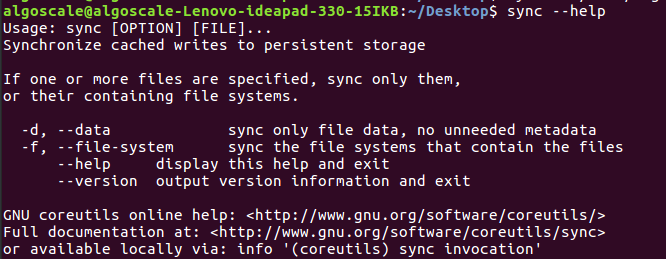
- sync --version: This option will output version information and exit.
sync --version
