System Control and Power Commands in Linux (original) (raw)
Last Updated : 7 Jan, 2026
System control and power commands in Linux are used to safely stop, restart, or shut down the system. These commands ensure that all running processes are properly terminated and data is saved before the system powers off or reboots, helping to prevent data loss and system corruption.
These commands are commonly used to:
- Safely shut down or restart the system
- Power off the machine after closing running processes
- Schedule system shutdowns or reboots
- Manage system power states securely
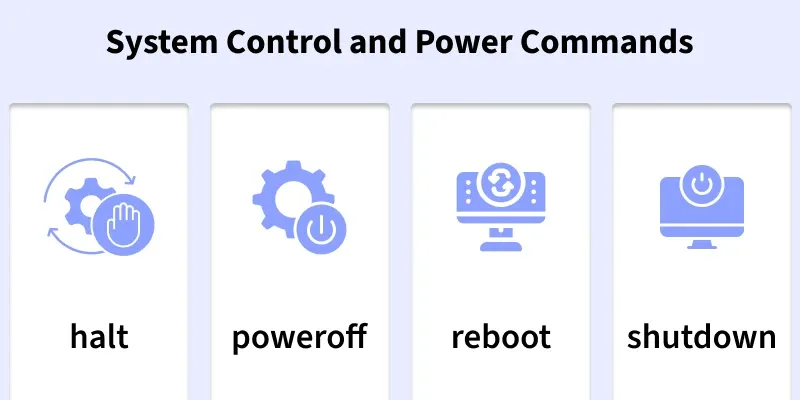
Below are the commonly used System Control and Power Commands in Linux
1. halt
The halt command is used to stop all CPU functions and halt the system.
- Stops all running processes
- Brings the system to a halted state
- Requires superuser privileges
**Syntax:
halt
Example:
halt
- This command immediately halts the system.
**Output:
Broadcast message from ubuntu@ubuntu
root@ubuntu:/var/log# (/dev/pts/0) at 10:15...
The system is going down for halt NOW.
2. poweroff
The poweroff command shuts down the system and turns off the power.
- Safely shuts down the system
- Turns off the machine completely
- Recommended for system shutdown
**Syntax:
poweroff
**Example:
poweroff
- This command safely shuts down and powers off the system.
3. reboot
The reboot command restarts the system immediately.
- Restarts the system
- Safely terminates running services
- Useful after system updates
**Syntax:
reboot
**Example:
reboot
This command reboots the system.
4. shutdown
The shutdown command is used to power off or reboot the system at a scheduled time.
- Allows delayed shutdown or reboot
- Notifies logged-in users
- Provides safe system termination
**Syntax:
shutdown [options] time
**Examples:
1. Immediately shuts down the system.
**Command:
shutdown now
2. Reboots the system after 5 minutes.
**Command:
shutdown -r +5