tcpdump Command in Linux with Examples (original) (raw)
Last Updated : 15 Jul, 2025
**tcpdump is a packet sniffing and packet analyzing tool for a System Administrator to troubleshoot connectivity issues in Linux. It is used to capture, filter, and analyze network traffic such as TCP/IP packets going through your system. It is many times used as a security tool as well. It saves the captured information in a pcap file, these pcap files can then be opened through Wireshark or through the command tool itself.
Installing tcpdump tool in Linux
Many Operating Systems have tcpdump command pre-installed but to install it, use the following commands. **For RedHat based linux OS
yum install tcpdump
**For Ubuntu/Debian OS
apt install tcpdump
Working with tcpdump command
**1. To capture the packets of current network interface
sudo tcpdump
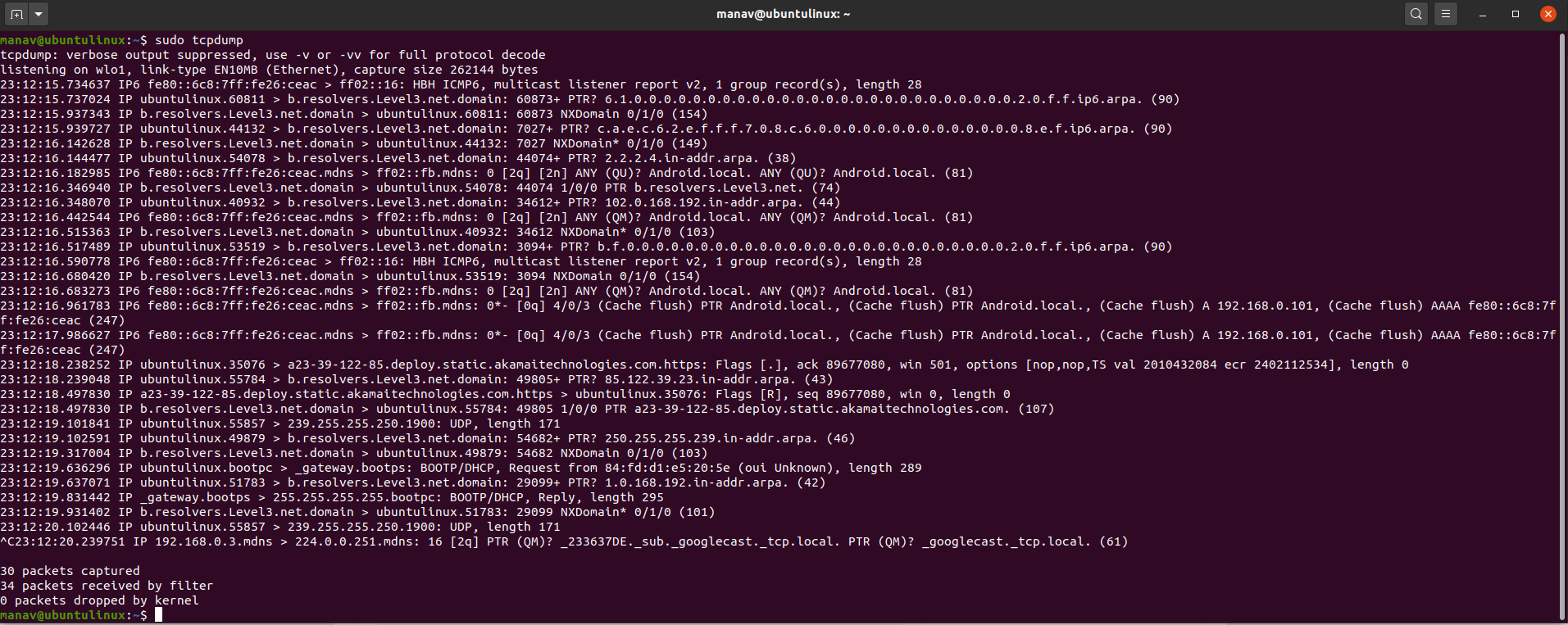 This will capture the packets from the current interface of the network through which the system is connected to the internet. **2. To capture packets from a specific network interface
sudo tcpdump -i wlo1
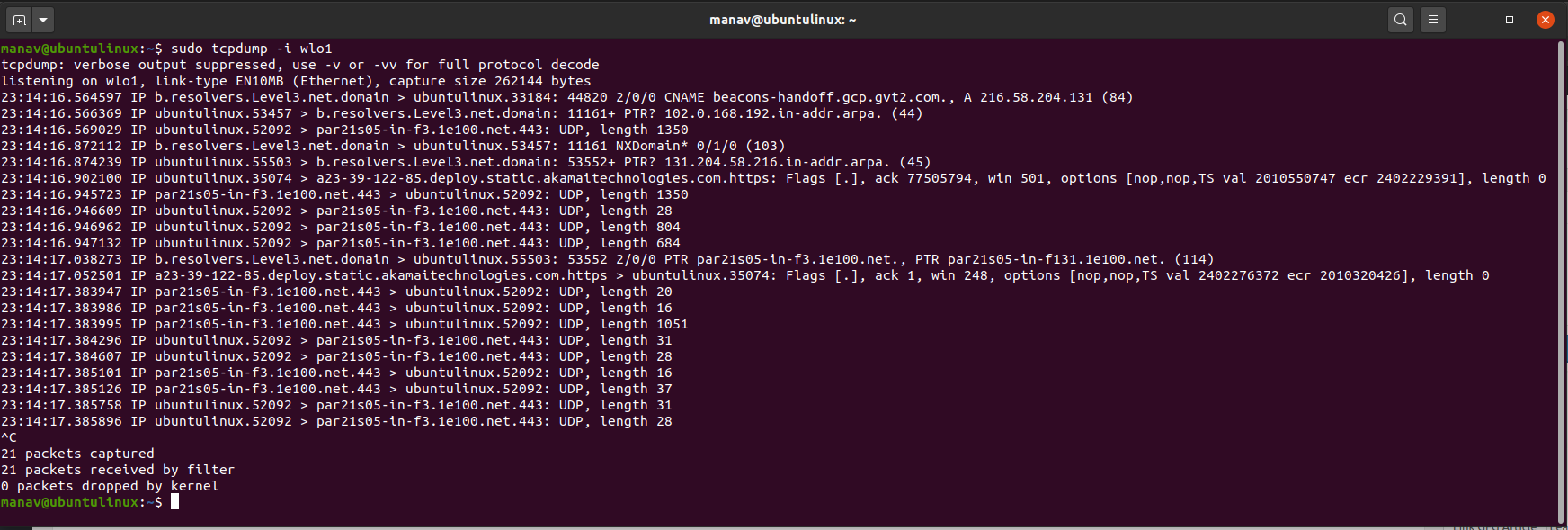 This command will now capture the packets from wlo1 network interface. **3. To capture specific number of packets
sudo tcpdump -c 4 -i wlo1
 This command will capture only 4 packets from the wlo1 interface. **4. To print captured packets in ASCII format
sudo tcpdump -A -i wlo1
 This command will now print the captured packets from wlo1 to ASCII value. **5. To display all available interfaces
sudo tcpdump -D
 This command will display all the interfaces that are available in the system. **6. To display packets in HEX and ASCII values
sudo tcpdump -XX -i wlo1

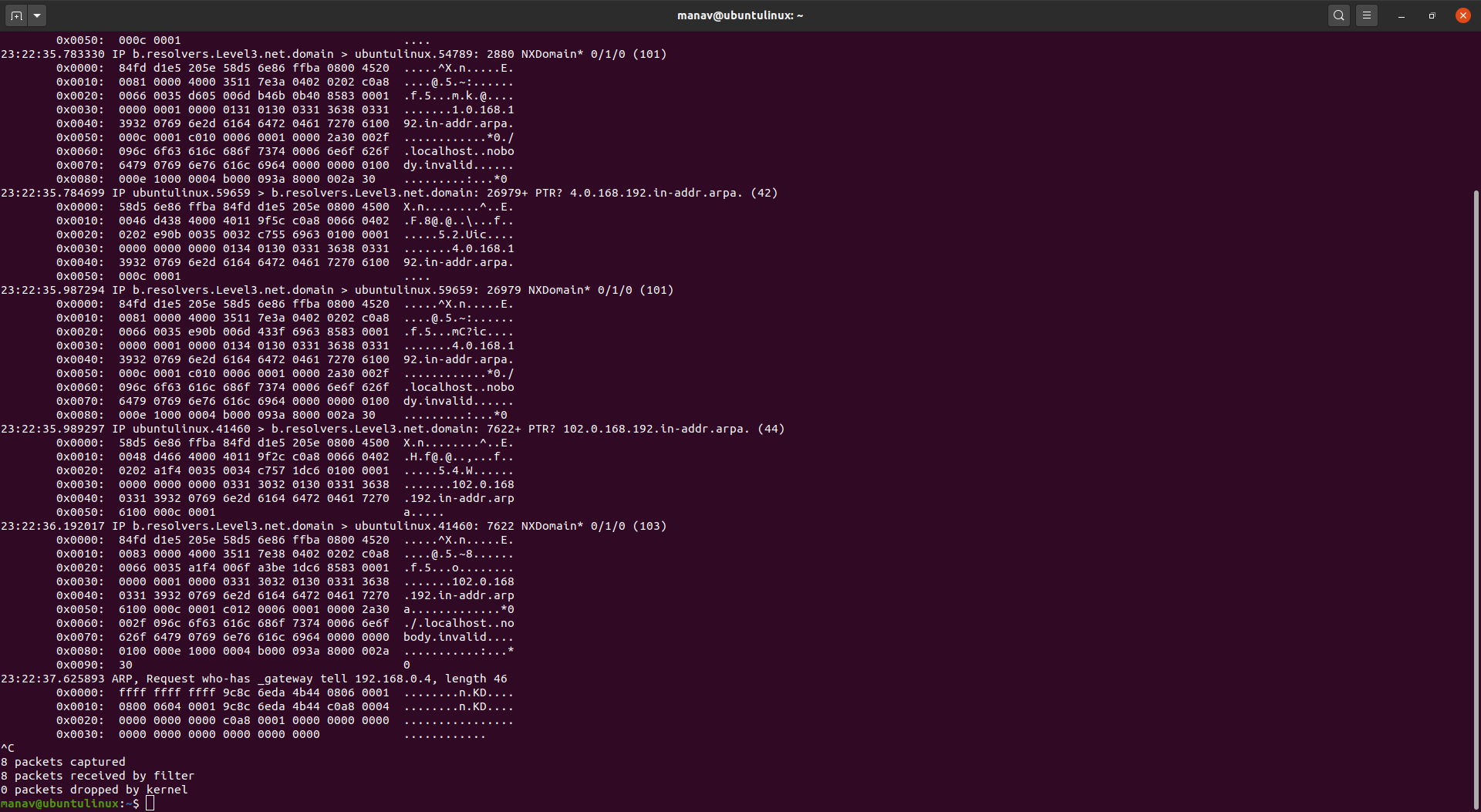 This command will now print the packets captured from the wlo1 interface in the HEX and ASCII values. **7. To save captured packets into a file
sudo tcpdump -w captured_packets.pcap -i wlo1
 This command will now output all the captures packets in a file named as captured_packets.pcap. **8. To read captured packets from a file
sudo tcpdump -r captured_packets.pcap
 This command will now read the captured packets from the captured_packets.pcap file. **9. To capture packets with ip address
sudo tcpdump -n -i wlo1
 This command will now capture the packets with IP addresses. **10. To capture only TCP packets
sudo tcpdump -i wlo1 tcp
 This command will now capture only TCP packets from wlo1.