Introduction to Sockets.IO in NodeJS (original) (raw)
Last Updated : 28 Sep, 2025
Socket.IO is a library for building real-time web applications. It enables instant communication between client and server, making features like live chat and instant updates possible.
**Features:
- **Reliability: Works through network obstacles like proxies and firewalls.
- **Auto-Reconnect: Client reconnects if the connection drops.
- **Disconnection Detection: Both client and server can detect disconnects.
- **Multiplexing: Multiple channels share a single connection.
- **Binary Streaming: Supports sending binary data like ArrayBuffers and Blobs.
How Socket.IO Works?
Socket.IO consists of two main components
- **Server-side (Node.js): Listens for incoming connections and handles events.
- **Client-side (Browser/Frontend): Connects to the server and sends/receives messages.
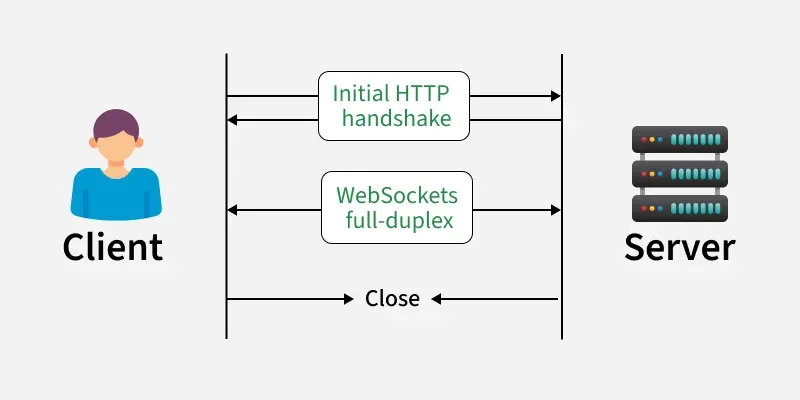
**How Communication Happens:
- **Client and Server: A client (like a browser or app) communicates with a server.
- **Initial HTTP Handshake: The connection starts with a normal HTTP request/response to establish trust.
- **WebSocket Upgrade: After handshake, the connection switches to WebSockets.
- **Full-Duplex Communication: WebSockets allow two-way communication (client ↔ server) at the same time.
- **Close: Either side can close the connection when finished.
**Installing and Setting Up Socket.IO
**Required for Installation of Sockets.IO
- **Node and NPM (node package manager) installed
1. **Server-side: Install the Socket.IO server library using npm
npm install --save socket.io
**2. Client-side: The Socket.IO client library is usually served directly from your Node.js server. You typically include it in your HTML like this
Alternatively, for use in a Node.js client (less common), you can install it via:
npm install --save socket.io-client
Example
This example demonstrates a simple upvote button using Socket.IO to show real-time communication.
**1. Project Setup: Create a project directory and initialize it with npm:
npm init -y
This creates a package.json file.
**2. Install Express.js: Install Express.js, a web framework for Node.js:
npm install --save express@4.15.2
3. **Create index.js: Create the main application file:
JavaScript `
var app = require('express')(); var http = require('http').createServer(app); const PORT = 3000;
app.get('/', function(req, res) { res.send('Hello World'); });
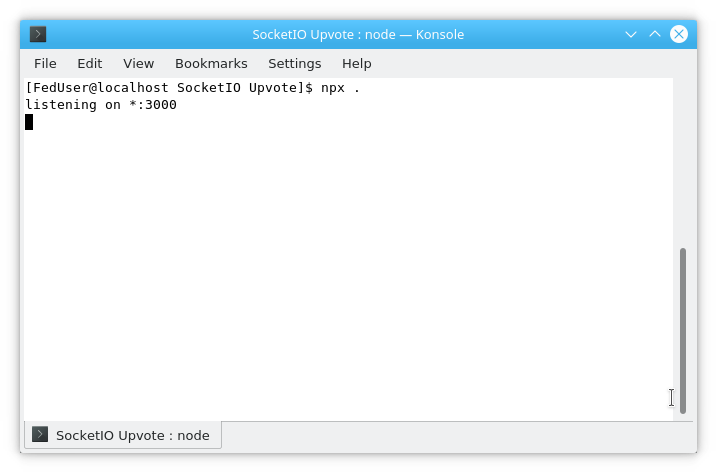
http.listen(PORT, function() { console.log('listening on *:' + PORT); });
`
In this example
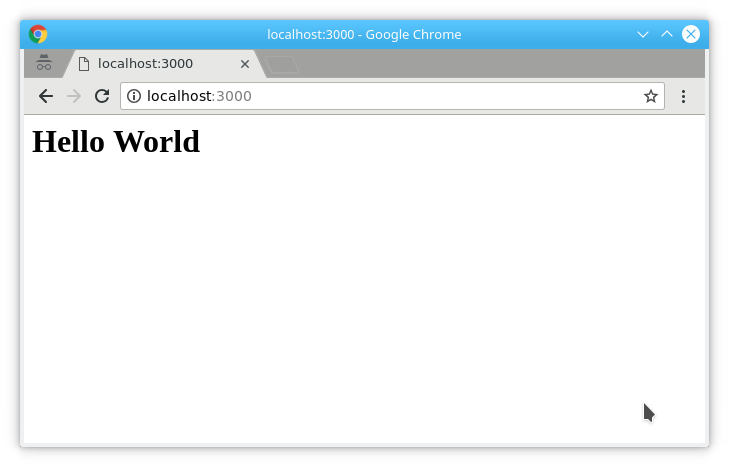
- This code sets up a basic Express app that listens on port 3000 and sends "Hello World" to the client.
**4. Serving HTML: Serve HTML File: Modify index.js to serve an HTML file
JavaScript `
app.get('/', function(req, res) { res.sendFile(__dirname + '/public/index.html'); });
`
**5. Create index.html: Create the public directory and add index.html
html `
SocketIO Upvote