How to Preview WordPress Website? (original) (raw)
Last Updated : 23 Jul, 2025
Previewing your WordPress website before it goes live is good for ensuring it looks perfect and functions correctly. By previewing, you can catch errors, check design elements, test functionality, and optimize your content for SEO. Follow this article to preview your WordPress website easily and quickly using the latest WordPress version.
Why Preview Your WordPress Website?
Previewing your website allows you to:
- **Catch Errors: Identify and fix any issues before your visitors see them.
- **Check Design: Ensure that the design elements look as intended on different devices and browsers.
- **Test Functionality: Verify that all plugins, forms, and interactive elements work correctly.
- **Optimize SEO: Make sure your content is SEO-friendly and ready for search engines.
Step-by-Step Guide to Preview Pages on WordPress
Let’s see the steps to Preview Pages On WordPress Easily and Quickly:
Step 1: Log In to Your WordPress Dashboard
- Open your website's login panel by adding ****/wp-login.php** at the end of your website URL (e.g., www.yoursite.com/wp-login.php).
- Enter your username and password to access the WordPress Dashboard.
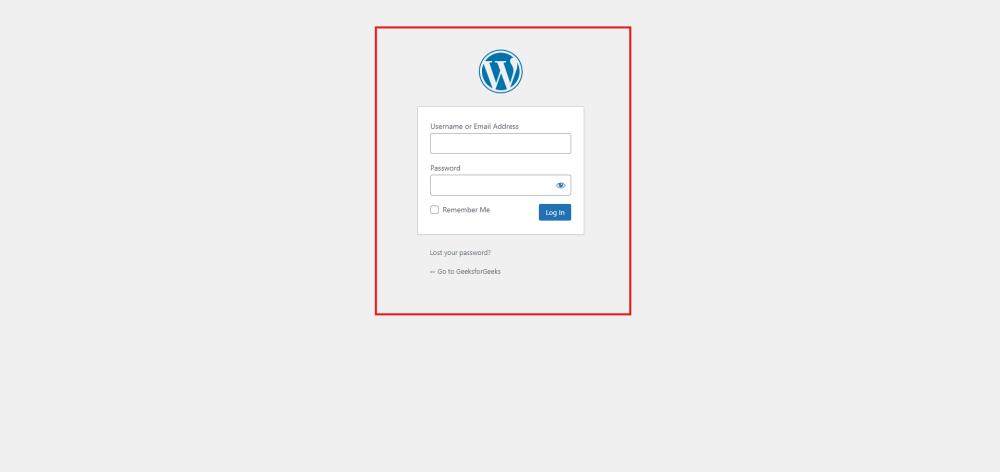
Log In to Your WordPress Dashboard
Step 2: Add a New Page
- From the Dashboard, navigate to the left-hand menu.
- Click on Pages > Add New to create a new page.
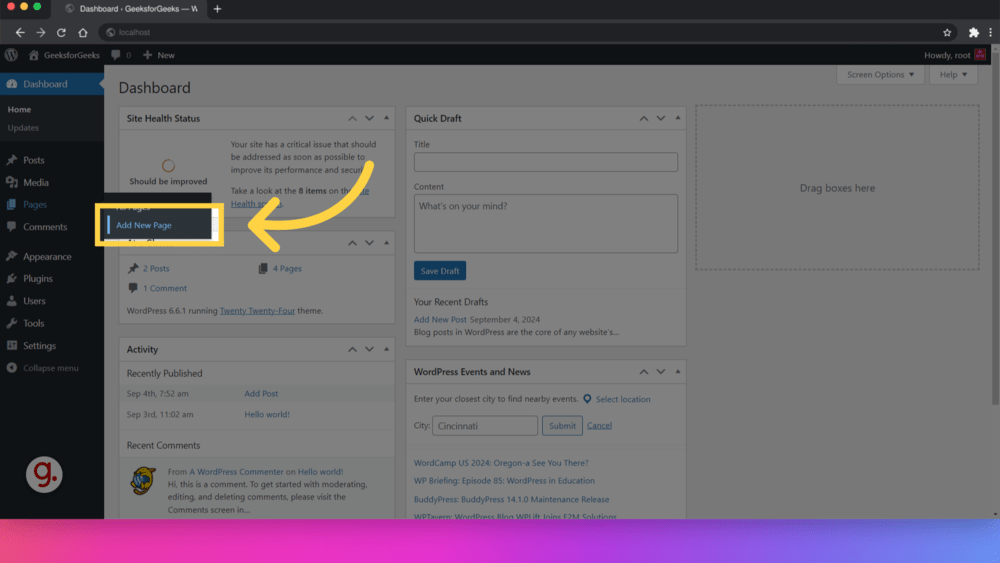
Add a New Page
Step 3: Use the WordPress Block Editor (Gutenberg)
- Add your content using the WordPress Block Editor (Gutenberg), which is the default editor in the latest versions of WordPress.
- Utilize blocks for text, images, videos, and other elements to build your page.

Use the WordPress Block Editor
Step 4: Preview Your Page
- After adding content, click on the Preview button at the top right corner of the editor.
- Choose the device type for your preview: Desktop, Tablet, or Mobile.
- The preview will open in a new tab, allowing you to see how your page will look on different devices.
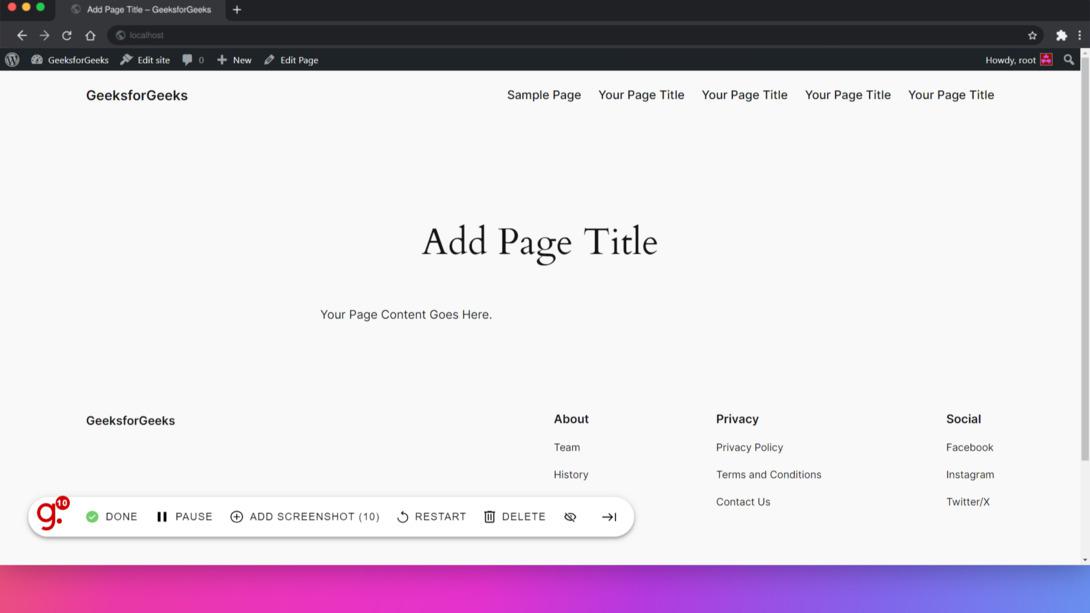
Preview Your Page
Tips for Effective Previewing
- **Check Responsiveness: Always preview your site on different devices and screen sizes to ensure it’s fully responsive.
- **Cross-Browser Testing: Use tools like **BrowserStack or **CrossBrowserTesting to see how your site performs on different browsers.
- **SEO Preview: Use plugins like **Yoast SEO to preview how your content will appear in search engine results.
- **Performance Testing: Test your site’s speed and performance using tools like **GTmetrix or **Google PageSpeed Insights.
**Also Explore: