Install PostgreSQL on Mac (original) (raw)
Last Updated : 12 Jul, 2025
Installing **PostgreSQL on **Mac OS can enhance our development environment, providing a robust **relational database management system. In this article, we will focus on installing **PostgreSQL version 11.3 using the **installer provided by **EnterpriseDB.
This **step-by-step guide will ensure a **smooth installation process, enabling us to efficiently manage **databases and run **SQL queries on our **Mac.
Download PostgreSQL Installer for Mac
To begin, we need to download the latest stable **PostgreSQL Installer specifically for our Mac OS. Visit the EnterpriseDB download page and select the version we wish to install. Ensure we choose the installer that matches our Mac OS version.
Step-by-Step Download Instructions:
- Go to the PostgreSQL Download Page.
- Choose the **PostgreSQL version 11.3 installer for Mac.
- Click on the **Download button to start the download process.
Installing the PostgreSQL installer
Once the **download is complete, follow these steps to install **PostgreSQL on your Mac:
Step 1: Launch the Installer
- Locate the downloaded **dmg package in our **Downloads folder and **double-click to open it.
- Run the installer as an **administrator user.
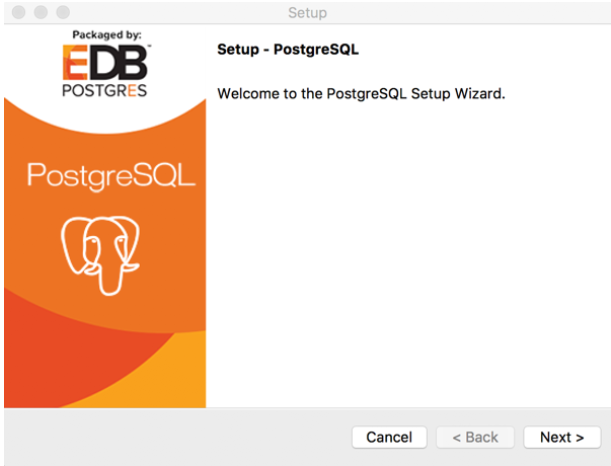
Step 2: Click the Next Button
- After launching the **installer, click the **Next button to proceed with the installation process.
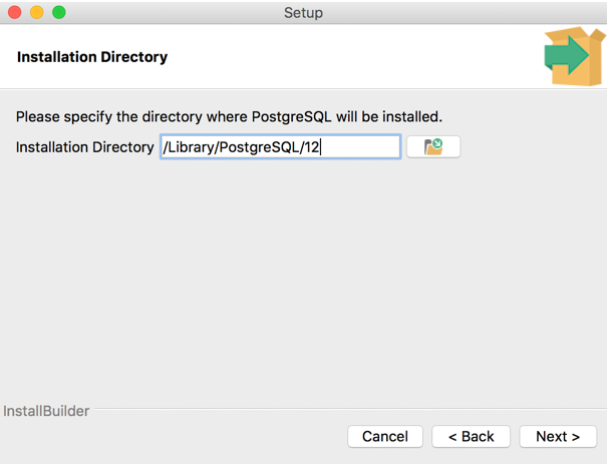
 Step 3: Choose Installation Folder
- Select the installation directory for PostgreSQL. By default, it will suggest
/Library/PostgreSQL/11. - Click **Next to continue.
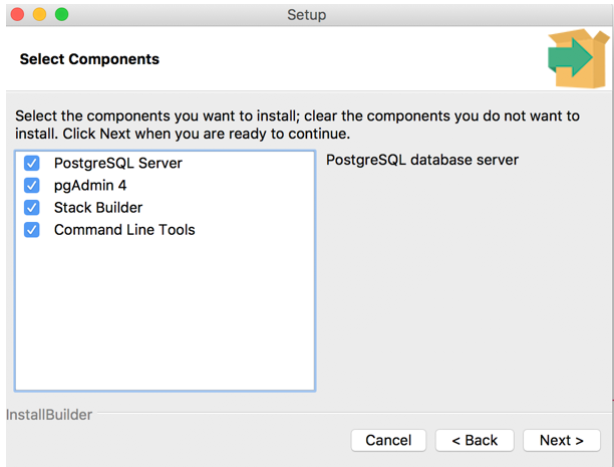
Step 4: Select Components
- We can customize the installation by selecting components such as:
- **PostgreSQL Server
- Command Line Tools
- **pgAdmin 4 (a web-based database management tool)
- Choose the desired components and click **Next.
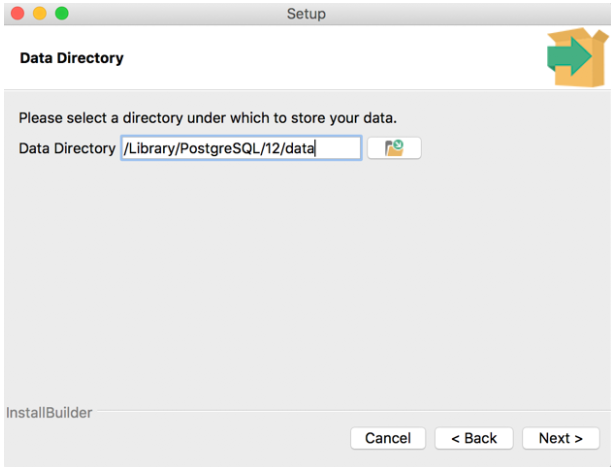
Step 5: Set Database Directory
- Specify the **database directory where PostgreSQL will store its data. The default is typically
/Library/PostgreSQL/11/data. - Click **Next to proceed.
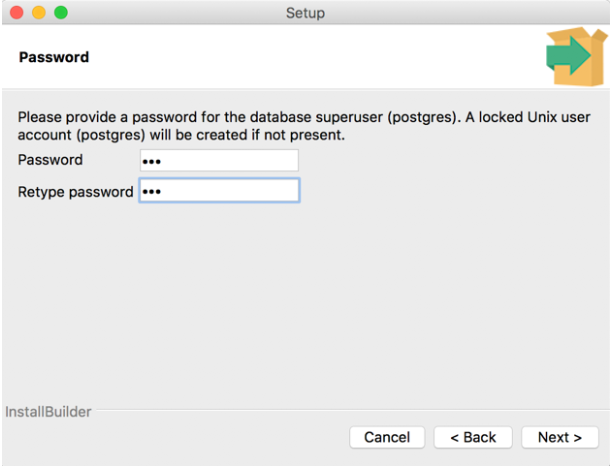
Step 6: Set Password for Superuser
- You will be prompted to enter a password for the **Postgres superuser. Make sure to choose a strong password and remember it, as it will be required for **administrative access.
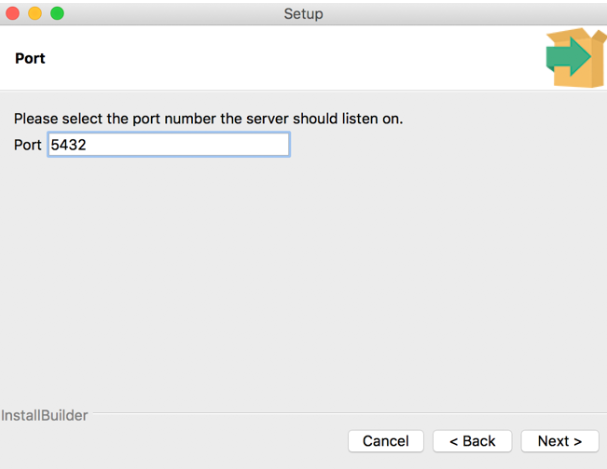
Step 7: Set the Port for PostgreSQL
- Specify the **port number for PostgreSQL. The default port is **5432. Ensure that this port is not used by other applications. If you’re unsure, leave it at the **default setting and click **Next.
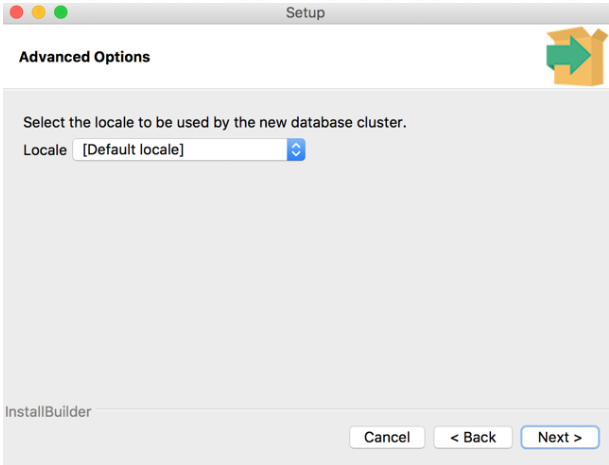
Step 8: Choose the Default Locale
- Select the default **locale used by the database. The locale affects **sorting and **formatting rules. Choose your desired **locale and click **Next.
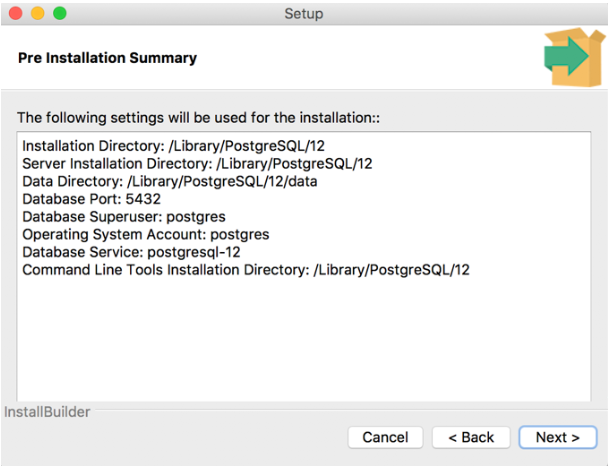
Step 9: Start the Installation
- Review our choices and click the **Next button to start the installation process.
- Wait for the **installation to complete; it may take several minutes.
Verifying the Installation of PostgreSQL
After the **installation is complete, it's essential to verify that **PostgreSQL is installed correctly. Open our **terminal and execute the following command:
ps -ef | grep postgres
**Output
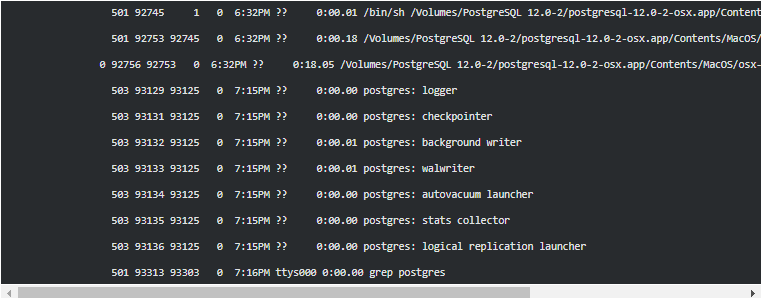
PostgreSQL Installation Output
Conclusion
In this guide, we covered the **step-by-step process to **install PostgreSQL on a Mac OS machine. By following these instructions, we can easily set up our **database environment and use the powerful features of **PostgreSQL for our applications. Whether we are developing **locally or managing larger databases, **PostgreSQL provides a **reliable and **efficient solution for our database needs. Now that our installation is complete, we can start exploring the capabilities of **PostgreSQL, including **creating databases, **running queries, and **managing data effectively.