Change button Color in Kivy (original) (raw)
Last Updated : 9 Oct, 2025
A Button’s color in Kivy is controlled by the background_color property (an RGBA tuple with values from 0 to 1). This article shows examples that demonstrate how to set a button color and change it at runtime.
This example creates a minimal app with a single red button.
Python `
from kivy.app import App from kivy.uix.button import Button
class BasicColorApp(App): def build(self): b = Button(text='Red', background_normal='', background_color=(1,0,0,1)) return b
if name == 'main': BasicColorApp().run()
`
**Output
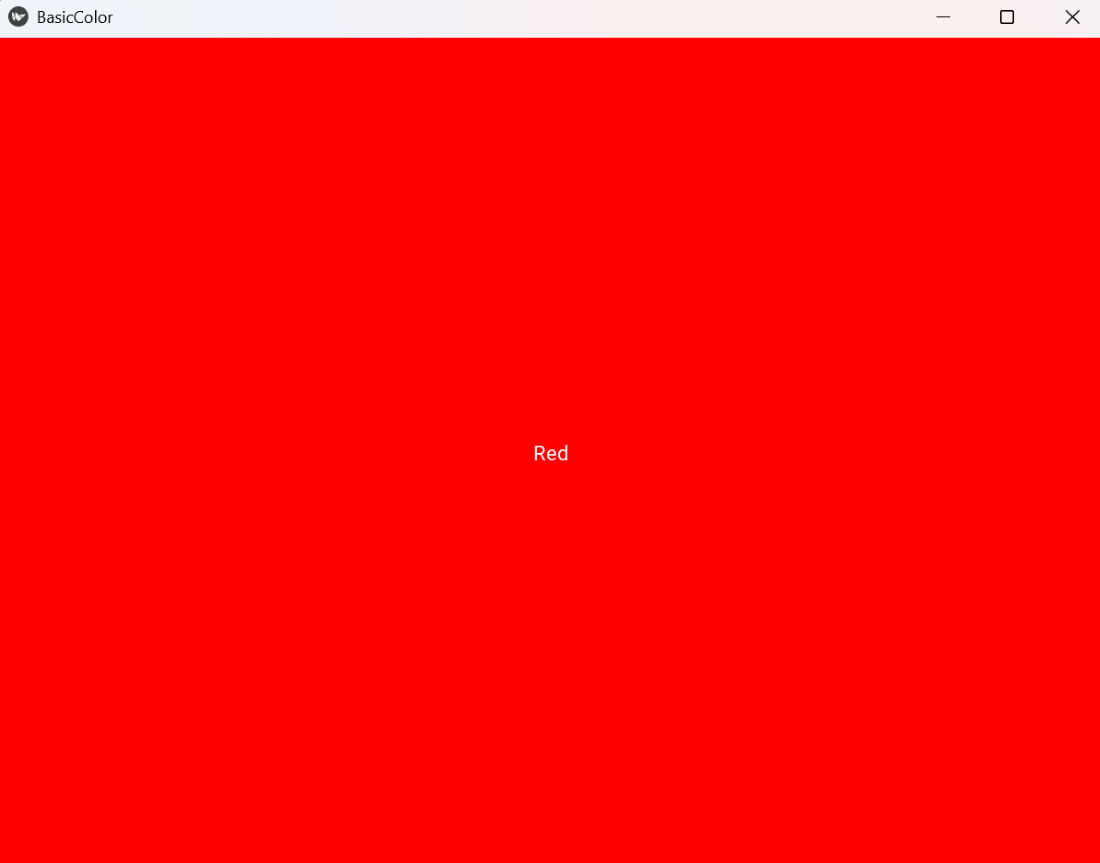
BasicColor
**Explanation:
- **App: base class for Kivy applications; **build(): returns the root widget shown on screen.
- **Button(...): creates a button widget. text: sets the label.
- **background_color=(r,g,b,a): RGBA tuple (range 0–1) that tints the button background.
- **background_normal: disables the default background image so **background_color produces a flat color.
Syntax
Button( text='OK', background_normal='', background_color=(r,g,b,a), color=(r,g,b,a), size_hint=(None,None), size=(w,h), on_press=callback, on_release=callback )
**Parameters:
- **text: text to display
- **background_color: RGBA color for the button (0–1).
- **background_normal: set to '' to use a flat color instead of the default image.
- **color: RGBA color of the button text.
- **size_hint/size: manual sizing when size_hint is (None,None).
- **on_press/on_release: events you can bind to functions.
Examples
**Example 1: This code shows two side-by-side buttons with different flat colors.
Python `
from kivy.app import App from kivy.uix.boxlayout import BoxLayout from kivy.uix.button import Button
class TwoColorsApp(App): def build(self): r = BoxLayout(orientation='horizontal', spacing=10, padding=10) r.add_widget(Button(text='Blue', background_normal='', background_color=(0,0.7,1,1))) r.add_widget(Button(text='Green', background_normal='', background_color=(0,0.8,0.3,1))) return r
if name == 'main': TwoColorsApp().run()
`
**Output
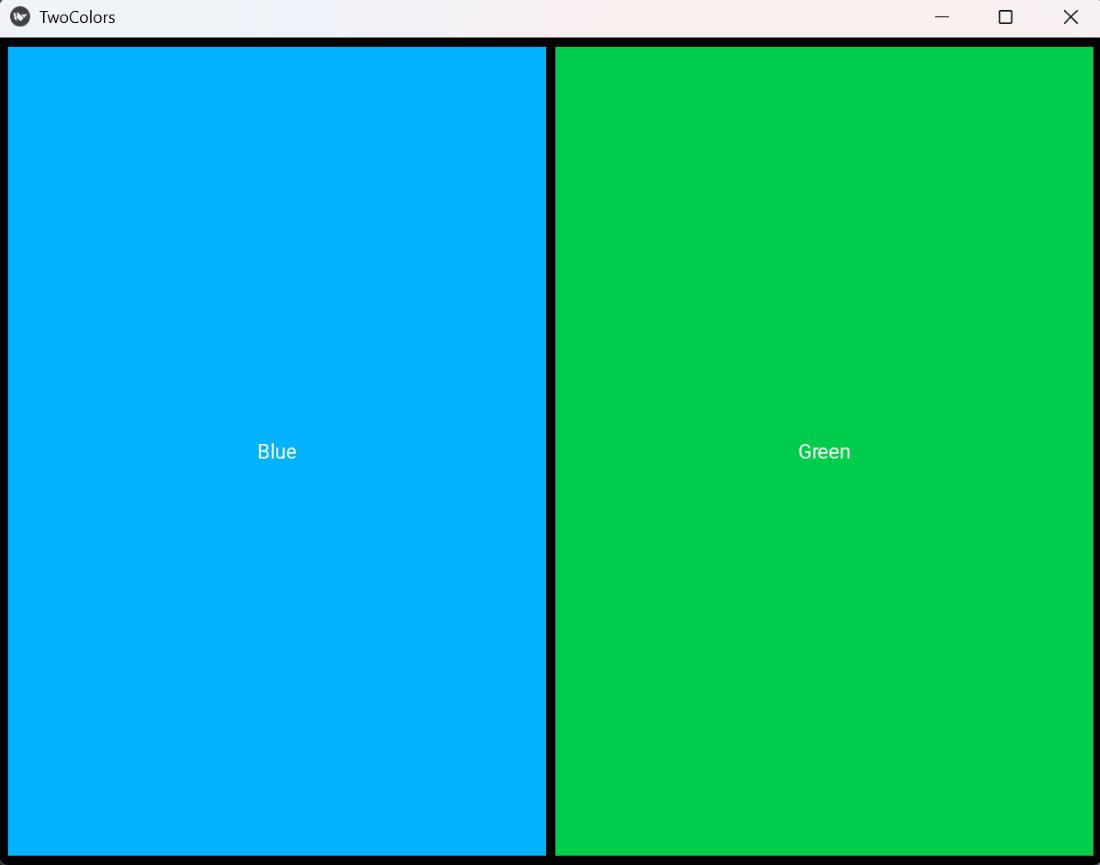
Two Color
**Explanation:
- **BoxLayout(orientation='horizontal'): arranges children horizontally.
- **add_widget(): adds each button to the layout.
- Each **Button(...) uses **background_normal='' so **background_color renders as a flat color.
- spacing and padding control spacing around/between buttons.
**Example 2: This code assigns a random flat color to the button each time it is released.
Python `
from kivy.app import App from kivy.uix.button import Button import random
class RandomColorApp(App): def build(self): b = Button(text='Random', background_normal='', background_color=(0.5,0.5,0.5,1)) def on_release(inst): inst.background_color = (random.random(), random.random(), random.random(), 1) b.bind(on_release=on_release) return b
if name == 'main': RandomColorApp().run()
`
**Output
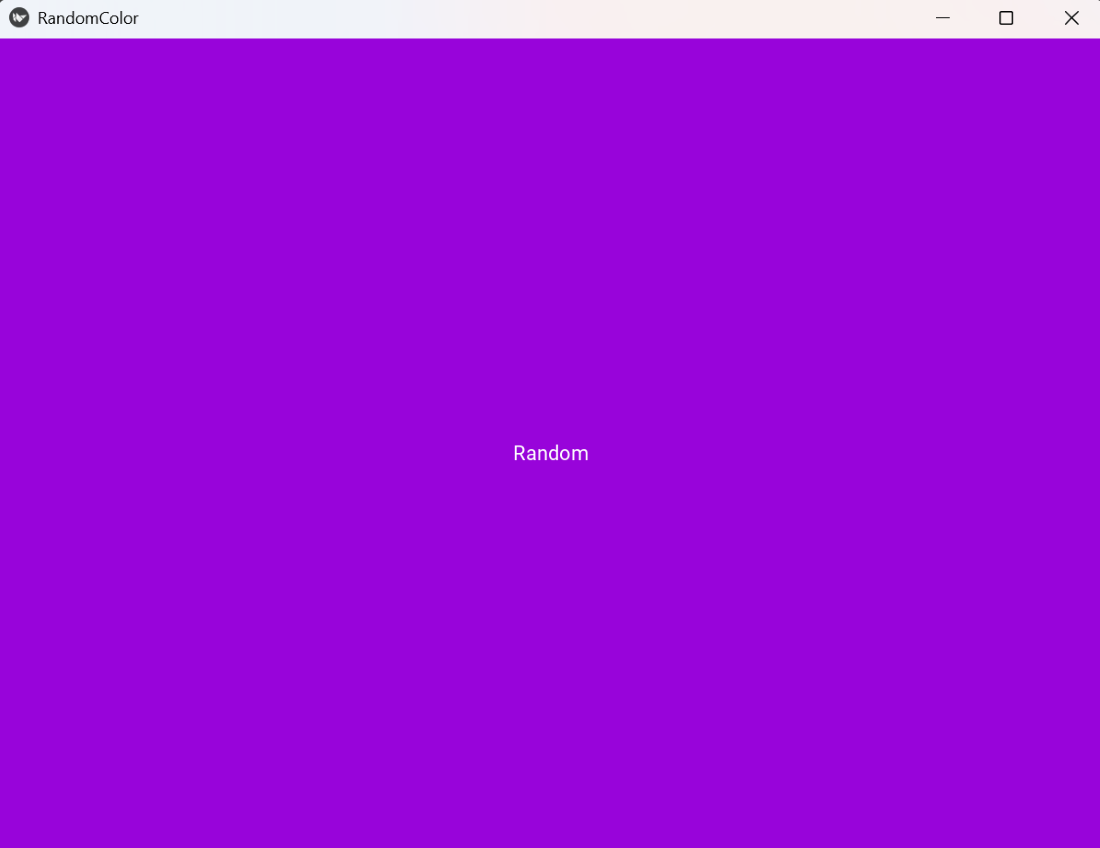
Random Color
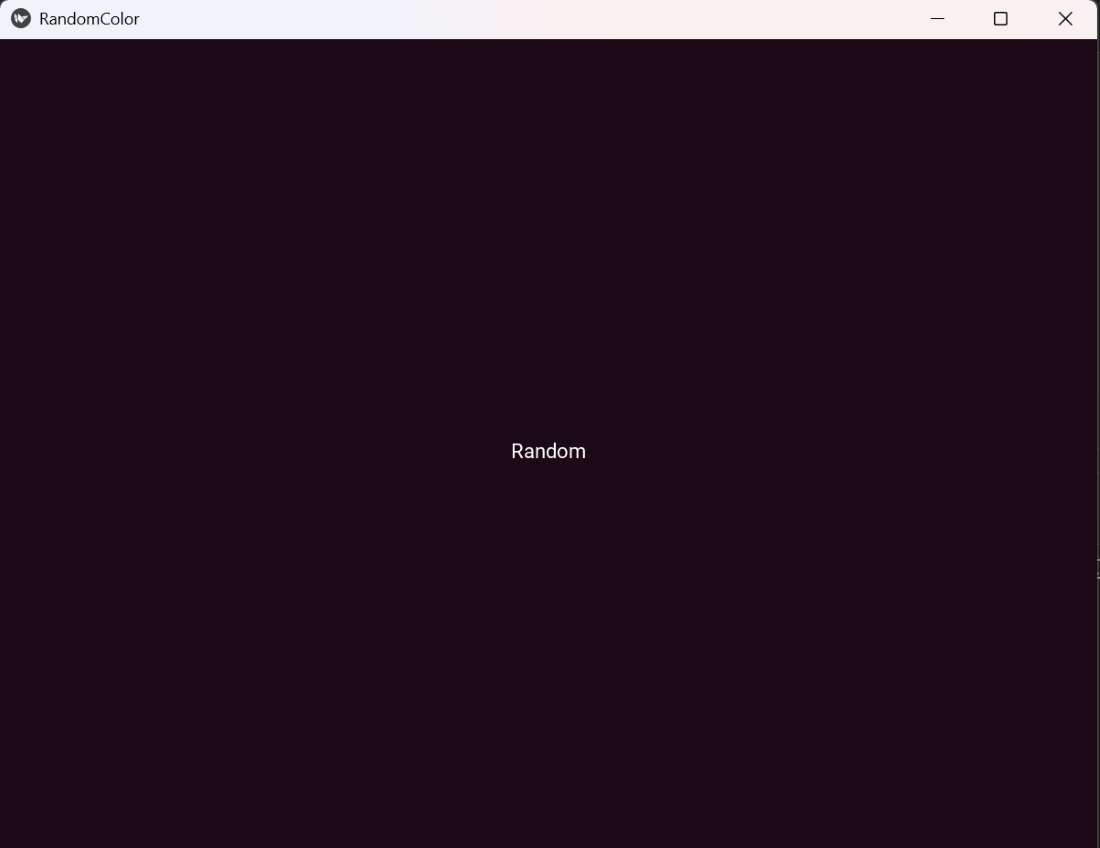
Random Color
**Explanation:
- **random.random(): returns a float in [0.0, 1.0], suitable for RGBA components.
- **bind(on_release=on_release): triggers after the user lifts the finger/mouse; good for finalizing the action.
- Setting **inst.background_color updates the displayed color immediately.