FastAPI Mounting Flask App (original) (raw)
Last Updated : 14 Apr, 2026
FastAPI is a Python framework for building APIs, while Flask is a lightweight framework for developing web applications. Since both provide different features, they can be used together in a single application by mounting a Flask app within a FastAPI app.
**Syntax:
- from fastapi.middleware.wsgi import WSGIMiddleware
- main_app.mount("/flask", WSGIMiddleware(flask_app))
**Here,
- main_app: It is the main app on which you want to mount the Flask app.
- flask_app: It is the Flask app that has to be mounted on the main app.
Mounting Flask App
In this example, a FastAPI app (app) and a Flask app (flaskapp) are created, and the Flask app is mounted onto the FastAPI app using WSGIMiddleware.
**main.py: This code combines FastAPI and Flask and defines two routes:
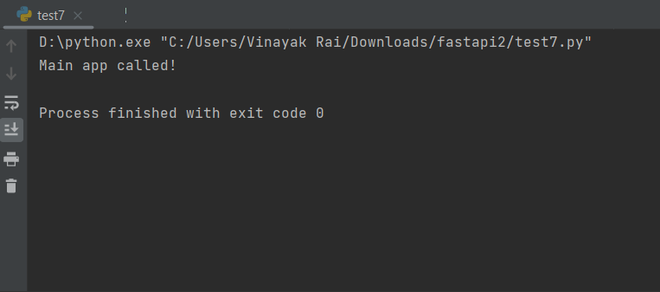
- The FastAPI route at ****"/app"** responds with "Main app called!" when accessed.
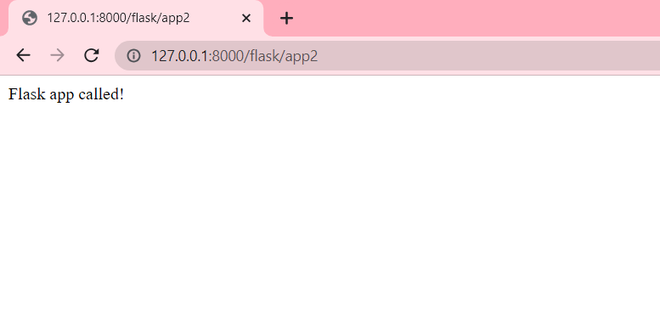
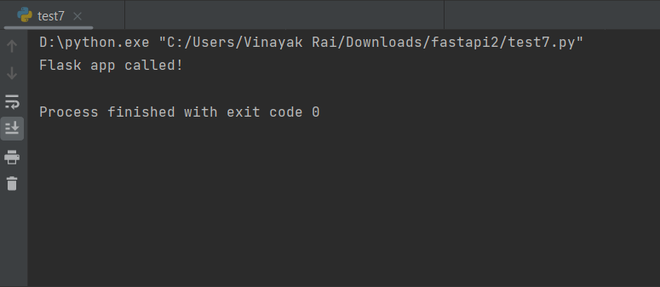
- The Flask route at "/app2" responds with ****"Flask app called!"** when accessed. Python `
from fastapi import FastAPI from flask import Flask from fastapi.middleware.wsgi import WSGIMiddleware
app = FastAPI() flaskapp = Flask(name)
@app.get("/app") def main_app(): return "Main app called!"
@flaskapp.route("/app2") def flask_app(): return "Flask app called!"
app.mount("/flask", WSGIMiddleware(flaskapp))
`
For calling the value returned from main app function, we use the following code in test file
Test 1: This code sends a GET request to **http://127.0.0.1:8000/app using the requests library and parses the response using .json(). It returns the server’s response in JSON.
Python `
import requests print(requests.get("http://127.0.0.1:8000/app").json())
`
**Output:
**Browser Output:
-660.png)
For calling the value returned from sub-app function, we use the following code in test file:
**Test 1: This code sends a GET request to http://127.0.0.1:8000/flask/app2 using the requests library and prints the response as text. It returns the output from the Flask app.
Python `
import requests print(requests.get("http://127.0.0.1:8000/flask/app2").text)
`
**Output
**Output