Hello World in Kivy (original) (raw)
Last Updated : 9 Oct, 2025
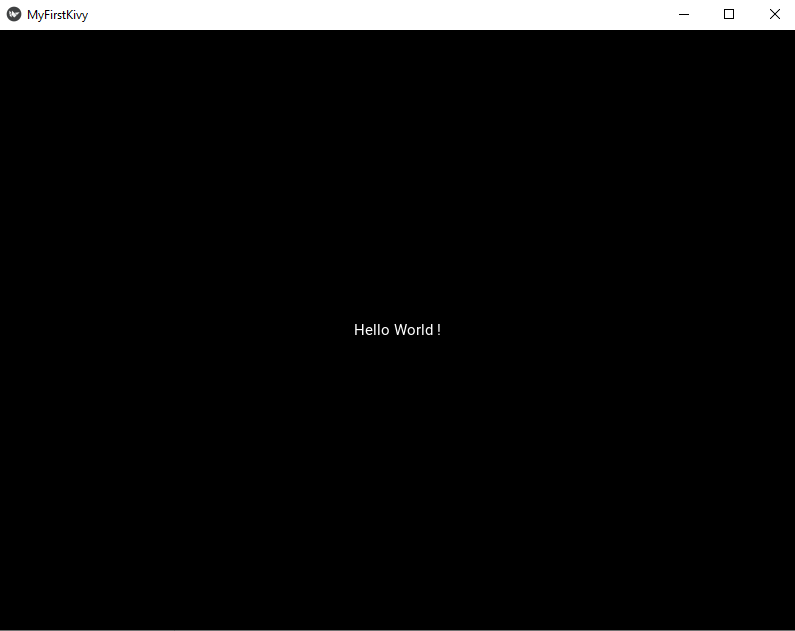
In this article, we will see how to create a simple Python application using Kivy, a cross-platform framework for building GUI applications. The program will display a simple “Hello World” message on the screen. Let's see step by step implementation.
Steps to Create the App
Step 1: Create a Python File
Create a new file with a .py extension, for example **hello_kivy.py This file will contain the Kivy code and will be executed to run the application.
Step 2: Import Required Modules
Import Kivy and the components needed for the GUI:
Python `
import kivy from kivy.app import App from kivy.uix.label import Label
`
**Explanation:
- **import kivy ensures the Kivy library is available.
- **App is the base class for creating Kivy applications.
- **Label is a widget used to display text in the application window.
Step 3: Set Kivy Version
Ensure the Kivy version meets your requirements:
Python `
kivy.require('1.11.1')
`
This checks that the Kivy version installed is compatible. If the version is lower, an error is raised.
Step 4: Define the Application Class
Create a custom class that inherits from App:
Python `
class MyFirstKivyApp(App):
def build(self):
    return Label(text="Hello World!")
`
**Explanation:
- **class MyFirstKivyApp(App) defines the application class.
- **build() method returns the root widget, which in this case is a Label displaying “Hello World!”.
- This class sets up the GUI and contains all the application logic.
Step 5: Run the Application
Initialize and start the Kivy application:
Python `
MyFirstKivyApp().run()
`
**Explanation:
- **MyFirstKivyApp() creates an instance of the application.
- ****.run()** starts the Kivy event loop and displays the window with the Label widget.
**Output