How to take screenshots using python? (original) (raw)
Last Updated : 18 Mar, 2024
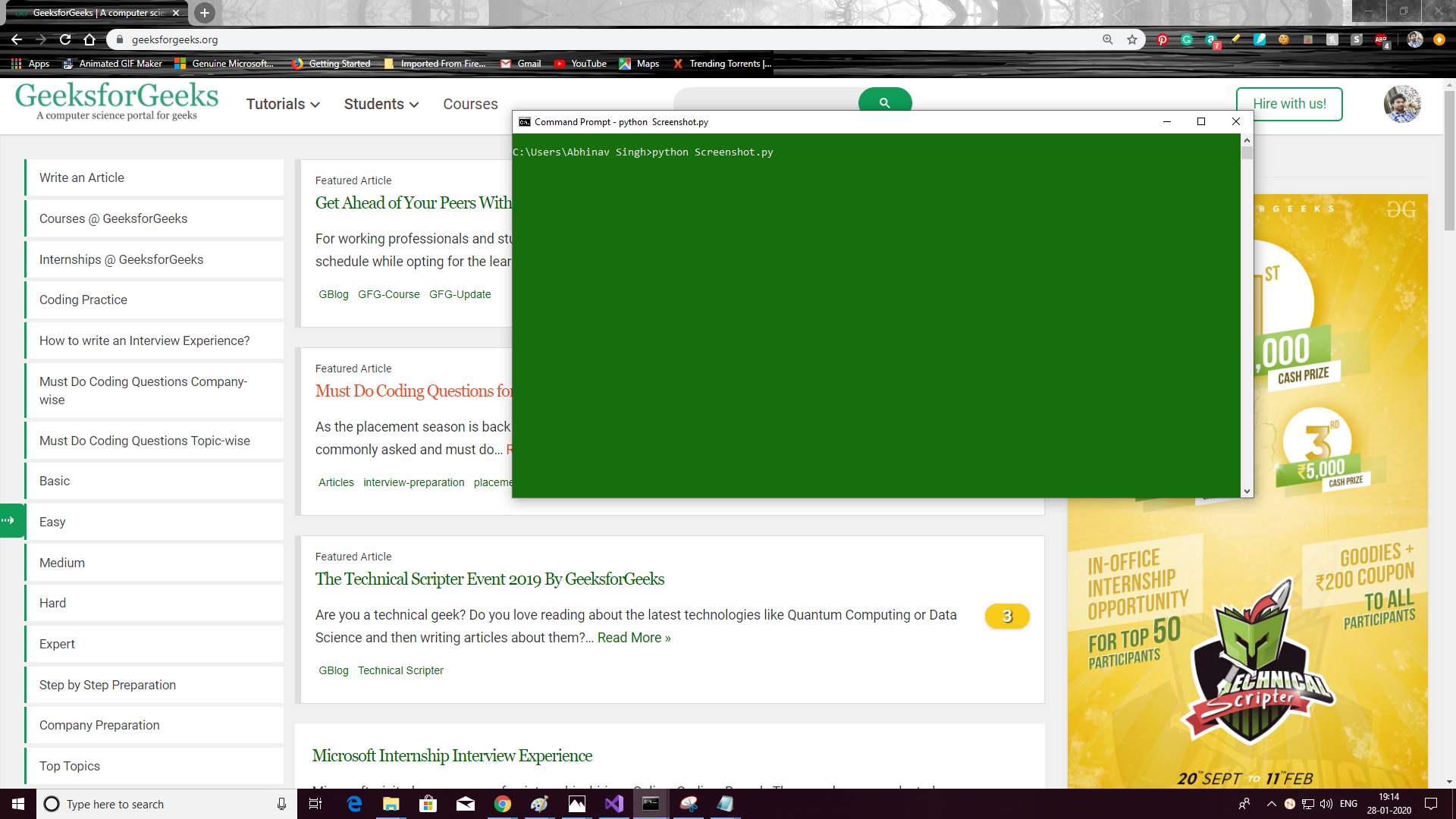
Python is a widely used general-purpose language. It allows performing a variety of tasks. One of them can be taking a screenshot. It provides a module named
**pyautogui
which can be used to take the screenshot.
pyautogui
takes pictures as a PIL(python image library) which supports opening, manipulating, and saving many different image file formats.
Modules needed
- **Pillow: To install Pillow type the below command in the terminal.
pip install Pillow - **pyautogui: To install pyautogui type the below command in the terminal.
pip install pyautogui
Below is the implementation.
Python3 ``
Python program to take
screenshots
import numpy as np import cv2 import pyautogui
take screenshot using pyautogui
image = pyautogui.screenshot()
this will return the image as PIL and
store in image
if you need to save the image as a
file, pass the path of the file as
an argument like this
image1 = pyautogui.screenshot("image1.png")
``
**Output: