Handling 404 Error in Flask (original) (raw)
Last Updated : 11 Jul, 2025
A 404 Error occurs when a page is not found. This can happen due to several reasons:
- The URL was changed, but the old links were not updated.
- The page was deleted from the website.
- The user mistyped the URL.
To improve user experience, websites should have a custom error page instead of showing a generic, unappealing one. GeeksforGeeks also uses a custom error page. For example, if we visit **www.geeksforgeeks.org/ajneawnewiaiowjf, we'll see it in action.
Default 404 Error
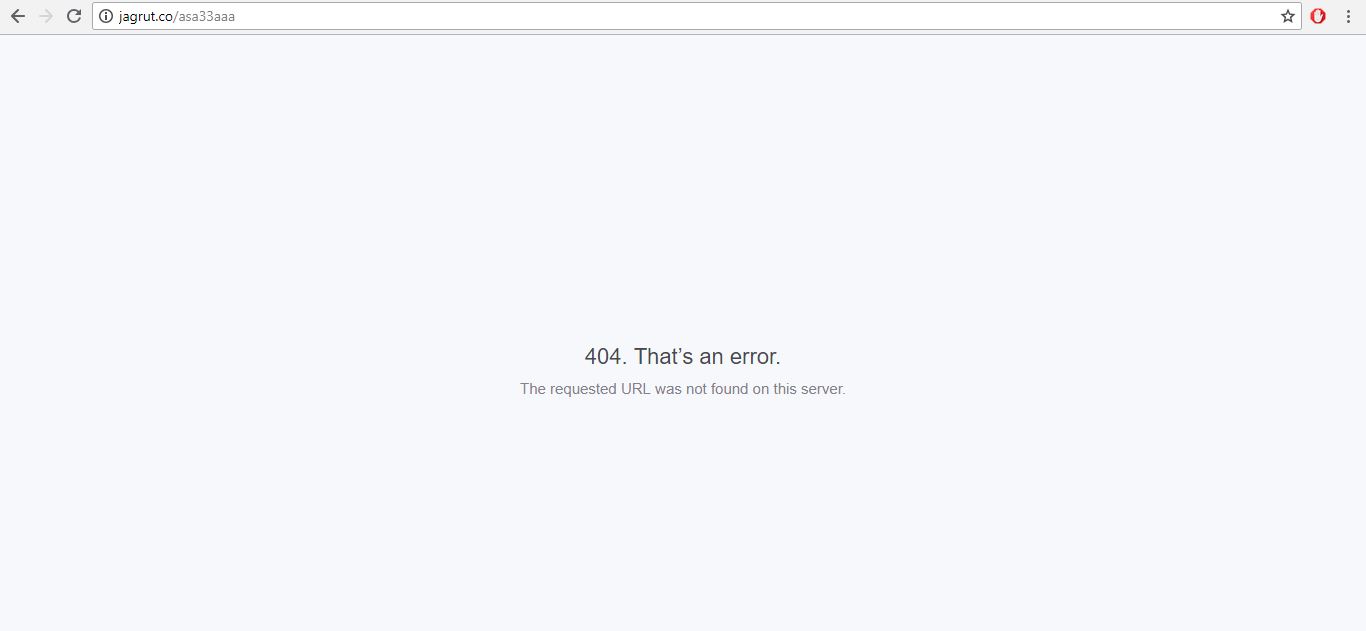
GeeksForGeeks Customized Error Page
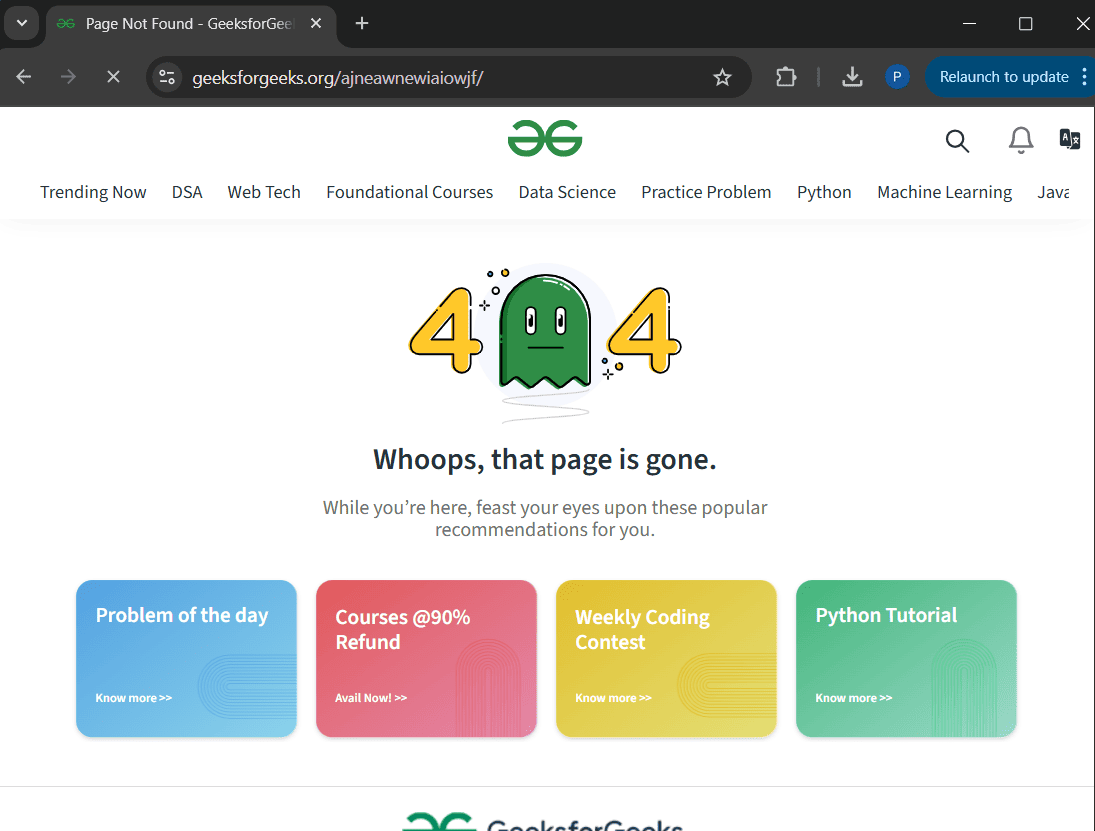
GFG Custom Error page
A custom error page improves user experience by providing a clean layout, navigation options, or auto-redirecting to the homepage. Flask lets us handle errors and display a custom page easily.
Before diving further in to the topic, make sure to Install and set up Flask
We will create **app.py to manage templates, **404.html to handle 404 errors, and **header.html for the website's header and navbar. Let's look at their code one by one:
app.py
Flask allows defining routes and functions in a Python file so create an **app.py file for our main flask app. We set up the main page route ('/') and a 404 error handler using Flask's built-in function.
PYTHON `
from flask import Flask, render_template
app = Flask(name)
app name
@app.errorhandler(404)
inbuilt function which takes error as parameter
def not_found(e):
defining function
return render_template("404.html")
`
The above python program will return **404.html file whenever the user opens a broken link.
header.html
The header.html file is a **reusable template that contains the navbar and common page structure. It helps keep the code clean by avoiding repetition and makes updates easier. Other pages, like 404.html, extend it to maintain a consistent layout.
HTML `
{% extends "header.html" %}
{% block title %}Page Not Found{% endblock %} {% block body %}
Oops! Looks like the page doesn't exist anymore
Click Here
To go to the Home Page{% endblock %}
`
Automatically Redirecting to the Home page
The **app.py code for this example stays the same as above. The following code Shows the Custom 404 Error page and starts a countdown of **5 seconds. After 5 seconds are completed, it redirects the user back to the homepage.
404.html
Following code exports header and navbar from **header.html. Both files should be stored in the templates. After 5 seconds, the user will get **redirected to the Home Page Automatically.
HTML `
{% extends "header.html" %}
{% block title %}Page Not Found{% endblock %}
{% block body %}
Oops! Looks like the page doesn't exist anymore
Redirecting to Home Page after 5 seconds...