Button Action in Kivy Python (original) (raw)
Last Updated : 9 Oct, 2025
A Button Action refers to attaching functionality to a button so that something happens when the button is pressed or released. Instead of just displaying a button, we define callbacks that update labels, print messages, toggle states or perform any other action.
This example creates a simple button that prints a message when pressed.
Python `
from kivy.app import App from kivy.uix.button import Button
class BasicButtonApp(App): def build(self): btn = Button(text="Click Me!")
    def on_press_action(instance):
        print("Button clicked!")

    btn.bind(on_press=on_press_action)
    return btn
if name == "main": BasicButtonApp().run()
`
**Output
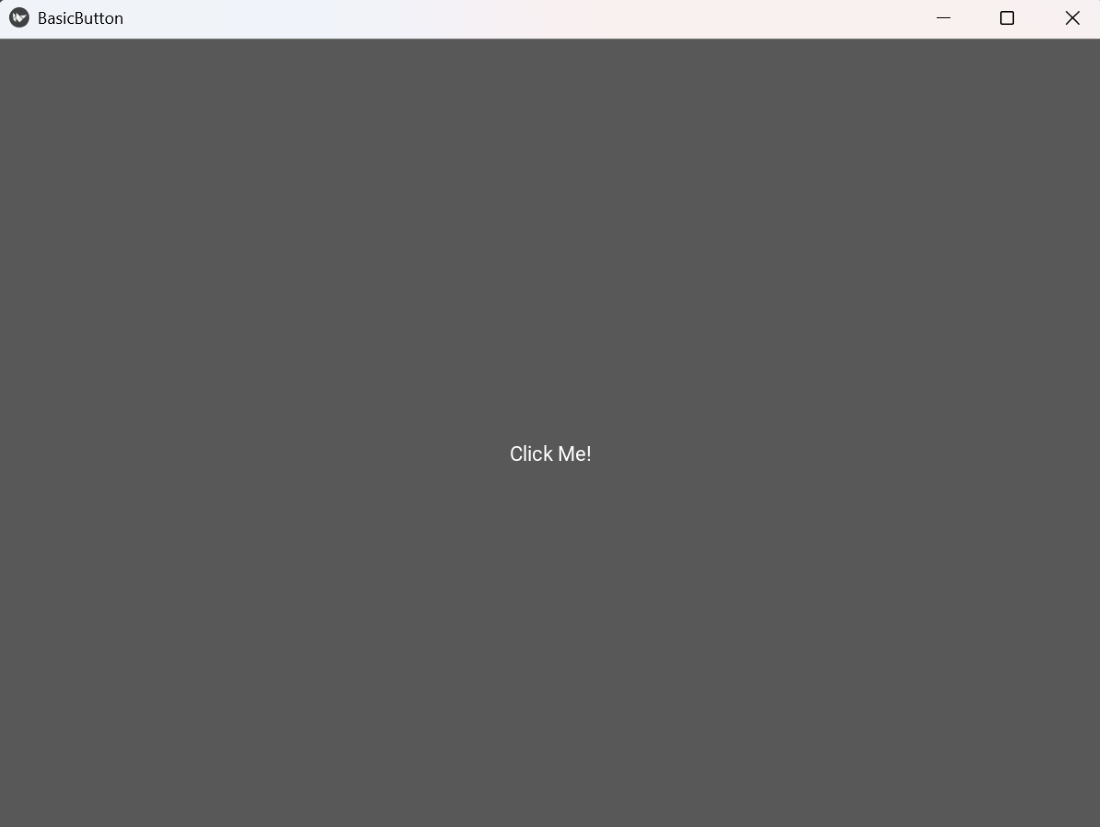
Basic Button
**Explanation:
- **Button(text="Click Me!"): Creates a button with the specified label.
- **btn.bind(on_press=on_press_action): Binds the function to run when the button is pressed.
- **on_press_action(instance): Callback function printing the message.
Syntax
Button(text="Label", size_hint=(w,h), pos=(x,y), background_color=(r,g,b,a))
**Parameters:
- **text: Label displayed on the button.
- **size_hint: Fractional width and height relative to parent (use (None, None) for fixed size).
- **pos: Position of the button (requires fixed size).
- **background_color: Color of the button (RGBA).
- **on_press/on_release: Functions to execute when button is pressed or released.
Examples
**Example 1: This code updates a label when the button is pressed.
Python `
from kivy.app import App from kivy.uix.button import Button from kivy.uix.label import Label from kivy.uix.boxlayout import BoxLayout
class LabelUpdateApp(App): def build(self): root = BoxLayout(orientation="vertical") lbl = Label(text="Not clicked") btn = Button(text="Press Me", size_hint=(1,0.3))
    def on_press_action(instance):
        lbl.text = "Button Pressed!"

    btn.bind(on_press=on_press_action)
    root.add_widget(lbl)
    root.add_widget(btn)
    return root
if name == "main": LabelUpdateApp().run()
`
**Output
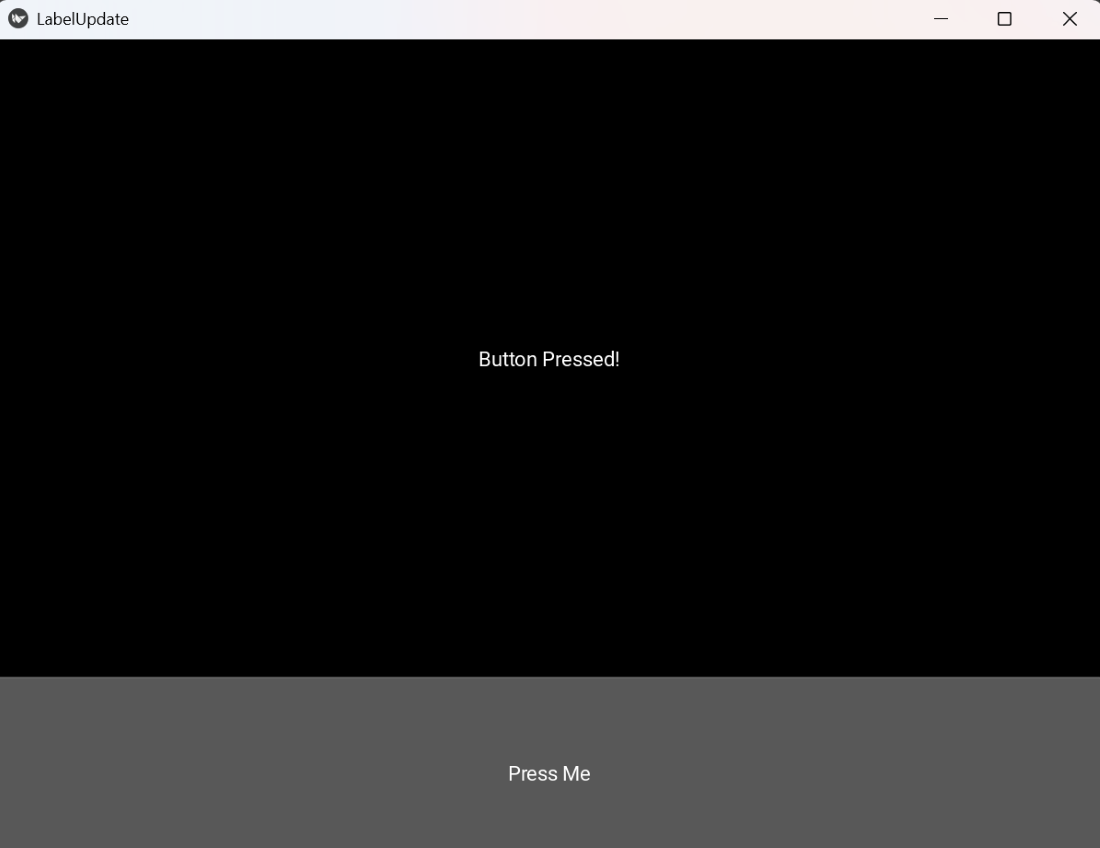
Label Button
**Explanation:
- **BoxLayout(orientation="vertical"): Arranges widgets vertically.
- **lbl.text = "Button Pressed!": Updates the label dynamically.
- **btn.bind(on_press=on_press_action): Calls the function when button is pressed.
**Example 2: This example demonstrates two buttons, each performing a separate action when clicked.
Python `
from kivy.app import App from kivy.uix.button import Button from kivy.uix.boxlayout import BoxLayout
class MultiButtonApp(App): def build(self): root = BoxLayout(orientation="vertical", spacing=10)
    def say_hello(instance):
        print("Hello!")

    def say_bye(instance):
        print("Goodbye!")

    btn1 = Button(text="Hello")
    btn2 = Button(text="Goodbye")
    btn1.bind(on_press=say_hello)
    btn2.bind(on_press=say_bye)

    root.add_widget(btn1)
    root.add_widget(btn2)
    return root
if name == "main": MultiButtonApp().run()
`
**Output
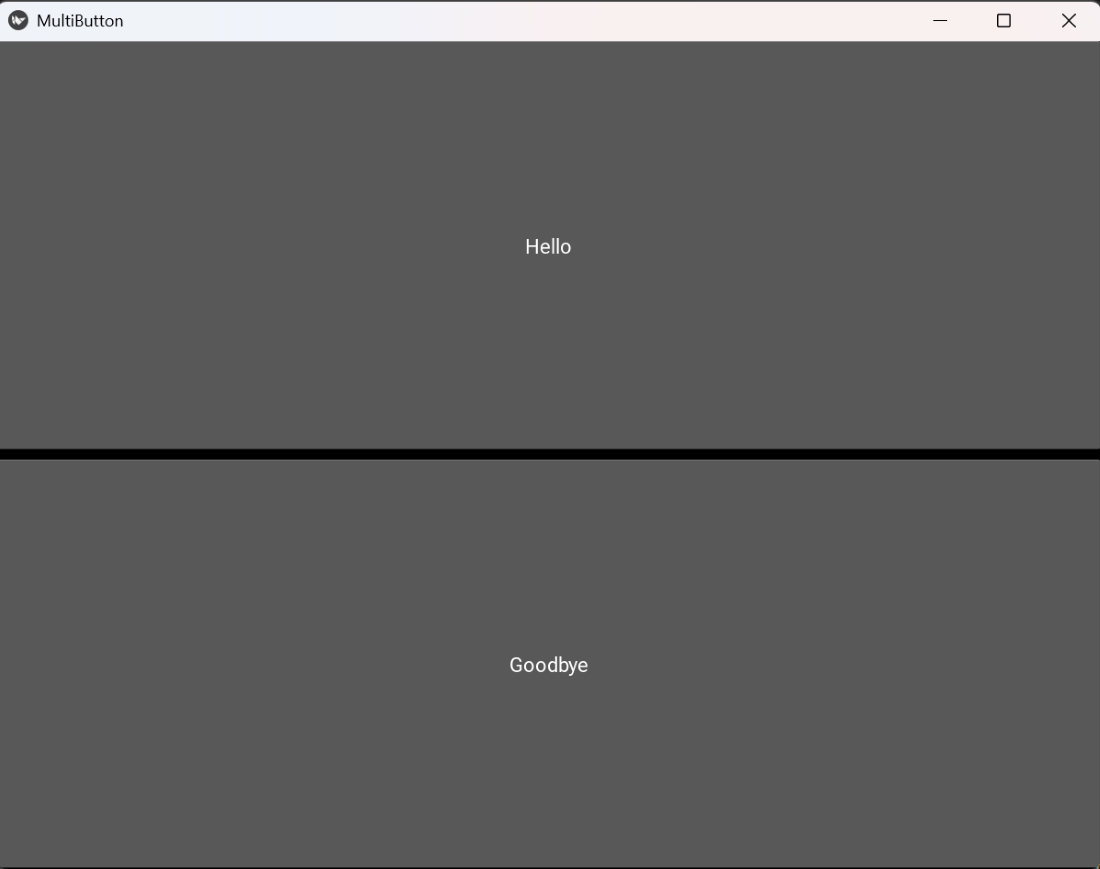
Multi Button
**Explanation:
- **BoxLayout(orientation="vertical", spacing=10): Stacks buttons vertically with spacing.
- Each button has an independent callback using **bind(on_press=...).
- Actions are executed when respective buttons are pressed.