Checkbox Widget in Kivy Python (original) (raw)
Last Updated : 8 Oct, 2025
A CheckBox is a two-state button in Kivy that can be checked or unchecked. It is used along with a Label to indicate whether a setting is active. Checkboxes can also trigger events when their state changes.
Let's see how to add a simple checkbox to a Kivy window.
**For Example: This example shows a single checkbox with a label.
Python `
from kivy.app import App from kivy.uix.checkbox import CheckBox from kivy.uix.label import Label from kivy.uix.widget import Widget
class BasicCheckBox(Widget): def init(self, **kwargs): super().init(**kwargs) self.lbl = Label(text='Accept Terms', pos=(20, 400)) self.add_widget(self.lbl) self.chk = CheckBox(pos=(150, 400), active=False) self.add_widget(self.chk)
class CheckBoxApp(App): def build(self): return BasicCheckBox()
if name == 'main': CheckBoxApp().run()
`
**Output
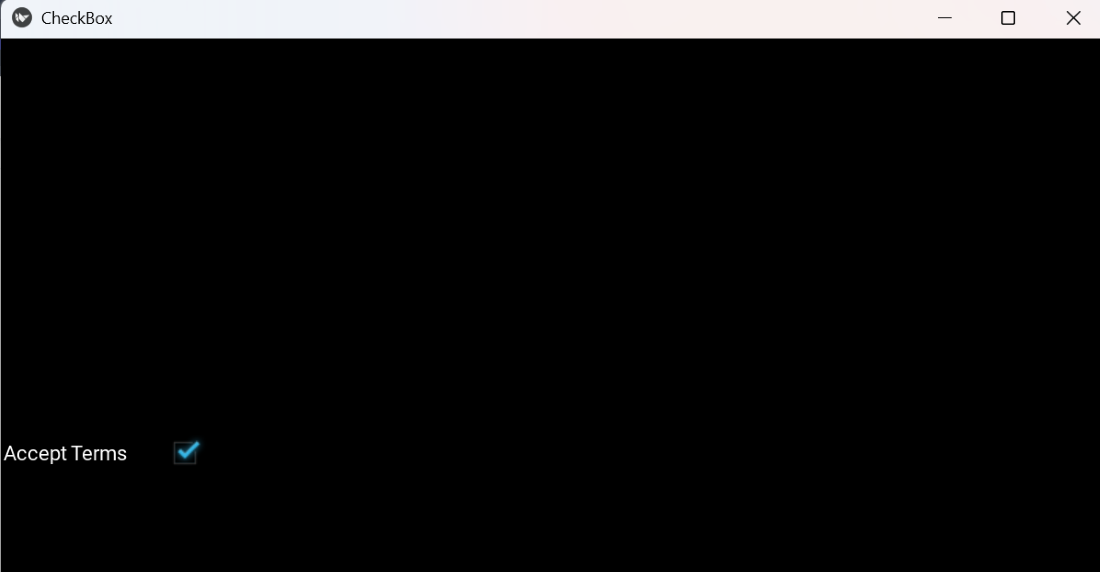
checkbox
**Explanation:
- **Label(text='Accept Terms', pos=(20,400)): creates the descriptive label.
- **CheckBox(pos=(150,400), active=False): creates an unchecked checkbox.
- **self.add_widget(...): adds widgets to the root widget.
Syntax
CheckBox(
active=False,
)
**Key points:
- **active: sets the initial state of the checkbox.
- You can attach a callback using bind(active=callback) to detect state changes.
Examples
**Example 1: In this example, a checkbox updates a label and prints a message when checked or unchecked.
Python `
from kivy.app import App from kivy.uix.checkbox import CheckBox from kivy.uix.label import Label from kivy.uix.widget import Widget
class CallbackCheckBox(Widget): def init(self, **kwargs): super().init(**kwargs) self.lbl = Label(text='Checkbox is OFF', pos=(100, 250)) self.add_widget(self.lbl) self.chk = CheckBox(pos=(100, 200), active=False) self.chk.bind(active=self.on_checkbox_active) self.add_widget(self.chk)
def on_checkbox_active(self, checkbox, value):
    if value:
        self.lbl.text = 'Checkbox is ON'
        print('Checkbox Checked')
    else:
        self.lbl.text = 'Checkbox is OFF'
        print('Checkbox Unchecked')
class CheckBoxApp(App): def build(self): return CallbackCheckBox()
if name == 'main': CheckBoxApp().run()
`
**Output
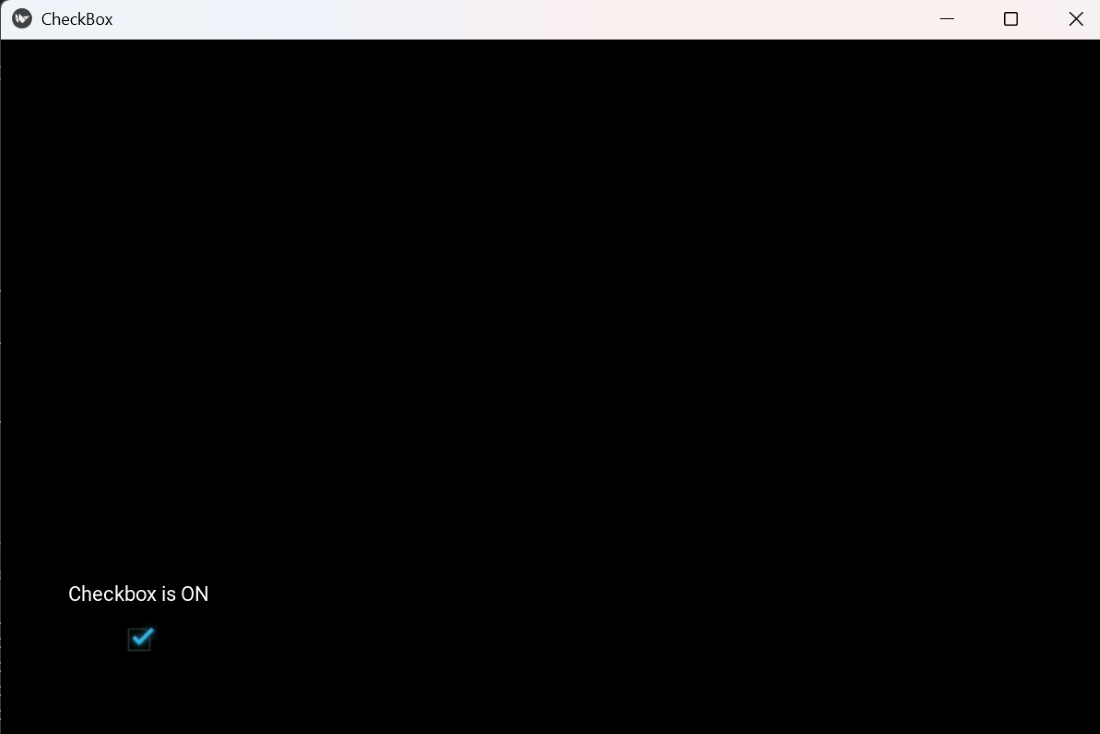
checkbox
**Explanation:
- **bind(active=self.on_checkbox_active): triggers the callback when the checkbox state changes.
- **on_checkbox_active(): updates the label and prints the state.
**Example 2: This program shows three independent checkboxes with labels using only Label and CheckBox.
Python `
from kivy.app import App from kivy.uix.checkbox import CheckBox from kivy.uix.label import Label from kivy.uix.widget import Widget
class MultiCheckBox(Widget): def init(self, **kwargs): super().init(**kwargs) options = ['Option 1', 'Option 2', 'Option 3'] y = 300 for opt in options: lbl = Label(text=opt, pos=(100, y)) chk = CheckBox(pos=(250, y), active=False) self.add_widget(lbl) self.add_widget(chk) y -= 50
class CheckBoxApp(App): def build(self): return MultiCheckBox()
if name == 'main': CheckBoxApp().run()
`
**Output
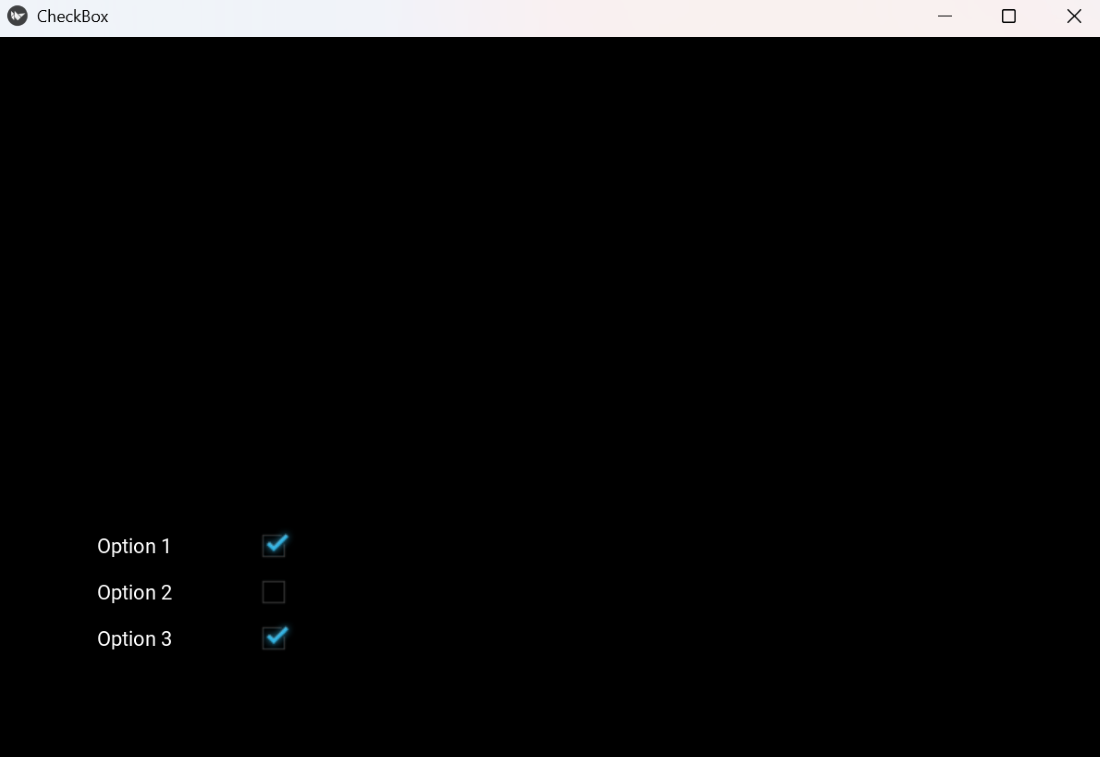
checkbox
**Explanation:
- Loop over options to create labels and checkboxes.
- **pos=(x,y): sets positions manually on the window.
- **active=False: all checkboxes start unchecked.
- **self.add_widget(...): adds labels and checkboxes to the widget.