Django Admin Interface (original) (raw)
The Django Admin Interface is a built-in feature that provides a web-based dashboard to manage project data through models. It enables developers and administrators to handle data efficiently without writing SQL or extra backend code.
- Provides a ready-to-use, browser-based management interface.
- Allows adding, editing, and deleting records across registered models.
- Supports managing users, groups, and permissions from a single place.
- Can be customized and extended according to project requirements.
**Note: While the Django admin is included in the standard library, it is not "preinstalled" in the sense of being automatically active in every project. You must verify that the following configurations are present in your settings.py to avoid ImportError or TemplateDoesNotExist errors:
Accessing Admin Panel
To access the admin interface:
1. Start the development server
python manage.py runserver
2. Open the admin URL
3. Log in using valid admin credentials.
There are basically two ways to access the Django admin panel:
- **Superuser: Has full access to all models and settings.
- **Staff User with Permissions: Has limited access based on assigned permissions. Can be marked as staff (is_staff=True) and given model-level permissions through the admin interface or Django shell.
Accessing with Superuser
The admin app ****(django.contrib.admin)** is enabled by default and already added to the **INSTALLED_APPS list present in the settings.py file. If you don’t have a user yet, the quickest way to log in is by creating a superuser.
1. Run the following command in terminal:
python manage.py createsuperuser
2. Provide the required information:
- Username
- Email address (optional)
- Password
3. Then start the development server:
python manage.py runserver
Go to **http://127.0.0.1:8000/admin/, log in with your superuser credentials, and you’ll see the Django Admin Dashboard. From here, we can manage all registered models, users, and site data:
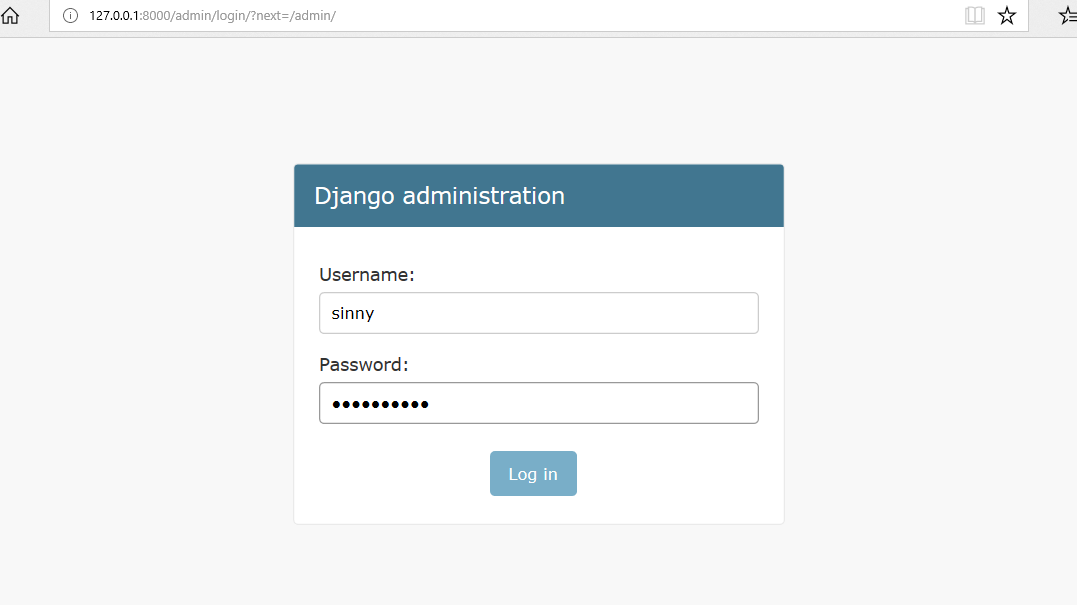
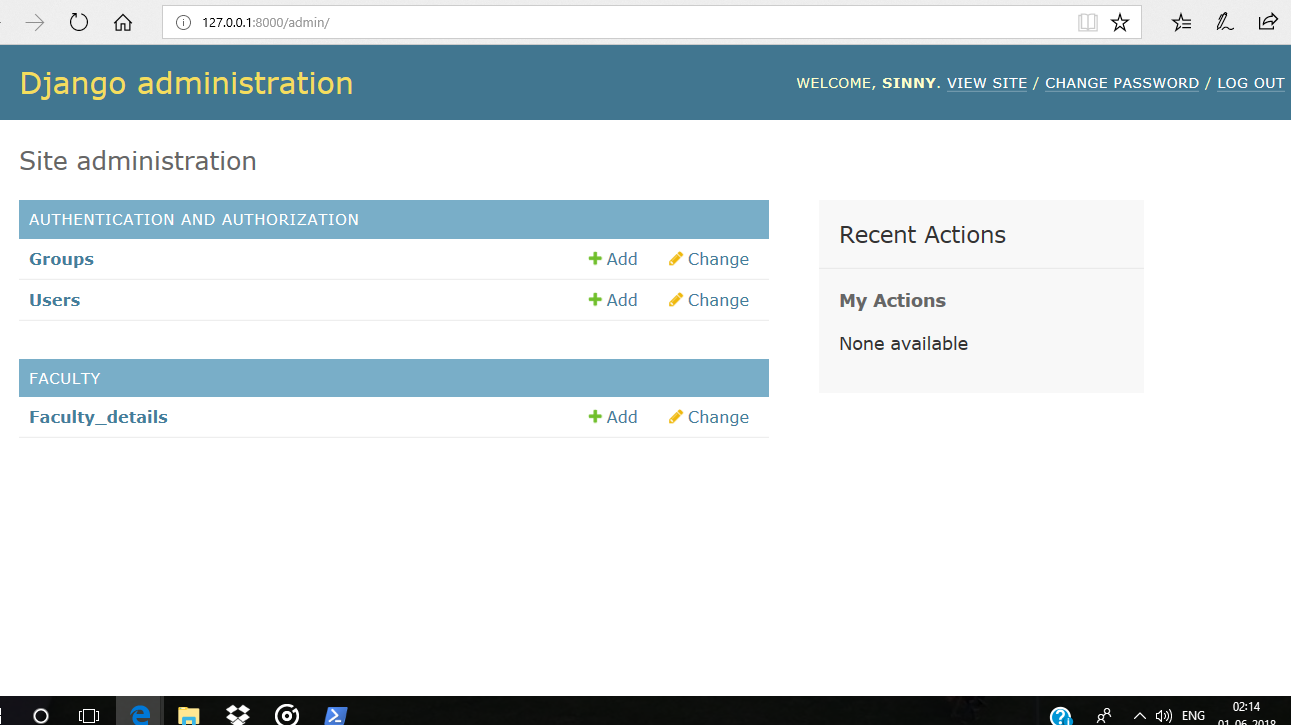
After logging in successfully, it shows the interface as shown below:
Registering Models in the Admin Panel
By default, only Django’s built-in models appear in the admin panel. To manage our own app models via the admin interface, we need to register them. Before proceeding further, ensure that the Django project and app are already created.
Step 1: Define a Model in models.py
Python `
from django.db import models
class FacultyDetails(models.Model): first_name = models.CharField(max_length=100) last_name = models.CharField(max_length=100) department = models.CharField(max_length=50)
def __str__(self):
    return f"{self.first_name} {self.last_name}"
`
Step 2: Register the Model in admin.py
Python `
from django.contrib import admin from .models import FacultyDetails
admin.site.register(FacultyDetails)
`
Step 3: Apply Migrations
python manage.py makemigrations
python manage.py migrate
Once registered and migrated, our model will appear on the Django admin dashboard, ready for data manipulation. Now the admin page will have the model FacultyDetails but make sure the server is up and running.