Program to extract frames using OpenCVPython (original) (raw)
Program to extract frames using OpenCV-Python
Last Updated : 11 Aug, 2025
Extracting individual frames from a video is a fundamental task in video processing. With OpenCV in Python, we can capture each frame sequentially from a video file or camera stream and save them as separate image files. This technique is widely used in applications such as motion analysis, object tracking and dataset creation for machine learning.
**Prerequisites:
Installation
You can install OpenCV using pip:
pip install opencv-python
Python Implementation
Python `
import cv2 vid = cv2.VideoCapture("C:\Users\Admin\PycharmProjects\project_1\openCV.mp4")
count, success = 0, True while success: success, image = vid.read() # Read frame if success: cv2.imwrite(f"frame{count}.jpg", image) # Save frame count += 1
vid.release()
`
**Output:
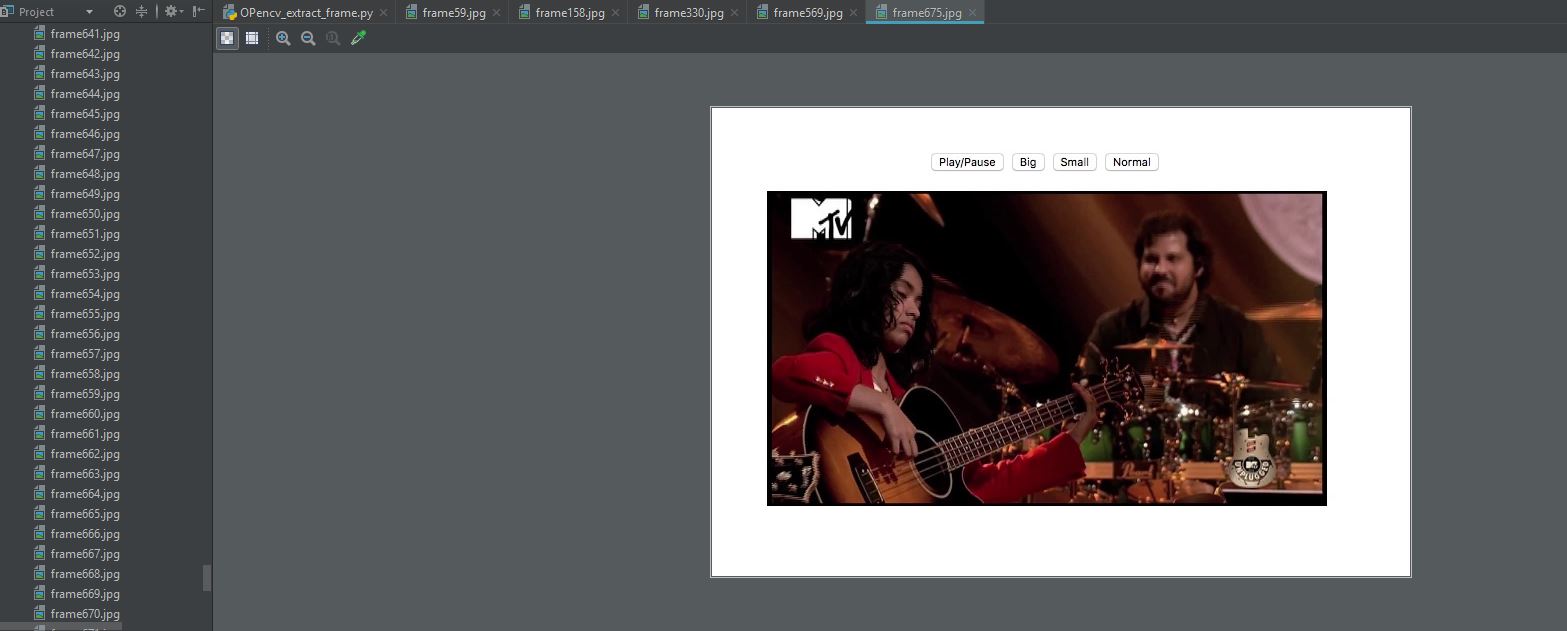
**Explanation:
- **cv2.VideoCapture("path") opens the video file and creates a capture object.
- **vid.read() reads the next frame; returns a boolean (success) and the frame (image).
- **if success ensures only valid frames are processed before saving.
- **cv2.imwrite(f"frame{count}.jpg", image) & count += 1 saves each frame as an image with an incrementing filename.
- **vid.release() releases the video capture object and frees resources after extraction.