Scrollview Widget in Kivy Python (original) (raw)
Last Updated : 8 Oct, 2025
A ScrollView in Kivy provides a scrollable viewport that clips its child widget according to the scrollable area. Only one child is allowed. It supports horizontal and vertical scrolling through the properties scroll_x and scroll_y.
Let's add a simple Scrollview to a Kivy window.
Below example demonstrates a scrollable label in a Kivy window that allows vertical scrolling of long text.
Python `
from kivy.app import App from kivy.uix.scrollview import ScrollView from kivy.uix.label import Label from kivy.core.window import Window
Window.clearcolor = (1, 1, 1, 1)
class BasicScrollView(ScrollView):
def init(self, **kwargs):
super().init(**kwargs)
long_text = "You are learning Kivy! " * 100
lbl = Label(text=long_text,font_size=20,size_hint=(1, None), color=(0,0,0,1))
lbl.bind(texture_size=lambda inst, val: setattr(inst, 'height', val[1]))
lbl.text_size = (Window.width - 20, None)
self.add_widget(lbl)
class ScrollViewApp(App): def build(self): return BasicScrollView()
if name == 'main': ScrollViewApp().run()
`
**Output
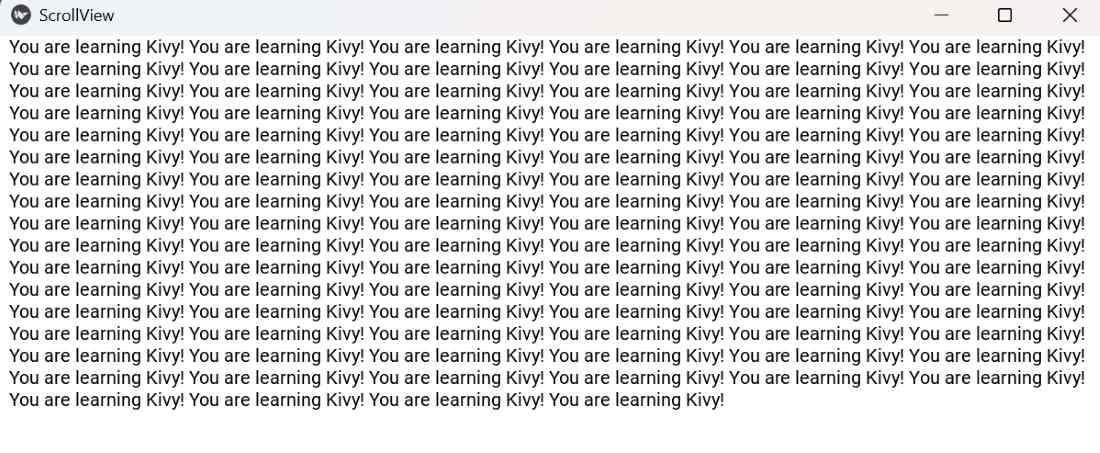
**Explanation:
- **ScrollView creates a scrollable area.
- **Label is added as the only child.
- **size_hint=(1, None) allows manual height adjustment.
- **lbl.bind(texture_size=...) updates height to fit text.
- **lbl.text_size=(Window.width-20, None) wraps the text inside the scroll view.
Syntax
ScrollView(scroll_x=0, scroll_y=1, bar_width=10, bar_color=[1,0,0,1])
**Parameters:
- **scroll_x: horizontal scroll position (0-1).
- **scroll_y: vertical scroll position (0-1).
- **bar_width: width of the scroll bar.
- **bar_color: RGBA color of the scroll bar.
Examples
**Example 1: This code shows a vertical scroll view containing multiple labels, allowing scrolling to view all items.
Python `
Window.clearcolor = (1, 1, 1, 1)
class MultiLabelScrollView(ScrollView): def init(self, **kwargs): super().init(**kwargs) layout = BoxLayout(orientation='vertical', size_hint_y=None) layout.bind(minimum_height=layout.setter('height'))
    for i in range(20):
        lbl = Label(text=f"Item {i+1}", size_hint_y=None, height=40, font_size=20, color=(0,0,0,1))
        layout.add_widget(lbl)

    self.add_widget(layout)
class ScrollViewApp(App): def build(self): return MultiLabelScrollView()
if name == 'main': ScrollViewApp().run()
`
**Output
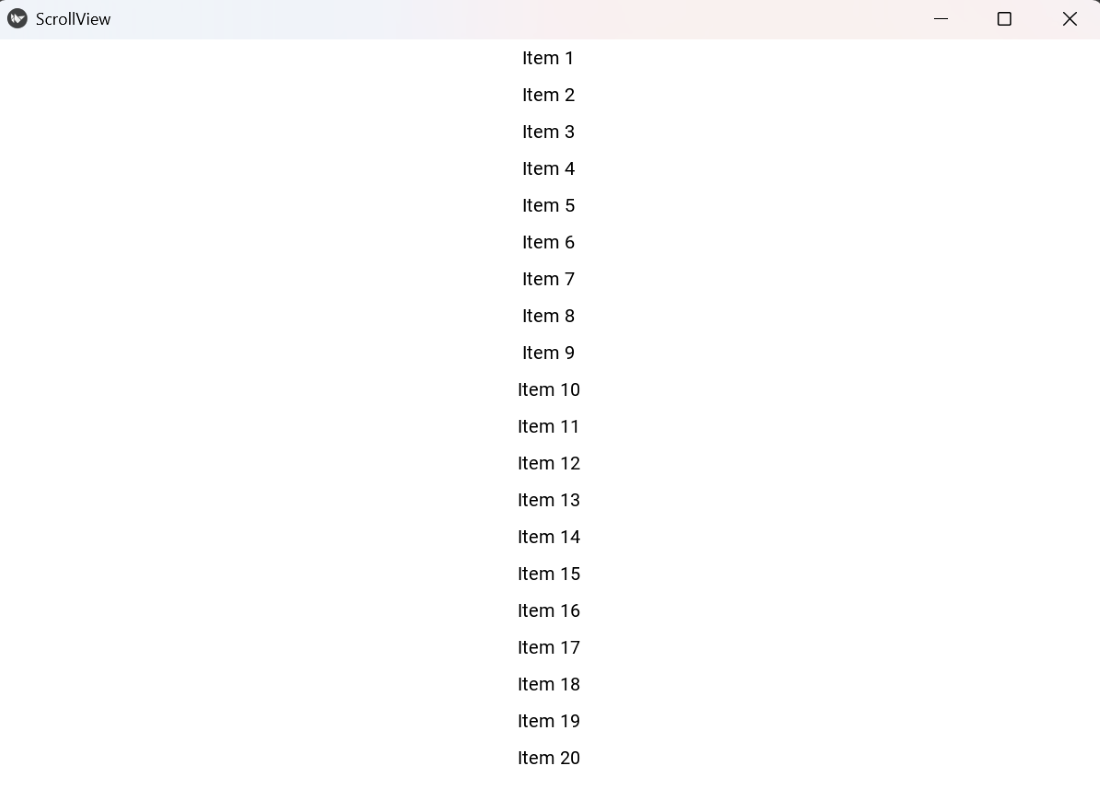
**Explanation:
- **BoxLayout arranges labels vertically.
- **size_hint_y=None and layout.bind(minimum_height=layout.setter('height')) ensure layout height fits all labels.
- Each **Label has a fixed height and is added to the layout.
- **ScrollView allows vertical scrolling.
**Example 2: This program demonstrates customizing the scroll bar color and width while scrolling through multiple labels.
Python `
Window.clearcolor = (0.95, 0.95, 0.95, 1)
class ScrollBarCustom(ScrollView): def init(self, **kwargs): super().init(**kwargs) self.bar_color = [0, 0, 1, 1] self.bar_width = 12
    layout = BoxLayout(orientation='vertical', size_hint_y=None)
    layout.bind(minimum_height=layout.setter('height'))

    for i in range(15):
        lbl = Label(text=f"Label {i+1}", size_hint_y=None, height=80, font_size=24, color=(0,0,0,1))
        layout.add_widget(lbl)

    self.add_widget(layout)
class ScrollViewApp(App): def build(self): return ScrollBarCustom()
if name == 'main': ScrollViewApp().run()
`
**Output
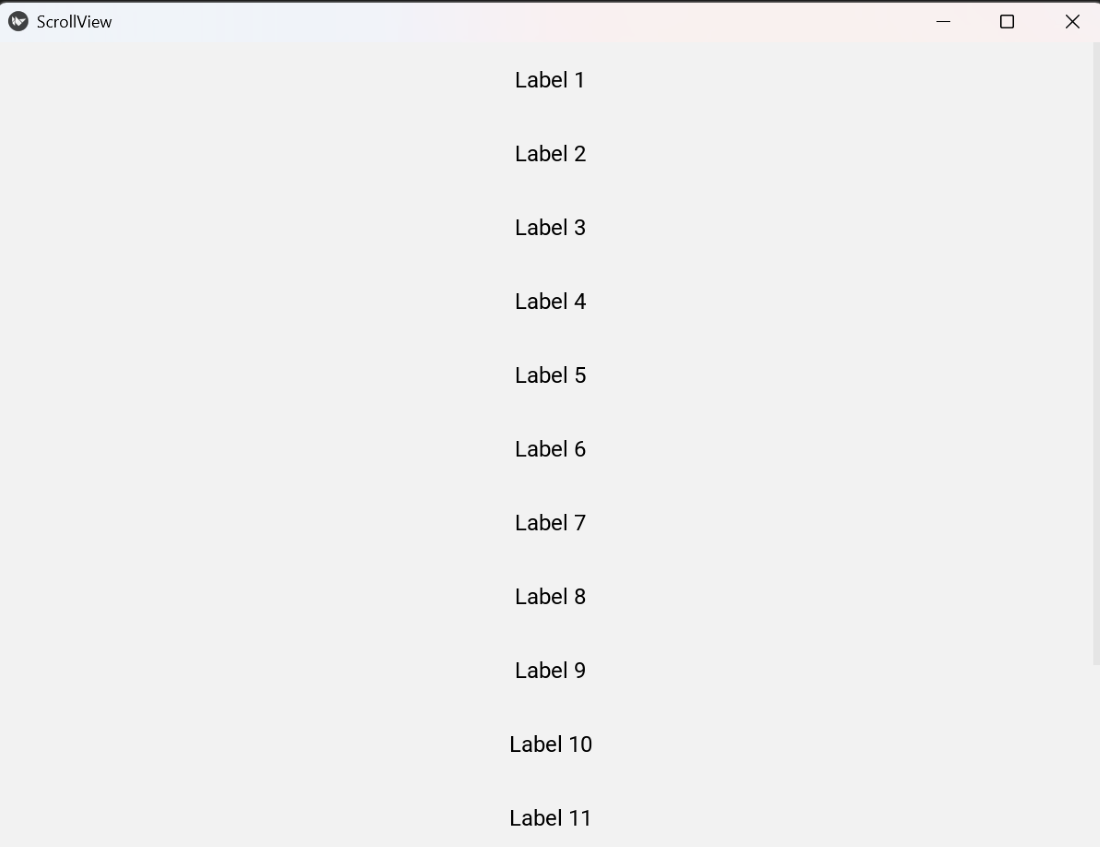
**Explanation:
- **self.bar_color sets the scrollbar color.
- **self.bar_width sets the scrollbar width.
- **BoxLayout organizes labels vertically.
- Each **Label has **size_hint_y=None for fixed height.
- **ScrollView scrolls through the layout vertically.