Python turtle.done() (original) (raw)
Last Updated : 25 Aug, 2025
turtle.done() starts the event loop in Turtle graphics by calling Tkinter’s main loop. Placed at the end of a program, it keeps the window open and responsive. It takes no arguments and should not be used in IDLE’s -n (No subprocess) mode.
**Syntax
turtle.done()
- **Parameters : None
- **Returns : None
Examples
**Example 1 : At the end.
python `
import turtle
simple motion
turtle.forward(100) turtle.right(90) turtle.forward(100)
stop execution and keep window open
turtle.done()
`
**Output :
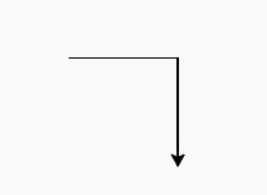
**Explanation: The turtle moves forward 100 units, turns 90°, moves another 100 units, and then **turtle.done() keeps the window open so the user can view the drawing.
**Example 2 : Stop the execution at any step.
python `
import turtle
some motions
turtle.circle(20) turtle.circle(30)
stop execution
turtle.done()
further motions (will not execute)
turtle.circle(40) turtle.circle(50)
`
**Output :
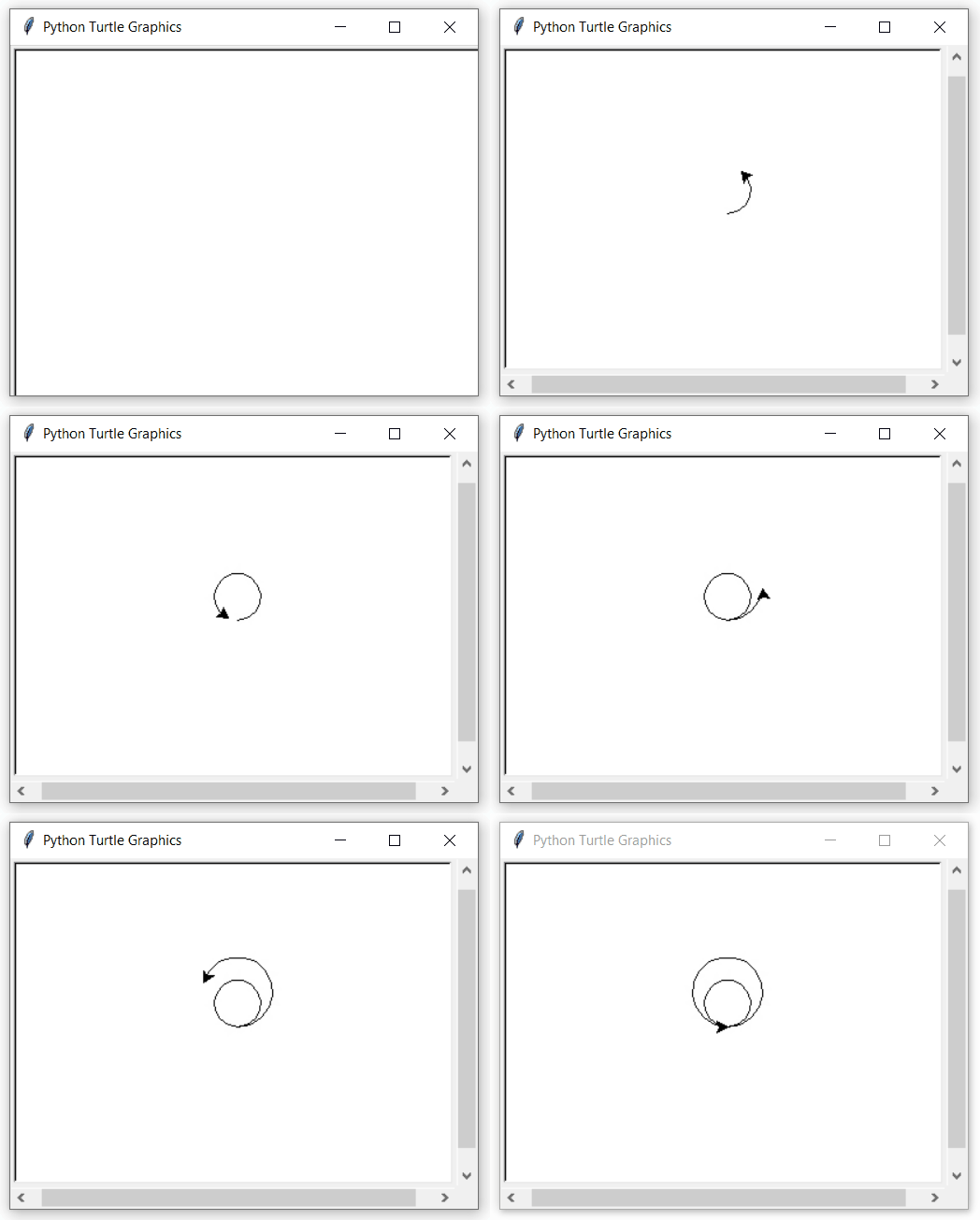
**Explanation: After **turtle.done(), the turtle graphics program stops execution. Any code written after **turtle.done() will not run, ensuring the drawing window stays open without further motion.