turtle.backward() method in Python (original) (raw)
Last Updated : 14 Aug, 2025
turtle.backward() method moves the turtle backward by the specified distance (in pixels) from its current position, opposite to the direction it is facing. If the pen is down, it will draw a line while moving; if the pen is up, it will move without drawing.
**Syntax:
turtle.backward(distance)
Parameters: distance (int | float) is the number of pixels to move backward.
**Returns: This method only changes the turtle's position on the screen.
Examples
**Example 1: Simple backward movement
Python `
import turtle
turtle.backward(100) turtle.done()
`
**Output:
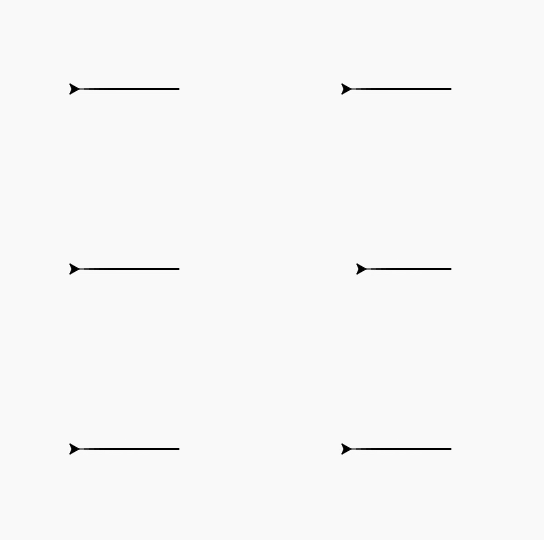
Straight line
**Explanation: The turtle moves 100 pixels backward from its default starting direction, drawing a straight line.
**Example 2: Backward with direction change
Python `
import turtle
turtle.backward(50) turtle.right(90) turtle.backward(50)
turtle.done()
`
**Output:
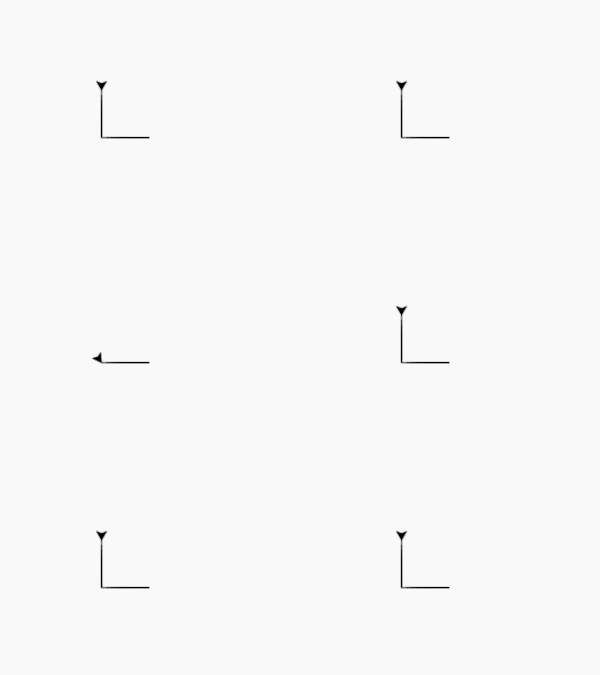
L-shape
**Explanation: The turtle moves 50 pixels backward, turns right 90°, then moves another 50 pixels backward, forming an L-shaped path.
**Example 3: Moving backward without drawing
Python `
import turtle
t = turtle.Turtle()
t.pendown() t.backward(50)
t.penup()
t.backward(50)
turtle.done()
`