turtle.clearstamp() method in Python (original) (raw)
Last Updated : 18 Aug, 2025
The turtle.clearstamp() method is used to delete a specific stamp of the turtle. Each stamp has a unique ID, which is returned when calling the turtle.stamp()method. By passing that ID as an argument, you can remove the corresponding stamp.
**Syntax:
turtle.clearstamp(stampid)
- **Parameter: stampid is an integer, must be return value of previous stamp() call.
- **Returns: This method removes the specified stamp from the screen. It does not affect the turtle’s position or orientation.
Examples
**Example 1 : Clearing selective stamps
Python `
import turtle
turtle.speed(1)
turtle.forward(50) id1 = turtle.stamp()
turtle.forward(50) id2 = turtle.stamp()
turtle.forward(50) id3 = turtle.stamp()
turtle.ht()
turtle.clearstamp(id1) turtle.clearstamp(id3)
`
**Output :
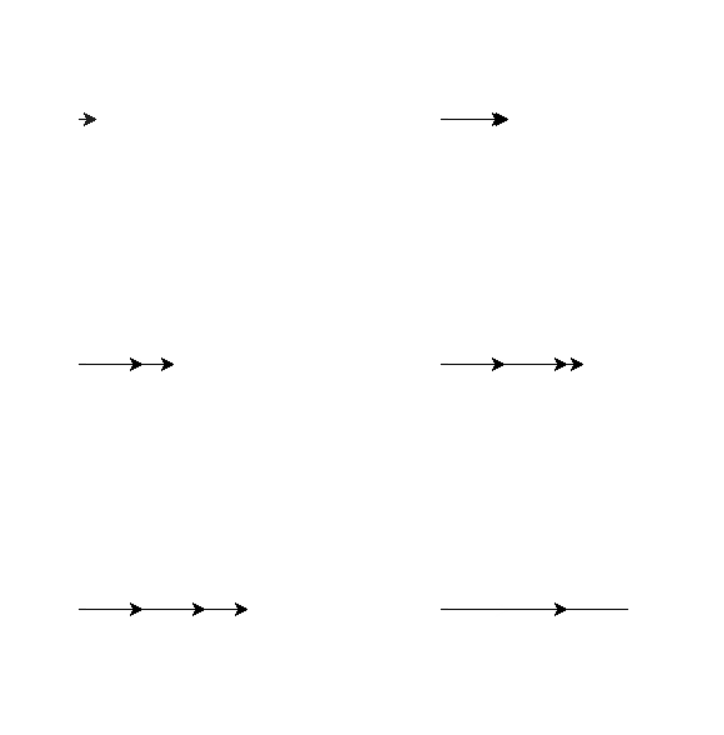
**Explanation:
- **turtle.speed(1) sets the turtle’s movement speed to slow, making it easy to see each step.
- **turtle.forward(50) & **turtle.stamp() moves the turtle forward 50 units and places a stamp (copy of the turtle shape) at that position, storing its ID (id1, id2, id3).
- **turtle.ht() hides the turtle cursor so only the stamped shapes remain visible.
- **turtle.clearstamp(id1) and **turtle.clearstamp(id3) erases the first and third stamps, leaving only the second stamp on the screen.
**Example 2 : Clearing half of the stamps in a loop
Python `
import turtle
lst = []
for i in range(12): turtle.forward(50) id = turtle.stamp() lst.append(id) turtle.right(30)
turtle.ht()
for i in range(len(lst)//2): turtle.clearstamp(lst[i])
`
**Output :
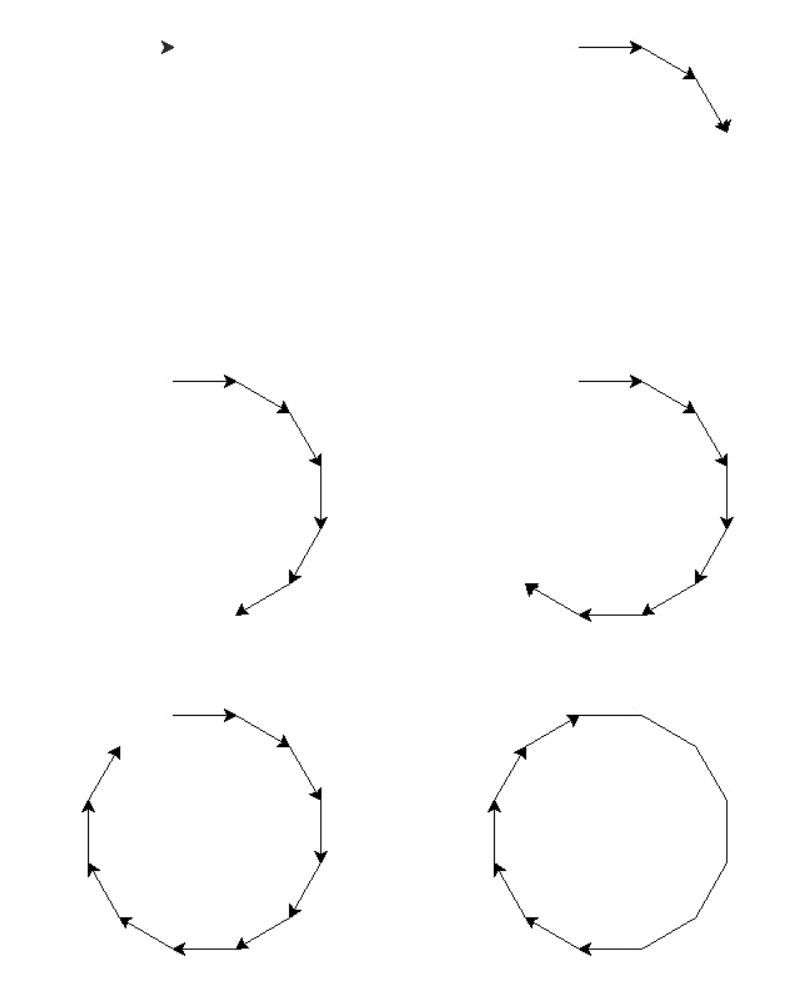
**Explanation:
- **turtle.forward(50) & turtle.stamp() : Turtle moves forward 50 units, makes a stamp, and the stamp ID is stored in a list ****(lst.append(id))**.
- **turtle.right(30) : Turns turtle 30° right each time, so 12 steps complete a full circle (12 × 30° = 360°).
- **turtle.ht() : Hides the turtle cursor, leaving only the stamps visible.
- **for i in range(len(lst)//2): Iterates over the first half of stamp IDs.