turtle.ondrag() function in Python (original) (raw)
Last Updated : 25 Aug, 2025
turtle.ondrag() function is used to bind a function to the mouse-drag event on a turtle object. This means when you click and drag the mouse over the turtle on the canvas, the specified function will be called with the current mouse coordinates.
**Syntax:
turtle.ondrag(fun, btn=1, add=None)
**Parameter:
- **fun : function with two arguments (x, y) that receives the coordinates of the dragged mouse.
- **btn : (optional) Integer specifying which mouse button triggers the drag. Default is 1 (left button)
- **add: (optional) Boolean. If True, adds a new binding. If False, replaces the previous binding.
**Returns: This function does not return anything.
**Example :
python `
import turtle
def fxn(x, y):
turtle.ondrag(None)
turtle.setheading(turtle.towards(x, y))
turtle.goto(x, y)
turtle.ondrag(fxn)
turtle.speed(10)
sc = turtle.Screen()
sc.setup(400, 300)
turtle.ondrag(fxn)
sc.mainloop()
`
**Output :
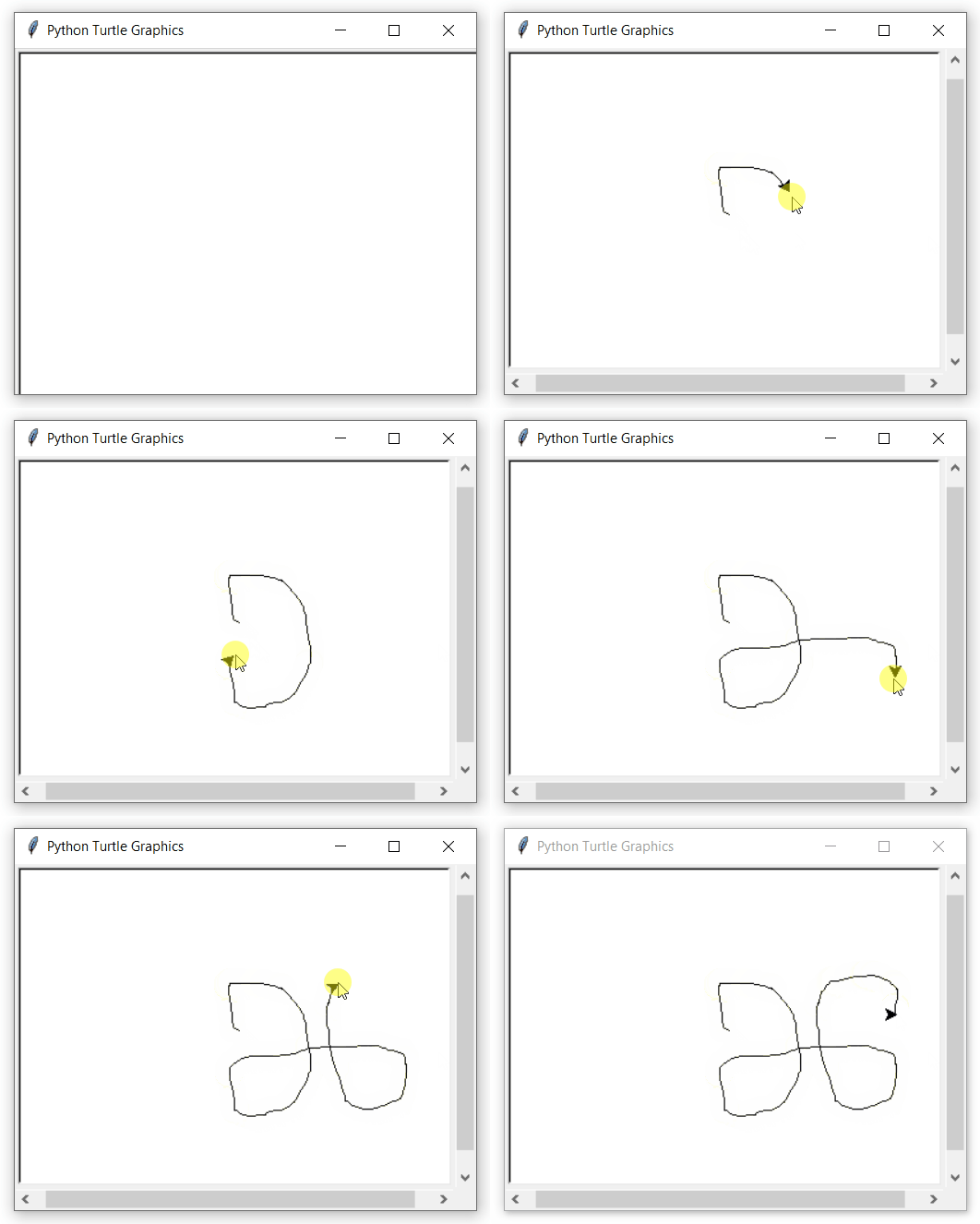
**Explanation:
- **def fxn(x, y): function that makes the turtle follow the mouse when dragged.
- **turtle.ondrag(None) & turtle.ondrag(fxn): Temporarily disable and then re-enable drag to avoid recursion.
- **turtle.setheading(turtle.towards(x, y)): Turn turtle toward the drag point.
- **turtle.goto(x, y) : Move turtle to the dragged coordinates.
- **turtle.Screen() & sc.mainloop() : Create screen and keep it open to listen for drag events.