turtle.onkey() function in Python (original) (raw)
Last Updated : 26 Jul, 2020
The turtle module provides turtle graphics primitives, in both object-oriented and procedure-oriented ways. Because it uses Tkinter for the underlying graphics, it needs a version of Python installed with Tk support.
turtle.onkey()
This function is used to bind fun to the key-release event of the key. In order to be able to register key-events, TurtleScreen must have focus.
Syntax :
turtle.onkey(fun, key)
Parameters:
| Arguments | Description |
|---|---|
| fun | a function with no arguments |
| key | a string: key (e.g. "a") or key-symbol (e.g. "space") |
Below is the implementation of the above method with some examples :
Example 1 :
Python3 `
import package
import turtle
method for key call
def fxn(): turtle.forward(40)
set turtle screen size
sc=turtle.Screen() sc.setup(600,300)
motion
turtle.forward(40)
call method on Right key
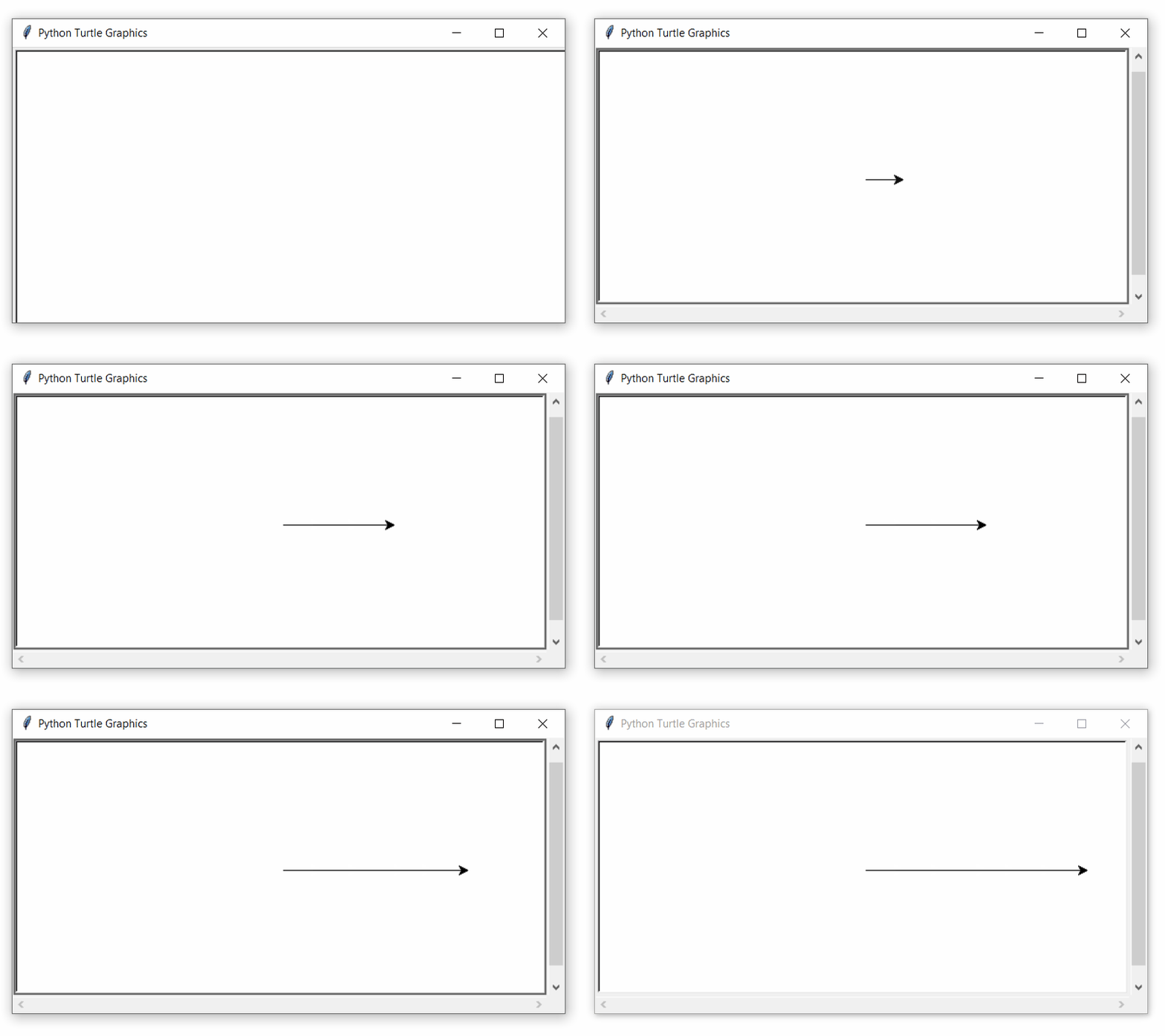
turtle.onkey(fxn,'Right')
to listen by the turtle
turtle.listen()
`
Output :
Example 2 :
Python3 `
import package
import turtle
methods with different work
at different keys
def fxn(): turtle.forward(20)
def fxn1(): turtle.right(90)
def fxn2(): turtle.left(90)
set screen size
sc=turtle.Screen() sc.setup(500,300)
call methods
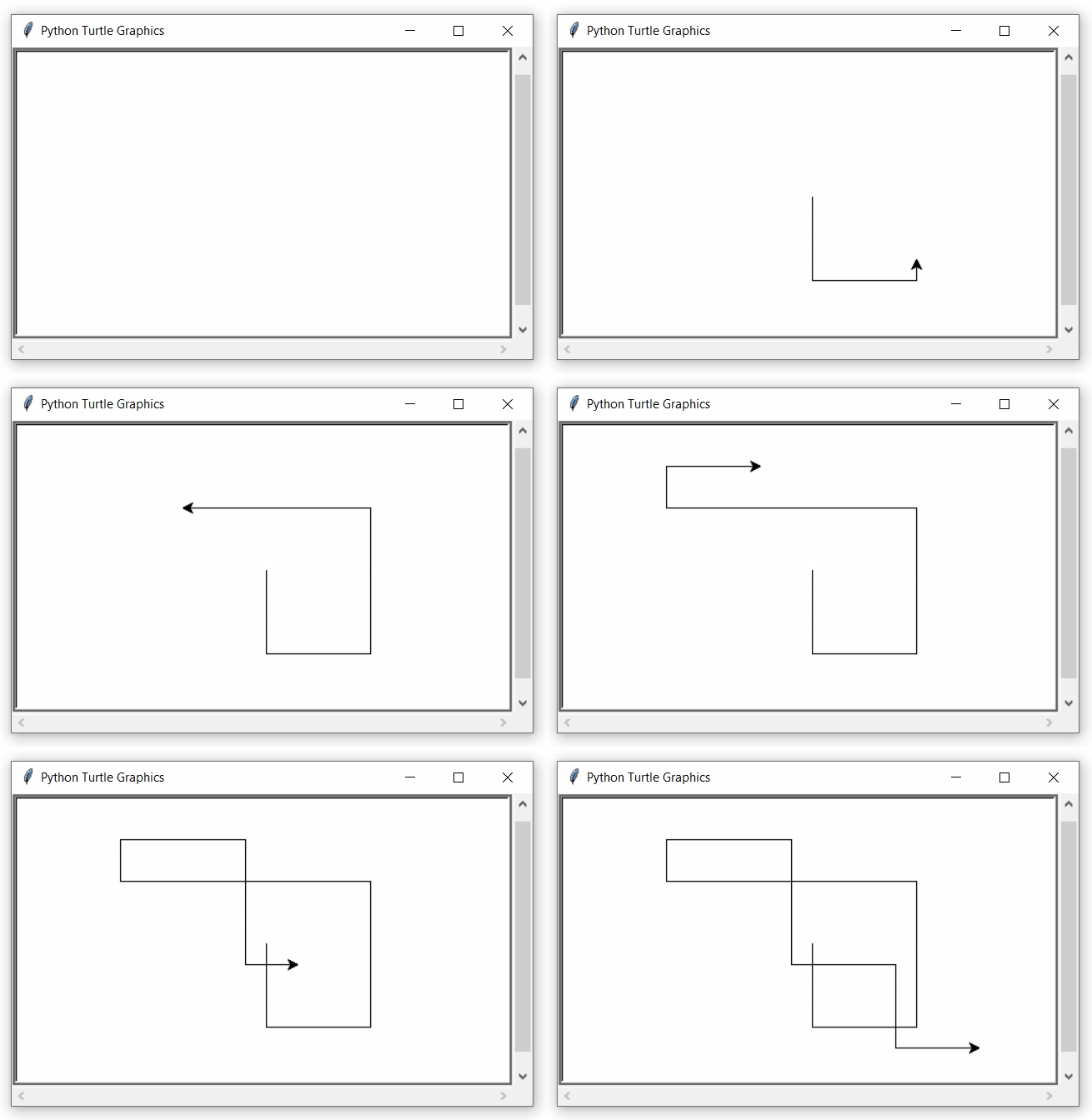
turtle.onkey(fxn,'space') turtle.onkey(fxn1,'Right') turtle.onkey(fxn2,'Left')
to listen by the turtle
turtle.listen()
`
Output :