Plot Shaded Area between vertical lines in R (original) (raw)
Last Updated : 21 Aug, 2021
Plotting a shaded area between vertical lines means to put a vertical rectangle on a different color plot as compared to the rest of the plot area. We create this rectangle depending on the conditional values of the x-axis and represent the pivot area on the basis of characteristics of the data. This can be obtained using R and is described how in his article.
Function used
- geom_rect() function is used to draw a rectangle
Syntax:
geom_rect(xmin, xmax, ymin, ymax, size, linetype, color, fill, alpha)
- geom_vline() draws a vertical line at a specified position
Syntax:
geom_vline(xintercept, size, linetype, color, alpha)
Approach 1:
- Create frame
- Create plot
- Now draw a rectangle to represent two vertical lines- first we will draw a hollow rectangle
- Now add required color using fill parameter
Program 1: Draw two vertical files
R `
x<-rpois(10,5) y<-rpois(10,7)
df<-data.frame(x,y)
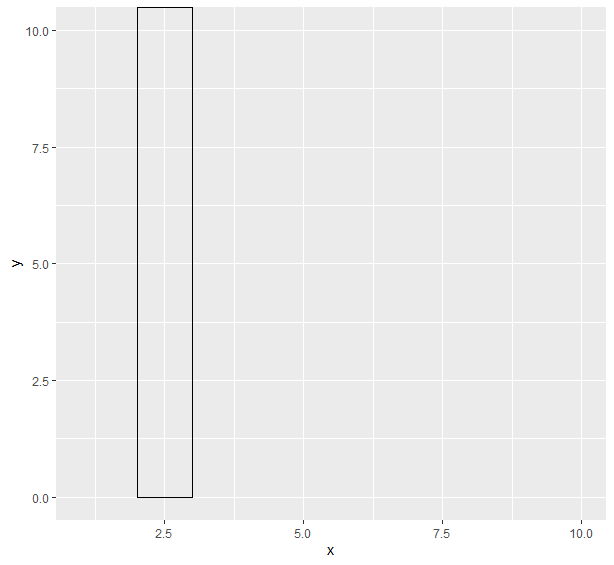
library(ggplot2) ggplot(df,aes(x,y))+ geom_rect(aes(xmin=2,xmax=3,ymin=0,ymax=Inf),color="black",alpha=0)
`
Output:
Program 2: Fill color between lines
R `
x<-rpois(10,5) y<-rpois(10,7)
df<-data.frame(x,y)
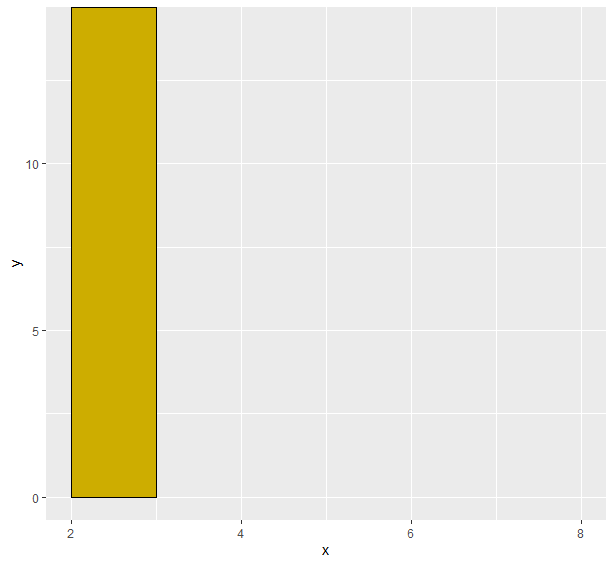
library(ggplot2) ggplot(df,aes(x,y))+ geom_rect(aes(xmin=2,xmax=3,ymin=0,ymax=Inf),color="black",alpha=0)
`
Output:
Approach 2:
- Create frame
- Draw two vertical lines
- Fill color between them using a rectangle
Program 1: Drawing two lines
R `
x<-rpois(10,5) y<-rpois(10,7)
df<-data.frame(x,y)
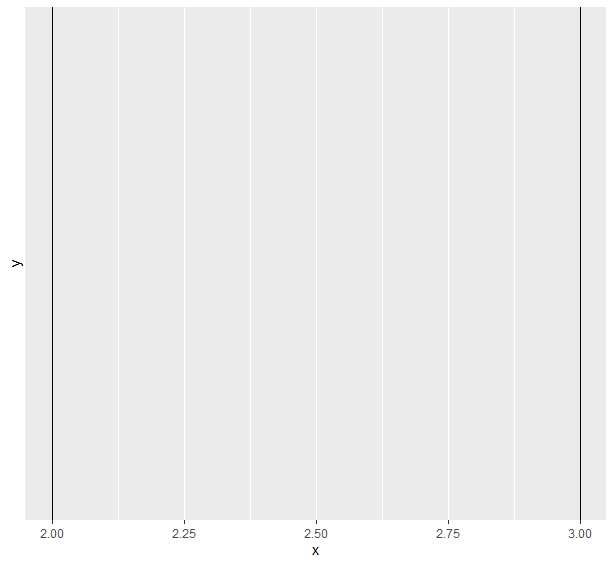
library(ggplot2) ggplot(df,aes(x,y))+ geom_vline(xintercept=2,color="black")+ geom_vline(xintercept=3,color="black")
`
Output:
Program 2: Fill color between these lines
R `
x<-rpois(10,5) y<-rpois(10,7)
df<-data.frame(x,y)
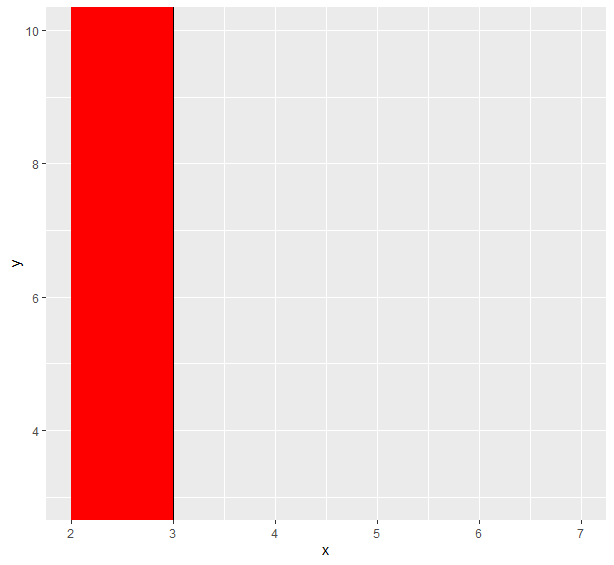
library(ggplot2) ggplot(df,aes(x,y))+ geom_vline(xintercept=2,color="black")+ geom_vline(xintercept=3,color="black")+ geom_rect(aes(xmin=2,xmax=3,ymin=-Inf,ymax=Inf),fill="red")
`
Output: