ReactBootstrap Spinner Component (original) (raw)
React-Bootstrap Spinner Component
Last Updated : 29 Jul, 2024
React-Bootstrap is a front-end framework that was designed keeping react in mind. Spinner Component provides a way to show the loading effect. We can use it to show the loading state, whenever required in our application. We can use the following approach in ReactJS to use the react-bootstrap Spinner Component.
**Spinner Props:
- **animation: It is used to define the type of animation for the spinner.
- **as: It can be used as a custom element type for this component.
- **children: It is used to wrap child elements or components, this component can be used.
- **role: In the menu component, it is the ARIA accessible role applied to it.
- **size: It is used to define the size of the component.
- **variant: It is used to define the visual style of our spinner component.
- **bsPrefix: It is an escape hatch for working with strongly customized bootstrap CSS.
**Creating React Application And Installing Module:
**Step 1: Create a React application using the following command:
npx create-react-app foldername
Step 2: After creating your project folder i.e. foldername, move to it using the following command:
cd foldername
**Step 3: After creating the ReactJS application, Install therequiredmodule using the following command:
npm install react-bootstrap
npm install bootstrap
**Project Structure: It will look like the following.

Project Structure
**Example: Now write down the following code in the **App.js file. Here, App is our default component where we have written our code.
App.js `
import React from 'react'; import 'bootstrap/dist/css/bootstrap.css'; import Spinner from 'react-bootstrap/Spinner';
export default function App() { return ( <div style={{ display: 'block', width: 700, padding: 30 }}>
React-Bootstrap Spinner Component
With Border Animation:With Grow Animation: ); }
`
**Step to Run Application: Run the application using the following command from the root directory of the project:
npm start
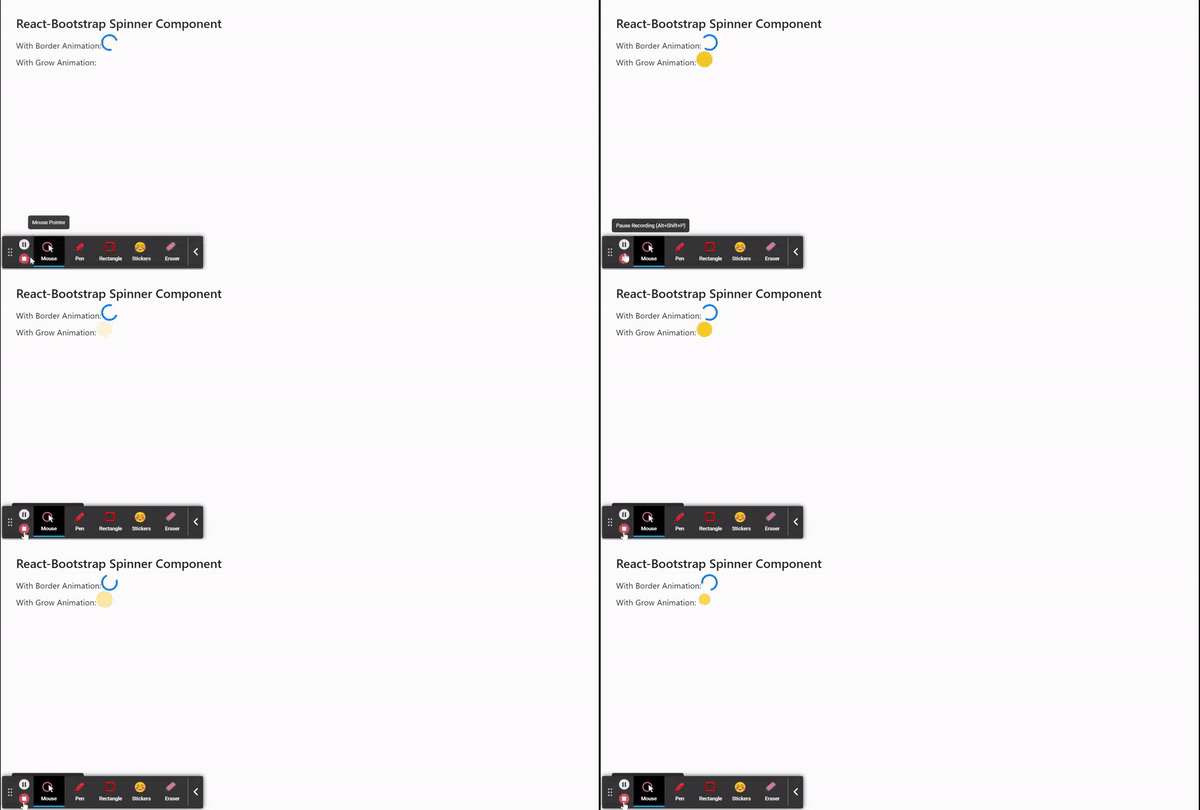
**Output: Now open your browser and go to http://localhost:3000/, you will see the following output: