React onTouchStart Event (original) (raw)
Last Updated : 23 Jul, 2025
React onTouchStart event fires when the user touches one or more points in the element or tag. Similar to other elements in it, we have to pass a function for process execution.
It is similar to the HTML DOM ontouchstart event but uses the camelCase convention in React.
**Syntax:
onTouchStart={function}
**Parameter:
- The function will call once the user touches any part of the element or tag.
**Return type:
- **event: It is an event object containing information about the event like target element and values
**Example 1: In this example, we implemented a TouchStart area in it where when the user touches it will give a message in the browser console through function.
CSS `
/App.css/ .App { min-width: 30vw; margin: auto; text-align: center; color: green; font-size: 23px; }
.Shaded { background-color: lightgray; height: 200px; width: 300px; margin: auto; border-radius: 6px; }
JavaScript
// App.js import "./App.css" const App = () => { const function1 = (event) => { console.log("Touch Start!") } return (
GeeksforGeeks
Touch inside Shaded Region
`
**Output :
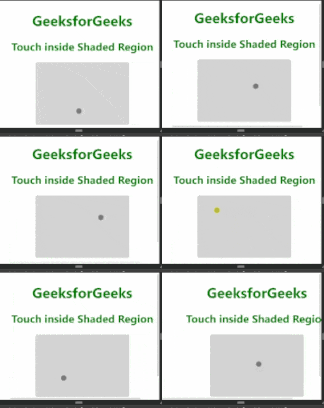
**Example 2 : In this example, we implemented an area where the user, when touched, will get an alert that a touch event is fired.
CSS `
/App.css/ .App { min-width: 30vw; margin: auto; text-align: center; color: green; font-size: 23px; }
.Shaded { background-color: lightgray; height: 200px; width: 300px; margin: auto; border-radius: 6px; }
JavaScript
// App.js import "./App.css" const App = () => { const function1 = (event) => { alert("Touch Start") } return (
GeeksforGeeks
Touch inside Shaded Region
`
**Output:
.gif)