Mobile Testing Tools Software Testing (original) (raw)
Last Updated : 9 Mar, 2026
In today's digital world, mobile testing tools play a crucial role in ensuring the quality and performance of mobile applications. With the increasing use of smartphones, mobile apps must function seamlessly across different devices, platforms, and network conditions. Mobile testing tools help automate the testing process, allowing testers to validate app functionality, UI/UX, performance, and security efficiently.
Whether it's testing on Android or iOS devices, these tools streamline the mobile testing process, making it easier to detect and fix bugs early in the development cycle.
**Mobile testing tools are programmed to test portable applications. This classification incorporates cloud-based testing devices, application conveyance instruments, crash-revealing tools, execution testing instruments, mobile phone emulators, mechanized UI analyzers, portable enhancement, A/B testing tools, and defect logging instruments.
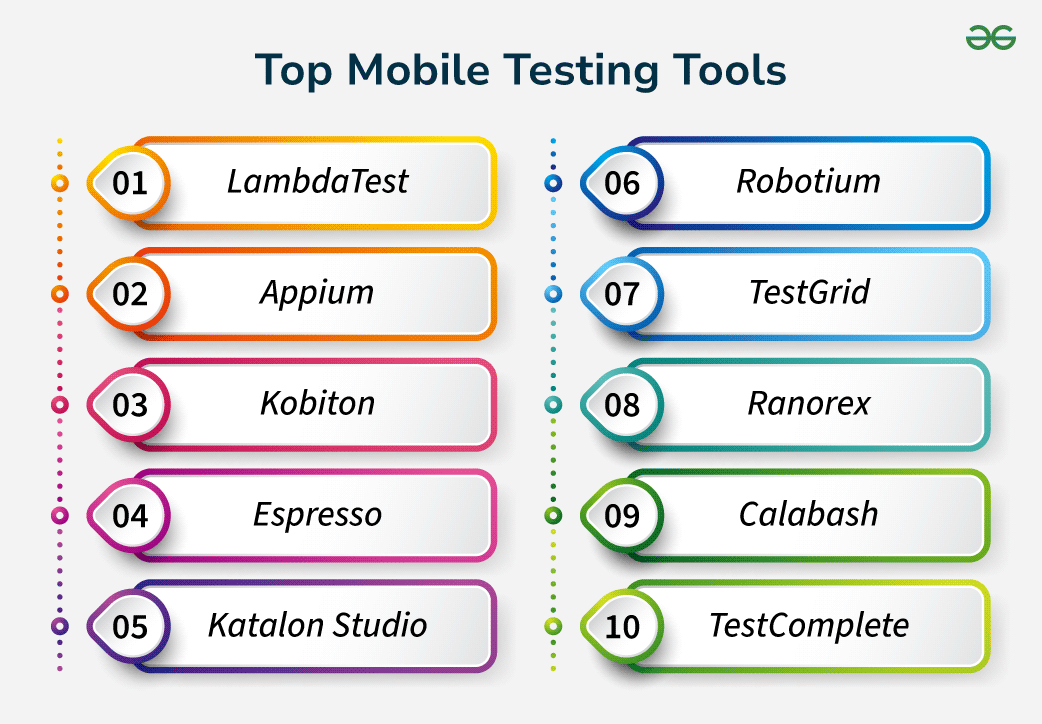
Mobile testing tools
1. **Does the tool support both Android and iOS?
**Answer: Choose a tool that supports both platforms if cross-platform testing is required (e.g., Appium, LambdaTest).
2. **Is the tool open-source or commercial?
**Answer: Open-source tools like Appium or Espresso are free but may require more setup, while commercial tools like TestComplete offer support and additional features.
3. **Does it support real devices and emulators/simulators?
**Answer: Tools like LambdaTest, Kobiton, and TestGrid support both real devices and emulators, while others may focus on one.
4. **What programming languages does it support?
**Answer: Verify the supported languages (e.g., Appium supports Java, Python, C#, while Espresso supports Java).
5. **Is the tool easy to integrate with CI/CD pipelines?
**Answer: Ensure the tool integrates with Jenkins, Git, or CircleCI to enable continuous testing (e.g., Katalon Studio, Appium).
This comparison provides a comprehensive look at the leading automation testing tools for mobile and web applications, including their platforms, key features, integration options, and ease of use.
| **Tool | **Platform | **Language | **Key Features | **Integration | **Ease of Use |
|---|---|---|---|---|---|
| **LambdaTest | Android, iOS, Web | N/A | Cloud-based testing, Parallel execution, Real-device access | Jenkins, CircleCI, GitHub, Jira, Azure DevOps | High |
| **Appium | Android, iOS, Web | Java, Python, C#, Ruby | Open-source, Supports cross-platform, No app modification | Jenkins, Git, Jira, Selenium Grid | High |
| **Kobiton | Android, iOS | N/A | Real-device cloud, Parallel execution, Visual testing | Jenkins, GitHub, Jira, Slack | High |
| **Espresso | Android | Java, Kotlin | UI testing, Integrated with Android Studio, Fast execution | Gradle, Git, Jenkins, Bitbucket, Firebase Test Lab | Medium |
| **Katalon Studio | Android, iOS, Web, Desktop | Groovy, Java | Record & playback, Cross-environment execution, Built-in reporting | Jenkins, Git, Jira, CircleCI, Kobiton, Sauce Labs | High |
| **Robotium | Android | Java | Black-box UI testing, Works with Android SDK | Jenkins, GitHub, Jira | Medium |
| **TestGrid | Android, iOS, Web | N/A | Real-device cloud testing, Advanced analytics | Jenkins, GitHub, Jira, CircleCI | High |
| **Ranorex | Android, iOS, Web, Desktop | C#, VB.NET | Cross-platform, Image-based testing, CI/CD support | Jenkins, Jira, GitHub, Azure DevOps | High |
| **Calabash | Android, iOS | Ruby | BDD testing, Cross-platform, Easy to learn | Jenkins, Jira, GitHub, Travis CI | Medium |
| **TestComplete | Android, iOS, Web, Desktop | JavaScript, Python, VBScript | Object recognition, Keyword-driven testing, Parallel testing | Jenkins, GitHub, Jira, Azure DevOps | Medium |
**LambdaTest
**LambdaTest is an AI-powered test orchestration and execution platform that allows developers and QA engineers to perform mobile app testing at scale. It offers an online device farm of real Android and iOS devices for testing alongside built-in emulators and simulators. LambdaTest supports both manual and automated testing with features like parallel execution and AI-powered visual regression testing.
- **Platform: Android, iOS, Web
- **Language: N/A
**Key Features:
- You get access to a bunch of real Android and iOS devices, letting you see exactly how your app behaves on different phones and tablets.
- It lets you use not only real devices but also virtual ones like simulators and emulators. This means you can test your app on a wide range of devices without needing to physically have them all.
- It offers App Automation, making it easy to automate your tests. Therefore, you can set up tests to run automatically using different frameworks like Appium, Espresso, and XCUITest, across multiple devices, saving you time and effort.
- It works in the cloud, so you can access it from anywhere. This makes it super convenient for teams to collaborate on testing, and you can scale up or down as needed without any hassle.
- **Integration: Jenkins, CircleCI, GitHub, Jira, Azure DevOps, etc.
- **Ease of Use: High
**Appium
Appium is an open-source automation framework widely used for testing native, hybrid, and mobile web applications on both Android and iOS platforms. It’s highly flexible and supports multiple programming languages.
- **Platform: Android, iOS, Web
- **Language: Java, Python, C#, Ruby, JavaScript
**Key Features:
- Supports multiple platforms (iOS, Android, Windows).
- Cross-platform testing.
- No need to modify the app code.
- Supports Selenium WebDriver for mobile.
- **Integration: Jenkins, Git, Jira, Selenium Grid, etc.
- **Ease of Use: High
**Kobiton
Kobiton is a mobile testing platform offering real-device testing in the cloud and on-premise. It provides both manual and automated testing on a wide variety of devices.
- **Platform: Android, iOS
- **Language: N/A
**Key Features:
- Real-device cloud.
- Parallel execution.
- Visual testing.
- Appium and Selenium-based automation.
- **Integration: Jenkins, GitHub, Jira, Slack, CircleCI, Travis CI.
- **Ease of Use: High
**Espresso
Espresso is Google’s official test automation framework for native Android apps. It’s tightly integrated with Android Studio, which makes it a popular choice for Android developers.
- **Platform: Android
- **Language: Java, Kotlin
**Key Features:
- Fast execution for native Android apps.
- Provides UI testing.
- Integrated with Android Studio IDE.
- Minimal setup required.
- **Integration: Gradle, Git, Jenkins, Bitbucket, Firebase Test Lab.
- **Ease of Use: Medium
**Katalon Studio
Katalon Studio is an all-in-one automation testing tool designed for mobile, web, API, and desktop applications. It’s one of the most user-friendly platforms for non-technical users and supports various scripting modes.
- **Platform: Android, iOS, Web, Desktop (Windows)
- **Language: Groovy, Java
**Key Features:
- Record & playback for easy test creation.
- Built-in keywords and project templates.
- Supports cross-environment execution.
- Advanced reporting and analytics.
- **Integration: Jenkins, Git, Jira, CircleCI, Kobiton, Sauce Labs, etc.
- **Ease of Use: High
**Robotium
Robotium is an open-source framework specifically designed for testing Android applications. It is often used for automated UI and functional testing, especially for older versions of Android.
- **Platform: Android
- **Language: Java
**Key Features:
- Supports black-box UI testing.
- Tests native and hybrid apps.
- Simple API for fast test creation.
- Works with Android SDK.
- **Integration: Jenkins, GitHub, JIRA.
- **Ease of Use: Medium
**TestGrid
TestGrid offers an end-to-end platform for mobile and web application testing with cloud access to real devices. It supports parallel test execution across different devices.
- **Platform: Android, iOS, Web
- **Language: N/A
**Key Features:
- Real-device testing on the cloud.
- Manual and automated testing.
- Supports Appium and Selenium.
- Advanced reporting and analytics.
- **Integration: Jenkins, GitHub, GitLab, Jira, CircleCI.
- **Ease of Use: High
**Ranorex
Ranorex is a powerful automation testing tool that supports mobile, web, and desktop applications. It’s user-friendly for beginners, providing record-and-playback functionality along with robust scripting options.
- **Platform: Android, iOS, Web, Desktop (Windows)
- **Language: C#, VB.NET
**Key Features:
- Cross-platform testing.
- Image-based testing for dynamic UIs.
- Supports CI/CD pipelines.
- Built-in reporting features.
- **Integration: Jenkins, Jira, GitHub, Azure DevOps, etc.
- **Ease of Use: High
**Calabash
Calabash is an open-source framework used for automated testing of Android and iOS applications. It allows tests to be written in Cucumber and is particularly favored for behavior-driven development (BDD).
- **Platform: Android, iOS
- **Language: Ruby
**Key Features:
- Cross-platform mobile testing.
- BDD testing with Cucumber.
- Open-source and easy to learn.
- Supports native and hybrid apps.
- **Integration: Jenkins, Jira, GitHub, Travis CI.
- **Ease of Use: Medium
**TestComplete
TestComplete is a comprehensive automation tool that supports web, desktop, and mobile applications. It provides record-and-playback features and allows scripting in various languages like JavaScript, Python, and VBScript.
- **Platform: Android, iOS, Web, Desktop
- **Language: JavaScript, Python, VBScript, JScript
**Key Features:
- Cross-platform testing.
- Object recognition engine for dynamic UIs.
- Parallel testing and CI/CD integration.
- Supports keyword-driven and script-based testing.
- **Integration: Jenkins, GitHub, Jira, Azure DevOps, etc.
- **Ease of Use: Medium
The best mobile testing tool ultimately depends on factors such as the nature of testing, the target OS, and the competencies of your development team. Here's a brief guide to help you choose:
- **If you need Comprehensive Testing Across Platforms: You can consider using **LambdaTest. It offers a cloud-based platform with access to a wide range of real Android and iOS devices, as well as emulators and simulators. LambdaTest supports various automation frameworks like Appium, Espresso, and XCUITest, making it a versatile choice for comprehensive cross-platform testing.
- **If you need cross-platform support (Android & iOS): Best Choice: **Appium or **Katalon Studio (both support multiple platforms and frameworks).
- **If you need an open-source solution: Best Choice: **Appium or **Espresso (for Android only).
- **If ease of use and low-code functionality is important: Best Choice: **Katalon Studio or **TestComplete (user-friendly with built-in features for beginners).
- **If you need support for real devices and cloud testing: Best Choice: **LambdaTest, **Kobiton, or **TestGrid (provide access to real devices and cloud-based testing).
- **If you want tight integration with CI/CD pipelines: Best Choice: **Appium, **TestComplete, or **Katalon Studio (integrate easily with tools like Jenkins, CircleCI, and Git).
- **If you are focusing on Android-only testing: Best Choice: **Espresso or **Robotium (both are designed for Android).