Download and Install Lutris on Linux (original) (raw)
Last Updated : 6 May, 2026
Lutris is an open-source game management platform that helps you download, configure, and run games from multiple sources on Linux. It serves as a unified interface where you can launch:
- Native Linux games
- Windows games through Wine / Proton
- Retro console games through emulators
- Games from Steam, GOG, Epic Games Store, Humble, etc.
Lutris doesn’t replace Steam - it enhances it, making non-native game installations smoother.
Key Features of Lutris
Given below there are some key features of Lutris
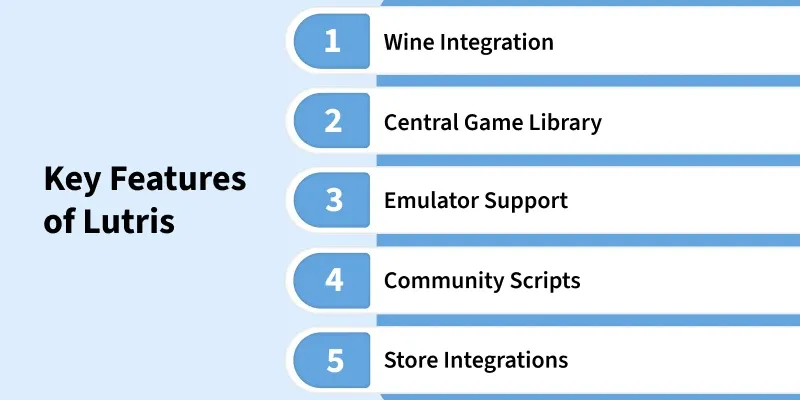
Wine Integration
- Allows Windows-only games to run on Linux
- Uses custom Wine builds for game compatibility
Central Game Library
- All games (Steam, GOG, Epic, Retro, etc.) managed in a single location
- Metadata and launcher integration for easy access
Emulator Support
- Supports classic consoles like PlayStation, Nintendo, Sega, Atari
- Retro titles run seamlessly through auto-configured emulators
- One-click install scripts maintained by the gaming community
- No manual patching or dependency hunting
Store Integrations
- Links with Steam, GOG, Epic, and more
- Import, install, and launch games from one dashboard
Why Lutris Requires Wine
Windows remains the primary platform for most AAA titles. Wine acts as a compatibility bridge so Lutris can run Windows games without requiring Windows installed.
Why Wine Is Necessary
- Enables Windows game runtime on Linux
- Lets Lutris auto-apply compatibility tweaks
- Optimizes FPS, Vulkan, DXVK, and shader translation
For Wine installation details, refer to: "How to Use Wine on Linux"
Install Lutris via Flatpak
Flatpak is the current official and stable method to install Lutris on Ubuntu, Linux Mint, and other supported Linux distributions.
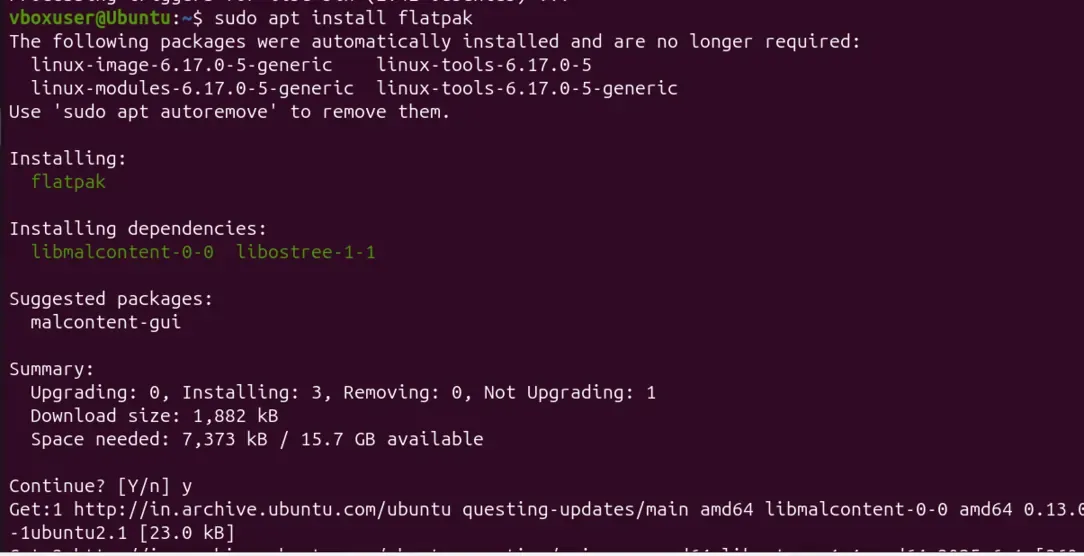
[Step 1]: Install Flatpak
sudo apt install flatpak
Installs Flatpak support so your system can run Flatpak-based applications.
[Step 2]: Add Flathub Repository (Required)
sudo flatpak remote-add --if-not-exists flathub https://flathub.org/repo/flathub.flatpakrepo
Adds the Flathub source, which is required to download Lutris and other Flatpak apps.

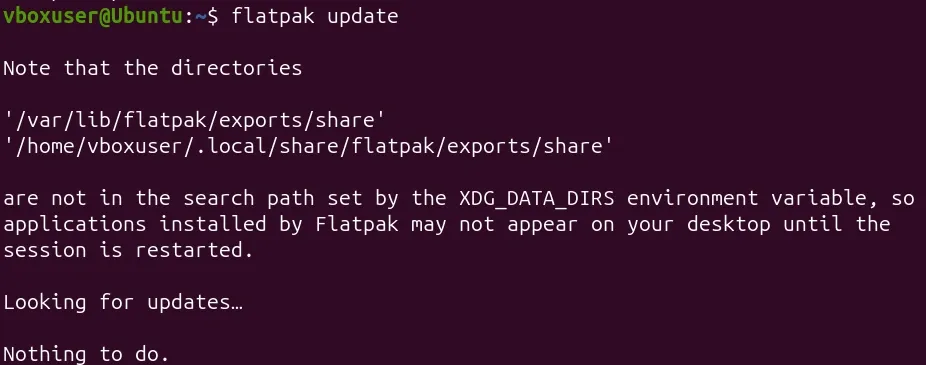
[Step 3]: Update Flatpak Sources
flatpak update
Refreshes Flatpak metadata and ensures the latest repository information is loaded.
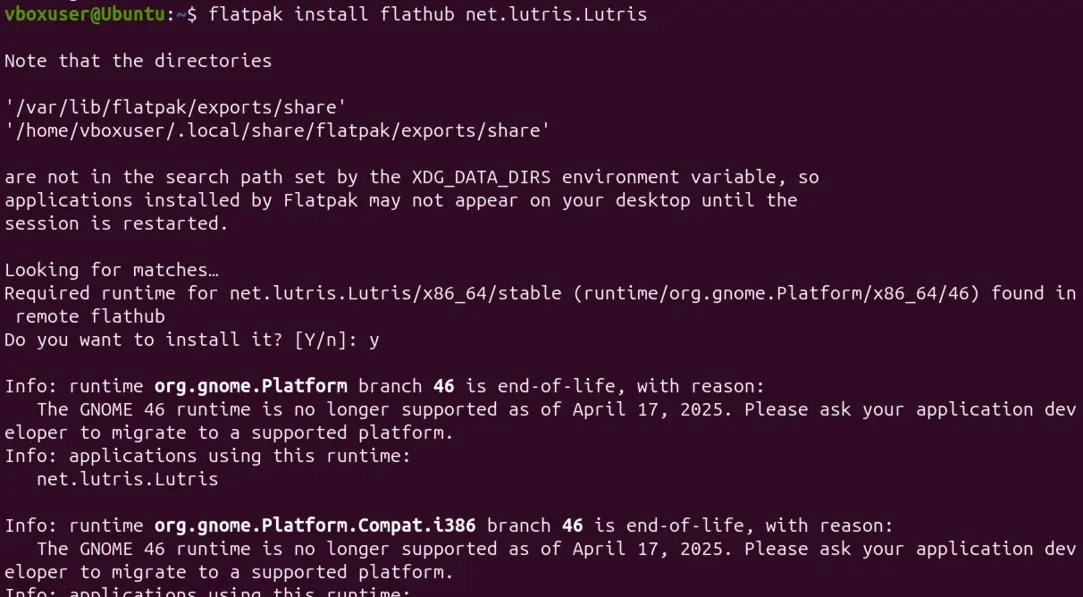
[Step 4]: Install Lutris
flatpak install flathub net.lutris.Lutris
Downloads and installs Lutris from the official Flathub repository.
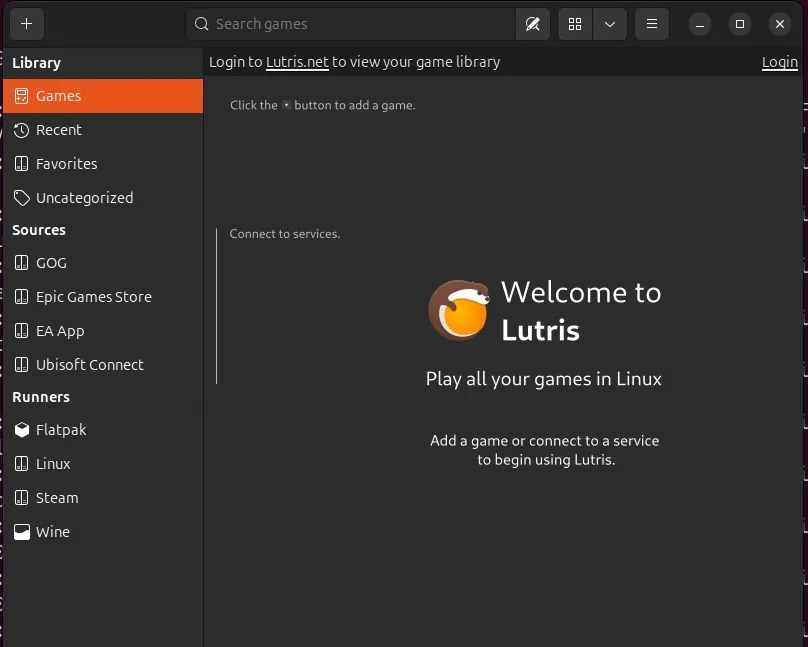
[Step 5]: Launch Lutris
flatpak run net.lutris.Lutris
Starts the Lutris application via Flatpak to verify a successful installation.
[Step 6]: (Optional but Recommended) Reboot
reboot
Reloads the desktop environment so Lutris appears correctly in the app launcher.
What You Can Do with Lutris
- Play Windows games without dual-booting
- Access Steam / Epic / GOG libraries together
- Run retro emulated games instantly
- Use Proton, Wine, DXVK, and Vulkan optimizations
- Auto-install game configs with one click