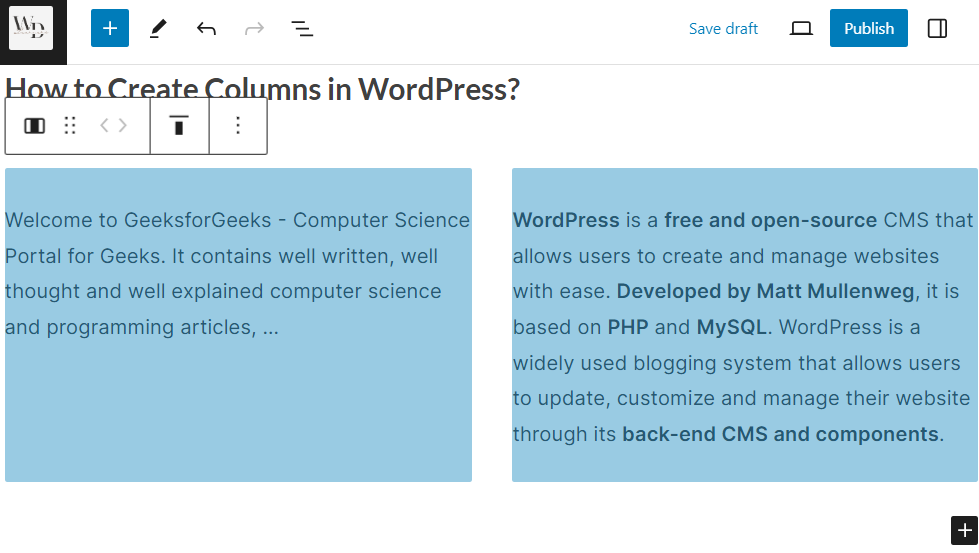
How to Create Columns in WordPress? (original) (raw)
Last Updated : 16 May, 2024
**WordPress is a powerful platform that offers a range of features to help you create a professional-looking website. One of the most useful features is the ability to create columns, which can help you organize your content and make it more visually appealing. In this article, we will see the complete steps to create columns in WordPress.
Steps to create columns in WordPress
**Step 1: Access the Page/Post Editor
Log in to your WordPress dashboard.
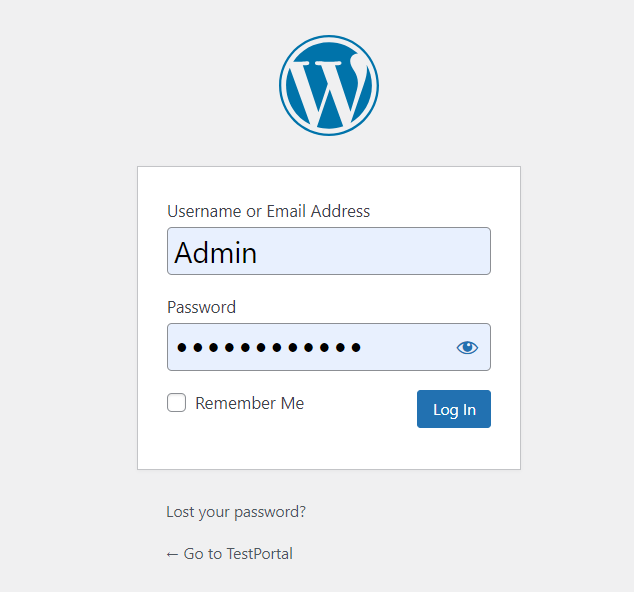
Navigate to the page or post where you want to add columns. Click on the "Edit" button to access the editor.
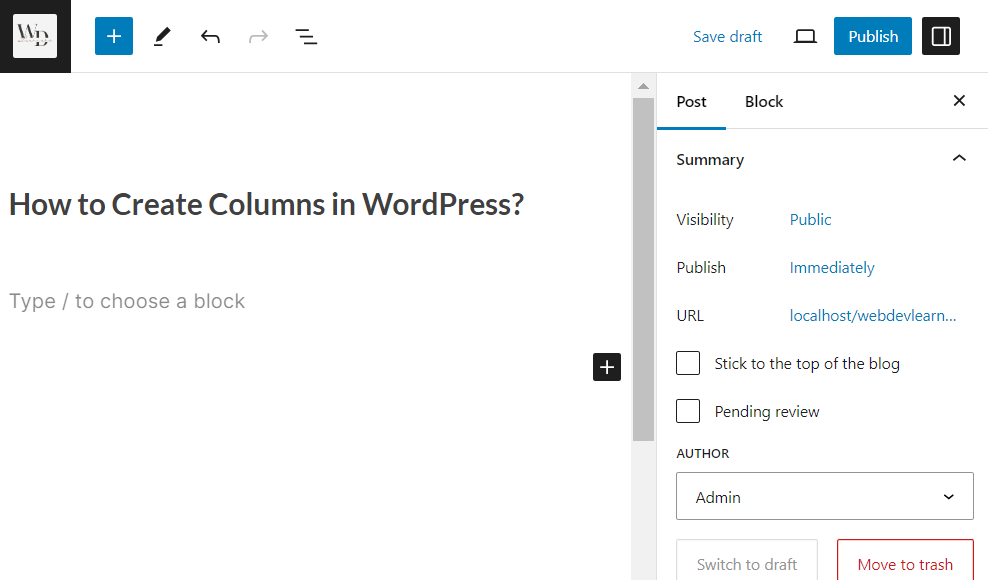
**Step 2: Using the Gutenberg Block Editor
- Click on the "+" icon to add a new block.
- Search for the "Columns" block or locate it in the "Layout Elements" section.
- Select the number of columns you want to create (e.g., two columns).
- You can now add content to each column by clicking on the "+" icon inside each column block.

Step 3: Set the Column Size
In this section, we have a different set of options to add columns. Here, we can select number of columns by using "Select a variation to start with" given size. Also, there is an option to customize the columns.

**Step 4: Adjust Column Settings (Optional)
- Click on the block settings icon (three vertical dots) in the top right corner of the block.
- Here, you can adjust the column layout, add a background color, adjust spacing, and more.
**Step 5: Preview and Publish
- After adding your content and customizing your columns, click on the "Preview" button to see how your columns look on the front end.
- If you are satisfied with the result, click on the "Publish" button to make your changes live.