How to Copy Page or Post in WordPress? (original) (raw)
Last Updated : 8 Jul, 2024
**WordPress is a platform for creating and managing content. Sometimes, you might want to duplicate an existing page or post to save time and maintain consistency. This article will walk you through the steps to easily copy a page or post in WordPress, making the process quick and straightforward. By following these steps, you'll be able to efficiently manage your content and keep your website organized.
Why Copy a Page or Post in WordPress?
Copying a page or post can be useful for several reasons:
- **Consistency: Maintain the same layout or design for multiple pages.
- **Efficiency: Save time by reusing existing content instead of starting from scratch.
- **A/B Testing: Create different versions of the same page to test which one performs better.
Step By Step Process to Copy Page or Post
**Step 1. Go to the WordPress login panel and enter the username and password to log in to the WordPress Dashboard. You can access the login panel by adding /login in at the end of your website URL.
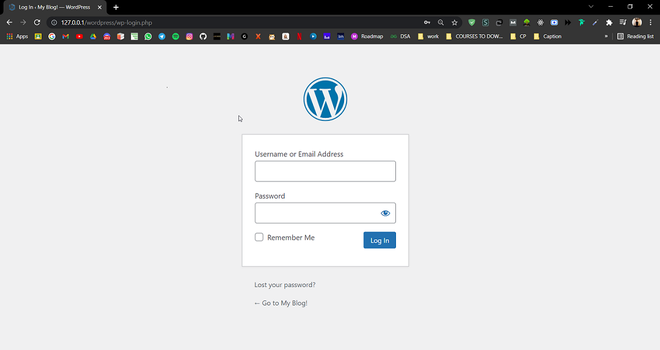
WordPress Login Panel
After login, you’ll see a similar dashboard like this:
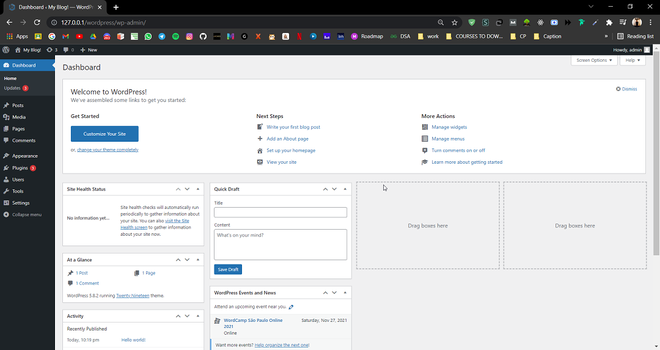
WordPress Dashboard
**Step 2. On the left side, you’ll see many options. Go to the **Plugins >> Add New.

**Step 3. You will find a search option there, search with the keyword "Duplicate". You'll see there are plenty of options to choose from, In this article, we are going to use a plugin called **Duplicate Page by mndsingh287.
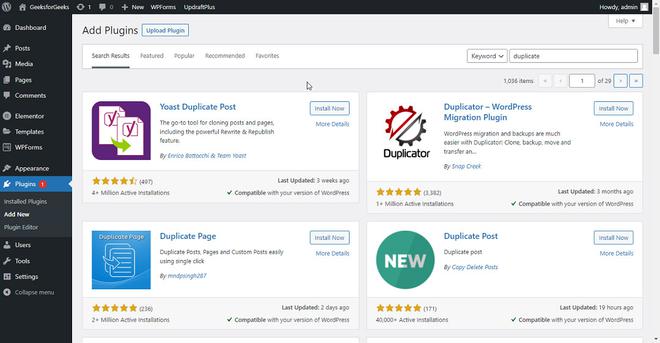
**Step 4. Click on Install now for installing the **Duplicate Page plugin and then, click on **Activate.
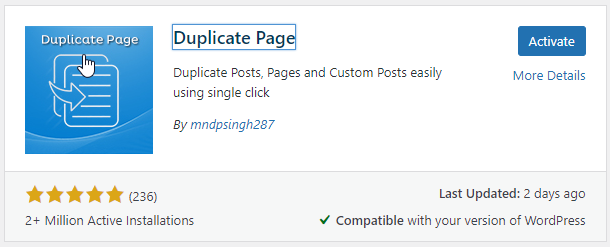
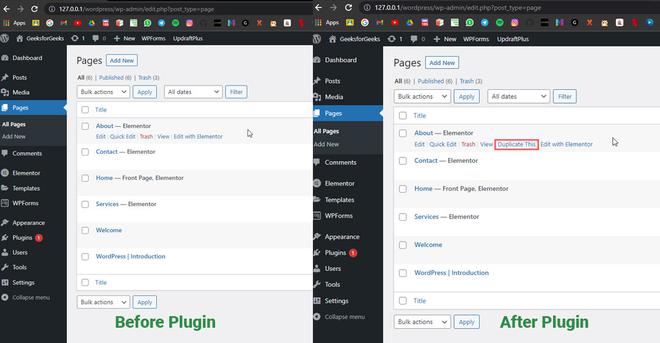
After successfully installing and activating the Duplicate Page plugin, you are ready to go and create a duplicate of any page or post that you want. Simply go to the page section from **Pages >> All Pages or **Post >> All Posts and hover to the page or post, there you'll find an option ****"Duplicate This"** click on it, and all done!
Best Practices for Duplicating Content
- **Update Content: Always update the duplicated content to avoid duplicate content penalties from search engines.
- **Change Titles and Slugs: Ensure the new page or post has a unique title and slug.
- **Check Internal Links: Update any internal links that might still point to the original page or post.
SEO Tips for Duplicated Content
When duplicating content, it's important to consider SEO to avoid potential issues with duplicate content penalties. Here are some tips:
- **Unique Titles and Meta Descriptions: Ensure each duplicated page or post has a unique title and meta description to avoid confusion for search engines.
- **Canonical URLs: Use canonical URLs to indicate the preferred version of a page to search engines.
- **Internal Linking: Update internal links to point to the new content where relevant.
Conclusion
Copying pages or posts in WordPress can significantly enhance your workflow, making it easier to manage and replicate content. Whether you use the built-in editor, a plugin, or custom code, each method has its benefits and can be tailored to your specific needs. By following this guide, you can efficiently duplicate your content and maintain a consistent and professional website.