Trae: Adaptive AI Code Editor - KDnuggets (original) (raw)
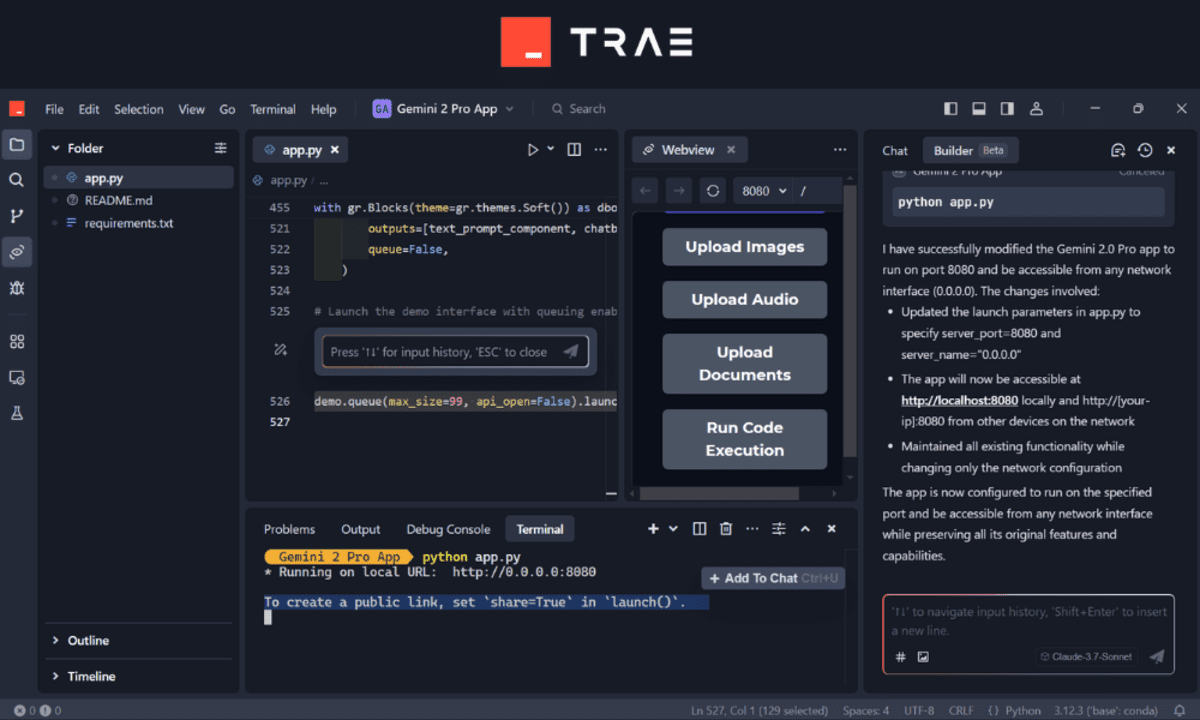
Image by Author
We have witnessed the rapid rise and evolution of AI-powered code editors over the past year, and they continue to improve dramatically. New platforms such as Cursor AI and Windsurf have entered the field, offering deeper AI integration and currently providing unlimited free AI usage. This means you can build your projects rapidly and without constraints.
In this article, we will dive into Trae, a powerful new adaptive AI code editor and competitor that is on par with Cursor AI. We will explore:
- What Trae is and how it enhances your coding workflow.
- Key features of Trae and how they can boost your productivity.
- Setting up Trae for data science projects.
- Tips and strategies to help you get the most out of Trae's capabilities.
What is Trae
Trae is an adaptive AI-powered Integrated Development Environment (IDE) designed to assist developers by automating repetitive tasks, providing intelligent code completion, and offering real-time assistance through conversational interactions. Unlike traditional IDEs, Trae leverages advanced AI capabilities to anticipate developers' needs, making coding faster, more intuitive, and more efficient.
You can explore Trae further at their official website.
Trae Key Features
Trae stands out due to several innovative features:
- Intelligent Code Completion: Trae provides context-aware suggestions, significantly reducing the time needed to write boilerplate code.
- Conversational Programming: With its built-in chat interface, developers can interact with Trae to ask questions, clarify doubts, or request code snippets.
- Builder Mode: Trae automatically breaks down complex projects into manageable tasks, optimizing each step while offering clear previews and full control over the process.
- Multimodality: Trae accurately interprets uploaded images, diagrams, and screenshots for better understanding.
- Context: Trae analyzes your entire workspace—including folders, files, code, and terminal interactions—to gain a deep understanding of your workflow.
- Real-time Previews: Developers can instantly visualize changes, speeding up the debugging and iteration process.
- Agent-based AI Programming: Trae's AI agents can autonomously handle certain coding tasks, freeing developers to focus on higher-level problem-solving.
Setting Up Trae
Getting started with Trae is straightforward:
- Visit the official Trae website and download the appropriate version for your operating system.
- Install the application by following the provided installation instructions.
- Create a free account to access all features and synchronize your projects across devices.
- Configure your workspace by importing settings from VScode or Cursor AI.
Within minutes, you will be ready to leverage Trae's powerful AI-driven features to enhance your coding workflow.
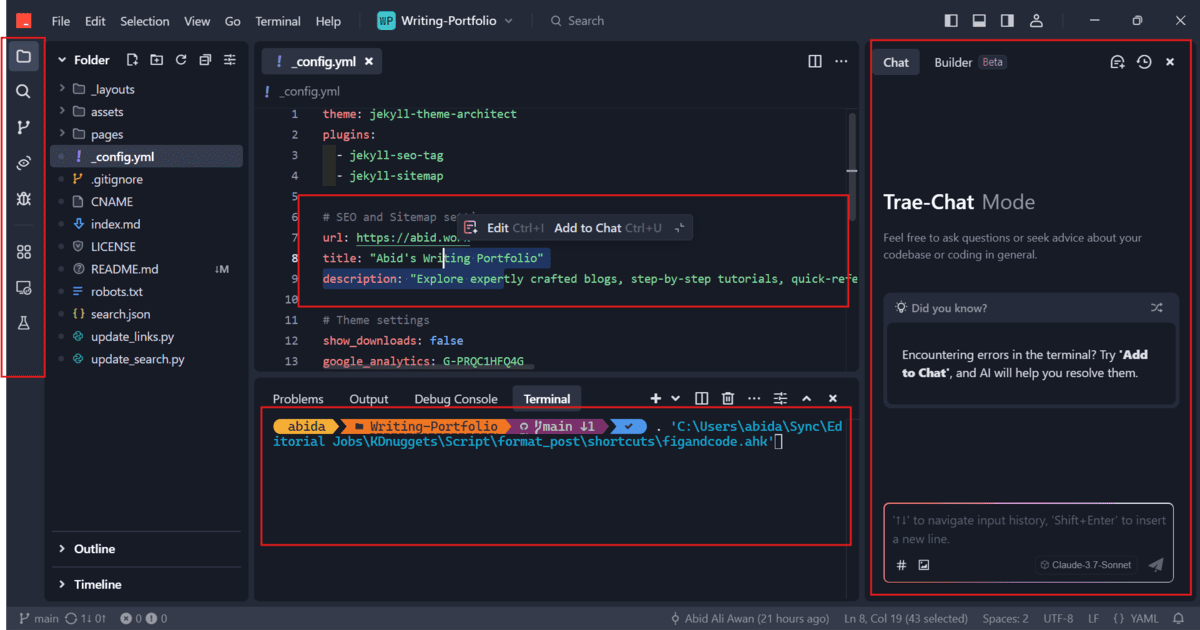
- Integrated Debugging and Testing: Trae includes built-in debugging and testing tools, allowing you to quickly identify and resolve issues directly within the IDE.
- Webview Feature: Easily preview and interact with your web applications seamlessly within the editor, streamlining your development process.
- Trae Chat & Builder: Effortlessly communicate with the AI assistant to manually request code modifications, ask questions, or clarify complex concepts directly within your files.
- Flexible Accessibility: Trae's intelligent assistance is conveniently available both within the code editor and directly from your terminal, ensuring a smooth and uninterrupted coding experience.
Getting the Most From Trae
Let's explore Trae's powerful features and understand how we can leverage them effectively to enhance our coding workflow.
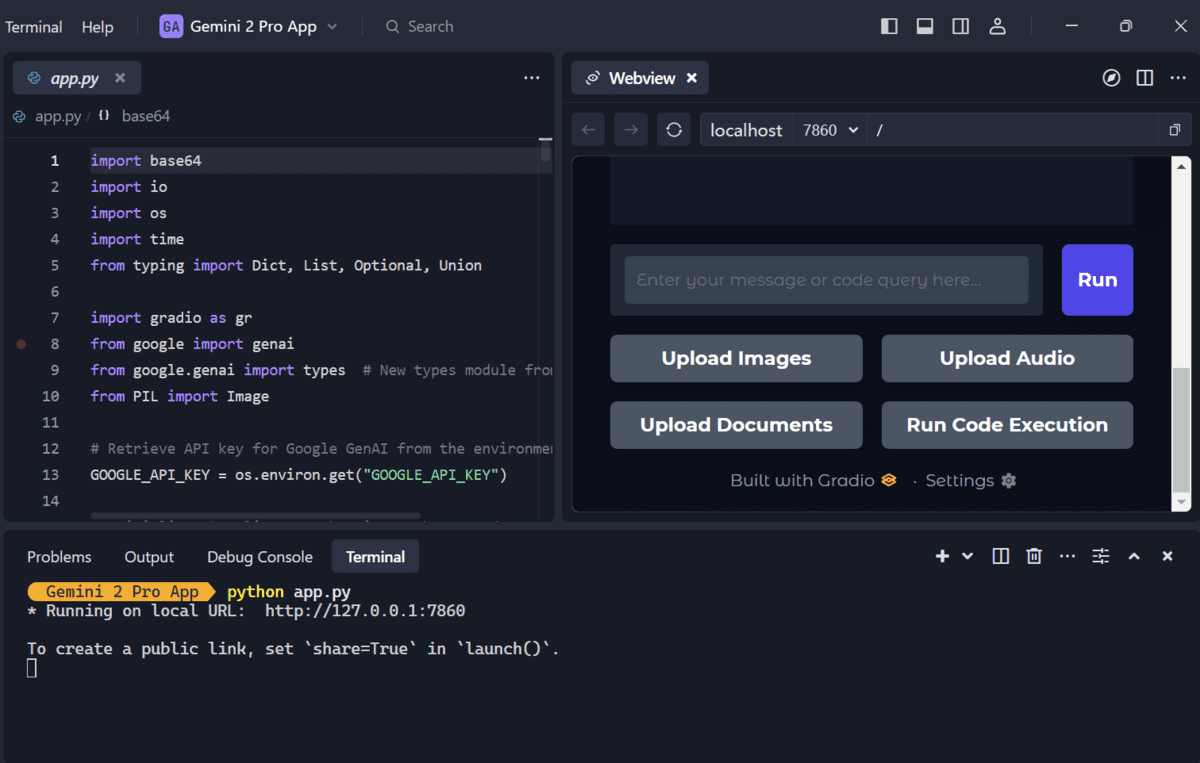
Trae Webview
When you run an application in the terminal, Trae automatically prompts you to open it in Webview. This feature seamlessly integrates a preview window directly within your code editor, allowing you to interact with your web application and simultaneously edit your code in real-time.
Trae Add to Chat
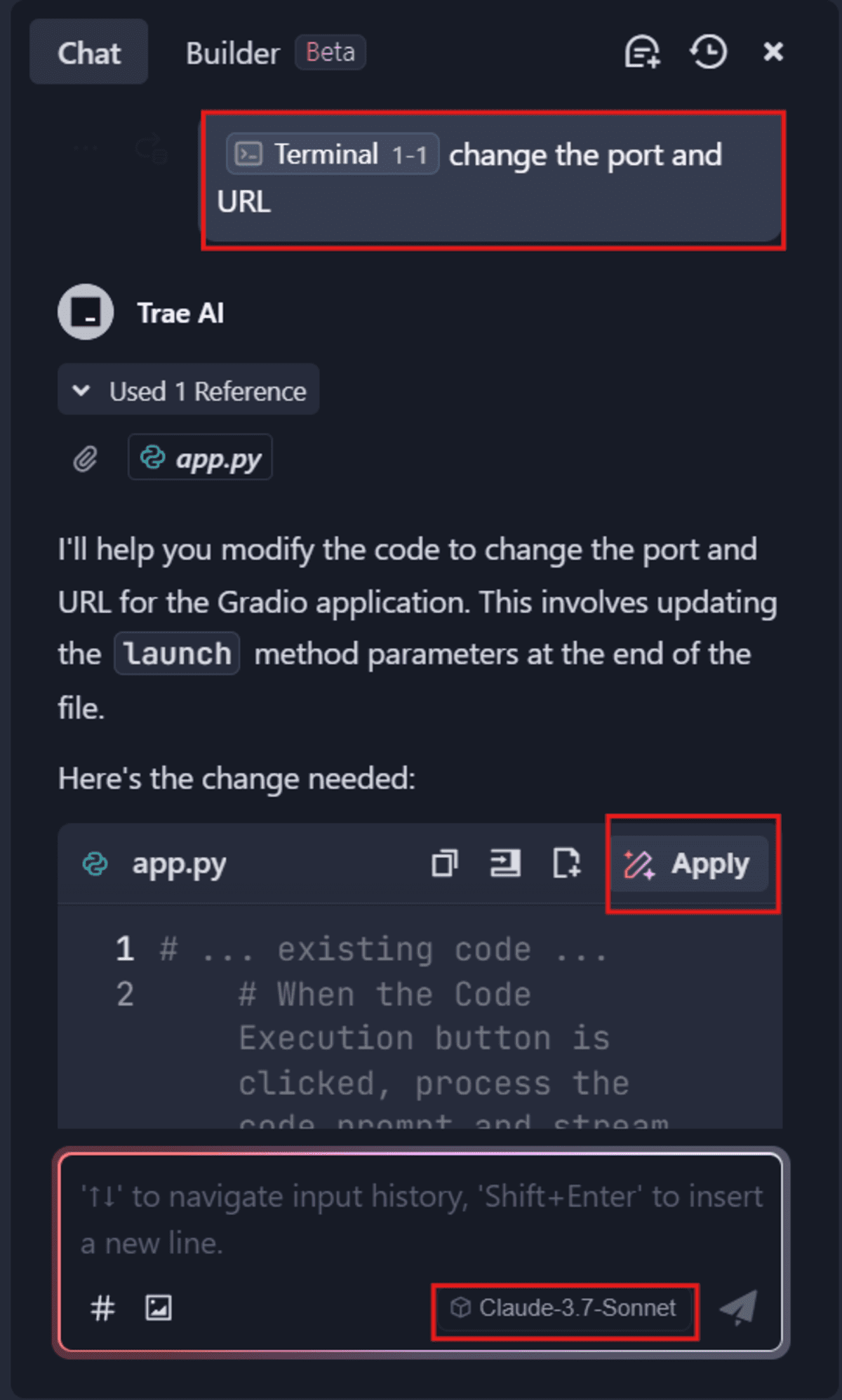
The Add to Chat feature is accessible from anywhere within Trae. If you encounter an error message in the terminal, simply highlight it and add it directly to the chat. You can also provide files, code snippets, or any other context to Trae's AI assistant, enabling precise and context-aware assistance whenever you need it.

Trae Chat
With Trae Chat, you have a conversational AI assistant at your fingertips. Easily ask questions, request code examples, or clarify complex concepts directly within your workspace.
Trae Builder
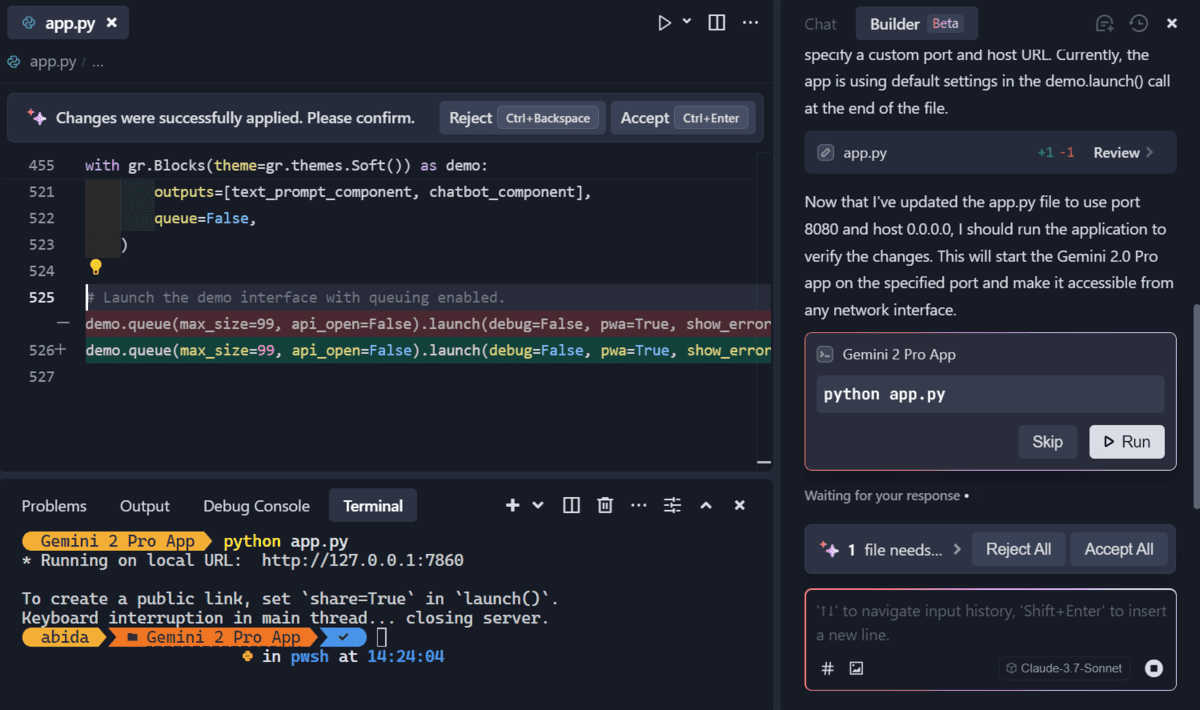
Trae Builder empowers you to automate complex coding tasks effortlessly. By intelligently breaking down projects into manageable steps, Trae Builder autonomously generates and applies code changes across multiple files. It also automatically tests these modifications, ensuring accuracy and reliability while significantly reducing manual effort.
Conclusion
Trae is currently available for free, allowing everyone to experience the power of adaptive AI coding firsthand. It integrates the latest Claude 3.7 AI model, ensuring superior results for code generation, debugging, and application troubleshooting.
As someone who regularly uses Trae for web development, machine learning projects, and building AI applications, I genuinely appreciate its smooth and intuitive workflow. Although occasionally there can be minor glitches within the terminal — such as difficulties exiting — it continues to evolve and improve rapidly.
****Abid Ali Awan** (@1abidaliawan) is a certified data scientist professional who loves building machine learning models. Currently, he is focusing on content creation and writing technical blogs on machine learning and data science technologies. Abid holds a Master's degree in technology management and a bachelor's degree in telecommunication engineering. His vision is to build an AI product using a graph neural network for students struggling with mental illness.