How To Remove Firefox From Ubuntu - Linux Start (original) (raw)
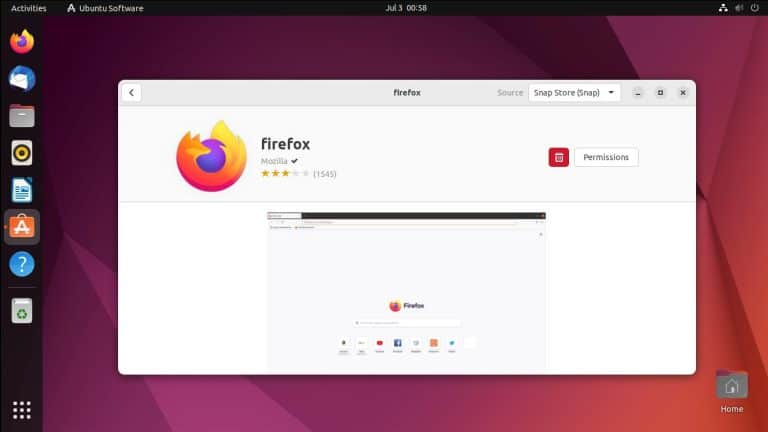
Firefox is the default browser on Ubuntu, and a lot of users are not a fan of the fact that it’s packaged as a snap.
Even if you try to remove it, it automatically gets reinstalled due to Snap’s auto-updates. And the .deb package in the Ubuntu repo is only a transitional package to the Firefox snap which further adds to the discontent.
If you’re unhappy with this as well, you can follow the steps from this article to completely remove the Firefox snap from Ubuntu.
Remove Installed Firefox Versions
First, backup any user data you want to keep such as bookmarks. Then, remove any Firefox versions currently installed on your system.
To remove Firefox with apt,
sudo apt purge firefoxTo remove the Firefox snap, disable the snap if required, then purge it.
snap disable firefox
sudo snap remove --purge firefox
Prevent Firefox Snap from Reinstalling
One way to ensure that Firefox doesn’t get reinstalled is to remove Snap entirely from Ubuntu.
But if you don’t want such a destructive method and only want to remove the Firefox snap, you can create an apt preference file and set the Firefox snap to negative priority. With this configuration, snap won’t automatically reinstall Firefox.
sudo nano /etc/apt/preferences.d/firefox-snap-prefUse the following config to set the Ubuntu* releases to -1.
Package: firefox*
Pin: release o=Ubuntu*
Pin-Priority: -1
(Optional) Install Firefox with Apt
After removing Firefox, you could switch to a different browser like Chrome or Brave. Or if your issue was only with Snap, then you could also install Firefox with apt.
As mentioned, the Firefox package in the official repo is only a dummy package that links to the Firefox snap. So, you’ll have to get Firefox from a different source. The best option here is the official MozillaTeam PPA.
Add this PPA using the add-apt-repository script.
sudo add-apt-repository ppa:mozillateam/ppaThen, create another apt preference file to ensure the PPA is at a higher priority than the snap.
sudo nano /etc/apt/preferences.d/firefox-ppa-prefUse the following configuration:
Package: firefox*
Pin: release o=LP-PPA-mozillateam
Pin-Priority: 501
Finally, update your package index to make the packages from the PPA available, then install Firefox.
sudo apt update && sudo apt install firefox