How To Install Sublime Text On Ubuntu - Linux Start (original) (raw)
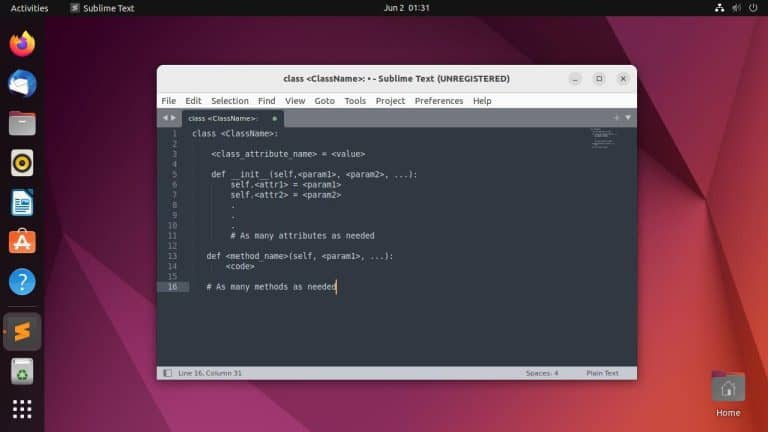
Sublime Text is a cross-platform text editor that’s preferred for being smooth and lightweight. It’s not as popular on Linux due to competing editors like VS Code or vim, but it’s a powerful tool nonetheless. We’ll cover multiple ways to install it on Ubuntu in this article.
Install Sublime Text from Official Repo
First, install the GPG key to ensure that you get the package from the intended source.
wget -qO - https://download.sublimetext.com/sublimehq-pub.gpg | gpg --dearmor | sudo tee /etc/apt/trusted.gpg.d/sublimehq-archive.gpg > /dev/nullThen, add the Sublime Text repository to your sources list.
echo "deb https://download.sublimetext.com/ apt/stable/" | sudo tee /etc/apt/sources.list.d/sublime-text.listThis will add the stable channel. You can add the dev repo if you want, but the dev builds are for licensed users only, so just keep that in mind.
echo "deb https://download.sublimetext.com/ apt/dev/" | sudo tee /etc/apt/sources.list.d/sublime-text.listNow, update your apt sources to make the chosen version of Sublime Text available through apt.
sudo apt updateFinally, install Sublime Text using
sudo apt install sublime-textAfter installing Sublime Text, you can launch it from the Applications menu, or from the terminal by entering
sublLocal Install Using deb package
We recommend sticking to the earlier method if possible as it’s better for things like maintenance. But if you need to install Sublime Text on an offline machine, you can use the portable deb file.
You can install the .deb file with the command shown below. Just make sure to adjust the filename to the one you downloaded.
sudo apt install ./sublime-text_build-4143_amd64.debIf the file is in a different directory, specify the full file path like so
sudo apt install /home/anup/Downloads/sublime-text_build-4143_amd64.debThese commands are quick and convenient, but you can also install the package graphically if you want. To do this, right-click the file and select Open With Another Application > Software Install.
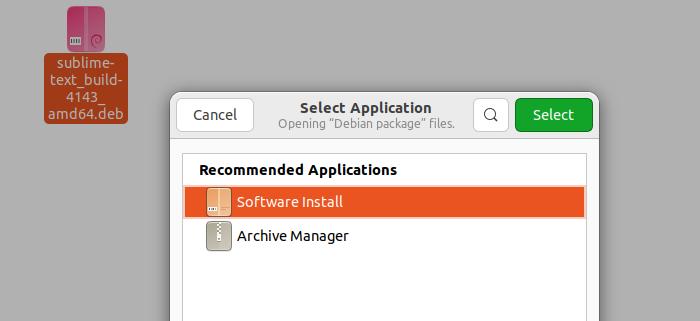
Click on Install and enter your password to proceed.
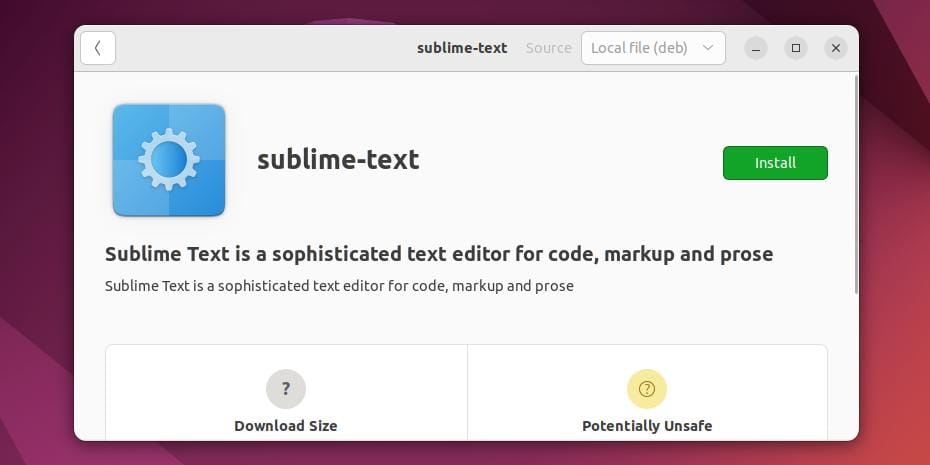
Regardless of how you install it, you can launch Sublime Text afterward from the Applications menu.
Install Sublime Text with Snap
If you want the method with the least maintenance requirements, you can install Sublime Text using snap. Enter the following command in the terminal
sudo snap install sublime-textOr, search and install Sublime Text from the Ubuntu Store if you prefer a graphical approach.
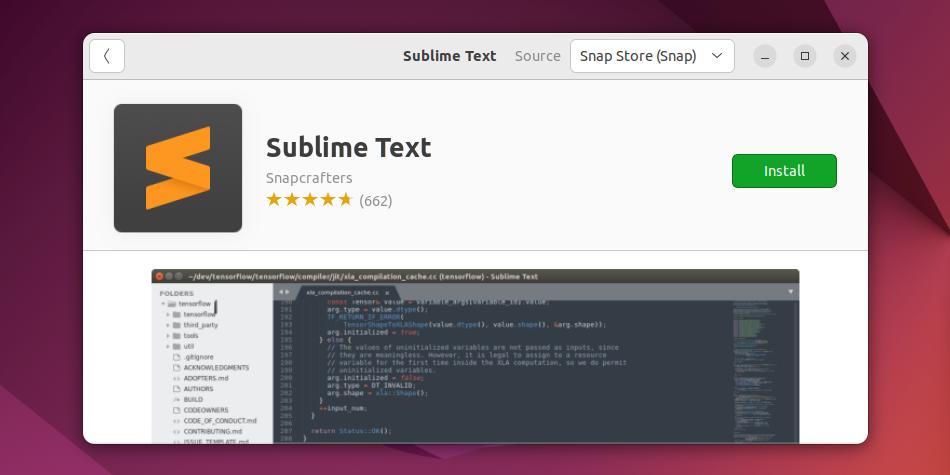
Then, you can open it from the Applications menu, or from the terminal by entering
subl