Microsoft Teams Audio Conferencing | Microsoft Teams (original) (raw)

No internet? No problem. Join a meeting using Microsoft Teams Audio Conferencing.
Take meetings on your terms
Use a global audio conference system dial-in number to join a call from virtually any device.
Simply dial in to a meeting
Join meetings by dialing a toll or toll-free phone number and entering a conference ID.
Bring everyone together
Add people to your meeting by dialing out using the Teams app.
Simple setup and management
Easily add, monitor, and manage audio conferencing from the Teams admin center.
Conference room audio/video solutions
Bridge the hybrid work gap with meetings where everyone can fully participate.
Never miss a meeting with Teams Audio Conferencing
Check out a few features that Teams Audio Conferencing offers.
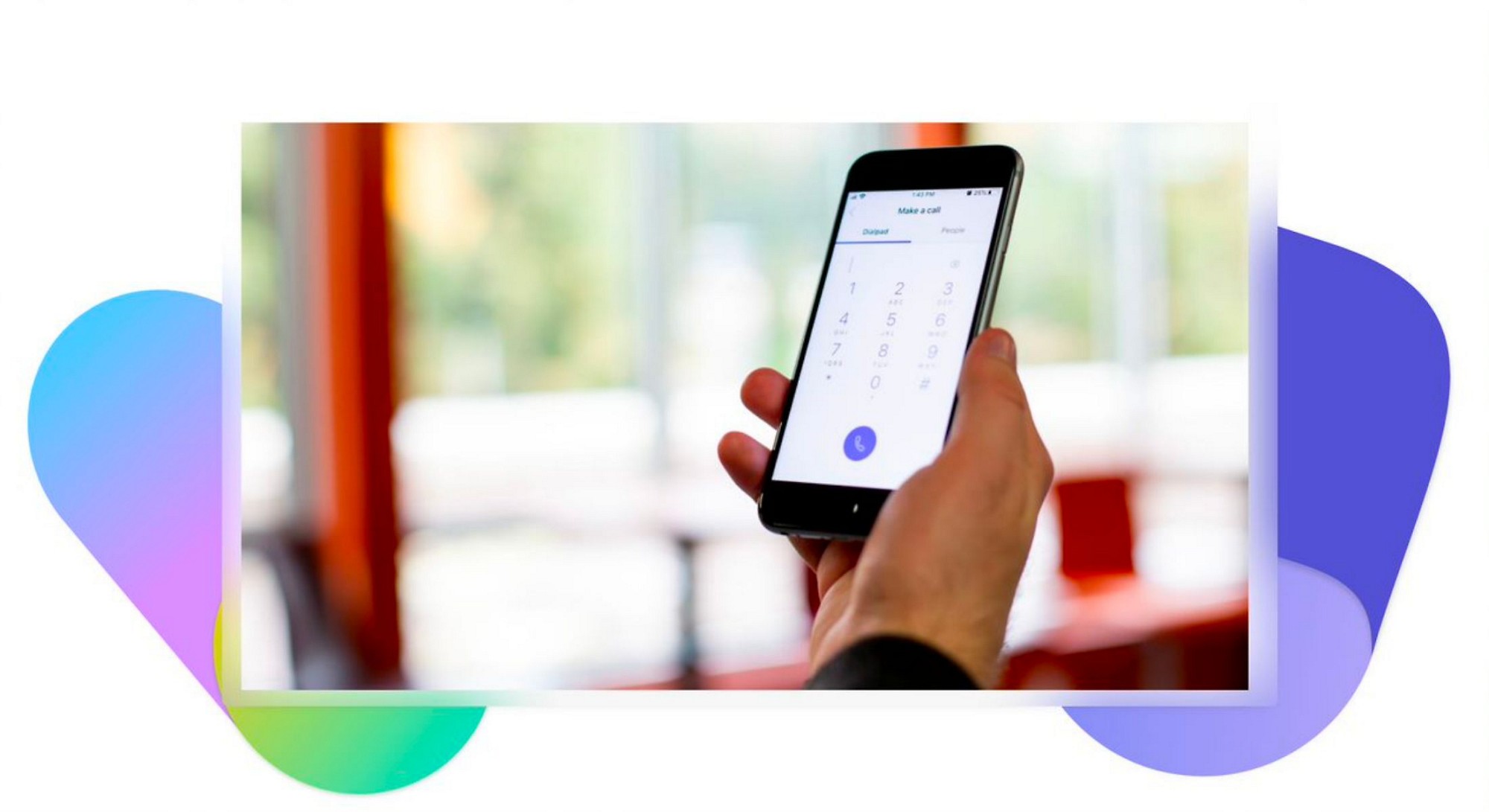
Dial in
Simply dial the phone number for your meeting and enter the conference ID to join.

Dial out
Add others to your meeting using the Microsoft Teams app.
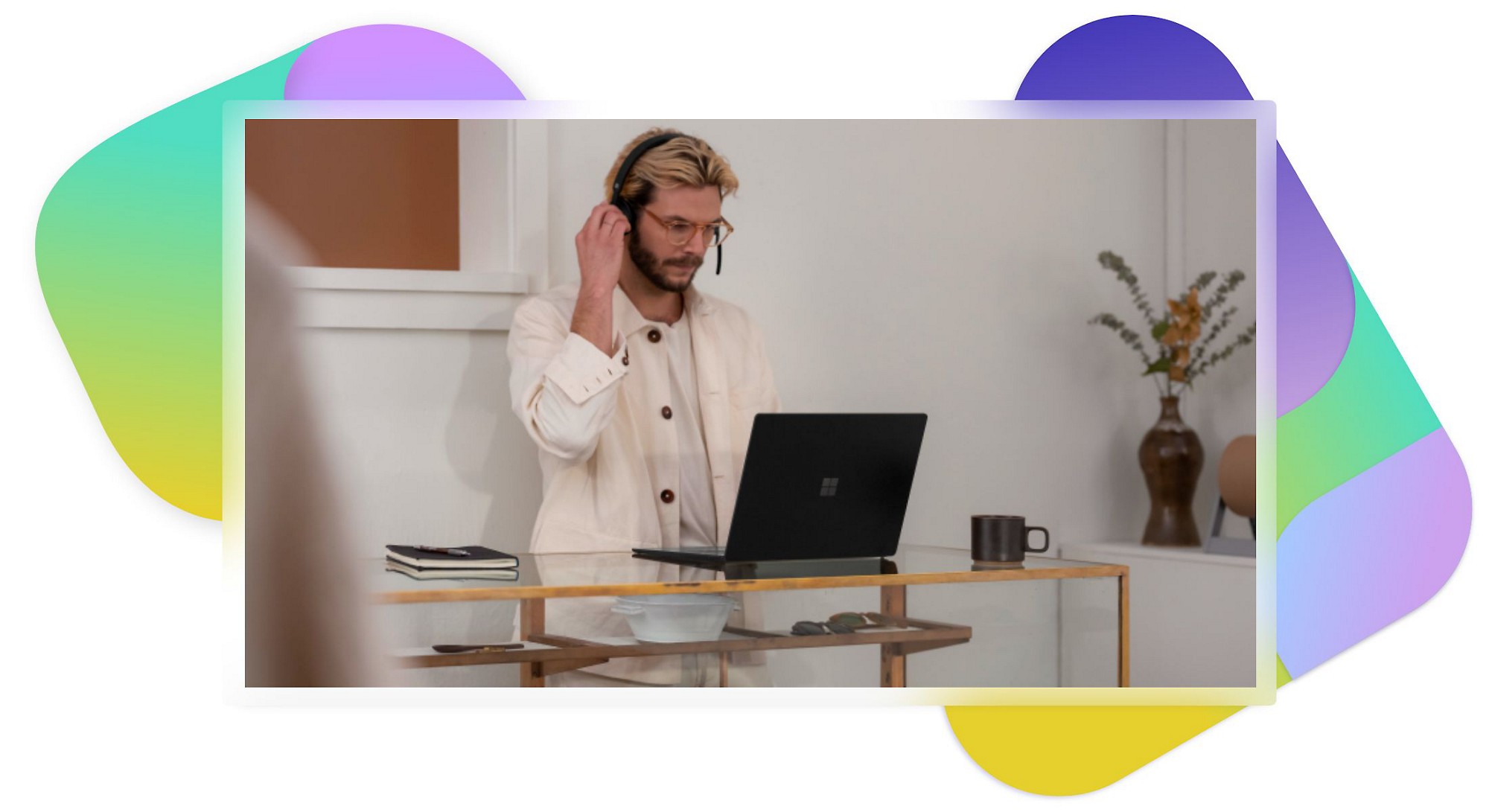
Call me feature
Join the audio portion of a meeting by calling your own phone number.
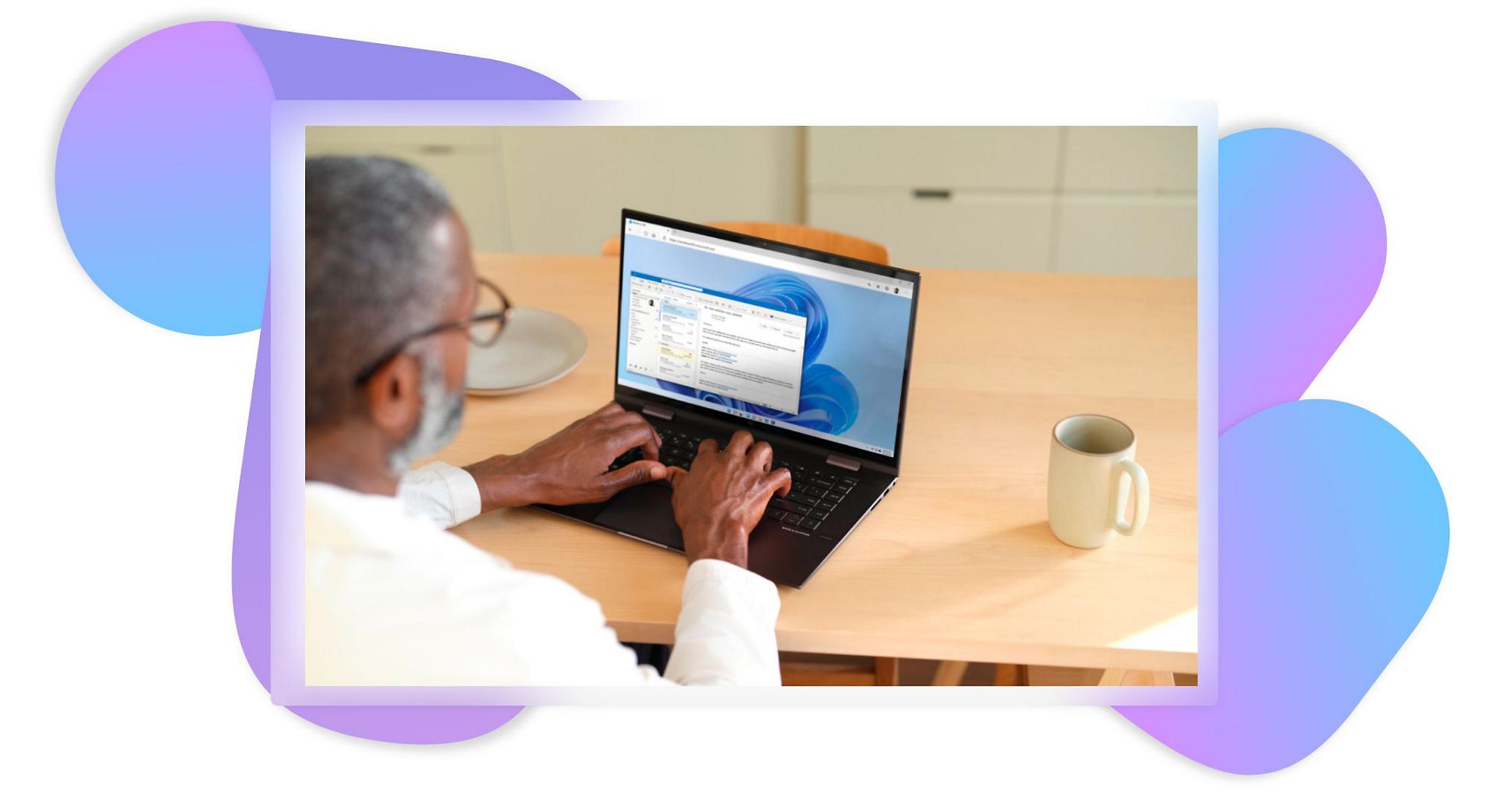
Improved privacy
Feel at ease knowing that your meeting is accessible only to those who have the conference ID.

Hands-free option
Multitask by using a Bluetooth device.
Back to Tabs
More Teams Audio Conferencing resources
Audio conferencing etiquette to share with coworkers
Four tactics for effective conference calls
Simplify your work life with audio conferencing in Teams
Learn how diverse industries are using Teams to streamline communication.
Go Narrative recreates the magic of in-person workshops using Microsoft Teams
Learn how Go Narrative used Teams to shift its in-person workshops to a virtual format—and still captured the energy of brainstorming, whiteboarding, and breakout sessions.
REI Co-op gets even more out of its Microsoft Teams move with Teams Phone
Find out how REI Co-op empowered its employees by transitioning to a unified communications experience that improves productivity and collaboration.
Microsoft Teams Audio Conferencing with dial-out to USA/CAN
Originally starting from Free now starting from Free
Free Free
Add to your Office 365 or Microsoft 365 plan
Microsoft Teams Audio Conferencing with dial-out to the United States and Canada includes:
- Unlimited toll dial-in minutes3
- 60 dial-out minutes/user/month pooled at the tenant level to United States and Canada phone numbers
- Microsoft Teams license required. If you don't have a Teams license, learn more on the Teams Enterprise page.4
See rates for where you want to call
Get a detailed list of the standard subscription and pay-per-minute rates for your agreement by country or region and by currency. Communications Credits rates are for charges not included in your subscription plan.1
Step 1*
Select the country or region for your organization’s billing address
Step 2*
Select your currency
Step 3*
Select your rate type2
Frequently asked questions
Teams Audio Conferencing allows meeting attendees to dial in to Teams meetings from virtually any device. Meeting organizers can also dial out to attendees to connect them to the audio portion of the meeting. Consolidate conferencing solutions, simplify operations, and reduce complexity and support costs for IT while enabling your employees to work from virtually anywhere.
Communications Credits offer a pay-as-you-go model that allows Microsoft Teams users to pay for service outside of their subscription offerings. In addition, Communications Credits are a way to safeguard potential service outages if a user exceeds the allocated monthly minute limits within their subscription. Learn more.
For Audio Conferencing services, there is a distinction between two types of countries. Countries that are considered Zone A/included dial-out will have 60 minutes per user per month of dial-out conferencing, pooled at the tenant level, included as part of their service plan. Learn more.
Customers in countries that are considered pay-as-you-go dial-out will not have dial-out conferencing included in their service plans. Customers in pay-as-you-go dial-out countries must establish a Communications Credits account and will be charged by the minute for all dial-out conferencing usage. Learn more.
Meetings must be organized by a licensed user. Administrators can add users in the admin center. Learn more.