Windows Backup: How to Back Up Files to Transfer Between Devices | Microsoft (original) (raw)

Transfer your data with Windows Backup
You’ve got important stuff on your PC. Take your files and most settings and apps6 with you to your new Windows 11 computer with Windows Backup.1 2 5
Windows Backup is part of the latest update for Windows 10 and Windows 11 PCs. When you sign in with your Microsoft account, Windows Backup will help you securely save and transfer what’s important to you.5 6
Back up your PC files to OneDrive
The best, most secure way to back up your Windows 10 PC is with OneDrive.2 Easily move your files and memories to the cloud, then access them on your new computer.3
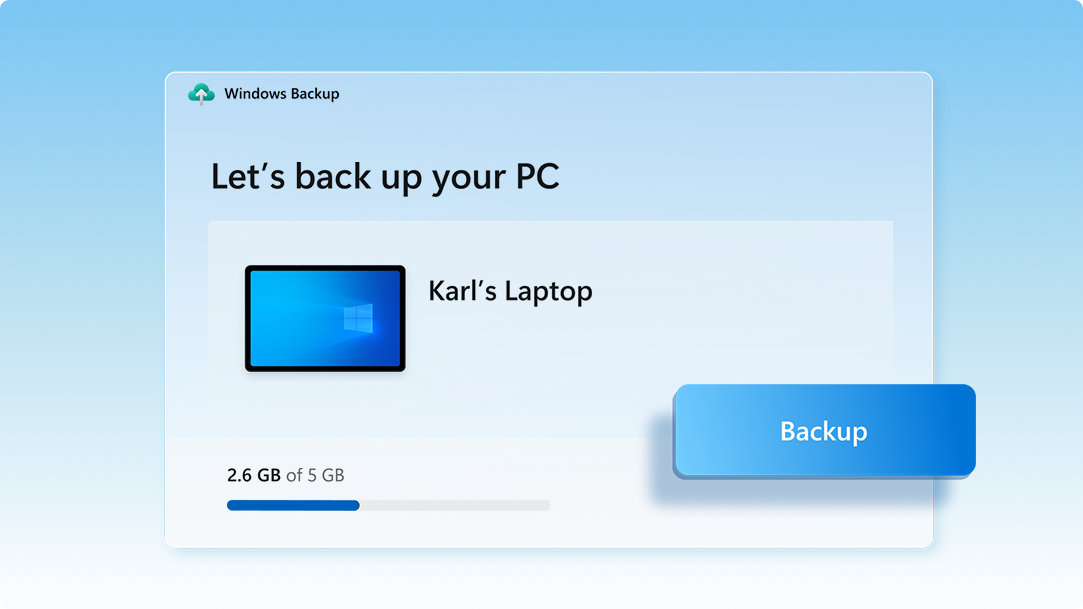
Save your files, settings, and apps
When you save what you love on your old PC, Windows Backup will save you time by automatically moving your data to your new computer.3

Feel instantly at home on your new PC
When you set up your new Windows 11 PC, you’ll be able to restore your stuff and settle into the best Windows experience ever.
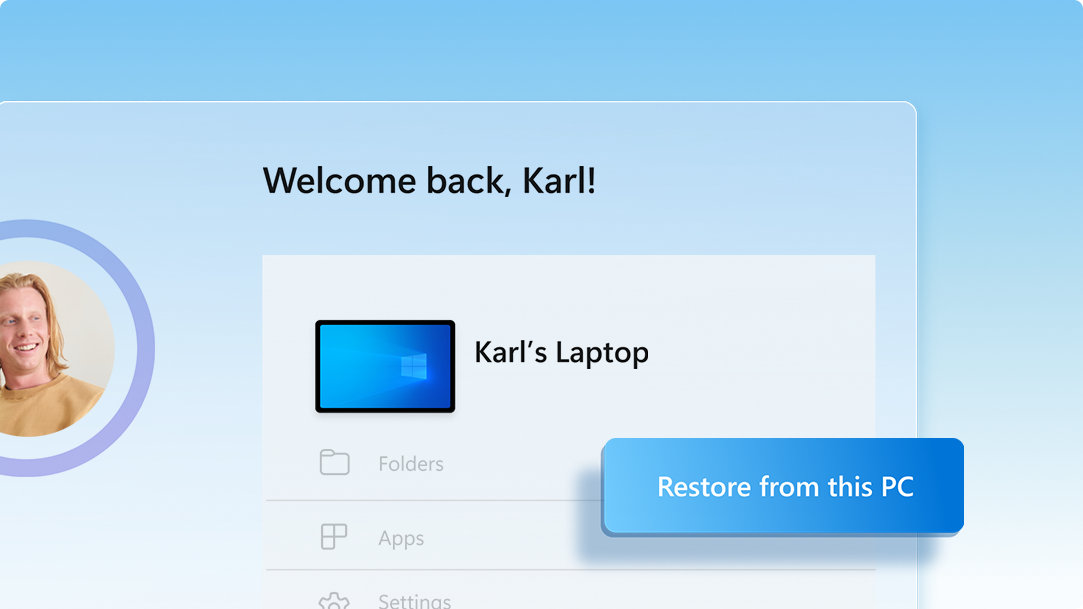
3 steps to secure and move your data with Windows Backup
When you’re ready to make the move, follow these instructions to save, then transfer your files and most settings and apps6 to your new Windows 11 PC.5
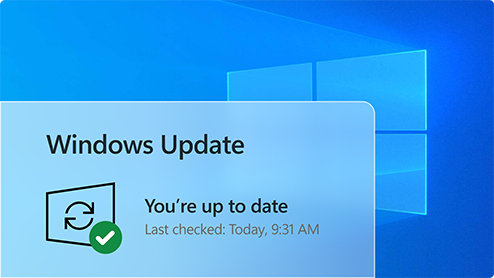
1. Update your Windows 10 PC
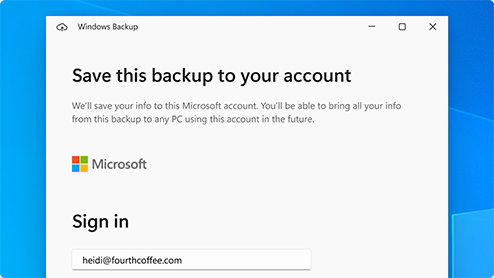
2. Save to Windows Backup
Use the Search bar in Windows 10 to locate and open Windows Backup, then follow the steps to save your data to your Microsoft account.3
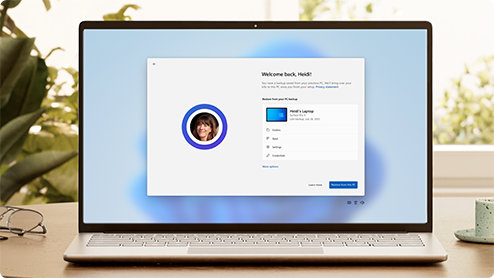
3. You’re ready to transfer your data
The first time you start your new Windows 11 PC, sign in and follow the setup instructions to bring your stuff with you.3 5 6
Ready to find your next PC?
Moving to a new PC has never been easier. Shop, filter, and compare Windows computers so you can find the right one for you.
Frequently asked questions
- OneDrive is a Microsoft cloud storage service that lets you store your personal files in one place, share them with others, and get to them from any device connected to the internet.2
Learn more about OneDrive > - Check out this brief video that will walk you through a few quick steps to set up an account.
- A free OneDrive basic account offers 5 GB of storage.2 Need more space? No problem, see available options.
- If OneDrive is not the best fit for you, there are other options available. For example, you can use an external hard drive along with Windows Backup.1 There are also other programs designed to help with backing up your files and data and some retailers have service desks that will do the work for you. Learn how.
- You can use Windows Backup to restore your list of apps on a new Windows 11 PC.1 Apps will not be transferred or automatically installed. When you open apps for the first time on your new Windows 11 PC, some will reinstall directly from the Microsoft Store when you first open them. Other apps may require you to reinstall them manually from the original app provider.
Looking for more?
Get help with your transition to Windows 11, and make the most of your Windows experience.
Get OneDrive
Securely save and share what’s important to you with OneDrive, Microsoft’s cloud-based storage that allows you to access and organize your documents, photos, and more wherever you are.
Compare Windows 10 & 11
See the new Windows 11 features and updates, compare them to features you know in Windows 10, and find the right version of Windows 11 for you.
Learn more about Windows 11
Intuitive navigation. Easy organization. Faster performance. Plus, new features to unlock your productivity and creativity. Learn more and see why Windows 11 is the best Windows ever.
- Screens simulated. Features and app availability may vary by region.
- [1] Windows can back up files, settings, and apps from PCs running Windows 10 and higher. Restore is available on Windows 11, version 22H2 and higher. Geographic restrictions may apply.
- [2] Requires Microsoft account. Up to 5 GB of Microsoft Storage is included. Data transfers exceeding 5 GB require an active Microsoft subscription or trial.
- [3] Internet access required. Fees may apply.
- [4] Windows 11 Home and Pro editions require internet connectivity and a Microsoft account to complete device setup on first use.
- [5] Using Windows Backup to restore to a Windows 11 PC requires you to sign in during initial device setup with the same Microsoft account you used for Windows 10 PC backup.
- [6] When you open apps for the first time on your new Windows 11 PC, some will reinstall when you first open them. Other apps may require you to reinstall them manually from the original app provider.