Mindomo - Collaborative Mind Map Maker (original) (raw)
Mind maps, Concept maps, Outlines, and Gantt charts
Real-time editing & offline editing, AI-powered, cross-platform, sync across devices, full history tracking, full-text search, hundreds of easy-to-use templates
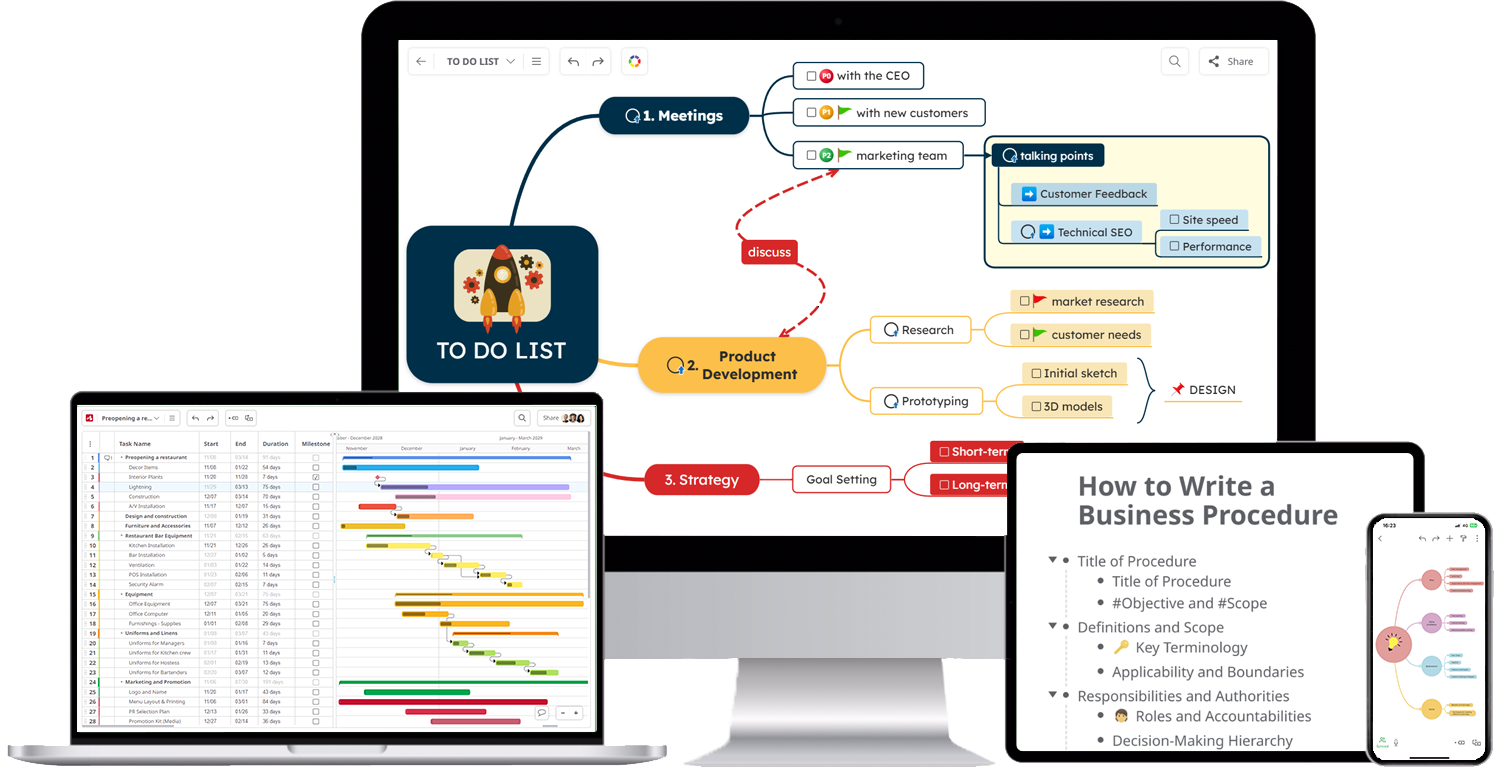


Trusted by the world’s most innovative teams
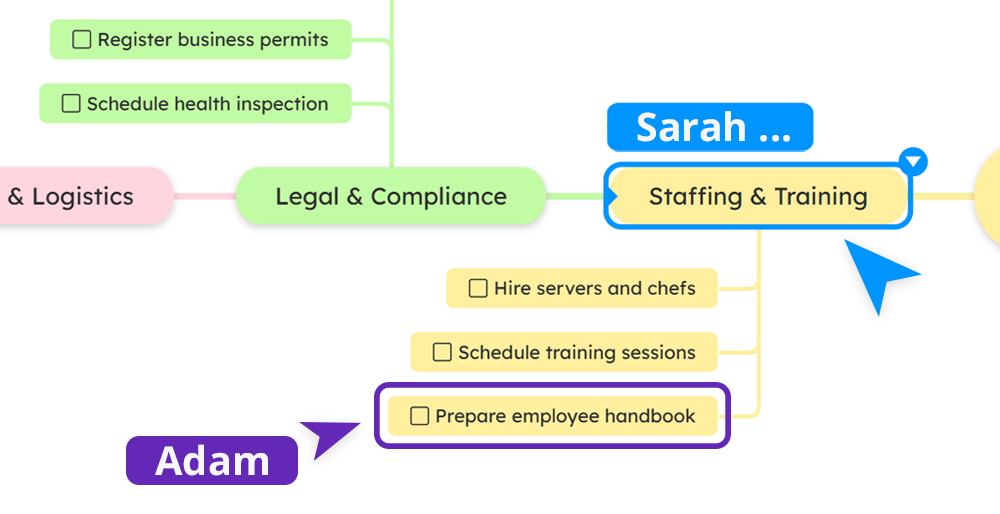
Real-time collaboration
Collaborate in real time to build ideas together, sync changes instantly, and access diagrams from any device.
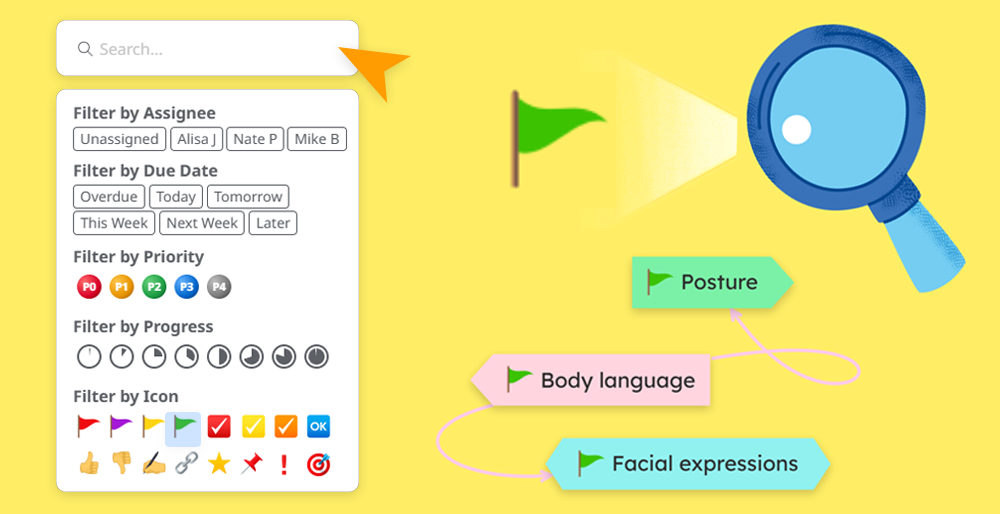
Visual Tags & Filters
Use visual markers to categorize and highlight concepts. Search and filter topics using icons and labels for quick navigation.
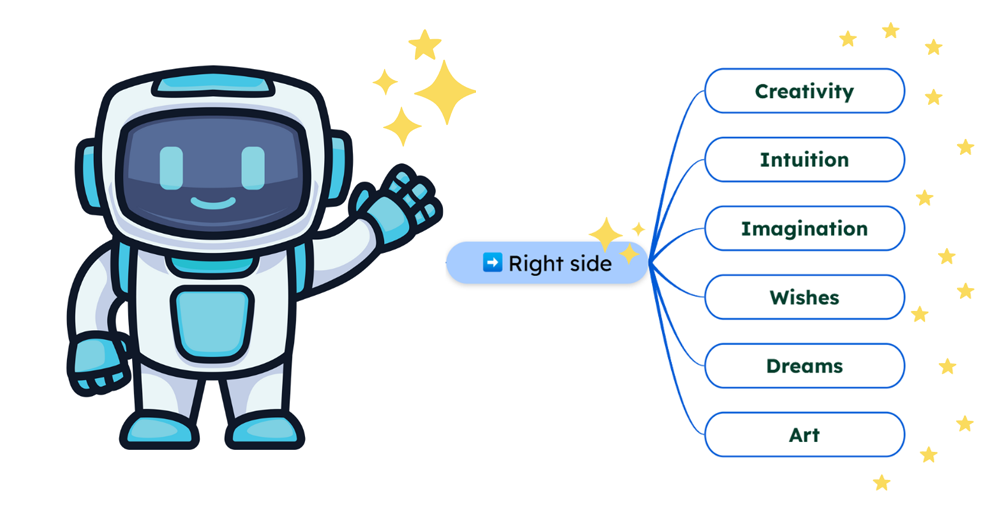
AI brainstorms
Generate a brainstorming mind map from scratch with AI. Just type your prompt and you'll get a complete diagram in seconds.
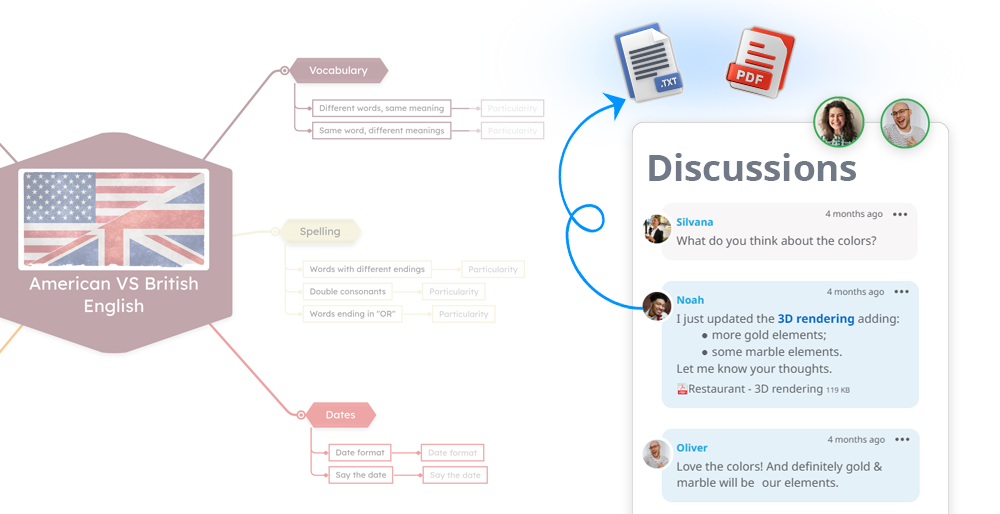
Notes & Discussion
Add context or feedback without cluttering the diagram. You can also attach images or documents.
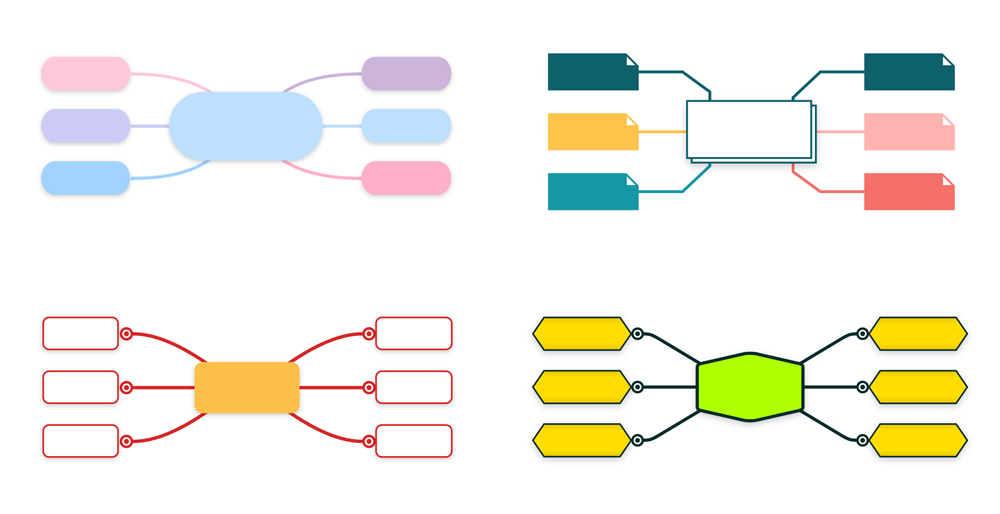
Styling
Apply theme styles, color palettes, or customize visual layouts to highlight key ideas and improve clarity.
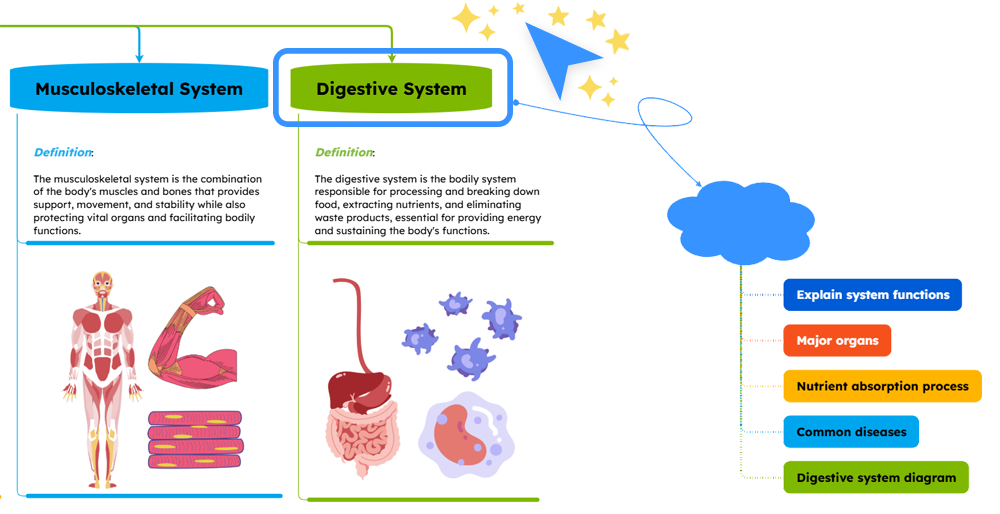
Refine with AI
Quickly refine and structure your content using Mindomo AI to add topics, questions, analyses, and explanations.
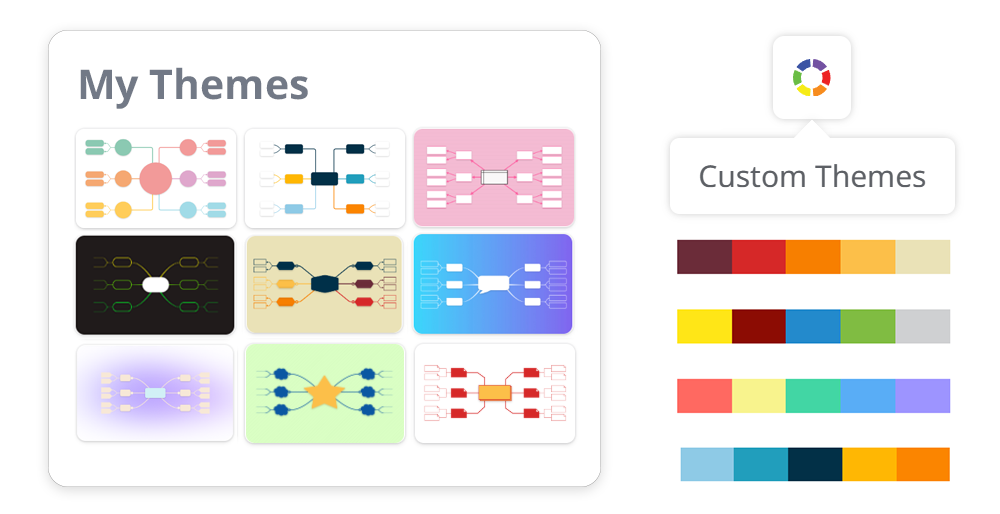
Custom diagram themes
Apply personalized themes to match your style or project needs. Create, save, and reuse your own themes.
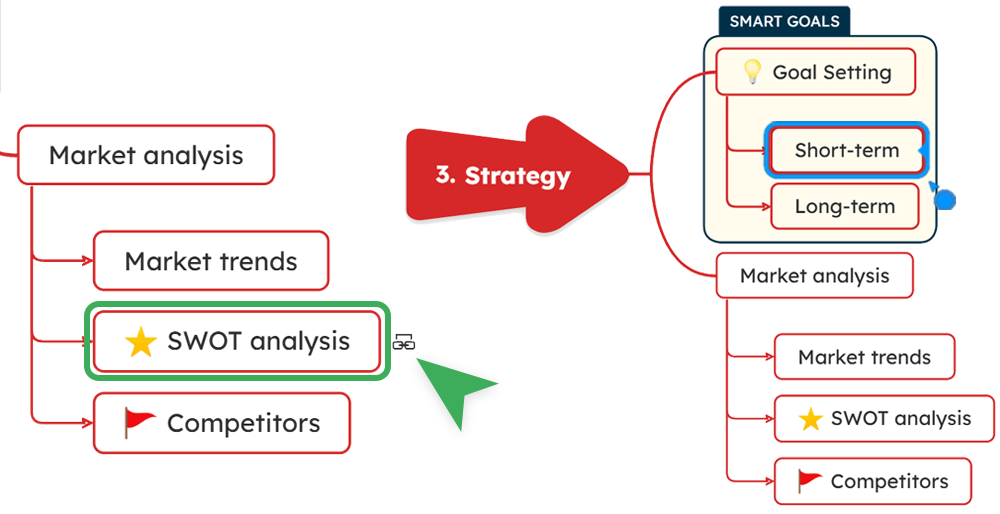
Internal topic linking
Connect related ideas within the same diagram with one click for smoother navigation and understanding of the flow.
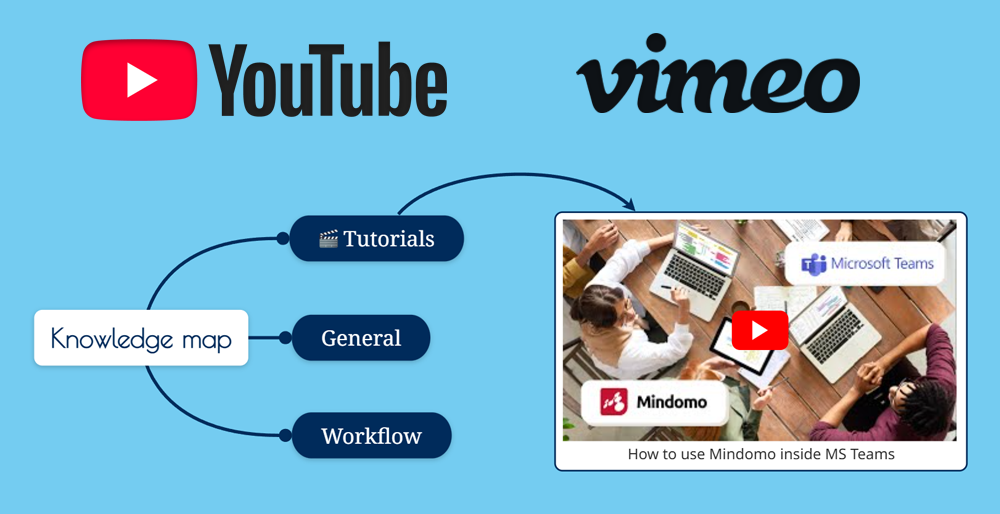
YouTube & Vimeo search
Add more than just text. Search YouTube or Vimeo to insert relevant videos directly into your brainstorming diagrams.
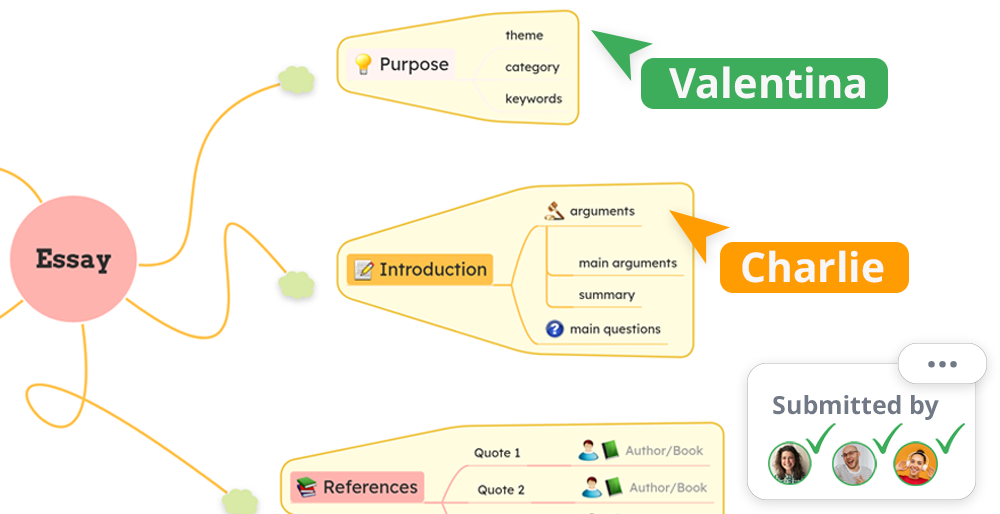
Assignments
Create assignments your students can join with a code, then review, grade, and give feedback in real time.
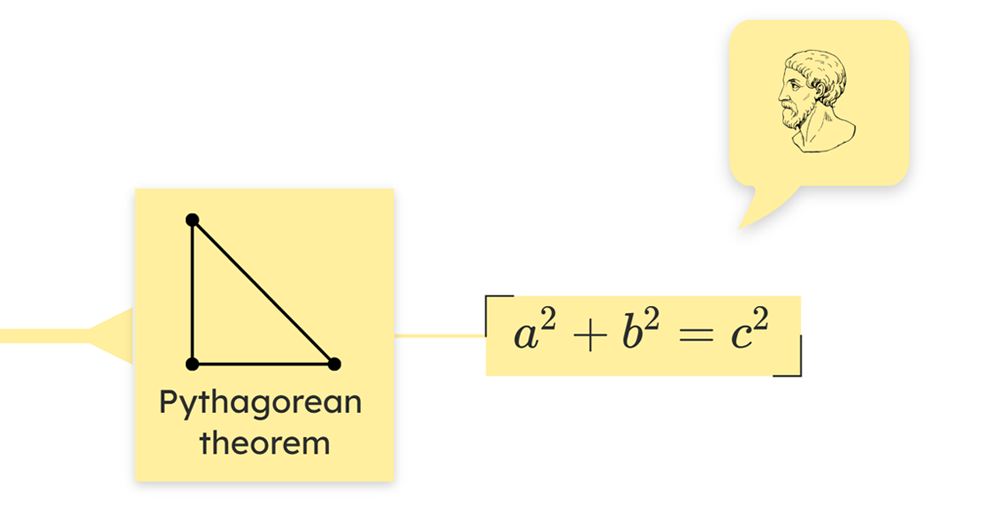
Math equations
Insert and display mathematical and chemical equations (KaTeX) directly in your diagram topics.
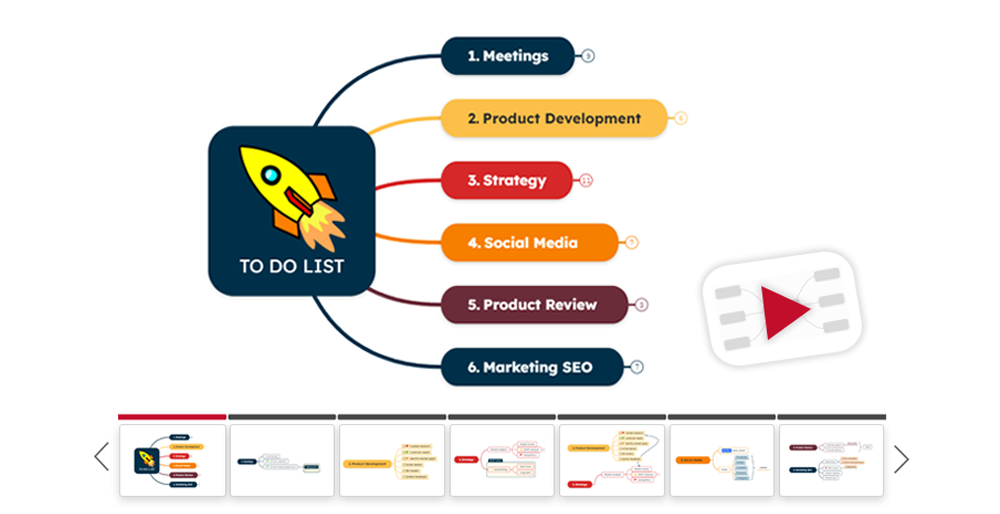
Presenter mode
Turn any diagram into a slideshow presentation and present it interactively for engaging lessons or workshops.
LTI & Google Classroom integrations
Seamlessly log in and connect with learning platforms for a smoother collaboration.

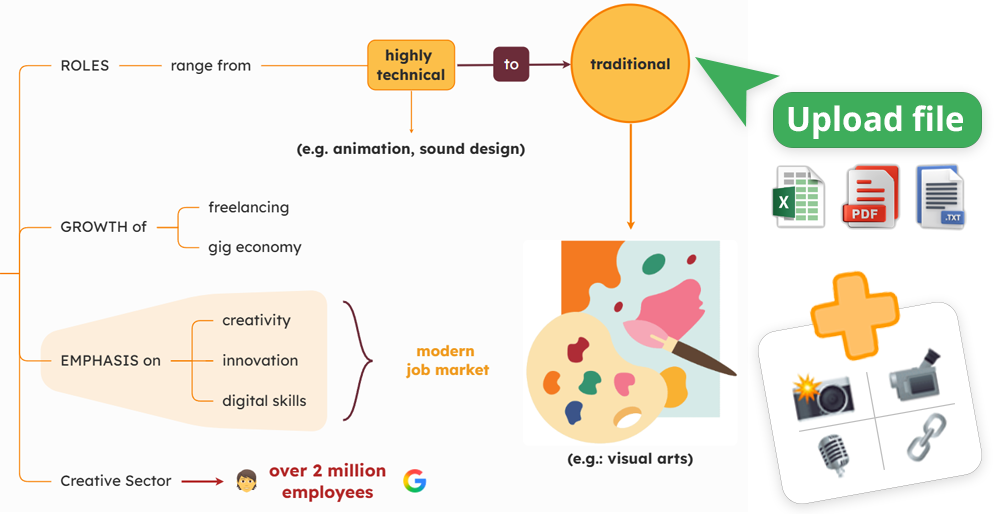
Attachments (files & multimedia)
Add documents, images, and videos, or even record audio notes directly to topics for richer content and a minimalist look.
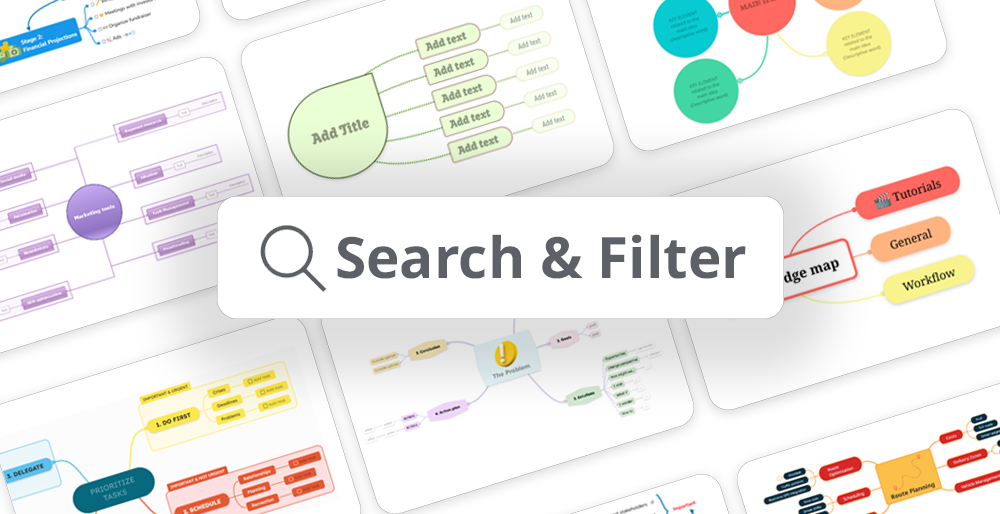
Full-text search & Filtering
Search across all diagrams and filter content instantly by text, icons, deadline, assignee, or hashtags.
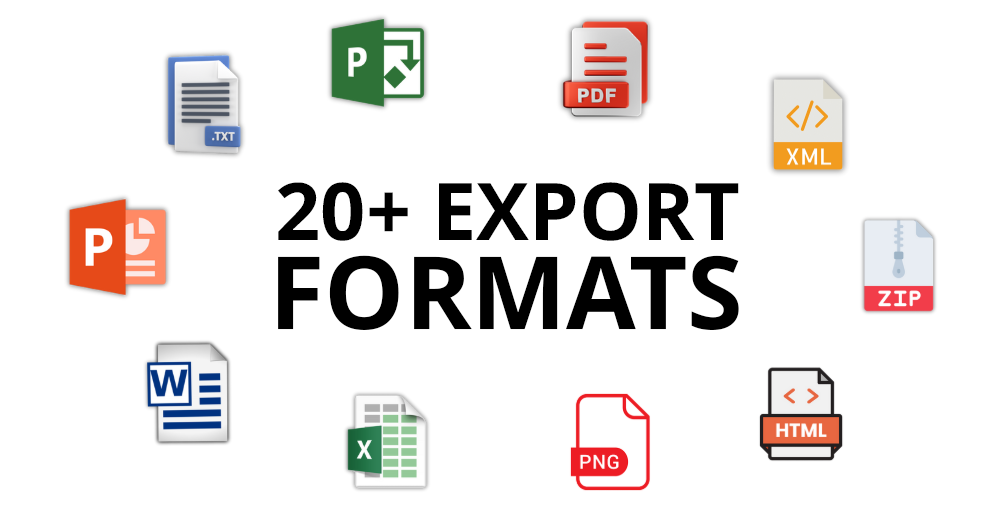
20+ Export formats
Save and share your diagrams in multiple formats: PDF, PNG, Microsoft Word, Microsoft Excel, Microsoft Project, HTML, Text, etc.
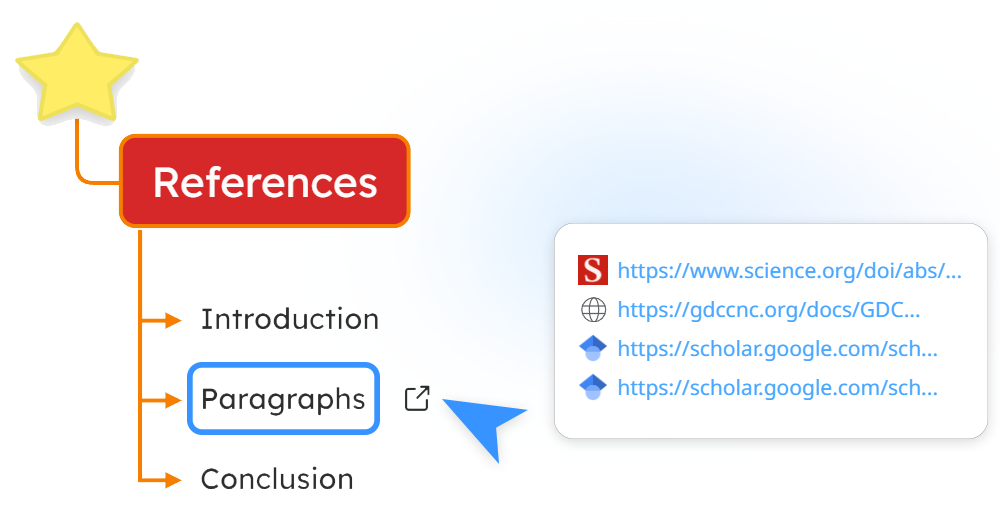
Multiple hyperlinks per topic
Link several resources (web links or documents) to a single topic for deeper exploration and instant access.
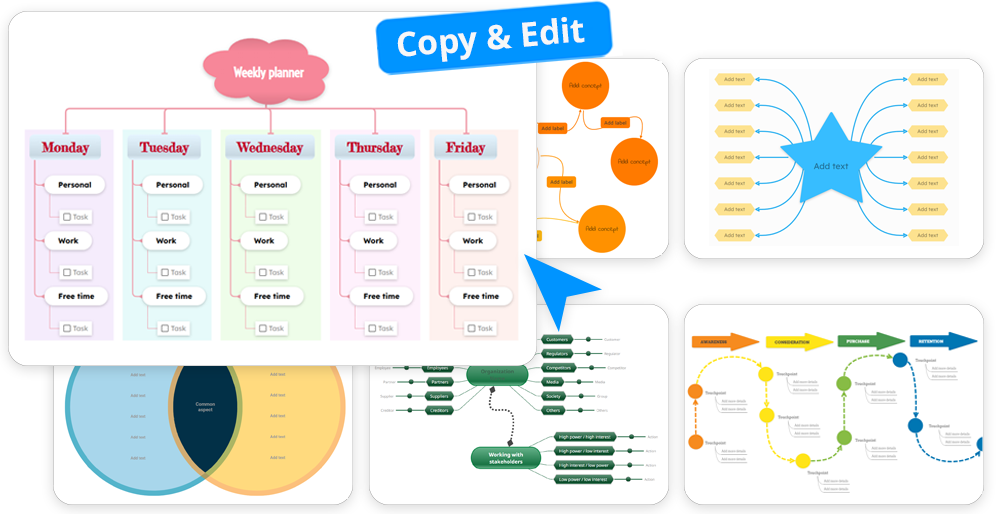
Educational & Custom templates
Use ready-made or personalized templates for lesson planning, assignments, learning and projects.
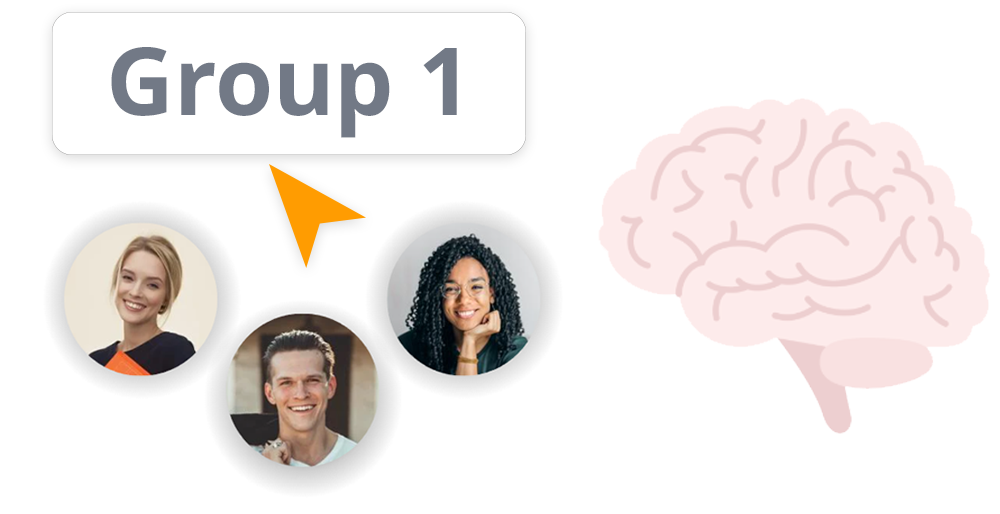
Roles & Classes
Organize students and teachers creating groups & classes for instant sharing and better classroom management.
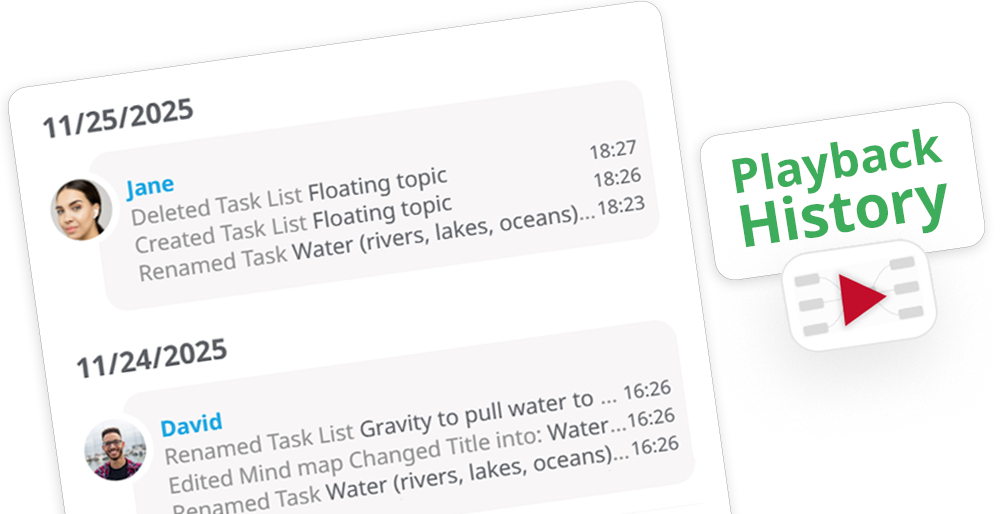
Version history & restore
Keep a full history of all changes each user makes to the diagram and revert to any previous version whenever needed.
Grading & Feedback
Assess student work with built-in grading and provide real-time feedback to support learning.
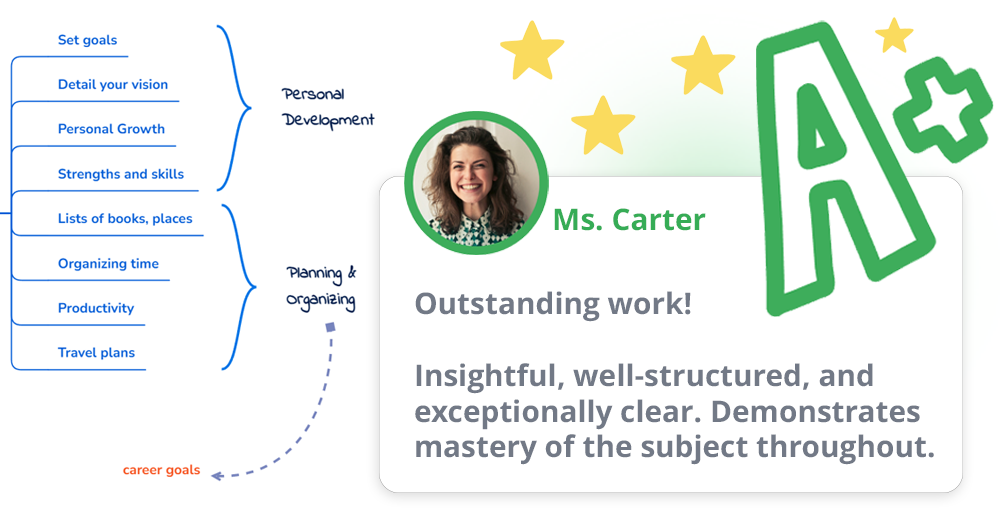
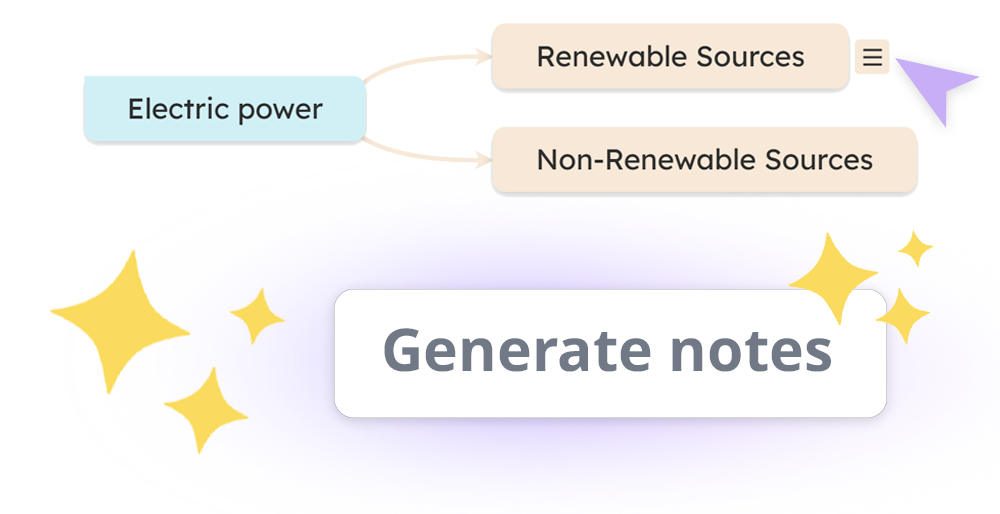
AI notes
Use AI to generate clear, structured notes instantly about a topic.
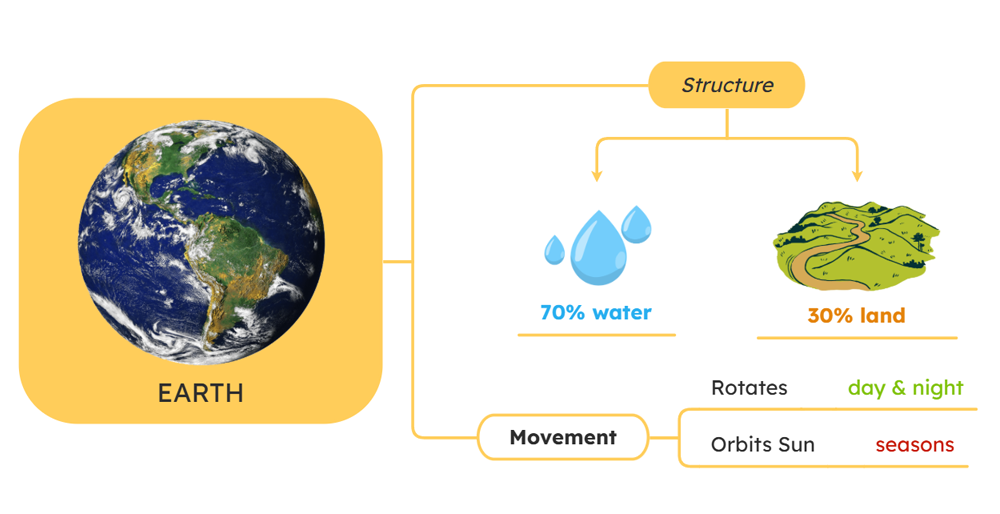
Add images
Enhance notes with visuals. Search for web images directly inside Mindomo.
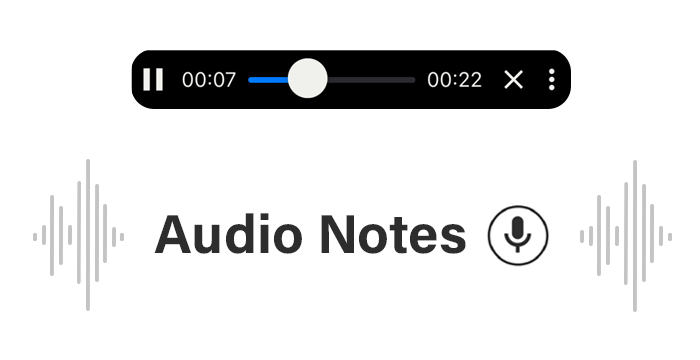
Audio notes
Record voice notes directly in Mindomo to capture thoughts and explanations on the go.
Add multiple hyperlinks per topic
Attach several links to a single topic for quick access to related resources, documents, and studies.
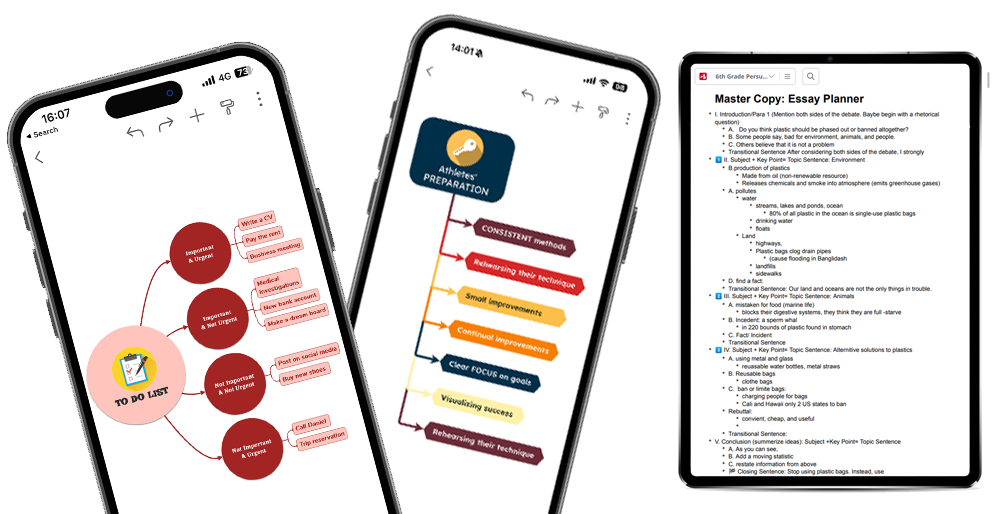
Android & iOS apps
Capture and edit notes anytime, anywhere, on your mobile device, with all changes synced automatically.
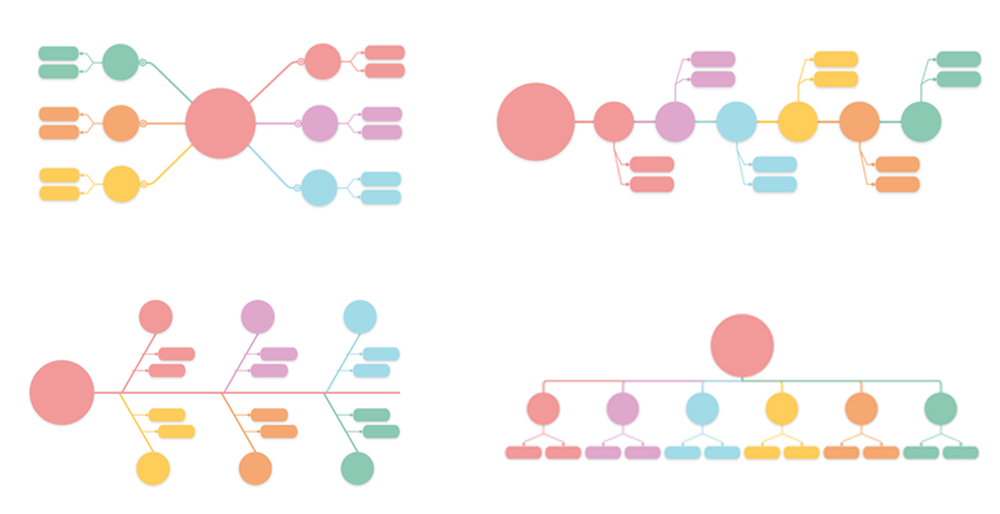
Switch layouts
View notes as mind maps, outlines, concept maps, organigrams, fishbone diagrams, etc.
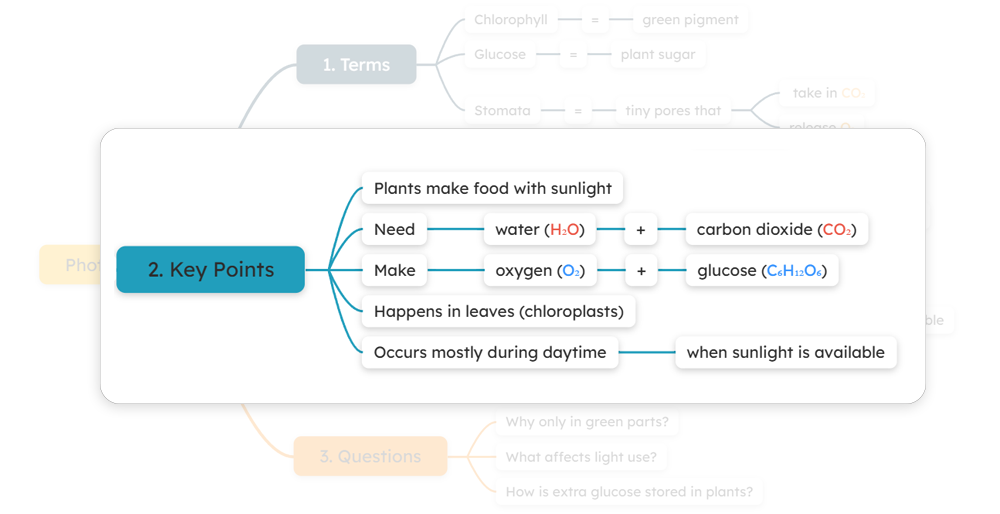
Focused view (drill down)
Focus on a single topic to concentrate on details while hiding the rest of the diagram.
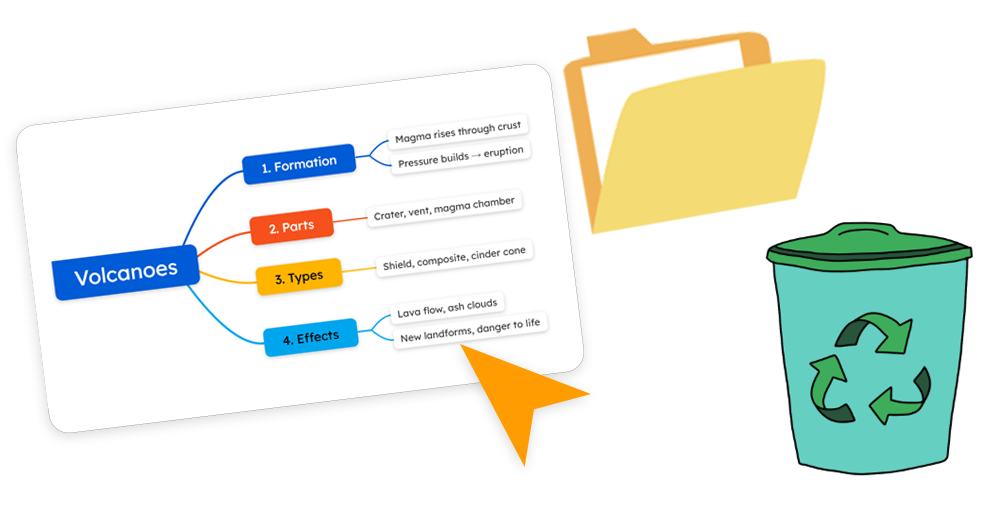
Folder organization & recycle bin
Stay organized with folders and easily bring back deleted items.
Internal topic linking
Navigate smoothly by linking related sections inside your notes. Keep ideas interconnected.
Checkable tasks
Create tasks with checkboxes, assign them to team members, attach files or resources, and mark them complete once finished.
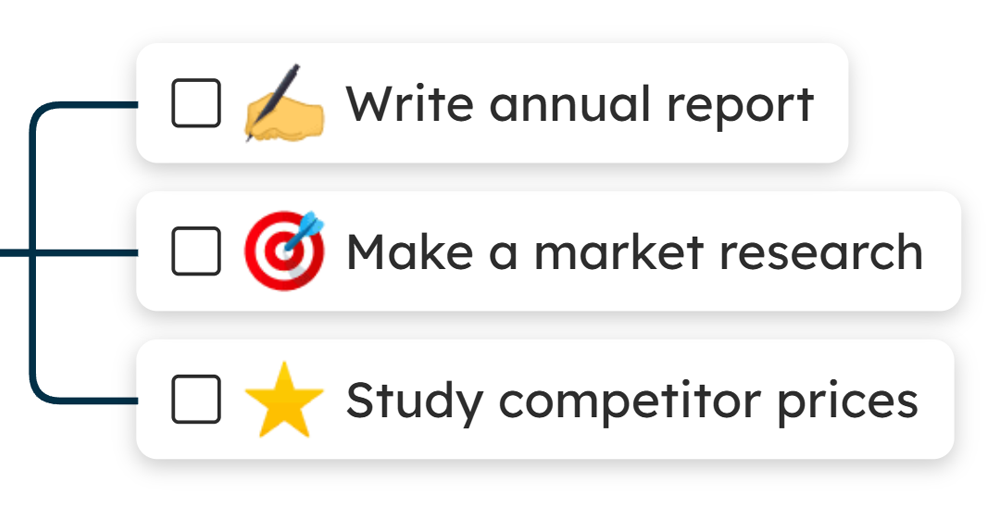
Task filtering
Quickly filter tasks by priority, status, due date, icons, or assignee to stay organized and focused.
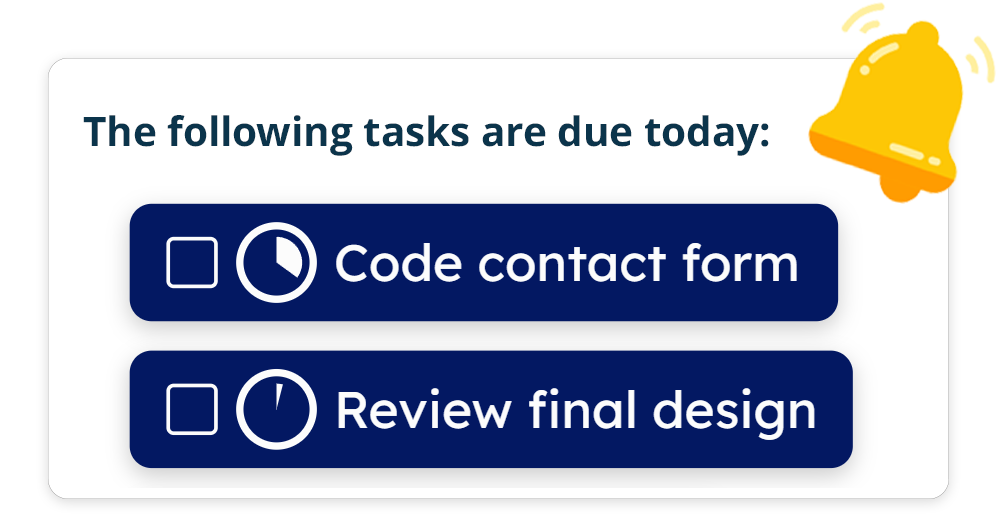
Notifications on tasks
Receive reminders for tasks due today or tomorrow, alerts, and daily digests. Customize email updates to fit your needs.
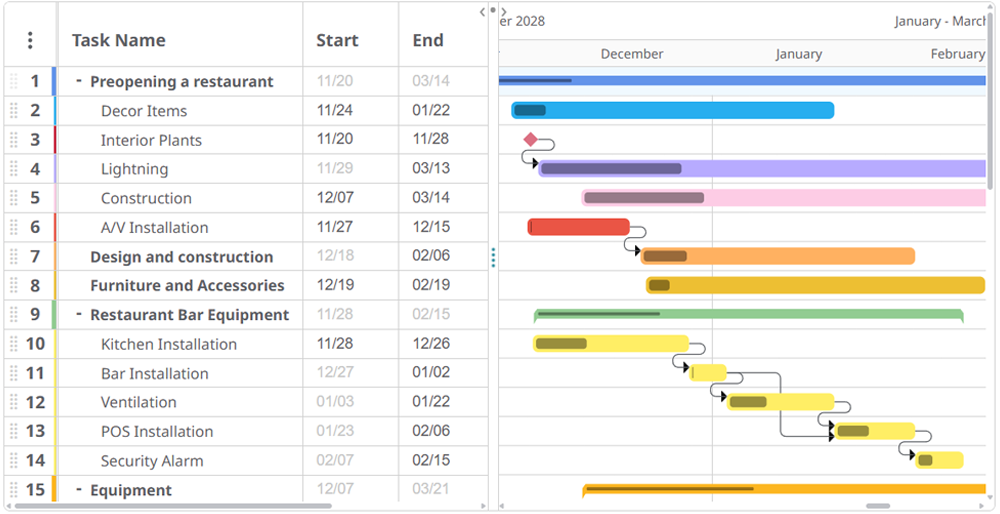
Gantt charts
Turn mind maps into Gantt charts. Plan and track projects visually, showing task deadlines, dependencies, and progress.
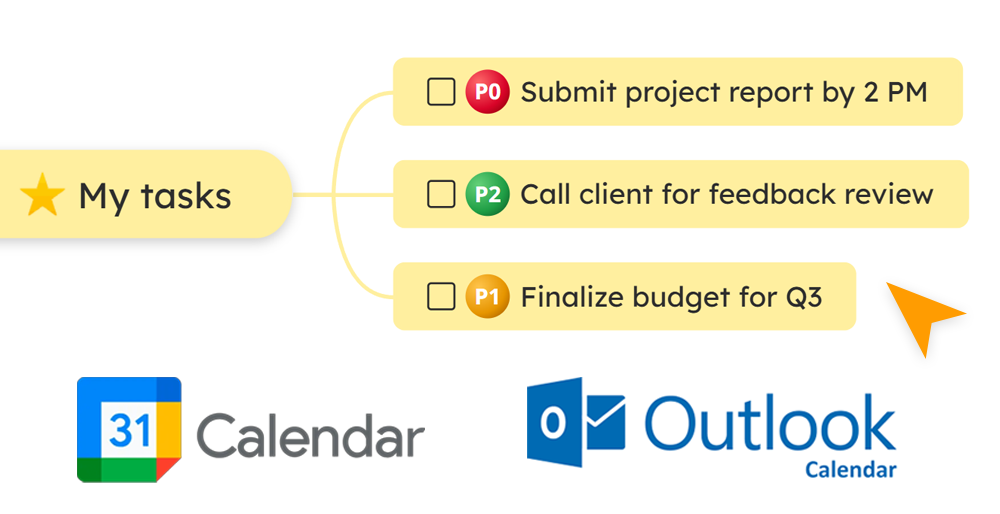
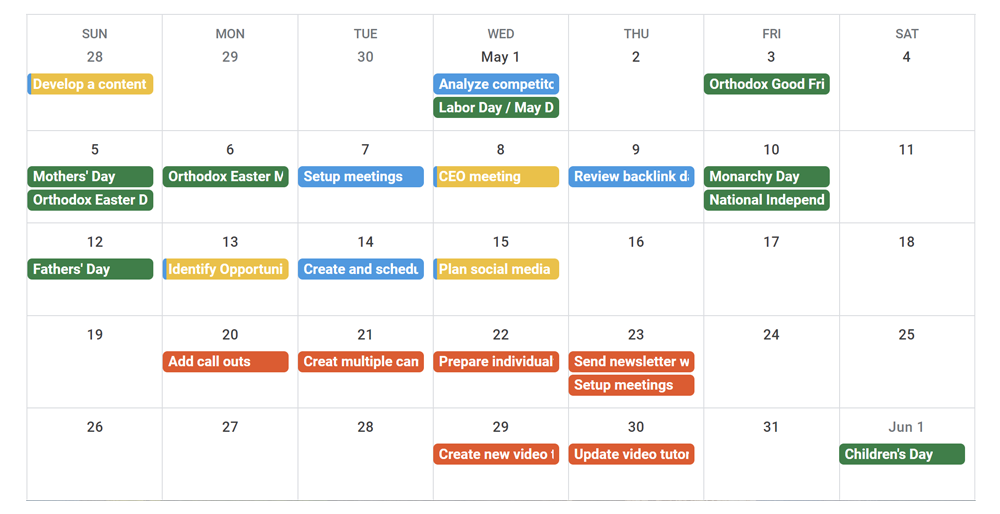
Sync tasks with external calendars
Connect your tasks with Google Calendar, Outlook, or other external calendars to stay synchronized across all your tools.
Deadlines & progress
Set deadlines, monitor progress in real time, and ensure every task stays on schedule until completion.
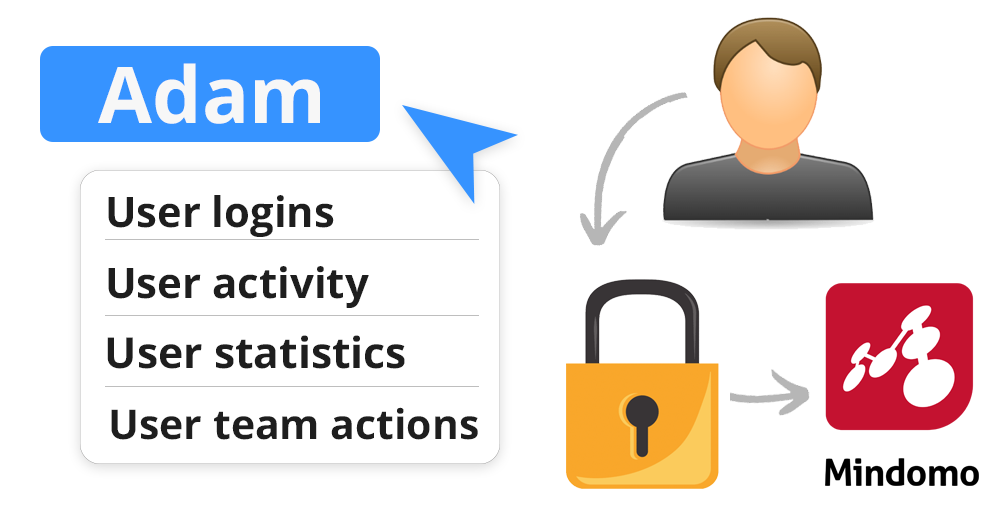
SAML SSO & Audit logs
Enable secure logins through SAML SSO and track all user activity with detailed audit logs for compliance and transparency.
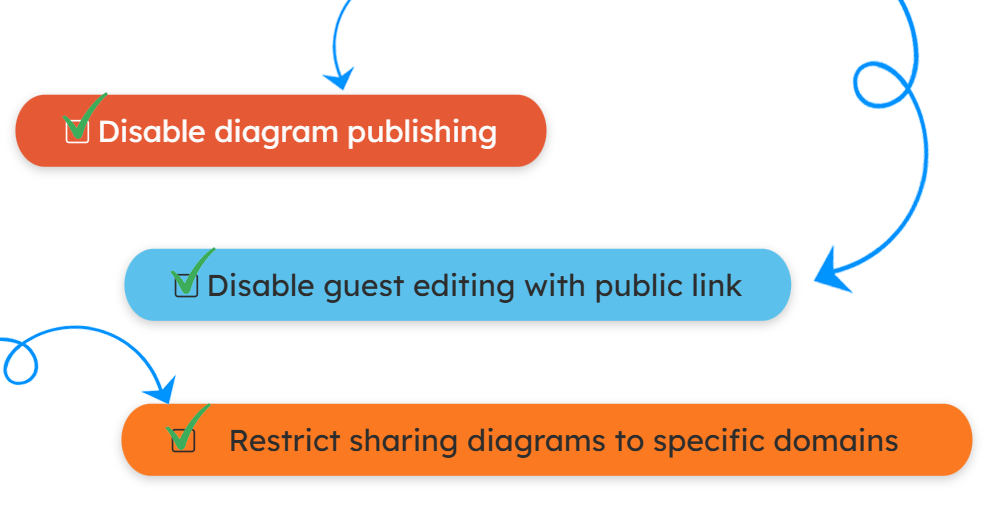
Advanced security & controls
Control access to projects with advanced security options, manage guest editing, and prevent unauthorized sharing of information.
Microsoft Teams integration
Bring your tasks directly into Microsoft Teams, manage projects, and collaborate seamlessly without switching platforms.

Audio recordings
Capture spoken notes to support auditory learners, reduce typing, and listen instead of reading. Replay the audio anytime.
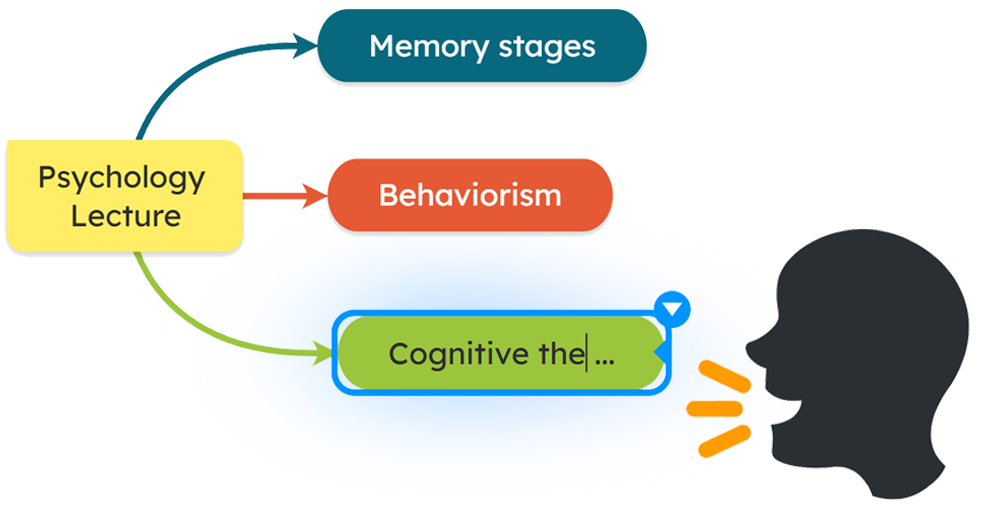
Dictation
Speak your ideas out loud and let dictation automatically convert them into structured written notes.
Shortcuts
Simplify navigation with keyboard shortcuts that make creating and editing diagrams much faster.
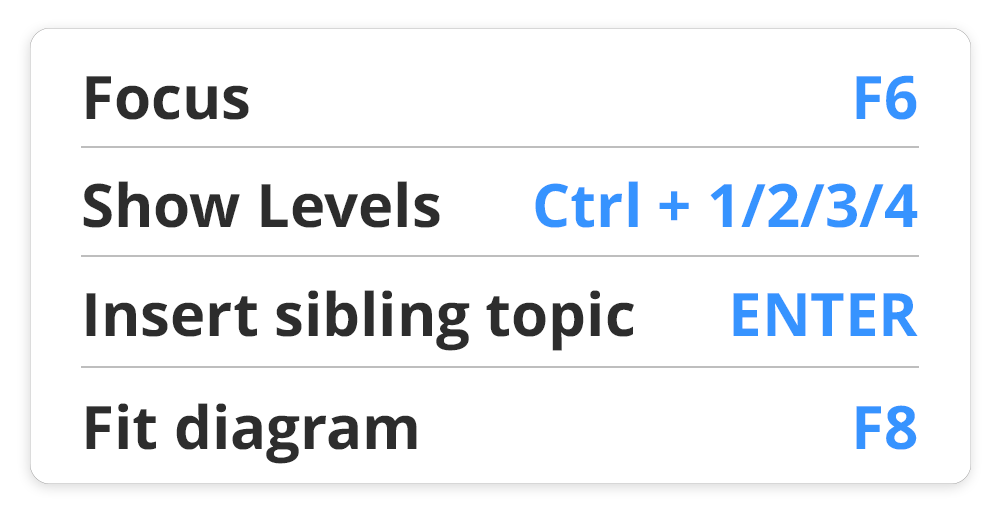
Visual differentiation
UUse colors, icons, lines, arrows, and shapes to add visual differentiation. Visual elements improve memory and understanding.
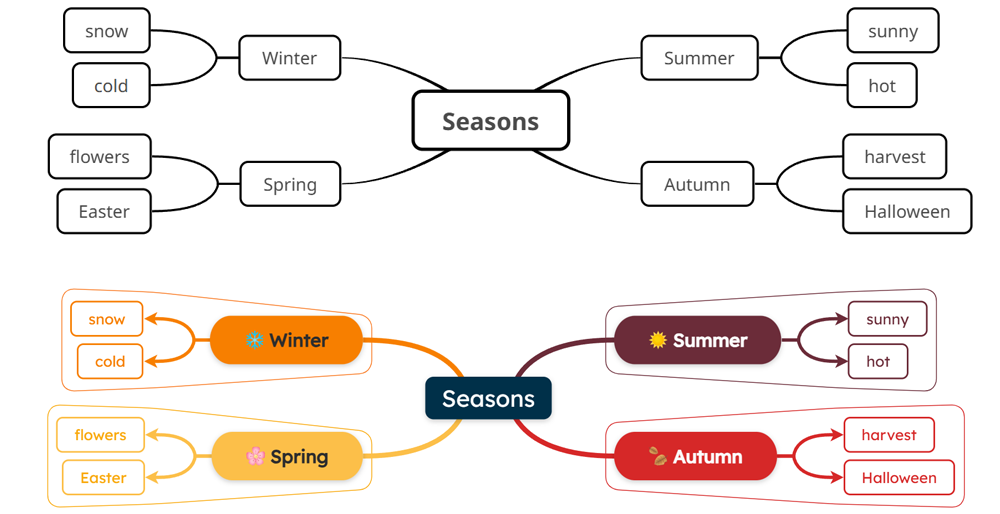
Cross-Platform Access
Available on web, desktop, and mobile apps so you can pick whichever device is most accessible to you.
Text-to-Speech
Hear your notes read aloud with tools like Read&Write, Claro, or Speechify, which are compatible with Mindomo.
Speech-to-Text
Dictate ideas hands-free in our mobile app or with tools like Windows Speech Mode, Mac VoiceOver, or Dragon Professional.
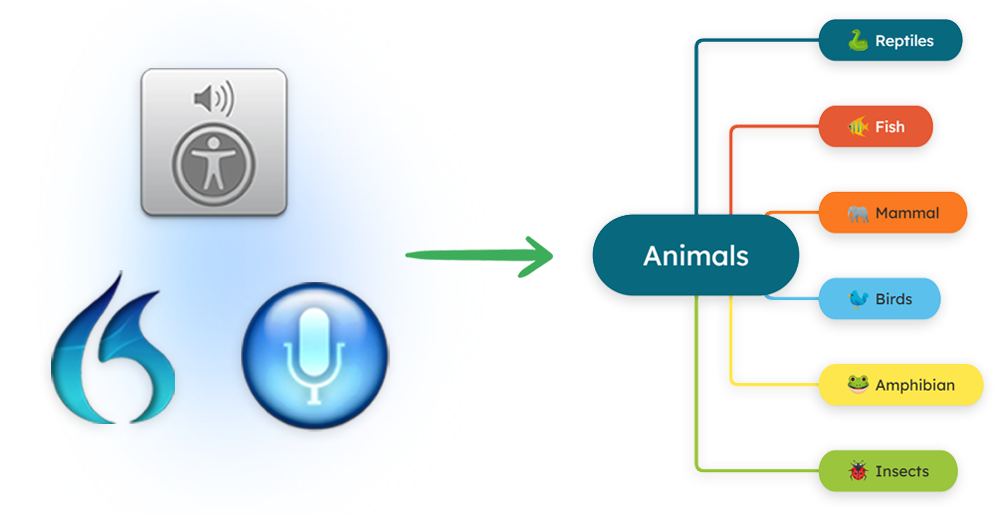
Screen Reading & Magnifier
Navigate diagrams with ease and ensure accessibility using JAWS, SuperNova, and ZoomText tools.
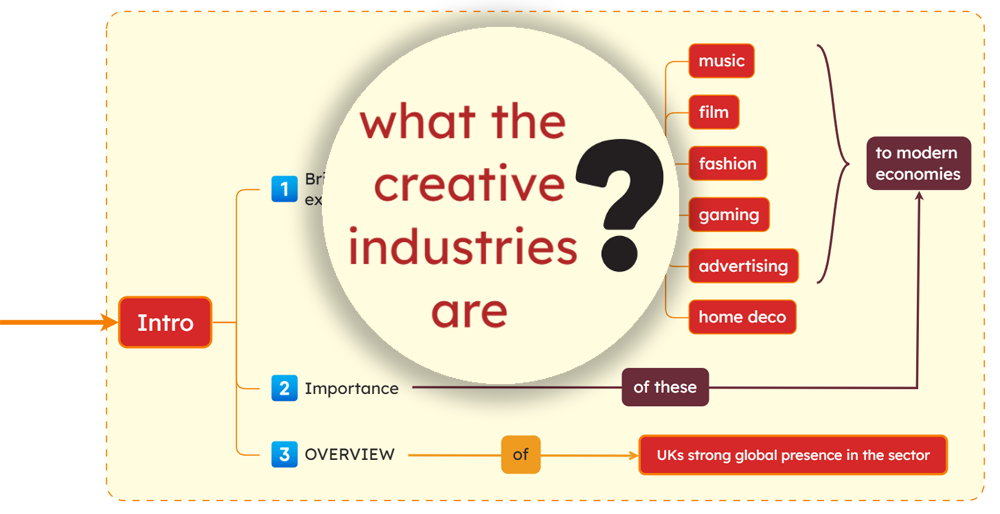
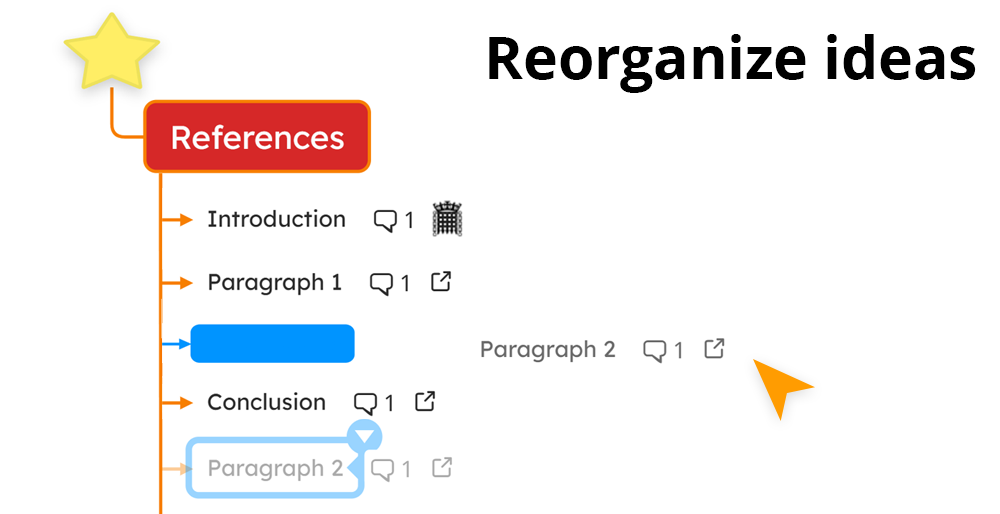
Drag-and-Drop Organization
Rearrange topics without retyping (helpful for individuals with motor skill difficulties or those who think in a non-linear manner).
Read more about Mindomo being a recommended DSA tool.
Progress tracking
Monitor tasks, deadlines, and milestones to keep projects on track. Receive notifications about tasks.
Advanced collaboration
Collaborate with your team using features like group sharing, role-based access, user management, and premium sharing.

Real-time collaboration
Work simultaneously with your team on the same projects, exchanging ideas via chat and comments.
G Suite & Office 365 integrations
Connect your favorite tools and log in securely with SAML SSO.
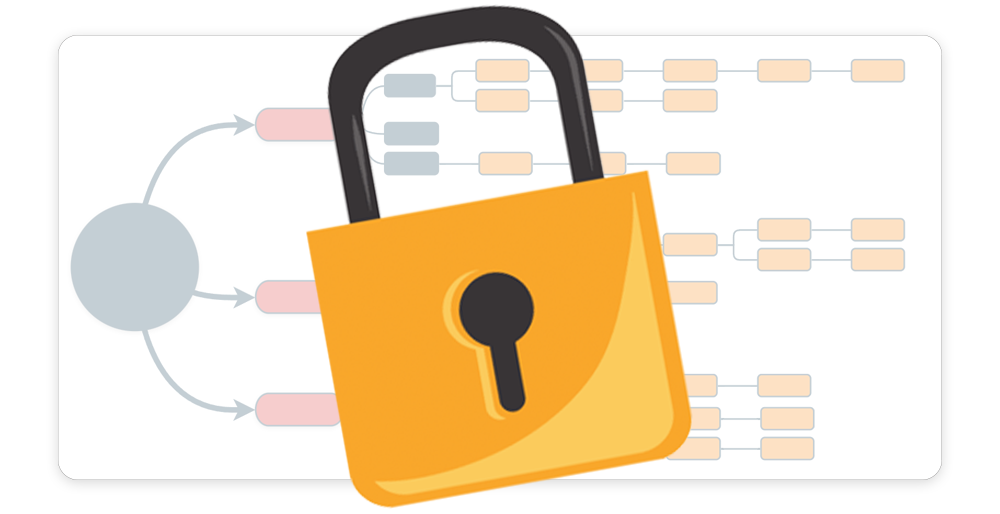
Password-protected diagrams
Add a layer of security to your projects by restricting access with a password.
Hundreds of templates
Get inspired and work faster with pre-built templates for any scenario.
Create diagrams with AI
Generate complete diagrams instantly from a simple prompt using Mindomo AI (brainstormings, SWOT analyses, and more).
Editing with no network connection
Continue editing even without a connection, and Mindomo will update everything once you’re online again.
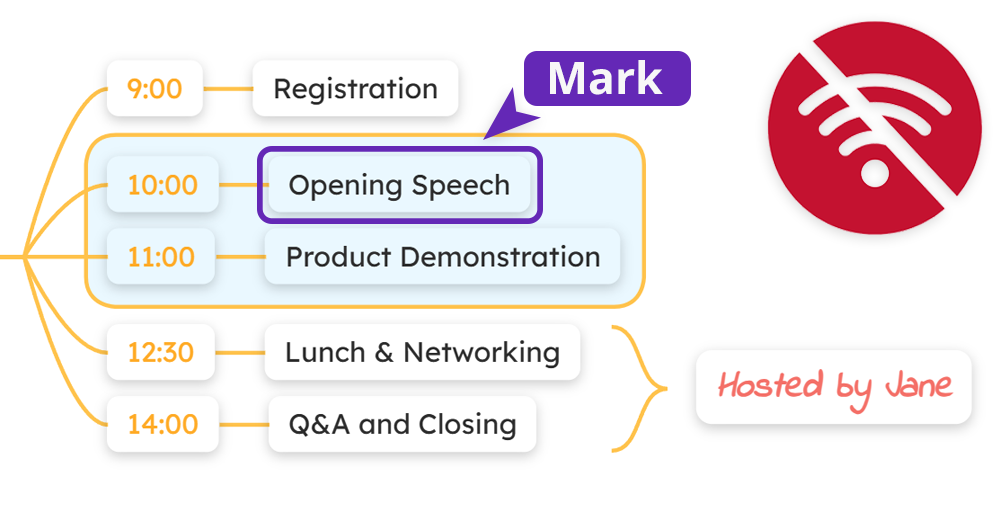
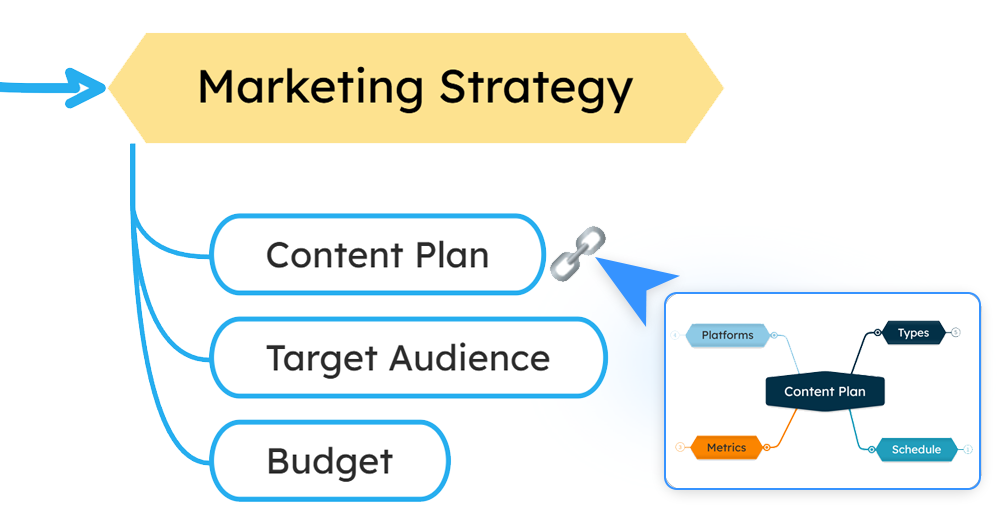
Diagram interlinking
Connect multiple diagrams to build complex, well-structured projects and easily find what you need.
We have embraced Mindomo for all kinds of project planning. I'm in there daily. There is simply no better way to get so many thoughts mapped out, and share them with my team members.

Scott Chisholm
Systems Arhitect
Mindomo is an excellent and versatile tool.We use it for everything from planning to breinstorming,from simple charts to important strateginc documents.Highly recommended!

Hannes Wallin
CEO
I've tested every popular mind mapping tool available, and found Mindomo to be the easiest, most feature rich and affordable of them all.

Duncan Moss
Digital Marketing Consultant
The Benefits of Mindomo
Discover the many benefits of mind mapping with Mindomo’s all-in-one platform for creativity, organization, and teamwork.
- Create and manage tasks and subtasks
- Build visual dependencies between tasks
- Automatically reschedule dependent tasks
- Drag and drop ideas and tasks to reorganize your projects
- Monitor progress in real time
- Edit hierarchy easily with indent and outdent
- Get smart AI suggestions for task creation and brainstorming
- Create, edit, and translate diagrams with AI
- Edit diagrams without a network connection
- Set task priorities visually to focus on key goals
- Access your diagrams anywhere: online or offline, on any device
- Collaborate with your team in real-time
- Use the simple interface with assistive tools like text-to-speech and dictation
Keep your projects on track with powerful planning and effortless updates: all in one collaborative workspace.
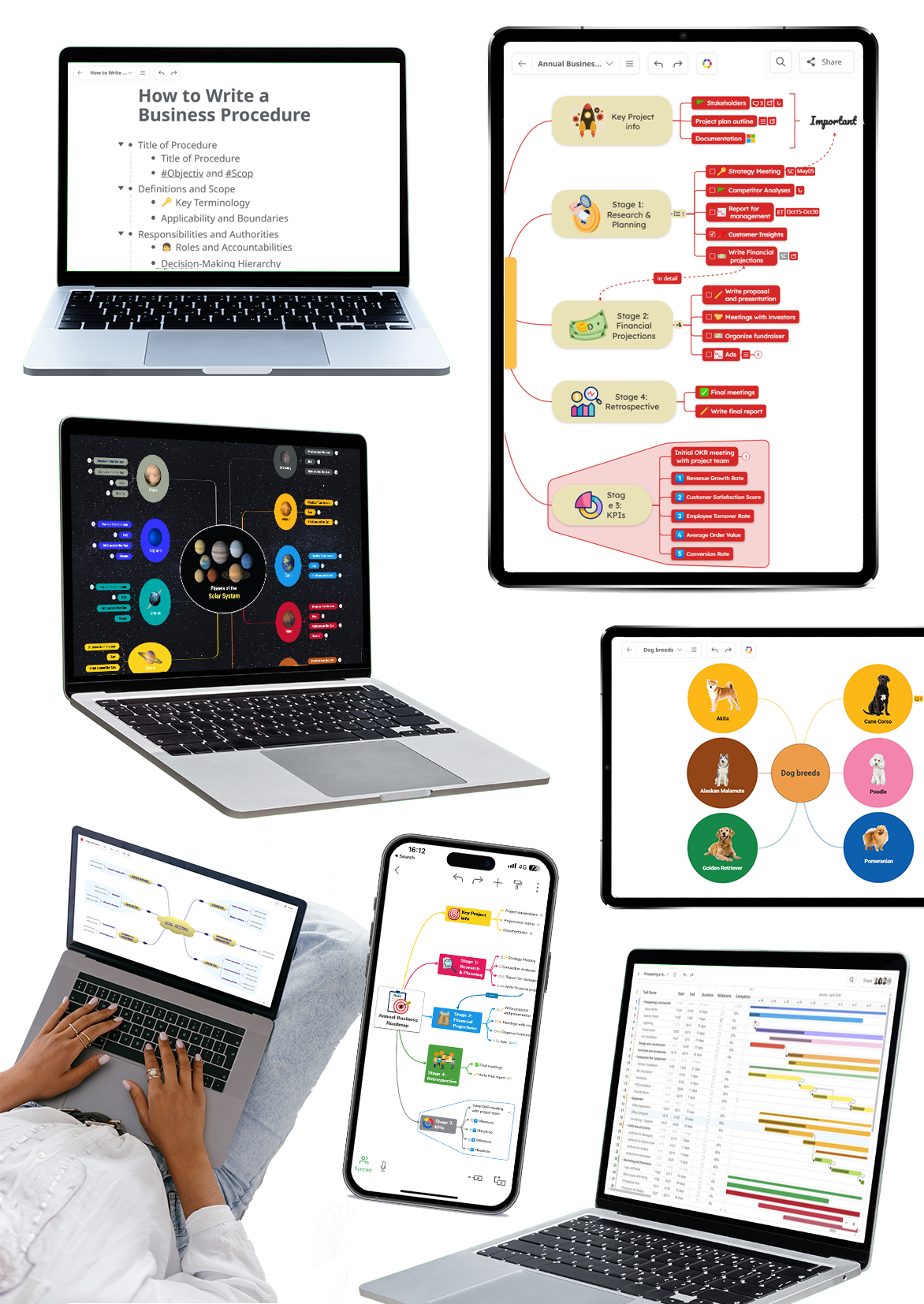
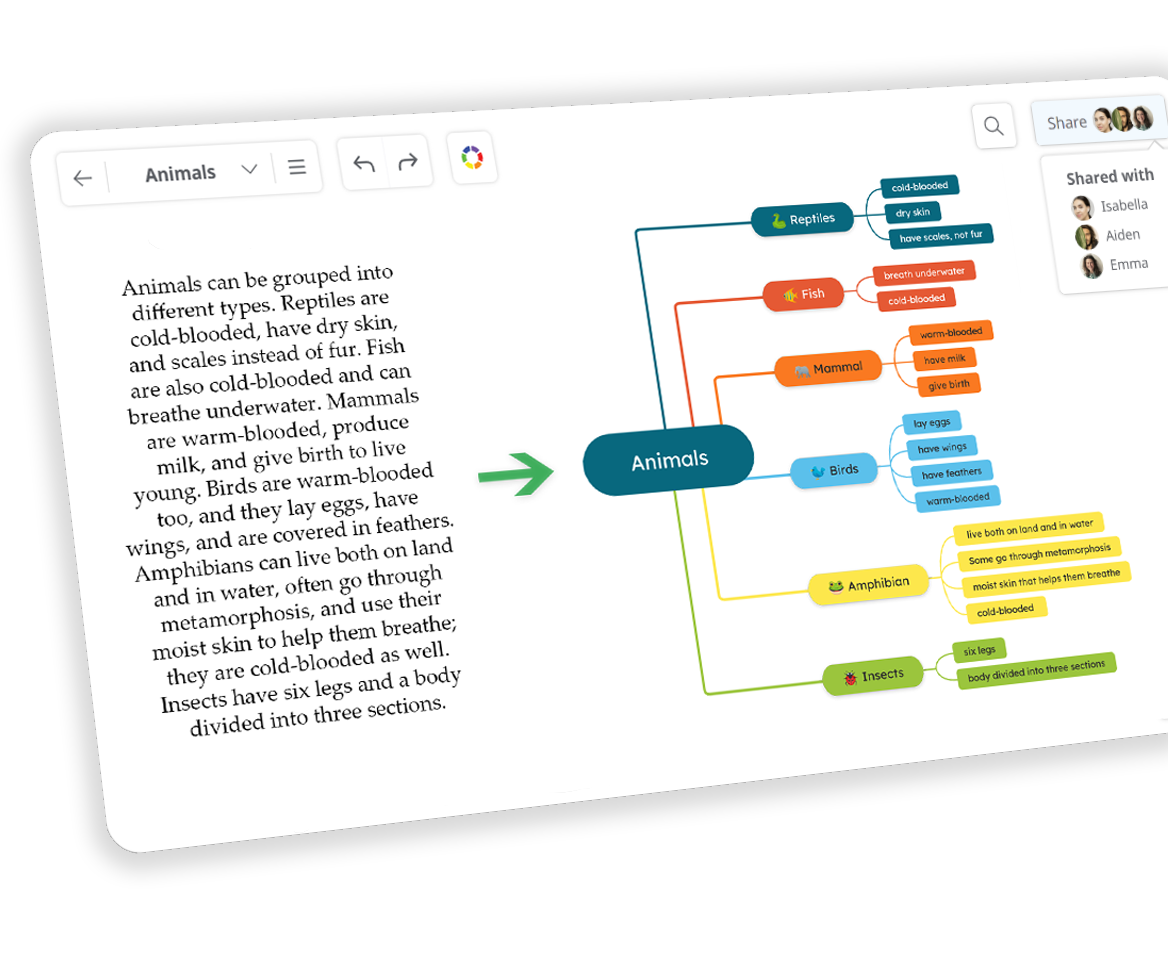
Create & edit diagrams with AI
Mindomo AI is an AI mind map generator that acts as your personal assistant, generating ideas, brainstorms, and analyses in seconds. Use it to kickstart your thinking and keep building from a strong starting point.
- Turn plain text into diagrams
Convert plain text into structured diagrams instantly. Copy and paste a document, note, or article, and Mindomo AI will analyze it and create a diagram in just a few seconds. - Generate diagrams
Create AI-powered brainstorming maps, SWOT analyses, or pros and cons charts with a single prompt. Choose from 50+ languages to generate your diagram in the one you need. - Expand diagrams
Expand new or existing diagrams with AI suggestions, questions, topics, and explanations to spark ideas. You can also add pros and cons or SWOT analyses to specific topics. - Translate diagrams
Translate entire diagrams into 50+ languages with AI, creating a duplicate in your chosen language.
Turn your thoughts into clear, structured diagrams using AI, and complete projects faster.
Mind mapping is a dynamic technique that connects a central idea with related concepts in a hierarchical structure. It's a powerful tool for capturing and exploring ideas, allowing you to visualize relationships and patterns.
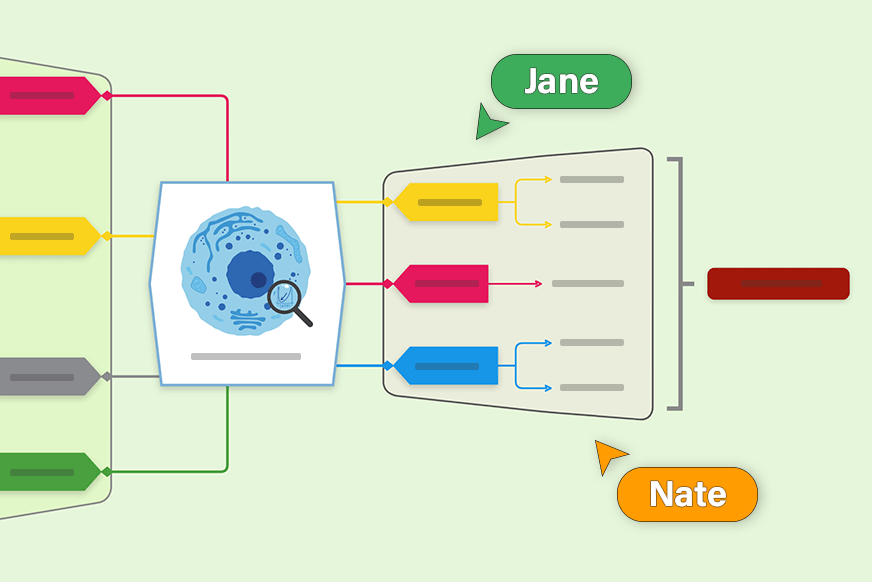
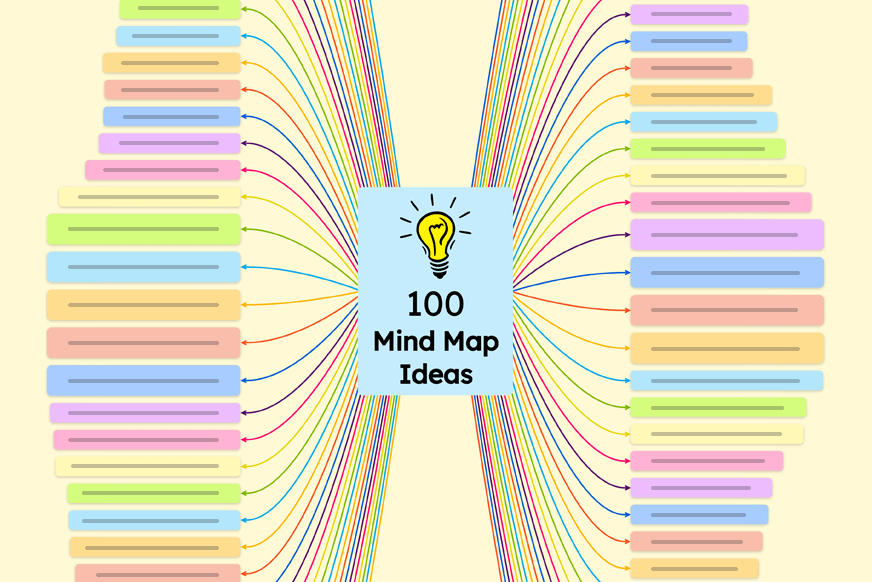
Explore 100 ideas and create your own diagrams using a template or starting from scratch. Get inspiration from Mindomo’s examples and designs.
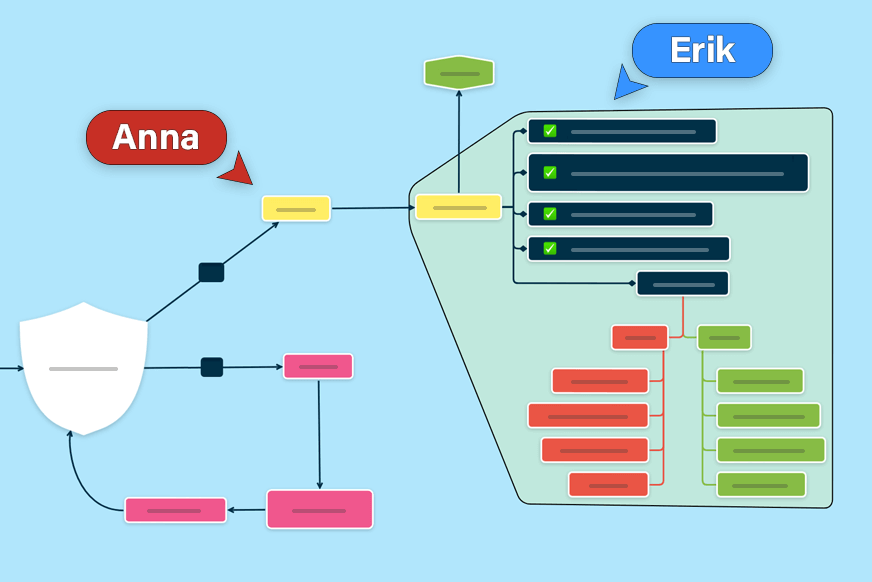
Mind mapping can help your business when it comes to project management, process plans, analysis, decision-making, marketing plans, and many more.
Teachers and educators all over the world are using mind mapping for education to structure their courses and also in the classroom with students.
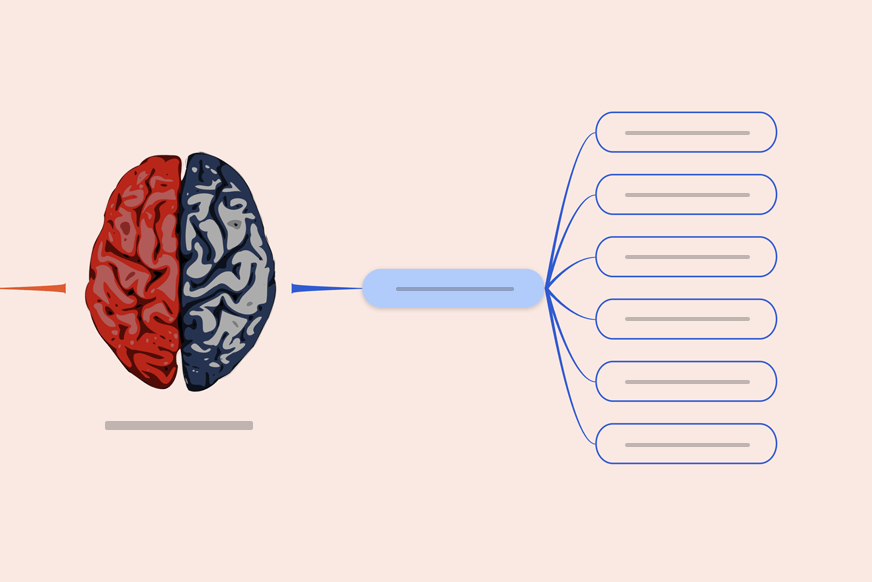
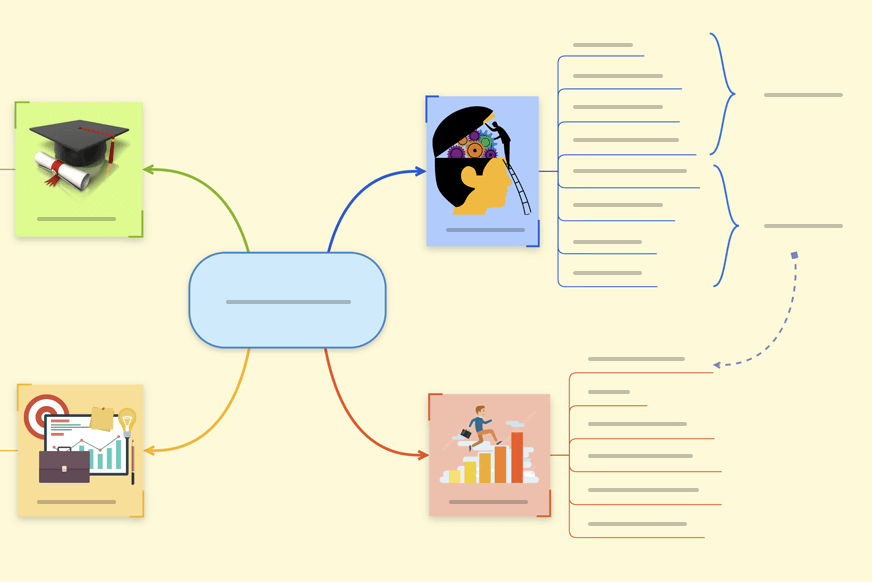
Discover the top 29 most popular examples, customize and use them in your daily life for brainstorming, organizing, simplifying information, and more.
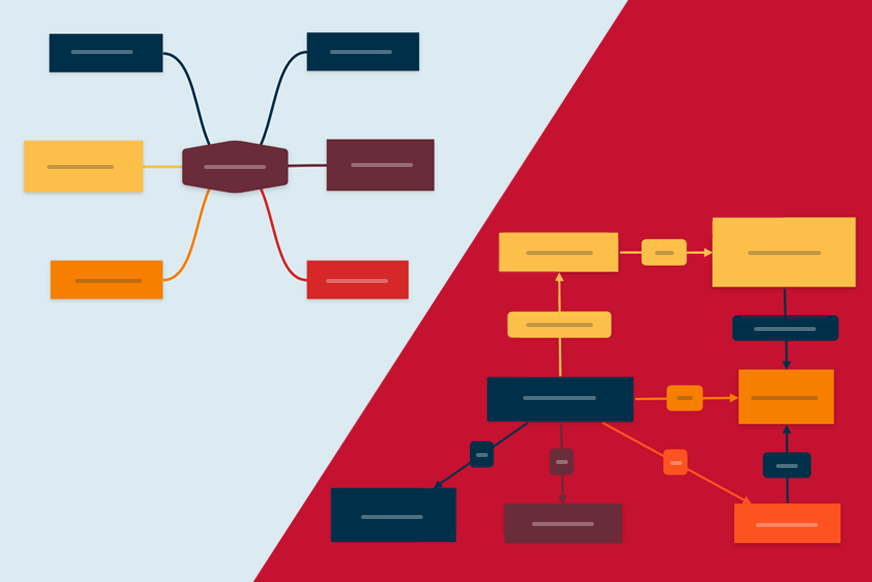
What is the difference between a concept map and a mind map? The main difference is their visual structure, one being a hierarchical diagram and the other highlighting the relationship between concepts.
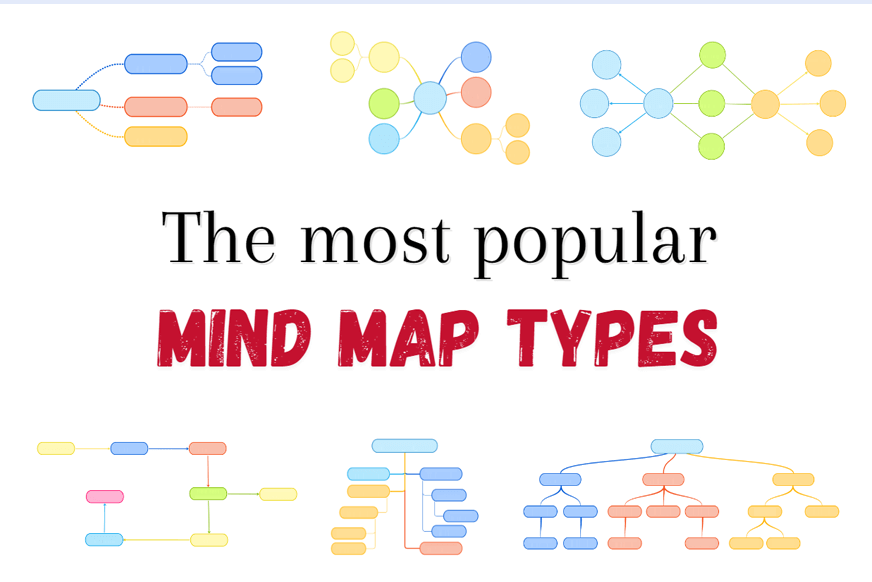
There are many types of diagrams. Many share the same basic structure as a mind map, such as brace maps, tree diagrams, bubble maps, timelines, and more.
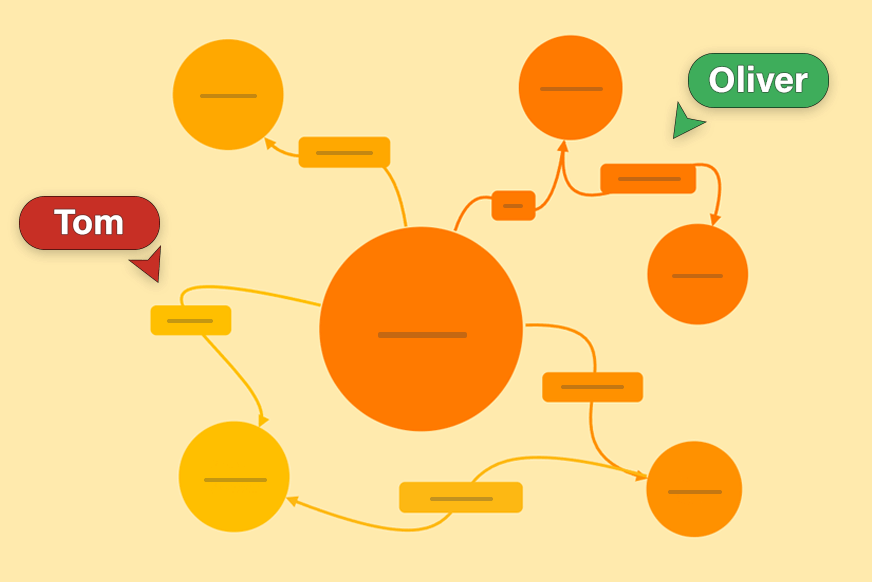
Create concept maps from scratch and collaborate in real time with others. Concept maps help you structure knowledge visually, showing how different ideas are related in a clear, logical way.
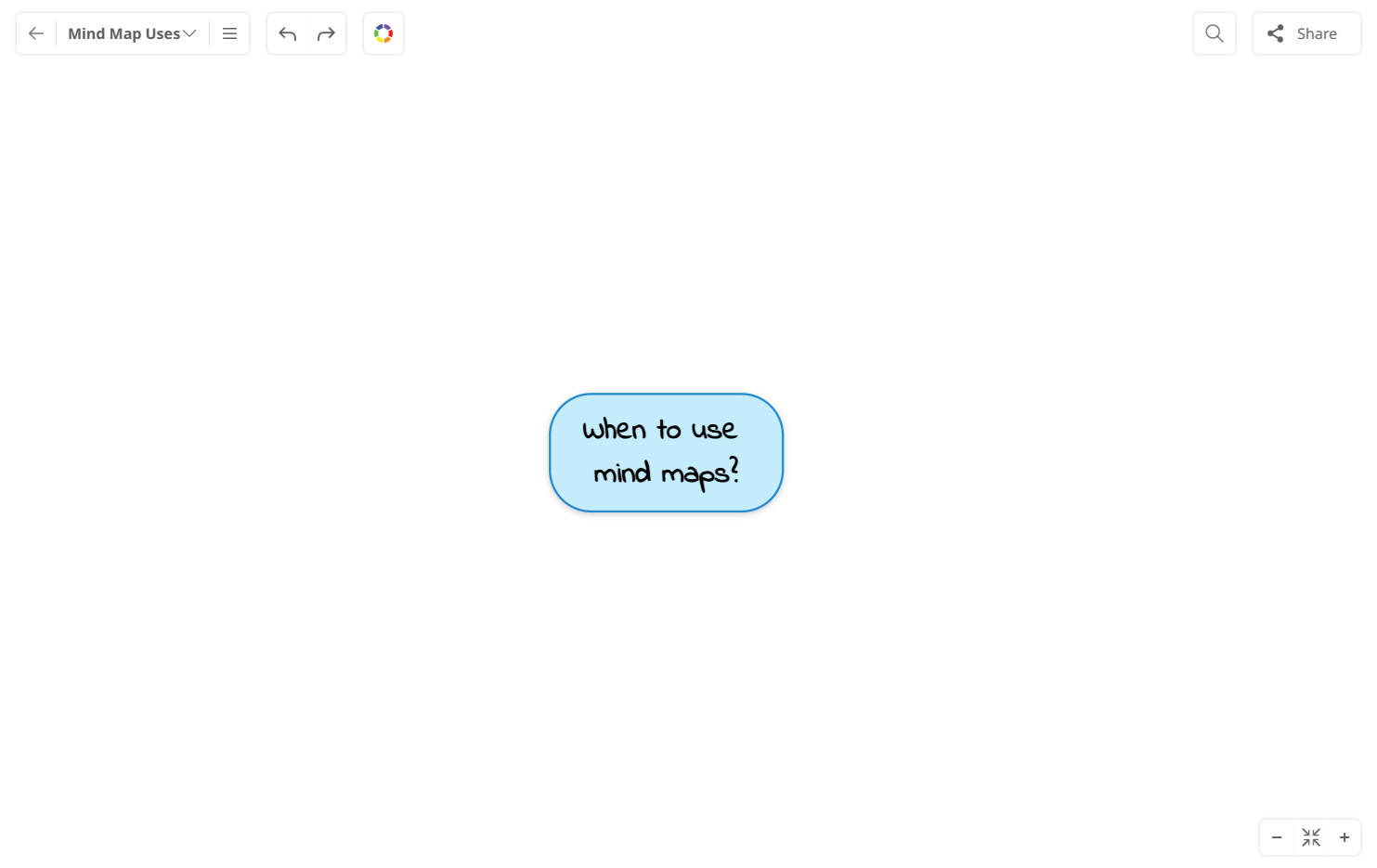
How to make a mind map using Mindomo?
Write your main subject in the central topic.
Add related topics to the central idea.
Expand further adding more elements as subtopics.
Connect topics adding relationships between them.
Add links, attachments, images, notes, icons, comments.
Turn your diagram into a slideshow presentation.
Change the layout and drag and drop topics to move them around.
Read more about how to make a mind map.
Mindomo Library offers a versatile collection of templates, from weekly planners to goal-setting and many more categories.
Solve problems, perform business analyses, manage projects, and create flowcharts easily.
Designed to Simplify Planning for Modern Teams
Streamline collaboration and project timelines with our all-in-one diagramming and Gantt chart tool, designed for modern product teams. Plan, assign, and track progress. All in one place.
since 2007
over 19 years
8.5M+
worldwide users
40M+
diagrams created
Try Mindomo today
New to Mindomo? Start with our free version. For enhanced capabilities beyond limited features, try our paid plans. Unleash your full creative potential.