Interoperability for Google Meet & Google Meet hardware | Pexip Connect (original) (raw)
Pexip Connect for Google Meet and Google Rooms
Join Teams meetings from Google Meet hardware
Or join Google Meet meetings from any room system. It’s easy with Pexip.
Use your Google Workspace tools to schedule and join every meeting
Whether you’re invited to a meeting and want to join from your Google Meet hardware, or you invite others to your Google Meet session, everyone can just simply meet.
Use Google Meet hardware
to join any meeting
Join third-party meetings hosted on Teams, Zoom, Webex and more in one touch, with content sharing and dual screen support.
Join Google Meet calls from
SIP or Teams Rooms
Join Meet calls using legacy SIP/H323 video conferencing devices or Microsoft Teams Rooms.
The only way to join Teams meetings from Google Meet hardware
Use Google Meet hardware to join any meeting
Turn your Google Meet hardware into universal meeting devices that can join Microsoft Teams, Zoom, Webex, and more.
Join meetings in one tap, share and see content, and make the most of rooms with dual-screen systems. All from your ChromeOS and Android devices.
The best part? All the magic happens in the background so it's totally seamless to your employees.
Some features are not yet available. Inquire for more information .
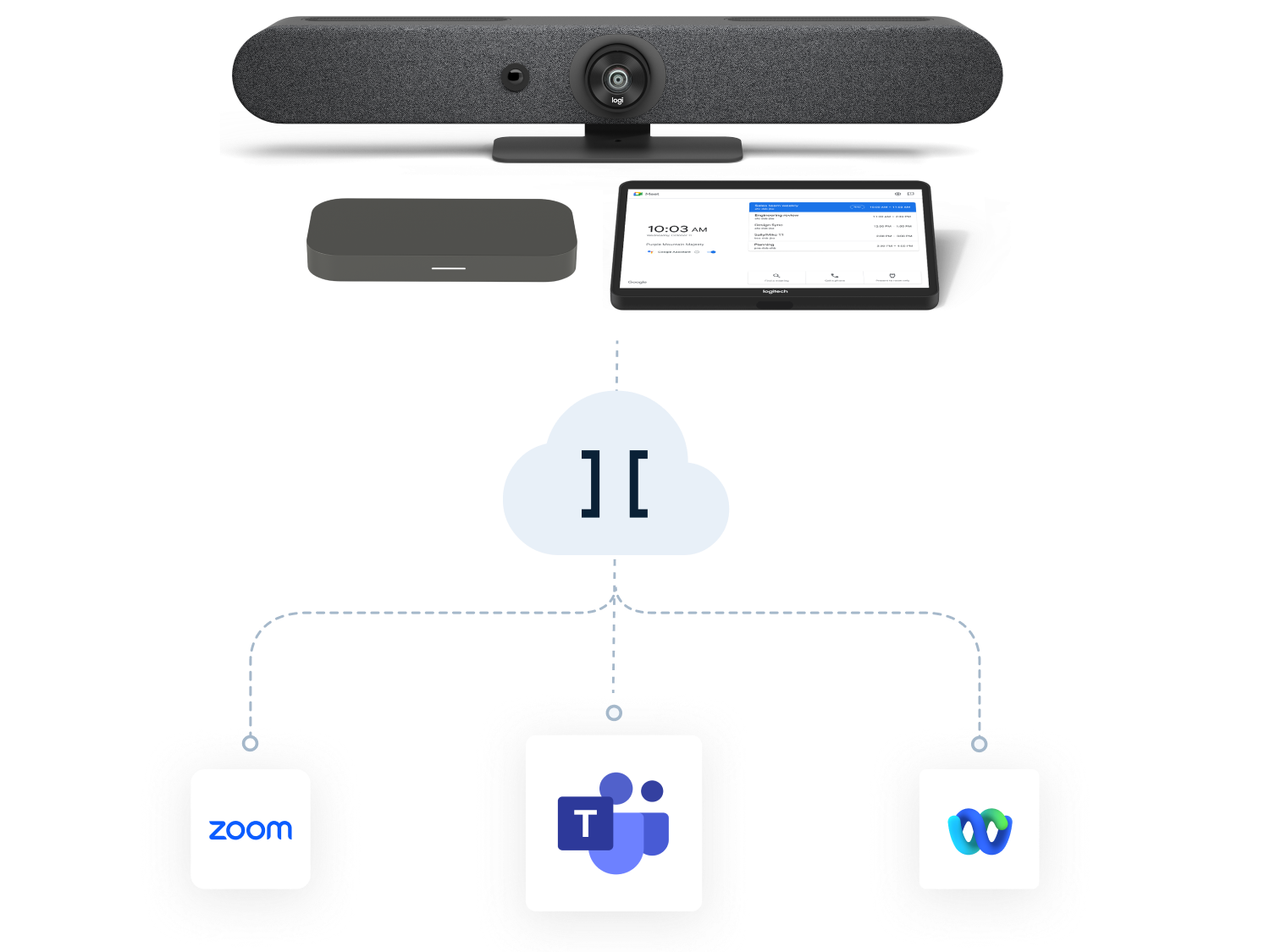
Join Google Meet meetings from any room
Join Google Meet meetings from anywhere, from the browser to the boardroom.
Simply join from Cisco, Poly, and Microsoft Teams Rooms.
Just book your room, tap “join” when your meeting starts, and voila! You’re in the meeting.
Pexip can be purchased through Google Marketplace or our extensive network of certified channel partners.
Experience the difference
Get started quickly to see for yourself.
Employees love it
- Easily join meetings, even outside Google Meet
- See and share content
- Focus on the meeting, not the technology
IT admins trust it
- Improve room utilization rates
- Increase ROI of Google Meet hardware devices
- Reduce IT support tickets and employee complaints
Simple and easy
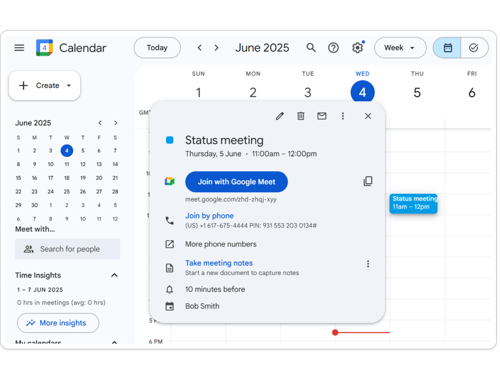
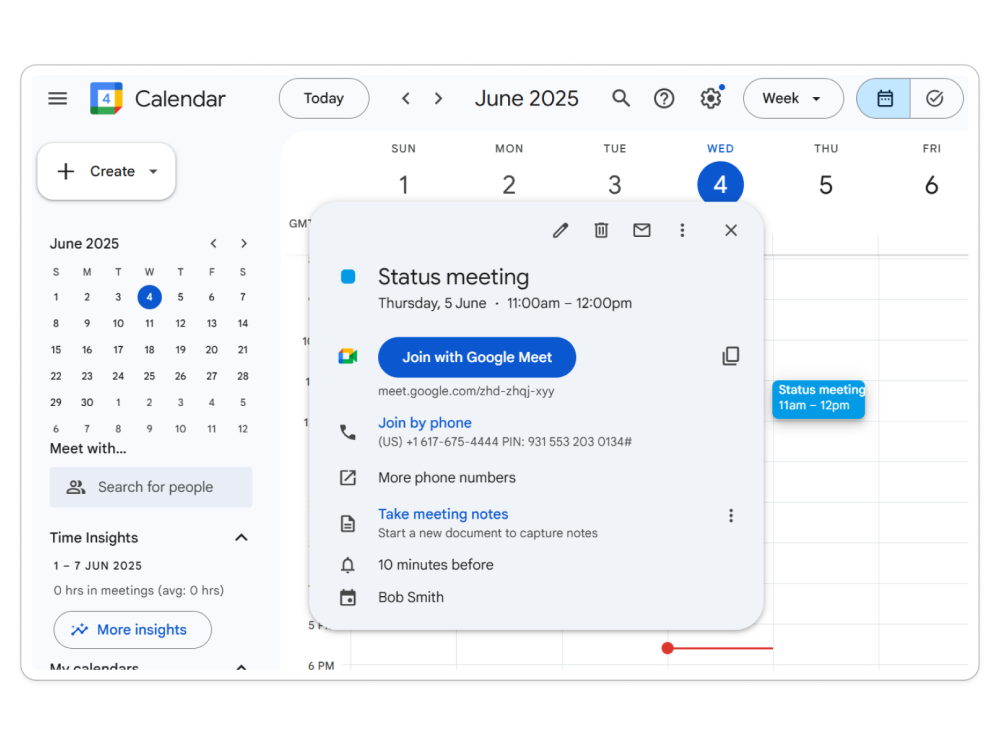
Schedule with Google Calendar
Schedule meetings exactly the way you are used to. No extra software, steps, or buttons to push. Everything happens inside the Google Calendar, and all additional information is added automatically.
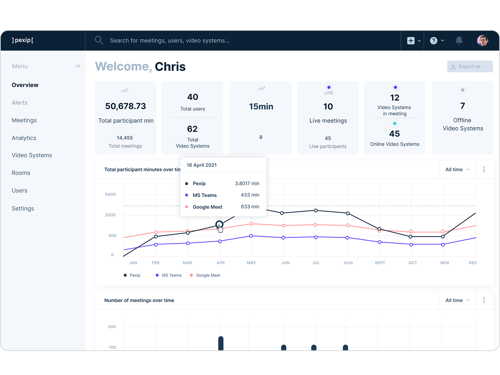
Easy to manage
Deploy Pexip as a service to get started instantly. We give you the tools to make management a cinch, so you can get back to your day job.
Certified and supported by industry leaders
Frequently asked questions
Which meetings can I join from my Google Meet hardware?
To start, you'll be able to join Microsoft Teams meetings straight from your room system. With future releases, you'll also be able to join third-party meetings such as those hosted on Zoom, Webex, and more.
Can I join Google Meet meetings from my SIP and H.323 room systems?
Yes! With Pexip, you can easily join Google Meet meetings from your existing standards-based devices. Just schedule or set up meetings in Google Calendar or Outlook (with the Google Outlook add-in for Office 365) as normal, and all additional joining information is added automatically.
How can I buy Pexip products?
What about analytics and insights?
Pexip Control Center provides valuable real-time and historical insight and analytics for all your meetings and calls.
How can I trust that the solution will do what it says?
Google has partnered with Pexip since 2019 to be the only provider of Google Meet interoperability. The solution has been widely deployed and used with enterprise customers around the world, and it's fully supported by both Google and Pexip.
To learn more about what the industry analysts from Recon Research have to say about it, check out this Solution Spotlight.
How do I join Teams meetings from my Google Meet hardware?

This is the most requested feature for Google Meet hardware.”
Head of Channel & Sales, EMEA, Google Meet Hardware
on Pexip Connect for Google Rooms
Contact sales to get started
Want to know more about how we work with Google to enable interop for Google Meet and Google Meet hardware?
Fill out the form for more information
This form could not be displayed because of your browser’s settings. Please adjust your browser’s privacy controls to allow embedded forms, or try opening this page in a different browser.
Follow the instructions for your browser to fix the problem: