Python List index() Method (With Examples) - Scaler Topics (original) (raw)
Overview
The index() method in Python searches an element in the list and returns its position/index. If there are duplicate elements, then by default, index() returns the position of the first occurrence of the element we are searching for in the list.
An index is a number that defines the position of an element in any given list. In this article, we will look into the function index() which is a single line solution to list index-related queries and then we will go deep into other methods to work with lists and find the index of an element.

Syntax for index() function in Python
The syntax of the list index() method in Python is:
Parameters for index() function in Python
The list index() method can take at most three arguments as discussed below:
- element: It specifies the element to be searched in the list. It is a mandatory parameter. Hence it must be provided in the index() method.
- start (optional): It is an optional parameter that specifies the starting index from which the element should be searched. The starting index provided must be present in the range of our list; otherwise, index() will throw a ValueError. By default, the index() method searches for any element from the 0t0^t^h^ index.
- end (optional): It is an optional parameter that specifies the position up to which the element should be searched. The end index provided must be in the range of our list. Otherwise, a ValueError will be thrown by the index() method. If "end" is not provided, then by default, the element is searched till the end of the list.
Return Value for index() function in Python
Return Type: int
The index() method in Python returns the index of an element we have specified for it.
Exception of index() function in Python?
If the element is not present in the list, the index() method returns a ValueError Exception. We can handle this error using a try-catch block, as discussed in later examples.
What is index() function in Python?
As we learned above, index() in Python is a method that is used for finding the position or index of any element in a given list. It returns the first occurrence of the element unless we explicitly specify it to return the position after or before a particular index.
It mainly has the following features:
- It returns the index of the element which we have provided.
- It only returns the first occurrence of the matching element if any duplicate elements are present.
- If it does not find any matching element, it raises a value error.
More Examples
We can use index() in Python in the following ways discussed below with relevant examples.
Example 1: Search First Occurrence of any Element
Code:
Output: 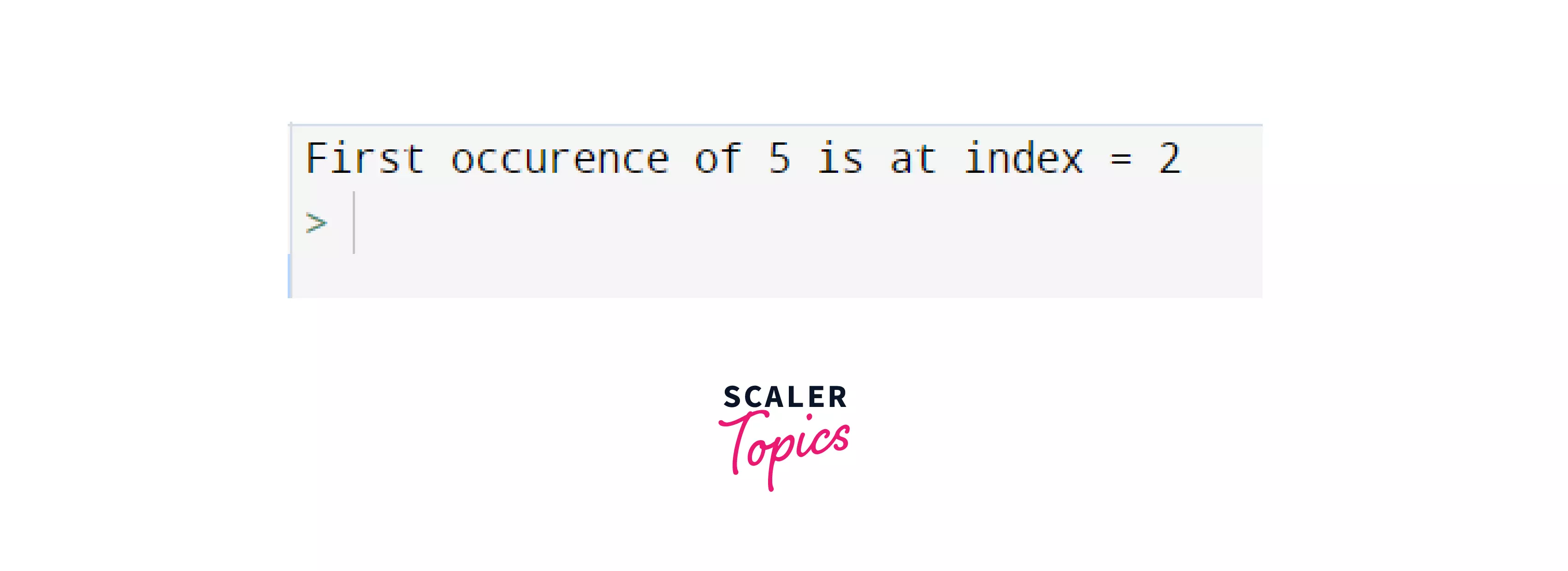
Explanation:
In the above example, we have a list ls. We have some values in this list, where a few are repeated as well. Now, if we want to find the first occurrence of any value, we can provide the element in the index() method, like ls.index(5). So, it returns the index of 5 in the list, which is at position 2 (assuming the elements start from index 0).
What if we want to find any position of 5, apart from the starting position? Here comes the parameter "start" in the index() method.
Example 2: Search Element After a Particular Index
Code:
Output: 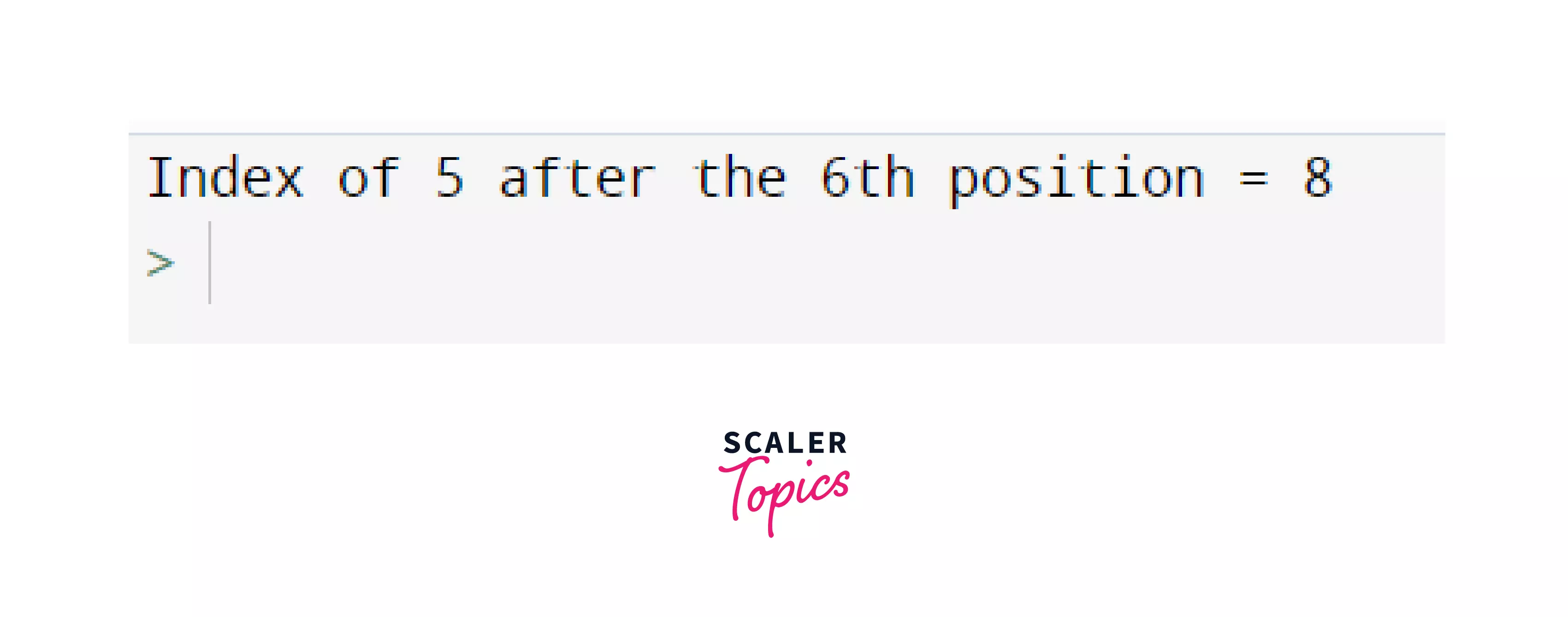
Explanation:
- Here, we want to search for 55 , so we provide the starting index = 6, which means we want our index() method to return the position of the element after the starting index.
- The index() method will search for 5 in the list, from index 6(inclusive) till the length of the list( = 10), through this statement: element = 5, start = 6. Once it finds its position, it will return the index of the element.
- Also, the index() method returns the index, considering the first element at index 0.
Example 3: Search Element After and Before a Particular Index
After having searched for our element at the starting and the ending positions, let us also try to find the position of 5 after a particular index and before a specific index. That is, between a starting and an ending index.
Code:
Output: 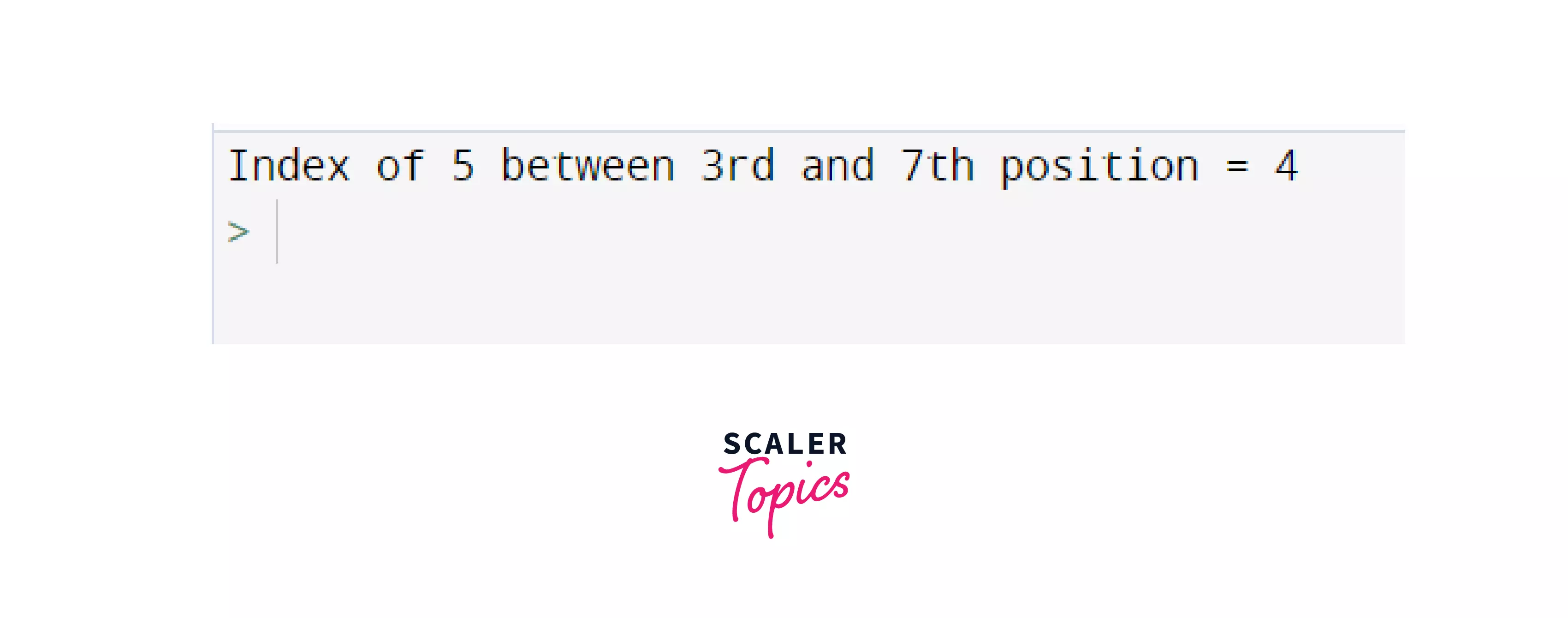
Explanation:
- In this example we search for '5', after and before a particular index, i.e. between the start and end index. For that, we provid these 3 parameters to our index() method: element = 5, start = 3, end = 7
- We got that five is present at index 4 (considering the index starts from 0) between the given start and end indexes.
Example 4: Searching for an element not present in our list
Code:
Output: 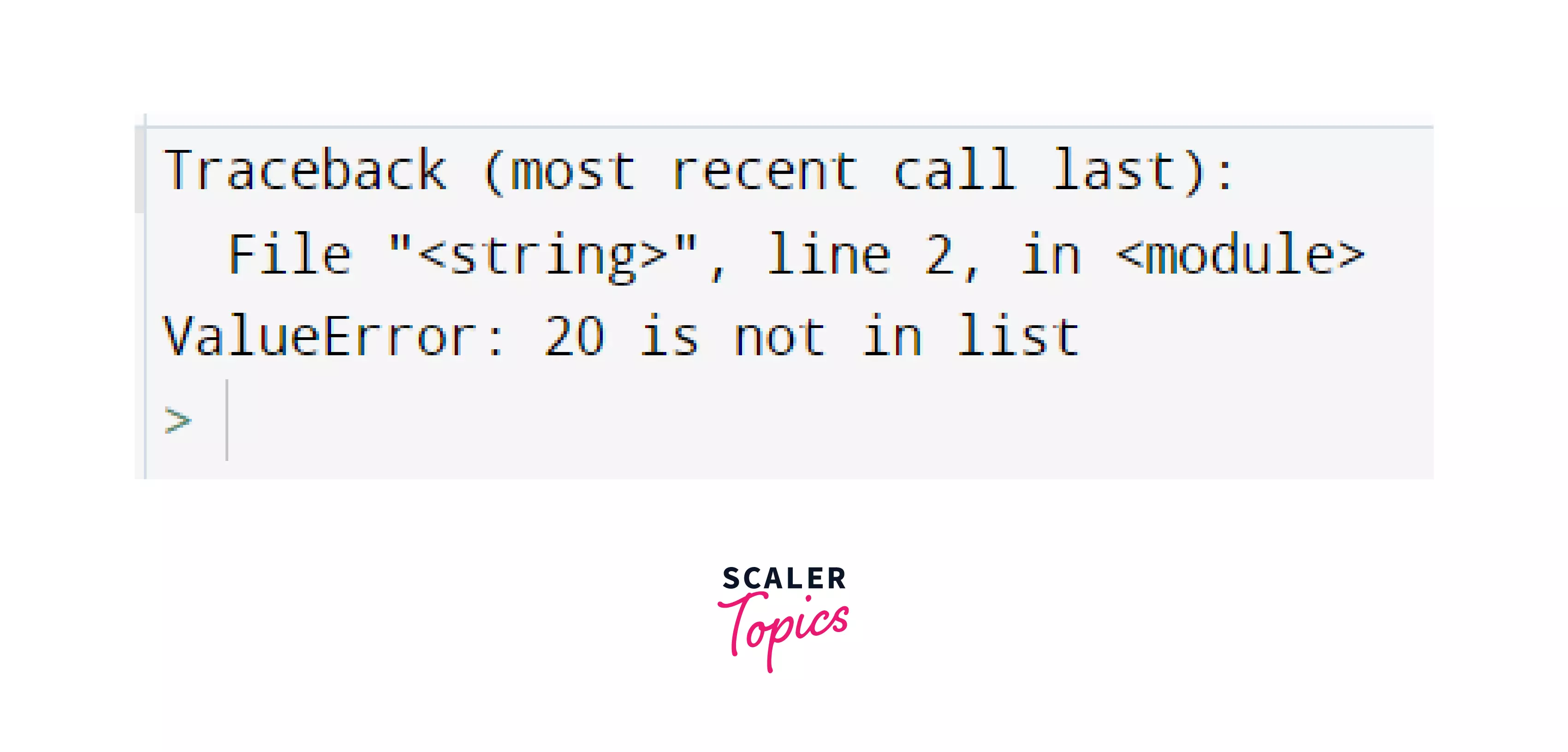
Explanation:
- Since 20 is not present in our list 'ls', a ValueError is thrown by the index() method in Python.
- Hence, it raised the above exception: ValueError: 20 is not in list
- However, we can fix this error by using try-except in Python. Let's see how!
A suitable Fix to Prevent this Error:
To Prevent this Error, we can simply wrap our code block into a try/catch statement:
Code:
Output:
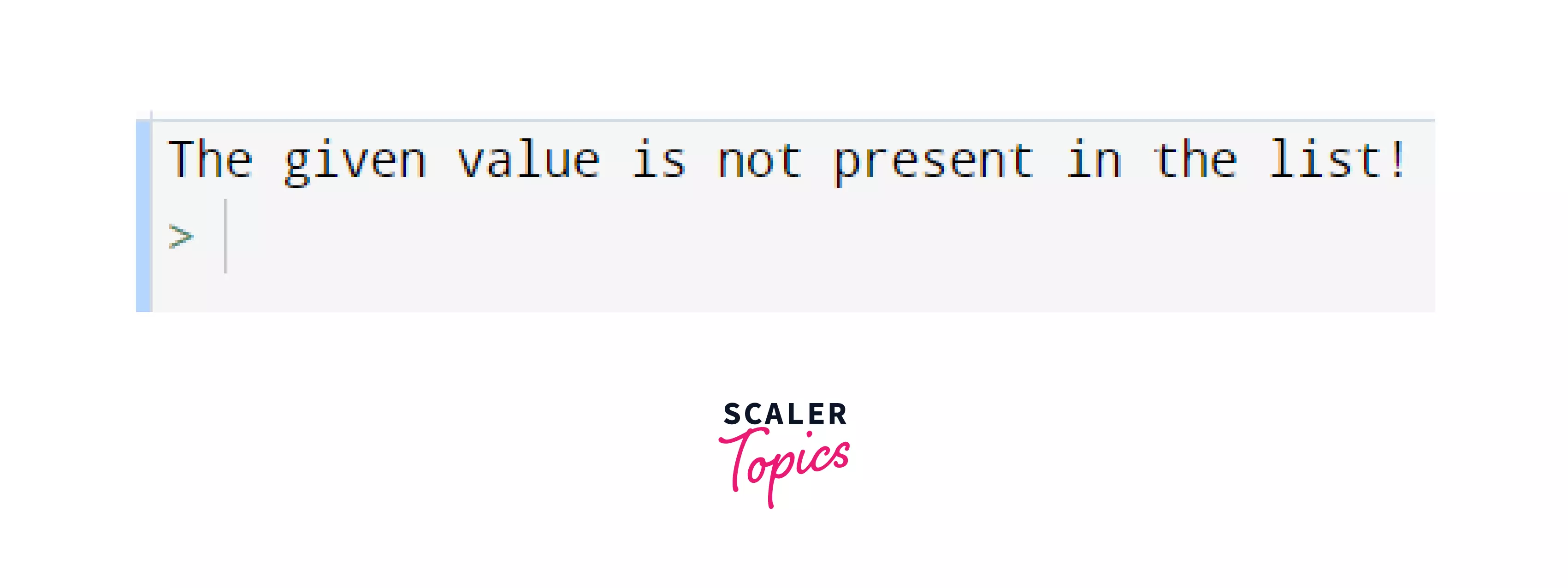
So, the above code returns the index of the value if it is present in the list. Otherwise, it displays the message: "The given value is not present in the list!".
Conclusion
In this article, we learnt about the index() method in Python, its implementation and its use cases. Let's recap what we learned till now:
- Python list index() method returns the position of the first occurrence of a value.
- It have 3 parameters: element, start and end.
- element is a mandatory parameter where we pass the element to be searched. Whereas start and end are optional parameters that tell us the range in which the element is to be searched.
- The element we are searching for must be present in the list. Otherwise index() raises a valueError.