AI Photo Restoration Software - SoftOrbits (original) (raw)
Compute automation Automation image/svg+xml Amido Limited Richard Slater
Easy to Install
Installing SoftOrbits Photo Retoucher is as simple as downloading and running the installer. There are no additional packages to download and no wait after installing: use the tool right away!
file_type_cuda
Universally Compatible
The old photo restoration software supports most current video cards by AMD, NVIDIA and Intel, including discrete and integrated graphics. We tested the tool with various cards of different makes and models to ensure compatibility.
ultra-hd-4k
Supports 25+ Megapixels
Thanks to smart tiling technology, high resolutions are supported without excessive memory requirements. We tested SoftOrbits Photo Retoucher with images of up to 25 megapixels, and it won't break or cause out-of-memory errors.

In the era of artificial intelligence, things have changed drastically and very quickly. New AI models emerge, but not a single one is perfect - which is exactly what SoftOrbits Photo Retoucher aims to change. SoftOrbits Photo Retoucher is straightforward to install and very easy to use. It comes with no stringent system requirements, and supports most existing video cards including those integrated into your CPU (granted, you'll have to wait longer, but it will work). Finally, we tested photo restoration app on photos as large as 12 MP without issues.
Over time, old photos can fade, accumulate scratches, and suffer all kinds of damage. SoftOrbits photo restoration program employs innovative artificial intelligence to restore your old photos, utilizing a neural network technology to automatically remove imperfections, clear noise and blurriness, and even add color to black-and-white photos.
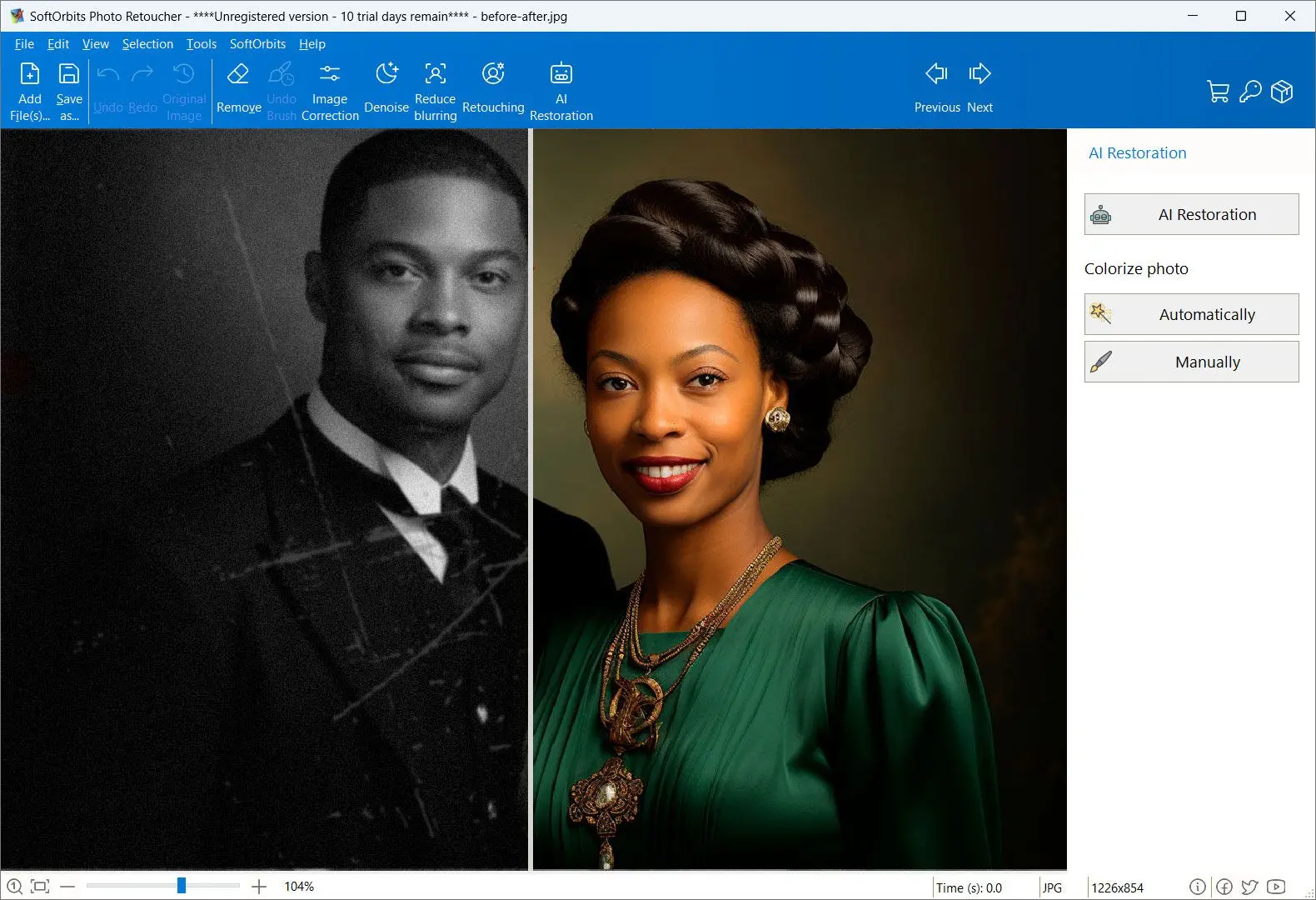
SoftOrbits Photo Retoucher is available as desktop software for Windows, but we understand there could be times when you just want to restore one photo and do it right away without downloading or installing anything. For this kind of one-off jobs, we've introduced an online photo restoration service.
Quick and Easy Old Photo Restoration Software
With SoftOrbits Photo Retoucher, restoring your old photographs is seamless.
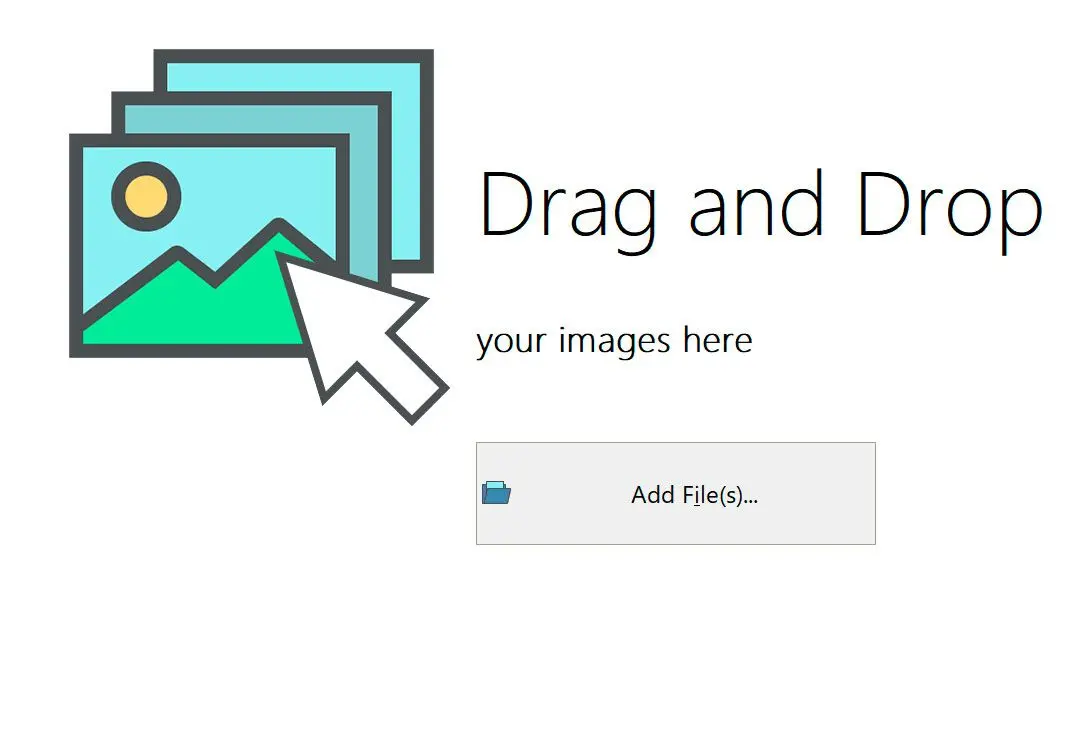
1. Upload Your Photo
1. Upload Your Photo
Simply drop your scanned photo onto the main window. If you have more than one, drop all of them - or the whole folder.
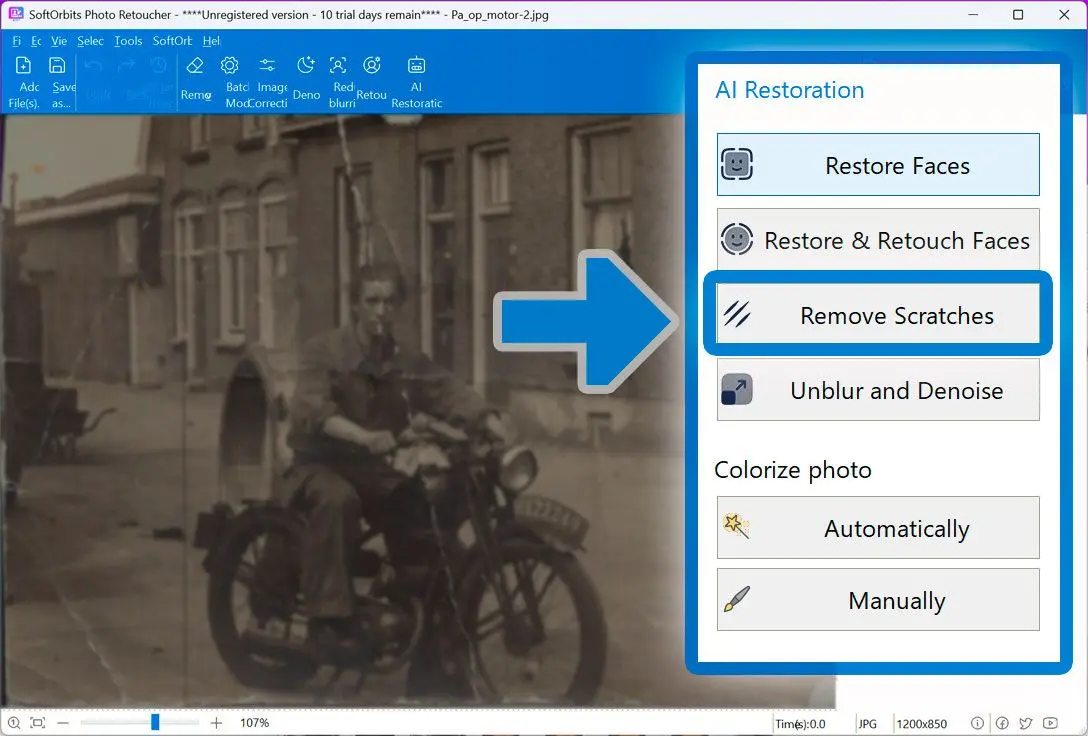
2. Hit the Right Button
2. Hit the Right Button
Once your image is uploaded, you'll have a choice of actions. You can utilize AI to automatically detect and remove scratches, reduce noise and blur, upscale your image up to 8x, and even colorize black-and-white photos.
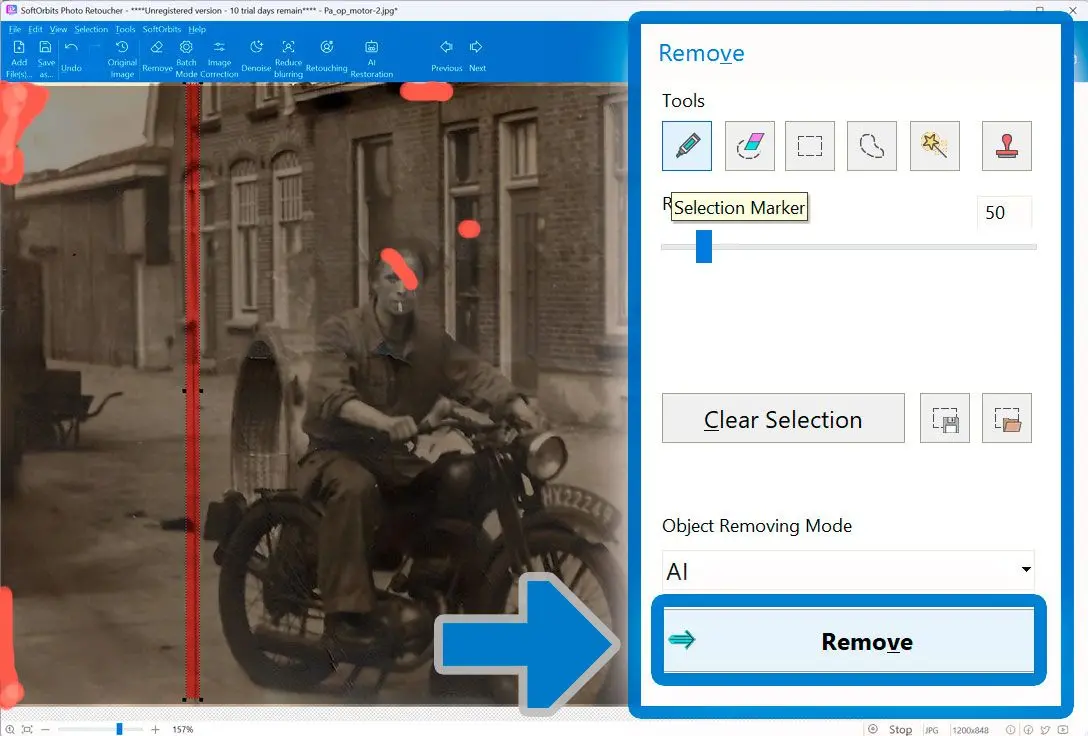
3. Add Manual Enhancements
3. Add Manual Enhancements
In addition to automated AI-powered photo restoration software, there is a choice of advanced tools for manual image enhancements. Add makeup, remove unwanted objects, and more.
4. Save and Share
4. Save and Share
Once you are done, save your photo or share it with friends and family.
Online and Offline
SoftOrbits Photo Retoucher is available as desktop software for Windows, but we understand there could be times when you just want to restore one photo and do it right away without downloading or installing anything. For this kind of one-off jobs, we've introduced an online photo restoration service.
Our online service is even simpler than our desktop tool. Just upload an old photo, click, enhance if you feel like it, and download the restored version of the photo.
Drop an image
Supported formats: Png, Jpeg, Jpg, Webp, Heic
Features and Benefits
AI Powered Scratch and Blemish Removal
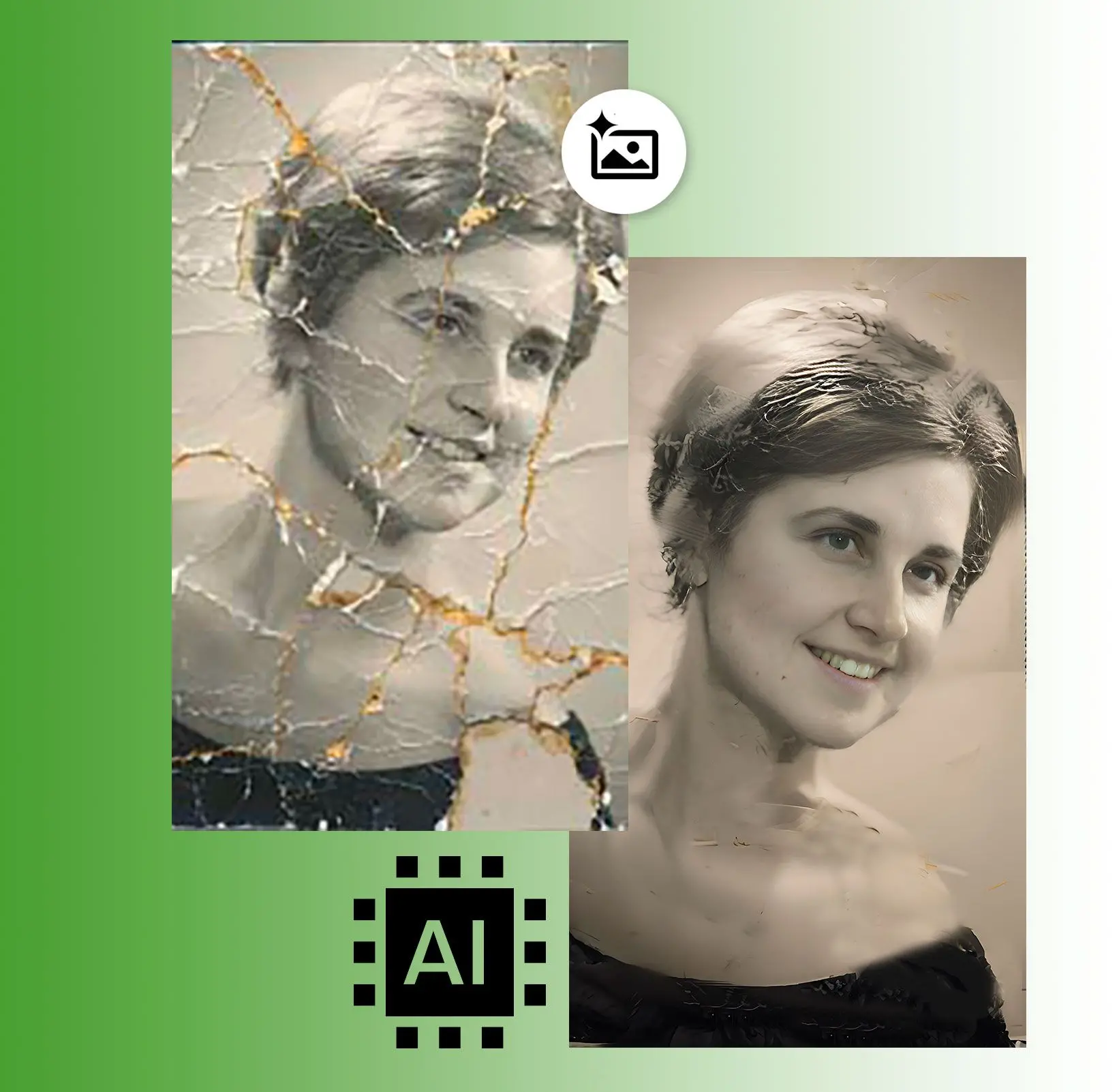
The software intelligently identifies and removes scratches, dust spots, and other imperfections without giving your image that artificial 'plastic' look.
AI Powered Face Restoration
We trained an advanced AI model to automatically restore faces on blurry, scratched, or low-resolution photos.
AI Powered Noise and Blur Reduction
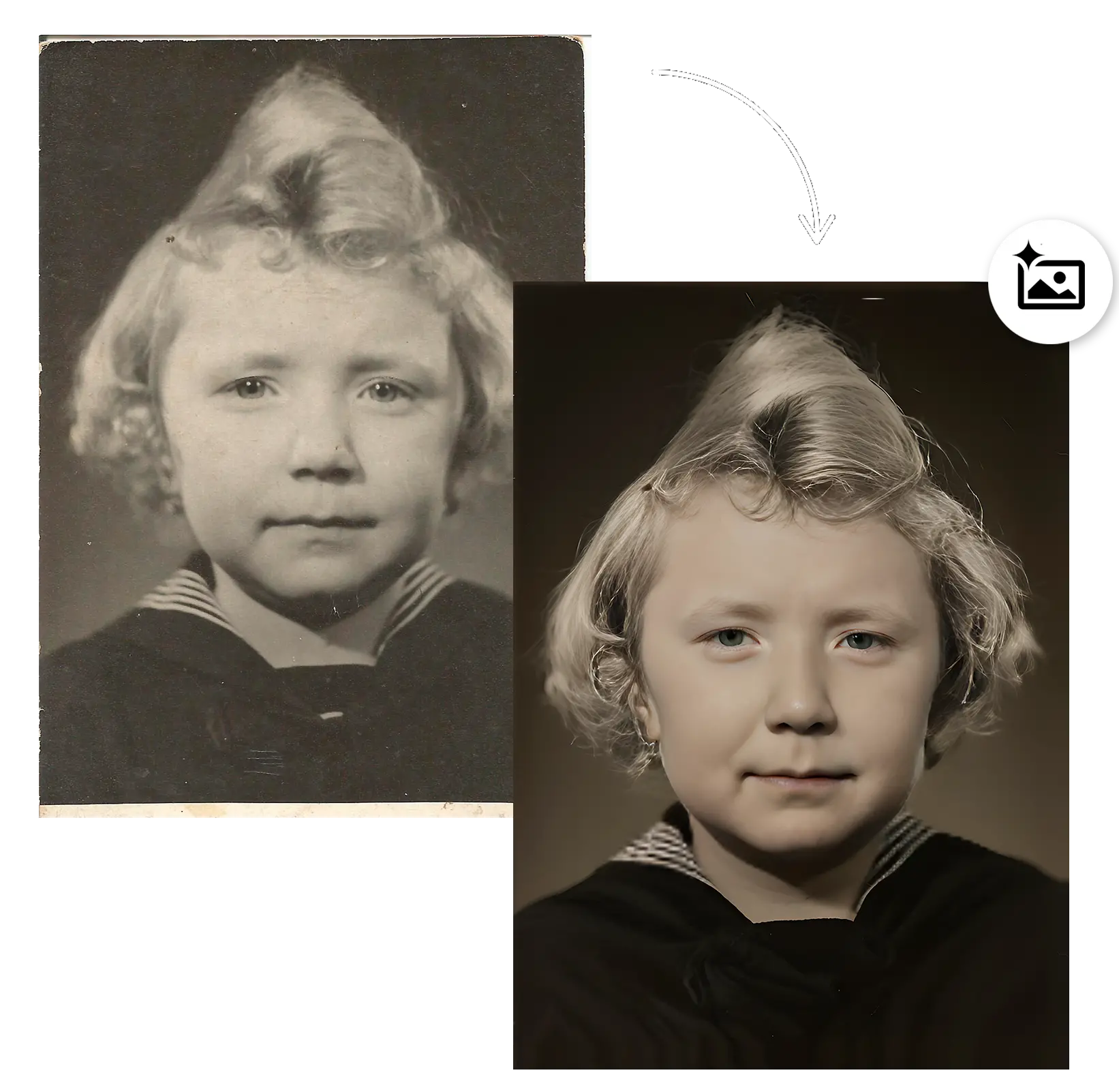
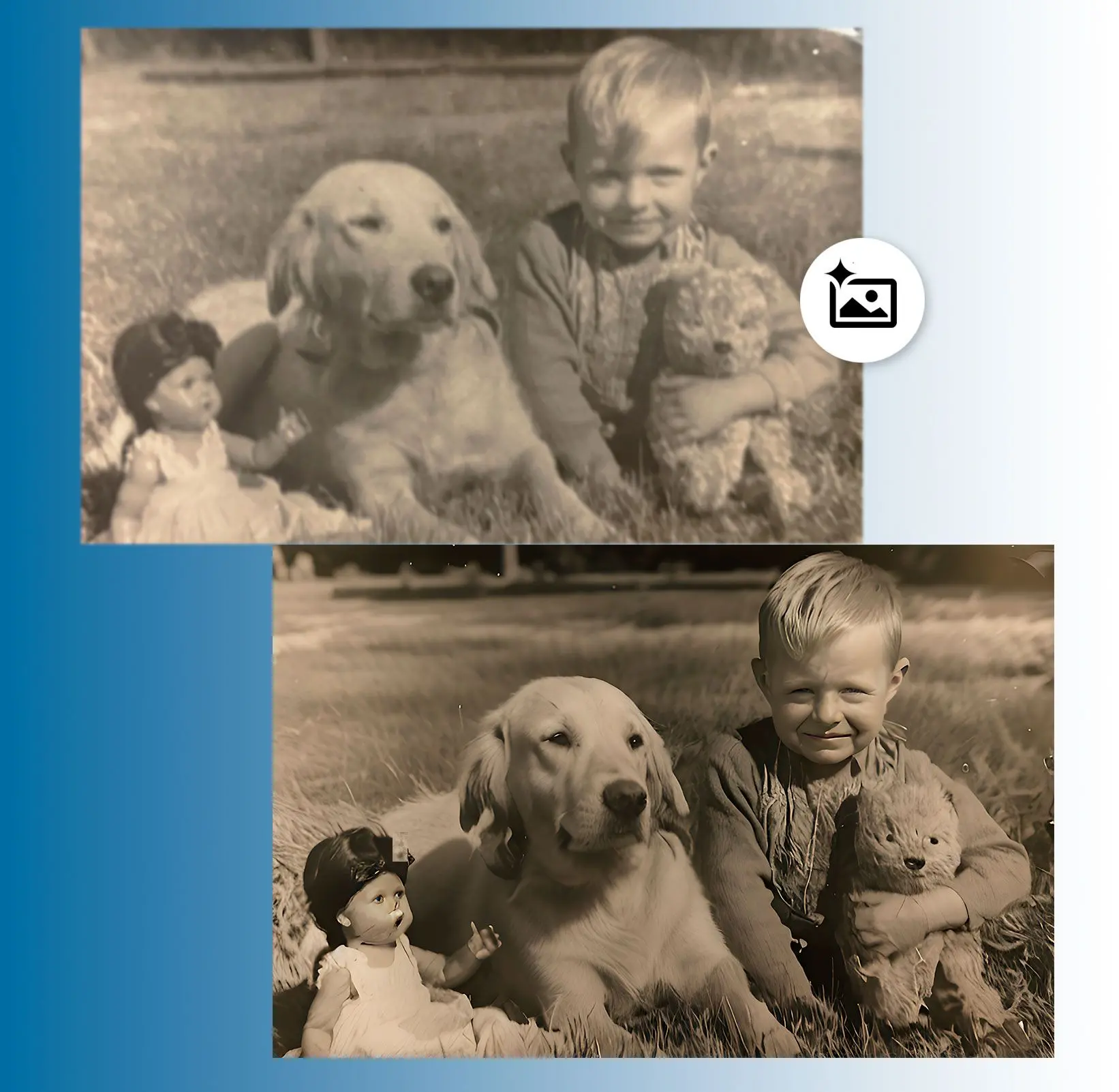
Effectively reduces film grain and digital noise while correcting blurriness. The specially trained AI model produces perfectly natural looks.
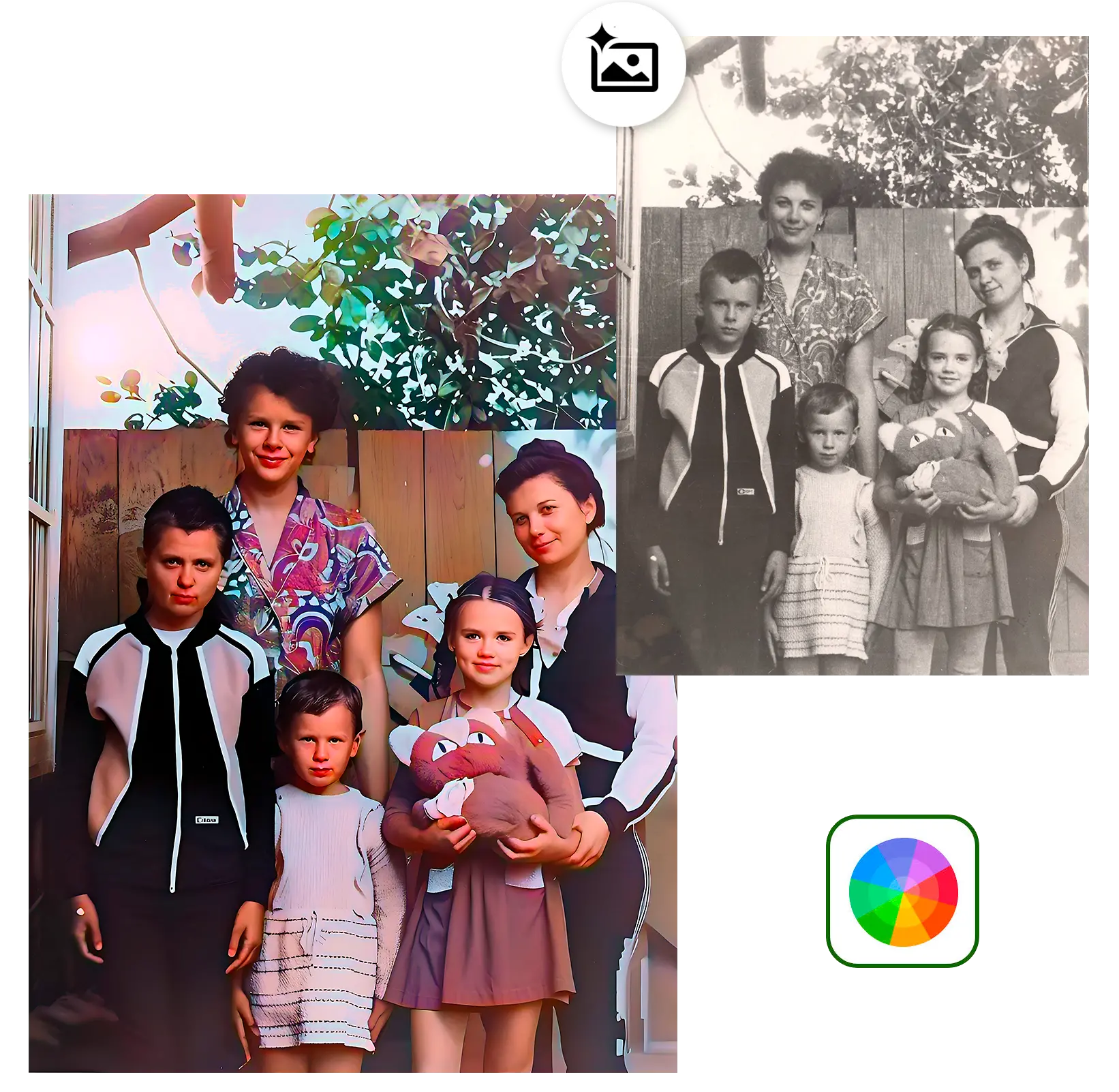
AI Powered Black-and-White Colorization
Colorizes old monochrome images with a specially trained AI model.
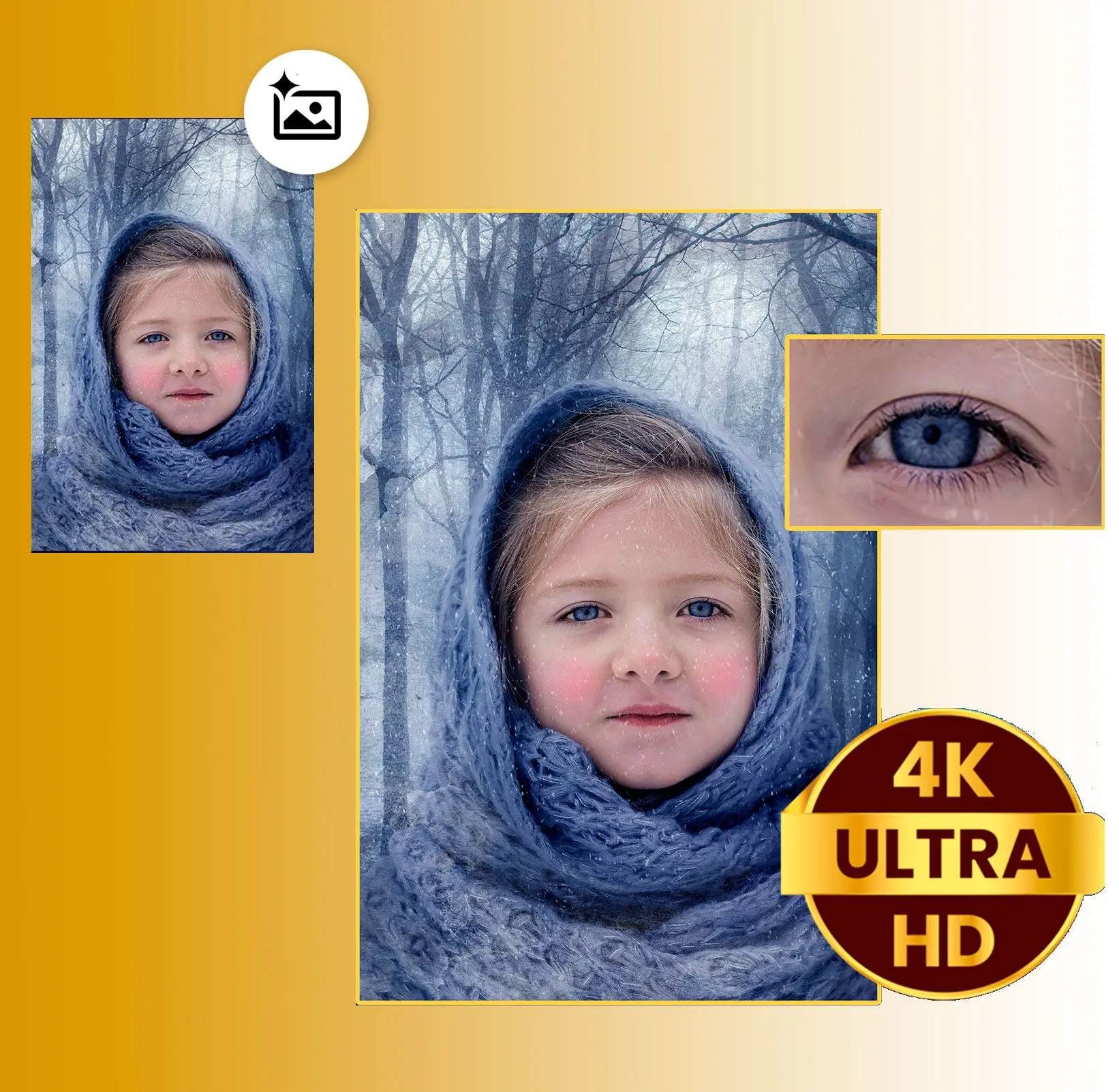
AI Photo Upscale
Upscale your photos up to 800% without losing quality thanks to AI-driven technology.
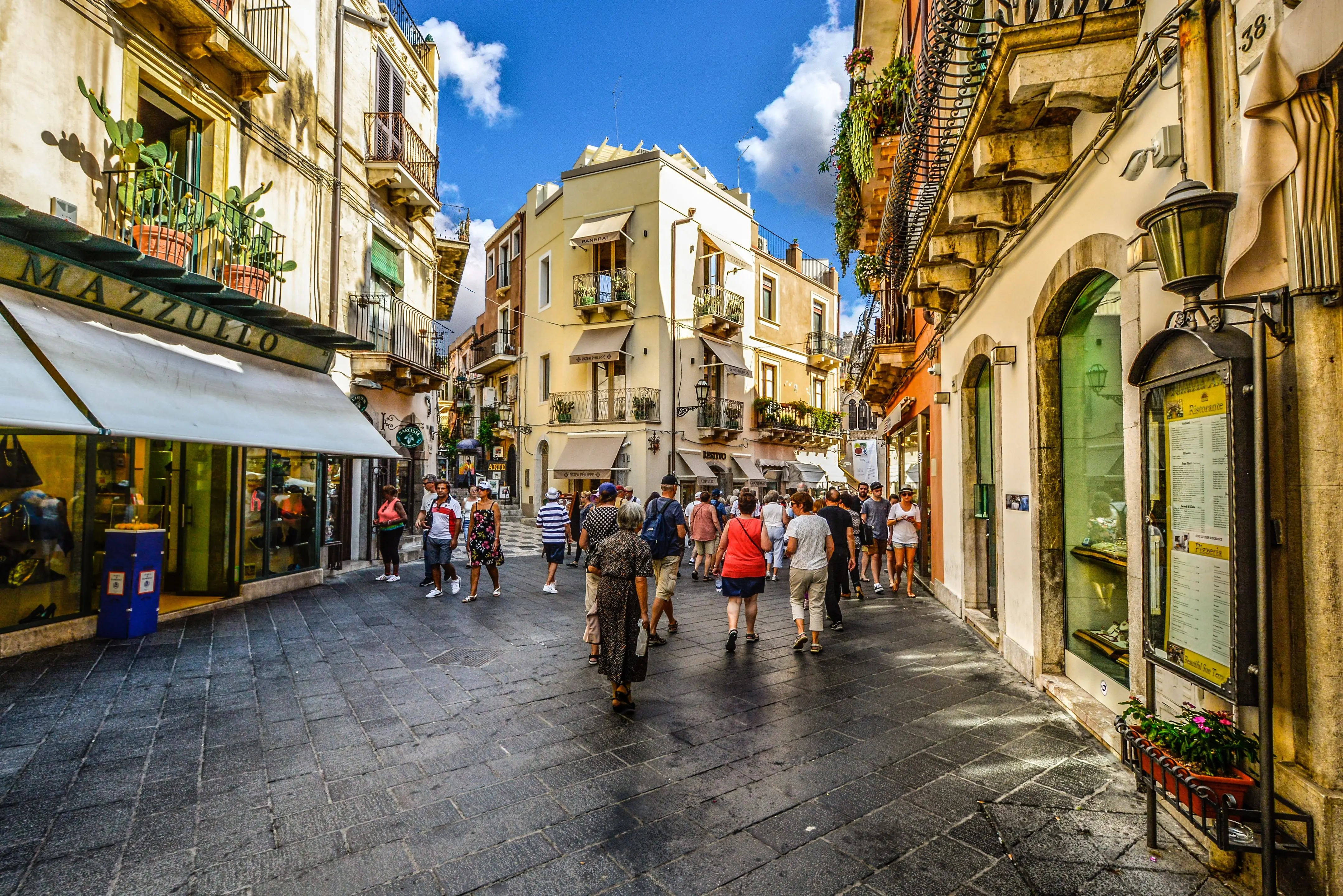
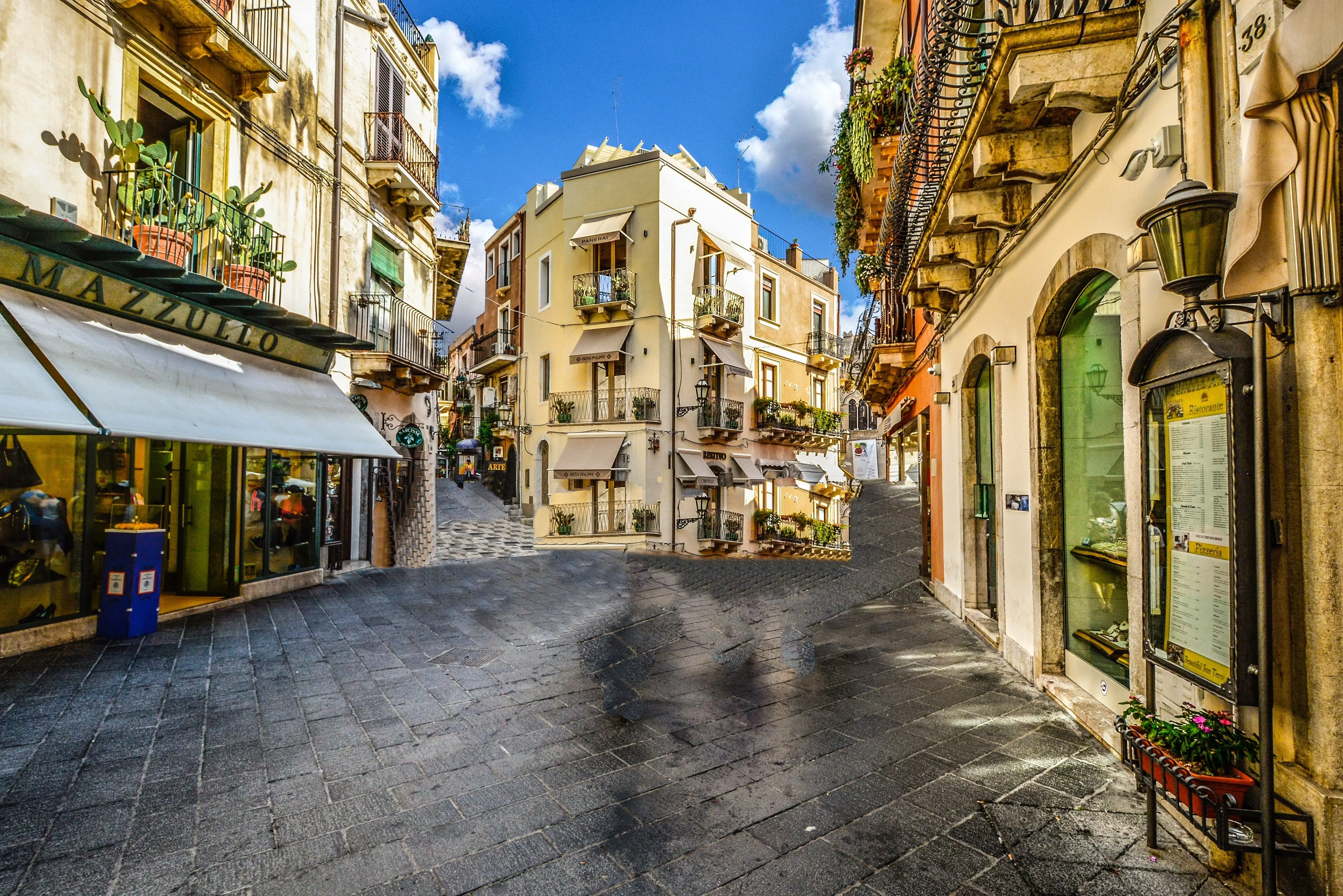
AI Object Removal
Remove unwanted objects from your photos using advanced tools. The background will be restored with generative AI.
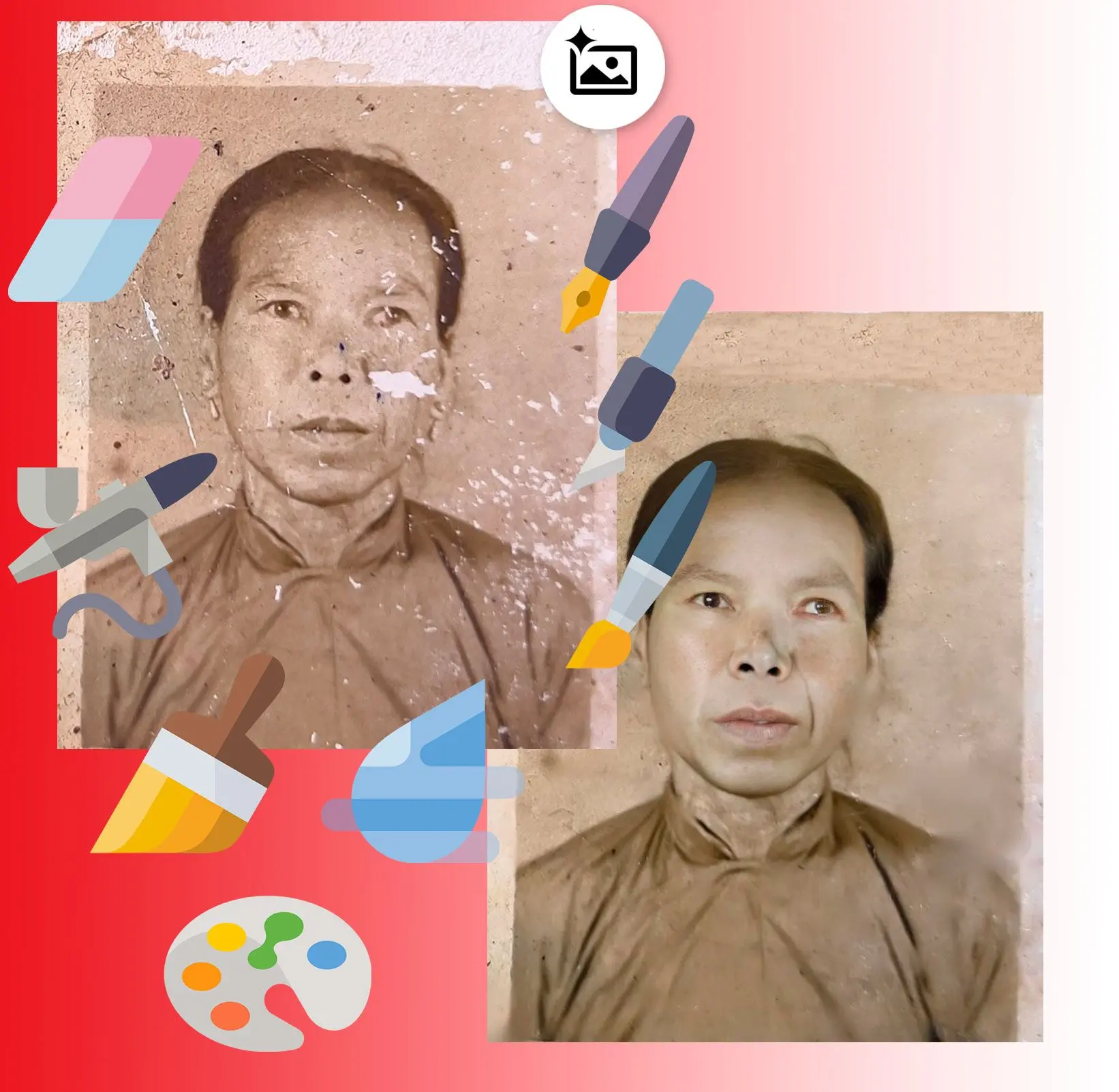
Manual Retouching Tools
The photo restoration software offers manual tools for retouching and enhancing your images.

SoftOrbits Photo Retoucher
$ 19.99
🖥️ System Requirements
- Windows 11/10/8.1/8/7 (32/64 bit)
- Intel i3, AMD Ryzen 5 or above
- 4 GB of RAM or above
- NVIDIA® GeForce® series 8 and 8M, Intel® HD Graphics 2000, Quadro FX 4800, Quadro FX 5600, AMD Radeon™ R600, Mobility Radeon™ HD 4330, Mobility FirePro™ series, Radeon™ R5 M230 or higher graphics card with up-to-date drivers
- 1280 × 768 screen resolution, 32-bit color
- 1 GB of free hard disk space or above