What is Mimikatz? The Beginner's Guide (original) (raw)
Benjamin Delpy originally created Mimikatz as a proof of concept to show Microsoft that its authentication protocols were vulnerable to an attack. Instead, he inadvertently created one of the most widely used and downloaded threat actor tools of the past 20 years.
Dubbed “one of the world's most powerful password stealers” by Wired.com, any IT professional tasked with protecting Windows networks needs to pay close attention to the latest Mimikatz developments to understand how hackers will manipulate the tool to infiltrate networks.
- What is Mimikatz?
- What can Mimikatz do?
- Where can you download Mimikatz?
- How do you use Mimikatz?
- How do you defend against Mimikatz?
Get a Free Data Risk Assessment
What is Mimikatz?
Mimikatz is an open-source application that allows users to view and save authentication credentials such as Kerberos tickets. The toolset works with the current release of Windows and includes a collection of different network attacks to help assess vulnerabilities.
Attackers commonly use Mimikatz to steal credentials and escalate privileges because in most cases, endpoint protection software and antivirus systems will not detect or delete the attack. Conversely, pen testers use Mimikatz to detect and exploit vulnerabilities in your networks so you can fix them.
What can Mimikatz do?
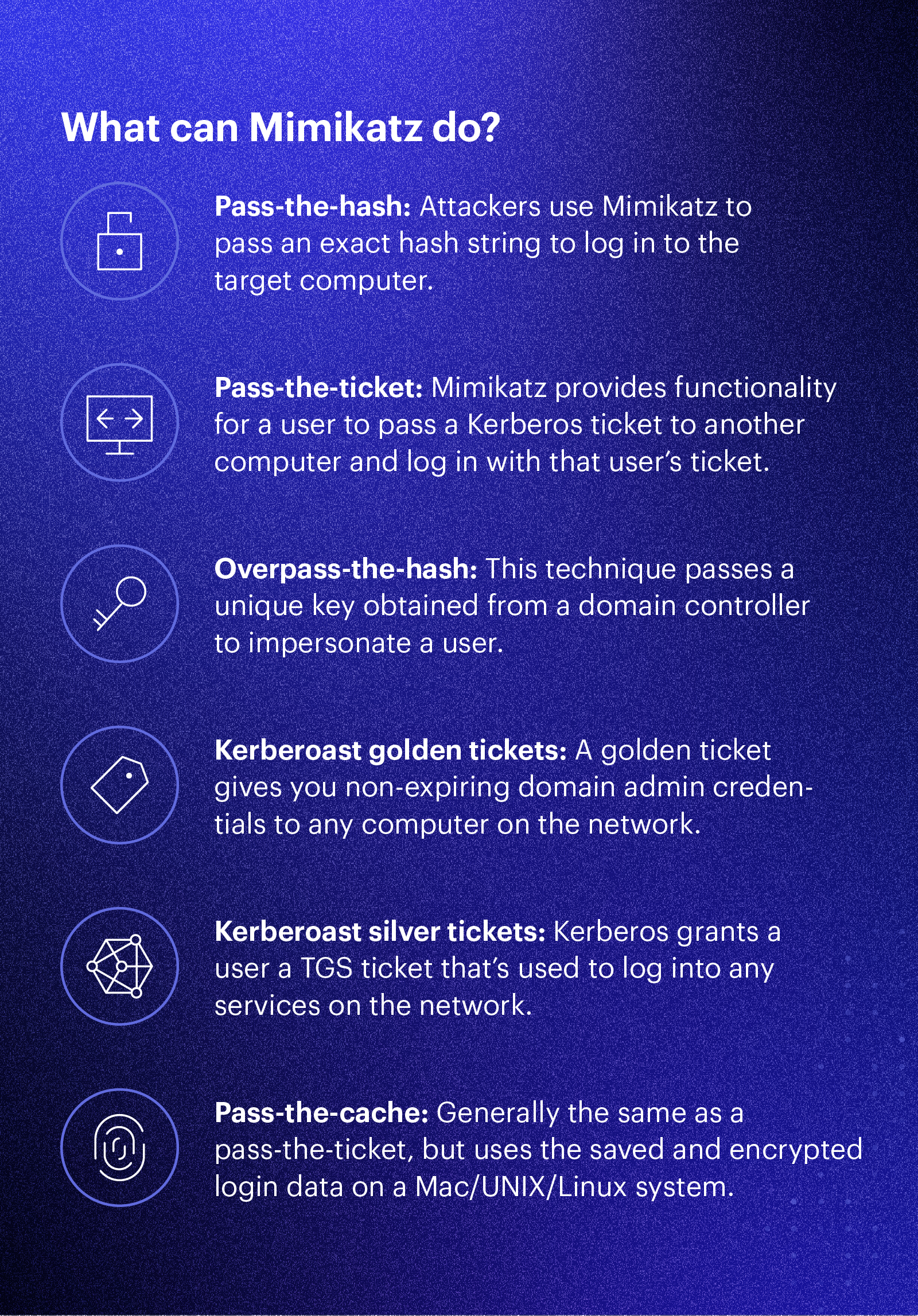
Mimikatz originally demonstrated how to exploit a single vulnerability in the Windows authentication system. Now it exposes several different kinds of vulnerabilities; Mimikatz can perform credential-gathering techniques such as:
- Pass-the-hash: Windows used to store password data in an NTLM hash. Attackers use Mimikatz to pass that exact hash string to the target computer to log in. Attackers don’t even need to crack the password — they just need to use the hash string as-is. It’s the equivalent of finding the master key to a building on the lobby floor. You need just that one key to get into all the doors.
- Pass-the-ticket: Newer versions of Windows store password data in a construct called a ticket. Mimikatz provides functionality for a user to pass a Kerberos ticket to another computer and log in with that user’s ticket. It’s very similar to the pass-the-hash method.
- Overpass-the-hash (pass-the-key): Yet another flavor of the pass-the-hash, but this technique passes a unique key obtained from a domain controller to impersonate a user.
- Kerberoast golden tickets: This is a pass-the-ticket attack, but it’s a specific ticket for a hidden account called KRBTGT, which is the account that encrypts all of the other tickets. A golden ticket provides you with non-expiring domain admin credentials to any computer on the network.
- Kerberoast silver tickets: Another pass-the-ticket, but a silver ticket takes advantage of a feature in Windows that makes it easy for you to use services on the network. Kerberos grants a user a ticket-granting server (TGS) ticket, and a user can use that ticket to authentic to service accounts on the network. Microsoft doesn’t always check a TGS after it’s issued, so it’s easy to slip past any safeguards.
- Pass-the-cache: Finally an attack that doesn’t take advantage of Windows! A pass-the-cache attack is generally the same as a pass-the-ticket, but this one uses the saved and encrypted login data on a Mac/UNIX/Linux system.
Where can you download Mimikatz?
Download Mimikatz binaries and source from Benjamin Delpy’s GitHub. He offers several download options from the executable to the source code. You’ll need to compile it with Microsoft Visual Studio 2010 or later.
How do you use Mimikatz?
Step 1: Run Mimikatz as an administrator.
Mimikatz needs to “run as admin” to function correctly, even if you’re already using an administrator account.
Step 2: Check your version of Mimikatz.
There are two versions of Mimikatz:
- 32bit
- 64bit
Make sure you’re running the correct version for your installation of Windows. Run the command “version” from the Mimikatz prompt to get information about the Mimikatz executable, the Windows version, and if there are any Windows settings that will prevent Mimikatz from running correctly.
Step 3: Extract “clear text passwords” from memory.
The module sekurlsa in Mimikatz lets you dump passwords from memory. To use the commands in the sekurlsa module, you must have admin or SYSTEM permissions.
First, run the command:
mimikatz # privilege::debug
The output will show if you have appropriate permissions to continue.
Next, start the logging functions so you can refer back to your work.
mimikatz # log nameoflog.log
And finally, output all of the clear text passwords stored on this computer.
mimikatz # sekurlsa::logonpasswords
Using other Mimikatz modules
The crypto module allows you to access the CryptoAPI in Windows which lets you list and export certificates and their private keys, even if they’re marked as non-exportable.
The Kerberos module accesses the Kerberos API so you can play with that functionality by extracting and manipulating Kerberos tickets.
The service module allows you to start, stop, disable, etc. Windows services.
And lastly, the coffee command returns ASCII art of coffee. Because everyone needs more coffee.
How do you defend against Mimikatz?
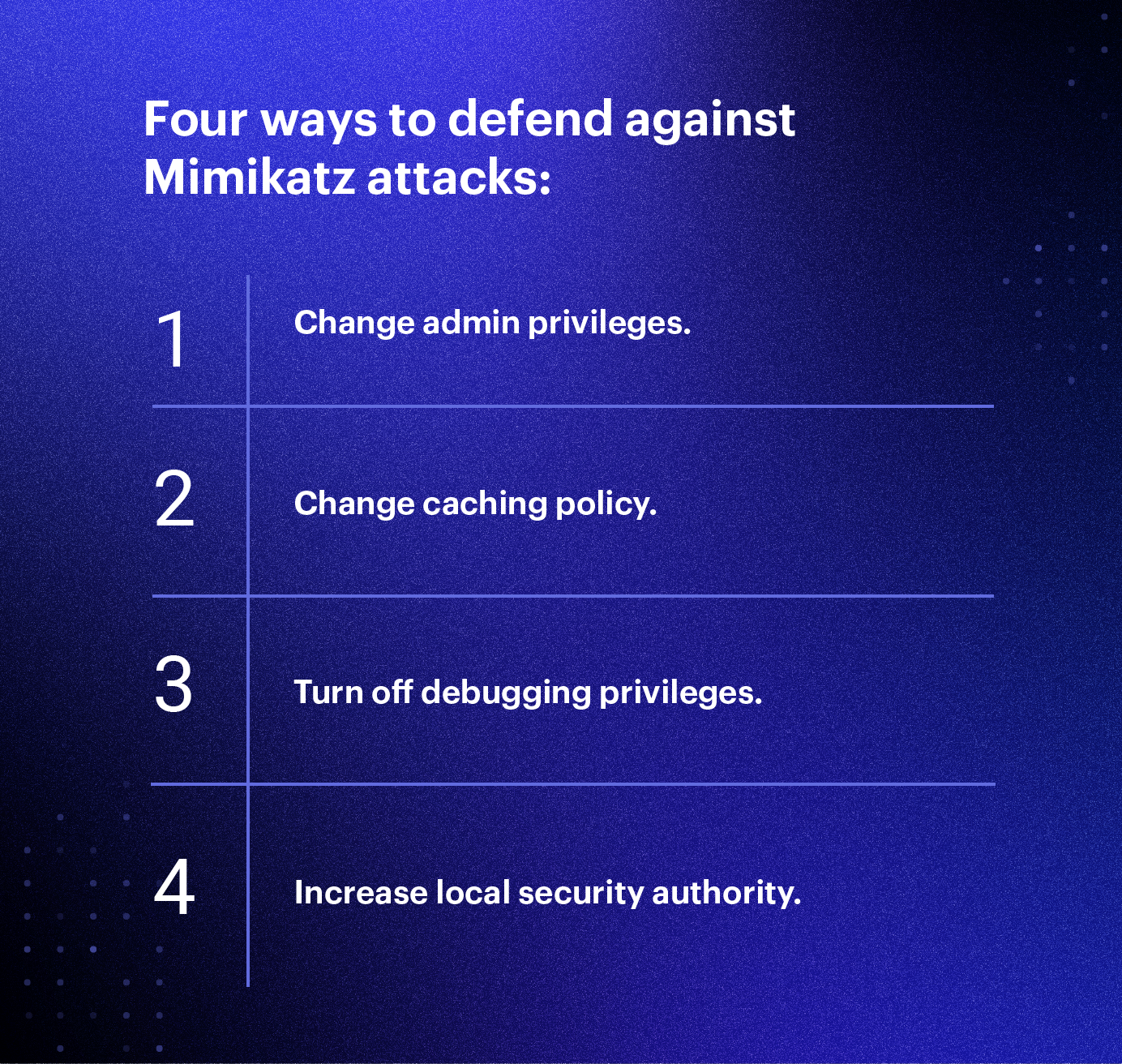
Defending against Mimikatz can be challenging because in order for an attacker to execute, they’ve already obtained root access on a Windows box. Oftentimes you may only be containing the damage the attacker has already caused. Below are a few of the ways you can defend against Mimikatz attacks.
- Restrict admin privileges. This can be done by limiting admin privileges to only users who need them.
- Disable password-caching. Windows caches password hashes that were recently used through their system registry. Mimikatz can then gain access to these cached passwords, which is why it’s important to change your default settings to cache zero recent passwords. This can be accessed through Windows Settings > Local Policy > Security Options > Interactive Logon.
- Turn off debug privileges. Windows’ default settings allows local admins to debug the system, which Mimikatz can exploit. Turning off debugging privileges on machines is a best practice to safeguard your system.
- Configure additional local security authority (LSA) protection. Upgrading to Windows 10 can help mitigate the types of authentication attacks that Mimikatz enables. However, when this isn’t possible, Microsoft has additional LSA configuration items that help reduce the attack surface area.
Even with everything summarized in this article, there is so much more to know and learn about Mimikatz. If you’re looking into penetration testing or just want to dig into the Windows authentication internals, check out some of these other references and links:
- Guide to Pen Testing Active Directory Environments
- Unofficial Guide to Mimikatz and Command Reference
- Koadic: LoL Malware Meets Python-Based Command and Control (C2) Server
- Official Mimikatz Wiki
Want to see Mimikatz in action and learn how Varonis protects you from infiltration? Join our free Live Cyberattack Workshop and watch our engineers execute a live cyberattack in our security lab.

Michael Buckbee Michael has worked as a sysadmin and software developer for Silicon Valley startups, the US Navy, and everything in between.