Password & passkey manager for teams and enterprises | Zoho Vault (original) (raw)
Enterprise password security, made simple

Digital resilience: A security imperative by Omdia
Learn more
Built to remember everything you could forget
Sharing passwords just got a lot safer — control who sees what with granular access levels. Generate unique passwords protected by AES-256 encryption on a zero-knowledge, SOC 2-certified platform.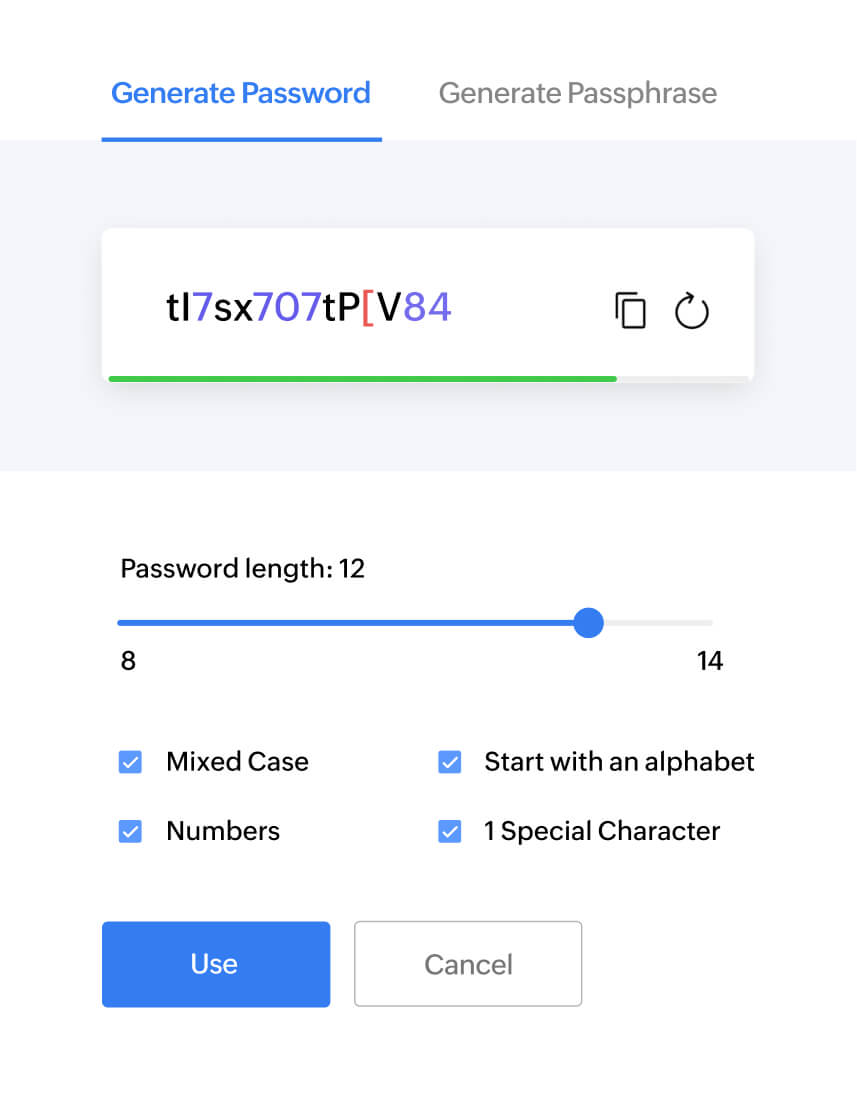
Tap, click, and voila—logging in is that easy. Use your thumbprint, auto-fill, or even a single password for all of your accounts via single sign-on (SSO) to access your apps in a snap. Set time-based visibility for your passwords and keep tabs on your password health.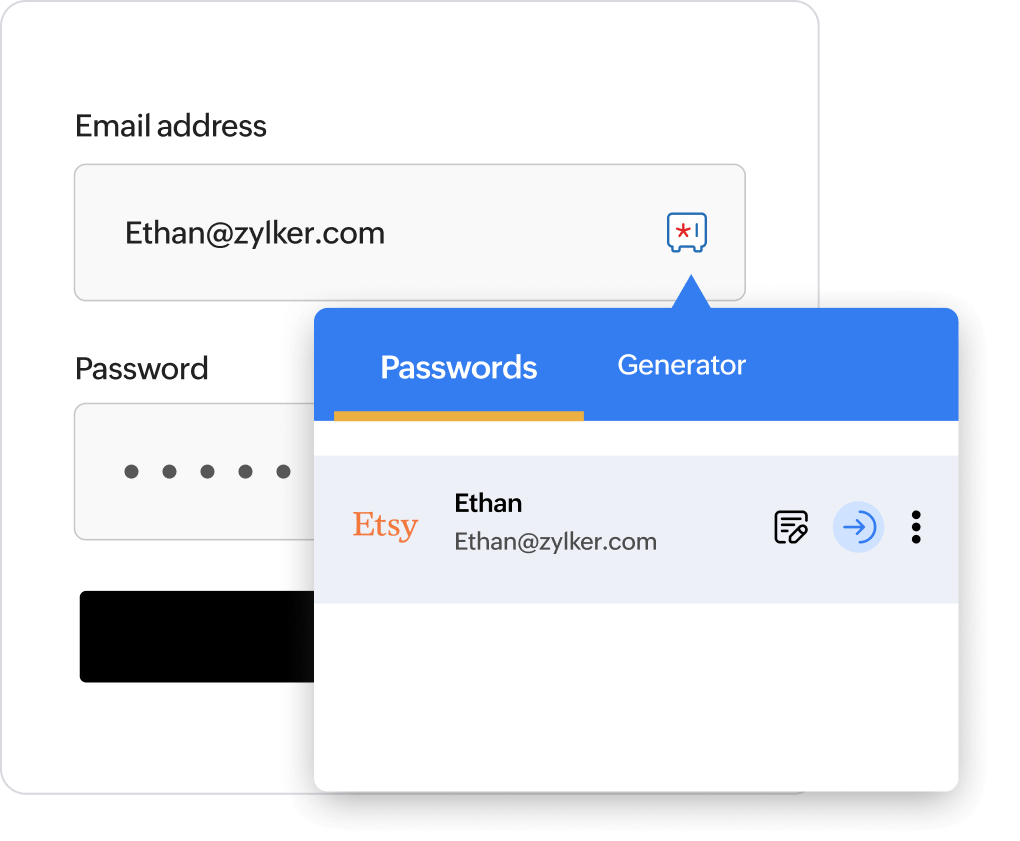
Give your data a home where it stays safe, no matter what happens. Share emergency access to business passwords, get automatic backups, stay protected from harmful IPs, and get email alerts for any suspicious behavior across your organization.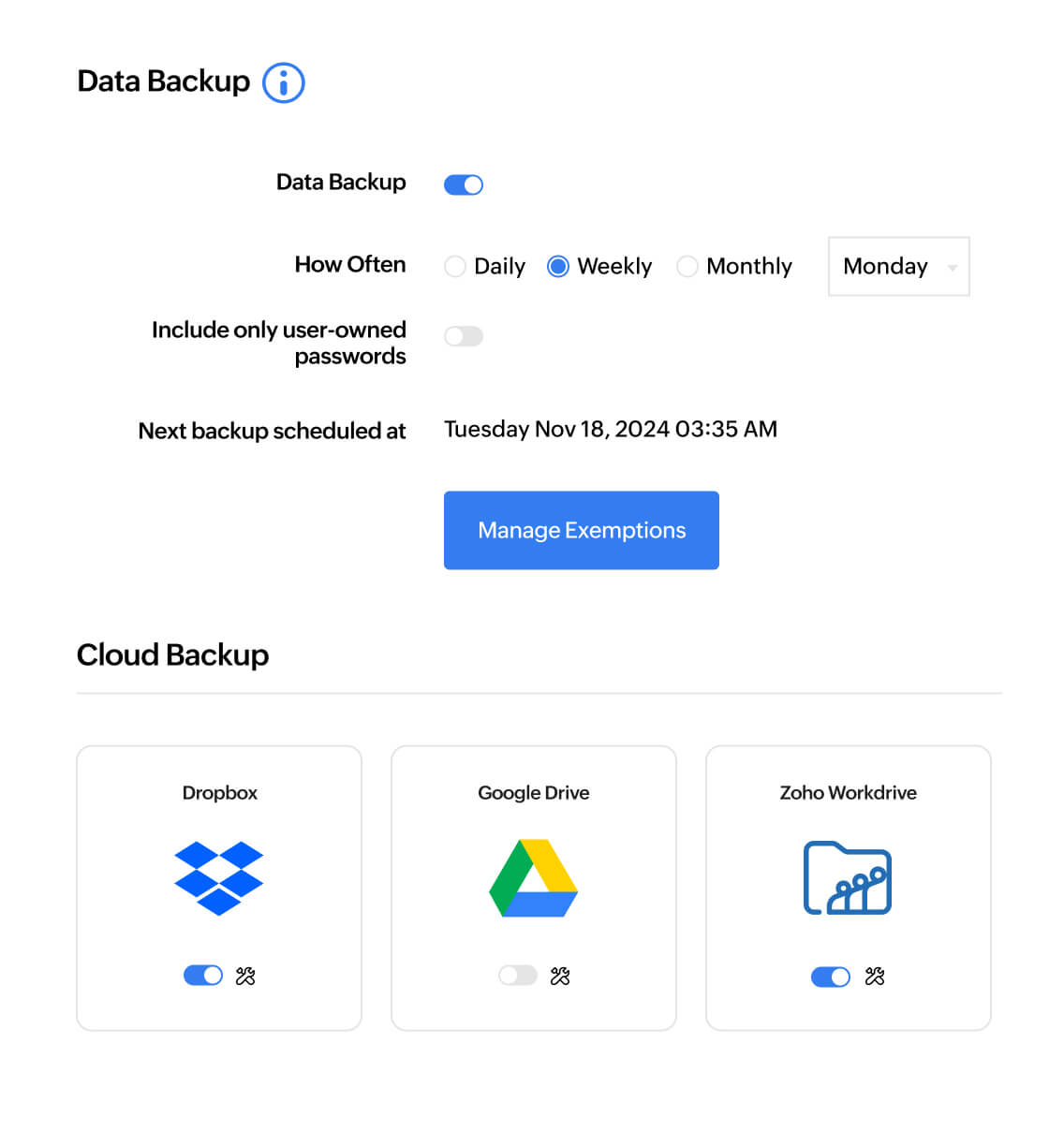
Keep an eye on what's happening in your organization through real-time audit trails. From password and user access to admin activities, track everything you need for both internal and external audits, and sail through every review.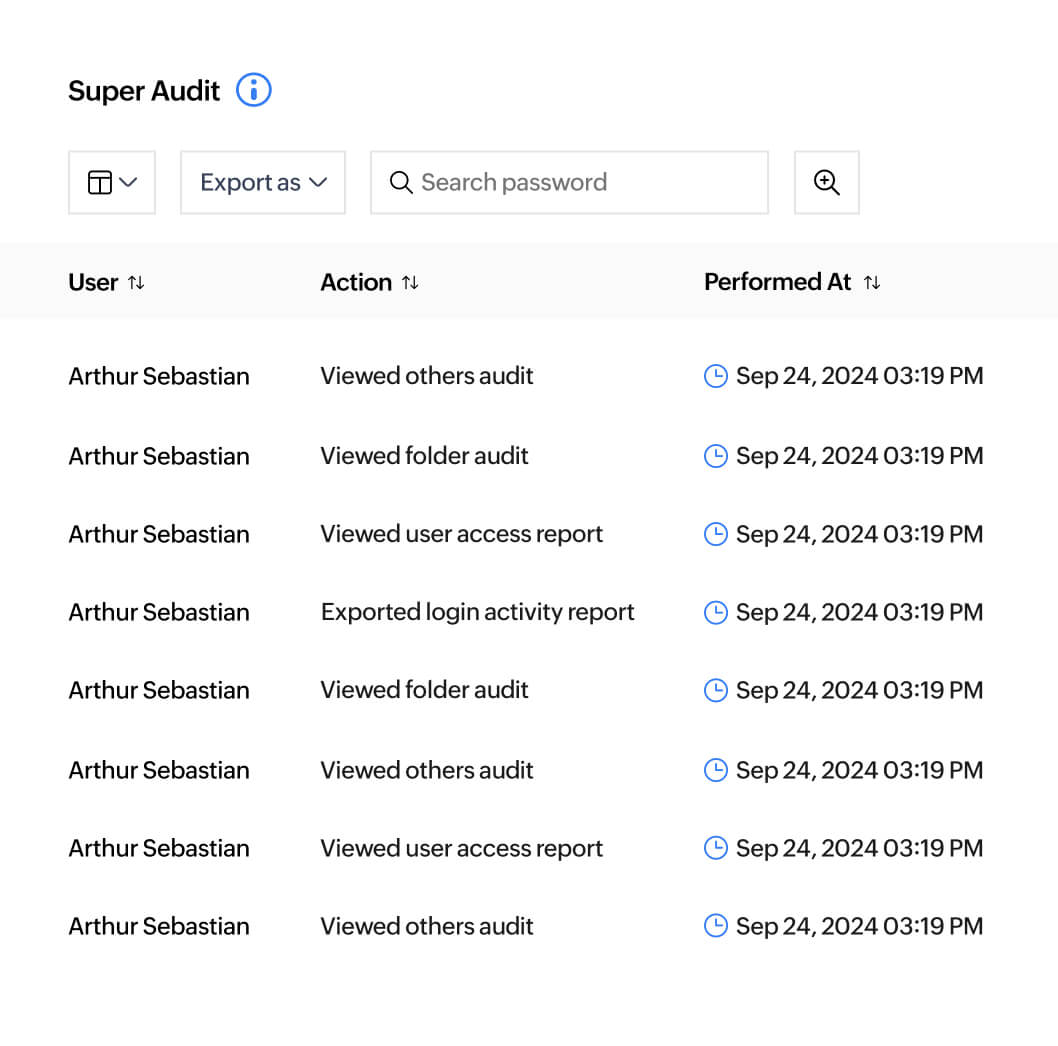
Why choose Zoho Vault?
Impact, beyond promises
Tried, tested, and approved
Your security is our top priority. We're constantly audited and tested by third-party auditors, white hat hackers, and our own experts to ensure your data is always protected.
Privacy, without compromises
We believe in walking the talk, especially when it comes to privacy. That's why we've got our own data centers, tech stack, and a zero-knowledge platform so your data stays exclusively yours.
A legacy of trust
At Zoho, we let the numbers do the talking. With more than 100 million users trusting our company, it's proof that everything we build is designed to meet your needs. Always.
Keeping you secure on every step of your journey
- Ulaa
Secure browser
Ulaa is Zoho's privacy-focused browser that helps you access the internet without sharing your personal data with advertisers.

Identity management
Log in to your work devices and business apps securely with Zoho Directory.

Password management
Manage the passwords of shared accounts, cards, software licenses, and other sensitive data with Zoho Vault.

Multi-factor authentication
Add an additional layer of security with multi-factor authentication for critical accounts with Zoho OneAuth.
"One of the only password programs that controls privileges between different groups. Their support team is very responsive, and has even made changes or added features to the program we suggested would be nice to have."

Robert H
Director of IT, Merrick Towle Communications
"Try it, you will love it. We resolved the need to securely share passwords with our team, while keeping other passwords private. The Firefox and Chrome add-ons are non-intrusive and helpful. These browser extensions save us a ton of time on resetting passwords. No one has to scramble to locate the password we need to access for banking and other sensitive parts of our business to get our job done."

Laura C
Chapman Business Services
"Zoho Vault brings deep functionalities for those who need a very detailed configuration. Easily share secrets within the organization and also with contractors. No need to write down passwords and share them by email."

Laurent J
Owner, Live Session
"I tried three other programs before Zoho, and never really liked them. Zoho just works—and works well."

Ian Stirling
MD, Objectives Reached
"The great thing for me about Zoho Vault is that you get to use all the important features, across multiple devices, even if you're using the free version. An incredible product by an outstanding company."

Lee Hayward
Founder, TheCloud.org.uk
Strong p@##w0rds wherever you are

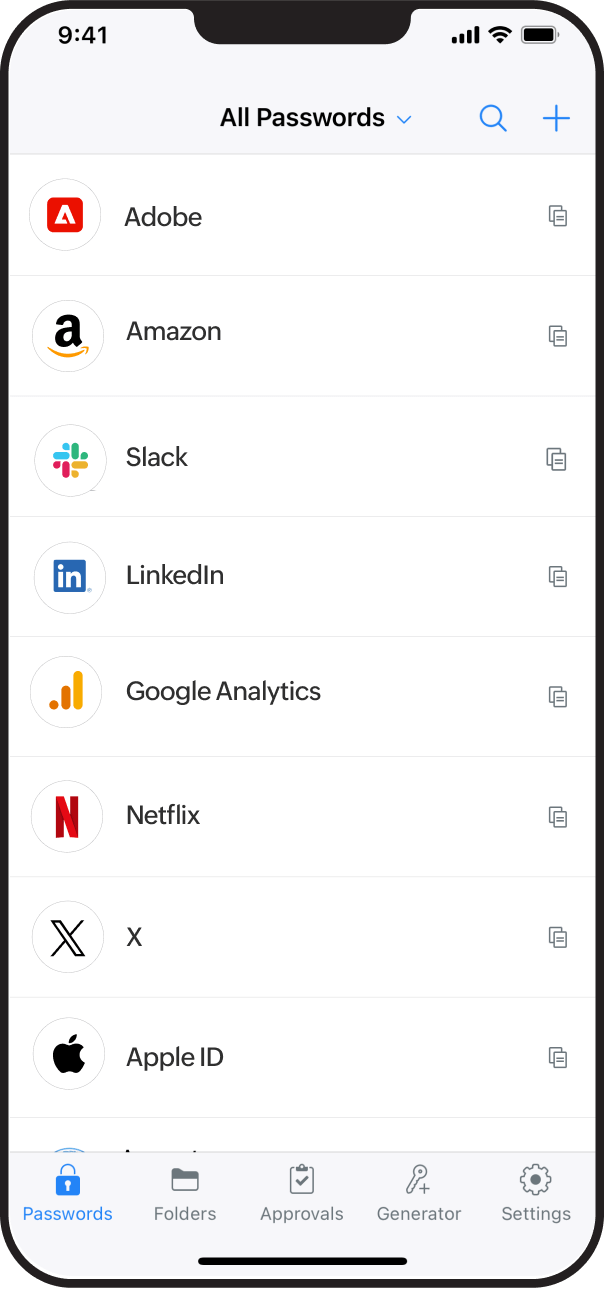
Your security essentials are always a tap away with our apps for iOS and Android.
And that's not all—you can also integrate with popular third-party and Zoho applications to make your journey towards better security so much smoother.

Frequently Asked Questions
Zoho Vault is a secure password manager for both personal and business use. It helps you to securely store, share, and manage passwords from anywhere, anytime.
Zoho Vault follows the host-proof hosting security pattern. Using this mechanism, we encrypt and decrypt your data on the client-side with your master password and only store the encrypted data on our servers. Your master password is not stored anywhere or transmitted to our servers: it stays with you. This prevents unauthorized users–including Zoho's employees–from accessing your data. This is the definition of zero-knowledge architecture — and it's the same standard used by the world's most trusted password managers. Read about our security policies
Zoho has data centers around the world. During sign up, we identify your country based on your IP address. Accordingly, we choose a data center for your account. You can update the location to select a data center of your preference as well.
Vault offers a forever-free edition that includes a comprehensive list of features to help individuals manage their passwords safely. Business users can sign up for a 15-day free trial and explore Vault's enterprise features. No credit card details are required to sign up for the free trial. Read about our free password manager
Zoho Vault works on the principle of zero-knowledge architecture. All passwords and other confidential data are encrypted with AES-256 encryption and transmitted over SSL/TLS. Passwords added by users are only visible to them, and they must share the passwords with other users, including administrators for them to access.
Forget passwords.
And forget worrying about them.