GitHub - WebberZone/contextual-related-posts: Contextual Related Posts WordPress plugin (original) (raw)
Contextual Related Posts

Requires: 6.6
Tested up to: 6.9
Requires PHP: 7.4
License: GPL-2.0+
Plugin page: Contextual Related Posts home page | WordPress.org listing
Keep visitors on your site longer with intelligent, fast-loading contextually related posts. Block, shortcode, custom post type and widget ready.
Description
Contextual Related Posts is a powerful WordPress plugin that displays fast, intelligent related posts to keep users on your site longer. Improve SEO, increase pageviews, and lower bounce rates — no setup needed.
Key features
- Activate and Forget: Activate the plugin. Contextual Related Posts automatically displays related posts on your site and in your feed after the content. There is no need to edit any template files.
- Custom Control with Manual Install: Want placement control? You have multiple options available:
- Gutenberg / Block Editor support: You can easily add a "Related Posts [CRP]" block to any post or page with its options and settings.
- Widgets: Add related posts to any widgetized theme area, such as the sidebar or footer. You can configure the widget options to suit your needs.
- Shortcode: Use
[crp]to display the related posts anywhere within the post content.
- REST API: Fetch related posts for any post ID using
contextual-related-posts/v1/posts/<id>/. You can also use query parameters to filter or sort the results. - The algorithm: Find related posts based on the current post's title and/or content. You can also find posts by tags, categories and selected custom fields.
- Caching: Related posts output is automatically cached as visitors browse through your site, reducing the load on your server and improving performance.
Contextual Related Posts uses an intelligent algorithm that analyzes your post's title and/or content to find the most related ones. This way, you can show your visitors more awesome content and keep them on your site longer.
With Contextual Related Posts, you can quickly boost your site's traffic, reduce bounce rates, and refresh old entries. It's fast, flexible, and easy to use. Try it today and see the difference for yourself!
Additional features include:
- Exclusions: Exclude posts from specific categories or tags from being displayed in the related posts list.
- Custom post types: The related posts list supports posts, pages, attachments, or any other custom post type on your site.
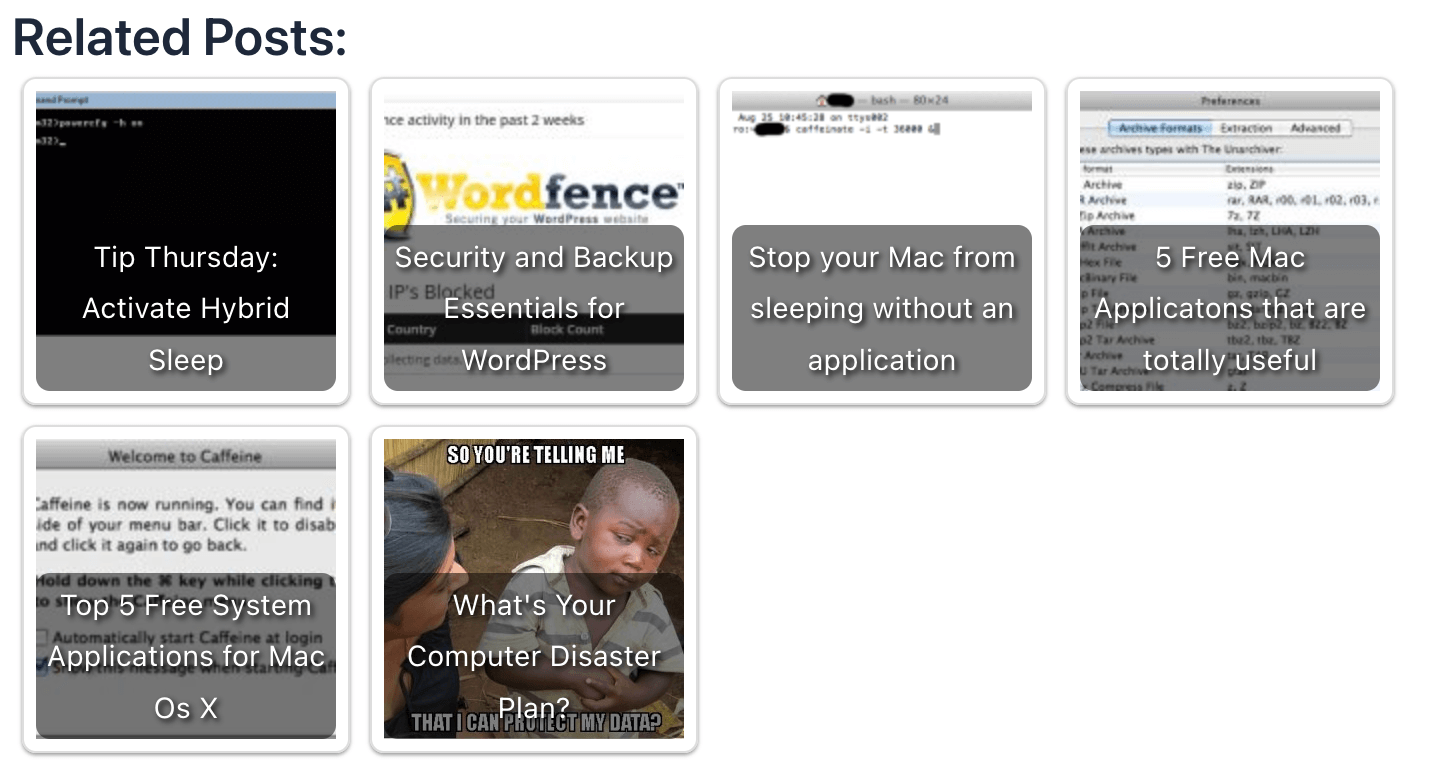
- Thumbnail support: Display thumbnails or not!
- Styles: The output of the related posts list is wrapped in CSS classes that allow you to style it easily using custom CSS code.
- Customizable output: Display post excerpts in the related posts list. Customize the HTML tags and attributes used to display the output.
- Extendable code: Many filters and actions allow developers to easily add features, modify outputs, or integrate with other plugins.
MySQL FULLTEXT indices
On activation, the plugin creates three MySQL FULLTEXT indices (or indexes), which are leveraged to find the related posts. Learn more about how the algorithm works.
If you're running a multisite installation, an index is created for each blog upon activation. These indices occupy space in your MySQL database but are essential for running the plugin.
Two options on the settings page allow you to remove these indices when deactivating or deleting the plugin. The latter is true by default.
💼 Features Exclusive to CRP Pro
CRP Pro supercharges your related posts with advanced customization, better performance, and powerful content strategy tools.
🚀 Performance Enhancements
- Efficient Content Storage and Indexing: Speed up your site with optimized custom tables and efficient database indices for lightning-fast queries.
- Cache Setting: Fine-tune your performance with configurable cache times from 1 hour to 1 year.
- Server Load Threshold: Prevent CRP from running queries when the database is under heavy load.
- Bot Protection: Skip CRP processing for known bots and crawlers using an extensible signature list, saving server resources.
🎯 Smarter Content Matching
- Advanced Algorithm: Control exactly how relevant content is found by adjusting weights for title, content, and excerpt.
- Taxonomy Weight System: Refine your matches with precise taxonomy weighting for perfect content relationships.
🛒 WooCommerce Integration
- Related Products for WooCommerce: Seamlessly integrate with WooCommerce to show related products.
- Product Matching & Filtering: Index SKUs and attributes, filter by stock status, and use category-based recommendations with native WooCommerce styling.
- Display Customization: Toggle prices, ratings, and choose to replace or complement WooCommerce's related products.
📖 WooCommerce Related Products Documentation
WP-CLI Support
Contextual Related Posts Pro includes comprehensive WP-CLI commands for advanced management and automation. Perfect for developers, agencies, and site administrators who need powerful command-line tools.
Key WP-CLI Features:
- Database Management: Migrate post meta, check index status, and manage database operations
- Cache Control: Clear, warm, enable/disable cache with multisite support
- Custom Table Operations: Sync content and manage FULLTEXT indexes for optimal performance
- Content Processing: Reprocess posts and manage related content in bulk
- Multisite Ready: All commands support
--networkflag for multisite installations
🎨 Advanced Design & Display Options
- Block Editor Integration: Create beautiful layouts with the Query Loop Block and ready-to-use block patterns including Grid, Image with Title, and more.
- Extra Shortcode Parameters: Unlock additional customization options for complete control over your related posts display.
📊 Analytics & Content Strategy Tools
- Tracking Parameters: Measure content performance with automatic UTM tracking for all related post clicks.
- Cornerstone Posts: Guide visitors to your most important content by featuring key articles in your related posts lists.
- Additional Metabox Settings: Control related content at the individual post level for perfect content relationships.
GDPR
Contextual Related Posts doesn’t collect personal data or send information to external services — making it GDPR-friendly by default.
⚠️ You’re responsible for ensuring your site’s overall GDPR compliance.
Donations
Love Contextual Related Posts? Help keep it alive!
You can donate or upgrade to CRP Pro — both help support development and support.
Contribute
Contextual Related Posts is also available on Github. So, if you've got some cool feature you'd like to implement into the plugin or a bug you've been able to fix, consider forking the project and sending me a pull request.
Bug reports are welcomed on Github. Please note Github is not a support forum, and issues that aren't suitably qualified as bugs will be closed.
Translations
Contextual Related Posts is available for translation directly on WordPress.org. Check out the official Translator Handbook to contribute.
Screenshots
 Contextual Related Posts - General Options
More screenshots are available on the WordPress plugin page
Other plugins by WebberZone
Contextual Related Posts is one of the many plugins developed by WebberZone. Check out our other plugins:
- Top 10 - Track daily and total visits to your blog posts and display the popular and trending posts
- WebberZone Snippetz - The ultimate snippet manager for WordPress to create and manage custom HTML, CSS or JS code snippets
- Knowledge Base - Create a knowledge base or FAQ section on your WordPress site
- Better Search - Enhance the default WordPress search with contextual results sorted by relevance
- Auto-Close - Automatically close comments, pingbacks and trackbacks and manage revisions
- Popular Authors - Display popular authors in your WordPress widget
- Followed Posts - Show a list of related posts based on what your users have read
Installation
WordPress install (the easy way)
- Navigate to Plugins within your WordPress Admin Area
- Click "Add new" and in the search box enter "Contextual Related Posts"
- Find the plugin in the list (usually the first result) and click "Install Now"
Manual install
- Download the plugin
- Extract the contents of contextual-related-posts.zip to wp-content/plugins/ folder. You should get a folder called contextual-related-posts.
- Activate the Plugin in WP-Admin under the Plugins screen
Frequently Asked Questions
Check out the FAQ on the plugin page or the Knowledge Base.
If your question isn't listed there, please create a new post at the WordPress.org support forum. It is the fastest way to get support as I monitor the forums regularly.
How can I report security bugs?
You can report security bugs through the Patchstack Vulnerability Disclosure Program. The Patchstack team help validate, triage and handle any security vulnerabilities. Report a security vulnerability.