GitHub Issues · Project planning for developers (original) (raw)
GitHub Issues
Create issues, break them into sub-issues, track progress, add custom fields, and have conversations. Visualize large projects as tables, boards, or roadmaps, and automate everything with code.
ShopifyVercelStripeFordNasa
Break issues into sub-issues
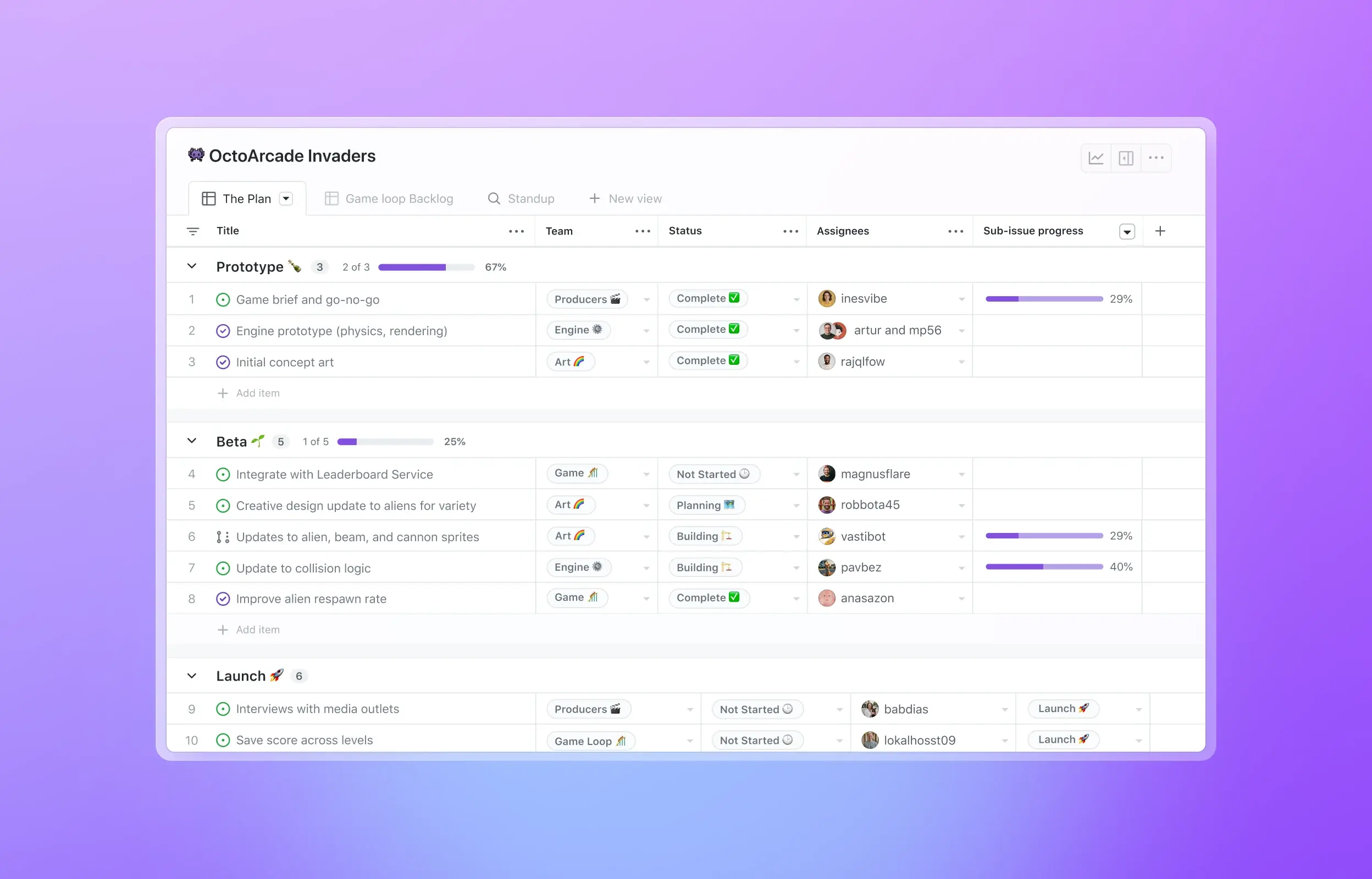
Tackle complex issues with sub-issues and track their status with progress indicators. Navigate the full scope of work all in one view.
Streamline conversations
Express ideas with GitHub Flavored Markdown, mention contributors, react with emoji, clarify with attachments, and see references from commits, pull requests, releases, and deploys. Coordinate by assigning contributors and teams, or by adding them to milestones and projects. All in a single timeline.
Bored of boards? Switch to tables and roadmaps. Create views for how you work.
Custom fields
Track metadata like iterations, priority, story points, dates, notes, and links. Add custom fields to projects and edit from the issue sidebar.
Track progress with project insights
Track the health of your current iteration cycle, milestone, or any other custom field you create with new project insights. Identify bottlenecks and issues blocking the team from making progress with the new burn up chart.
Share best practices with project templates
Create templates to share and reuse when getting started with a new project. Share inspiration across teams and get started with a single click.
Manage work automatically
Accelerate your project planning with workflows. Automatically triage issues, set values for custom fields, or archive issues.
Manage work automatically
Issues, where you need them
Issues can be viewed, created, and managed in your browser, your favorite terminal, or on your phone or tablet.
GitHub CLI
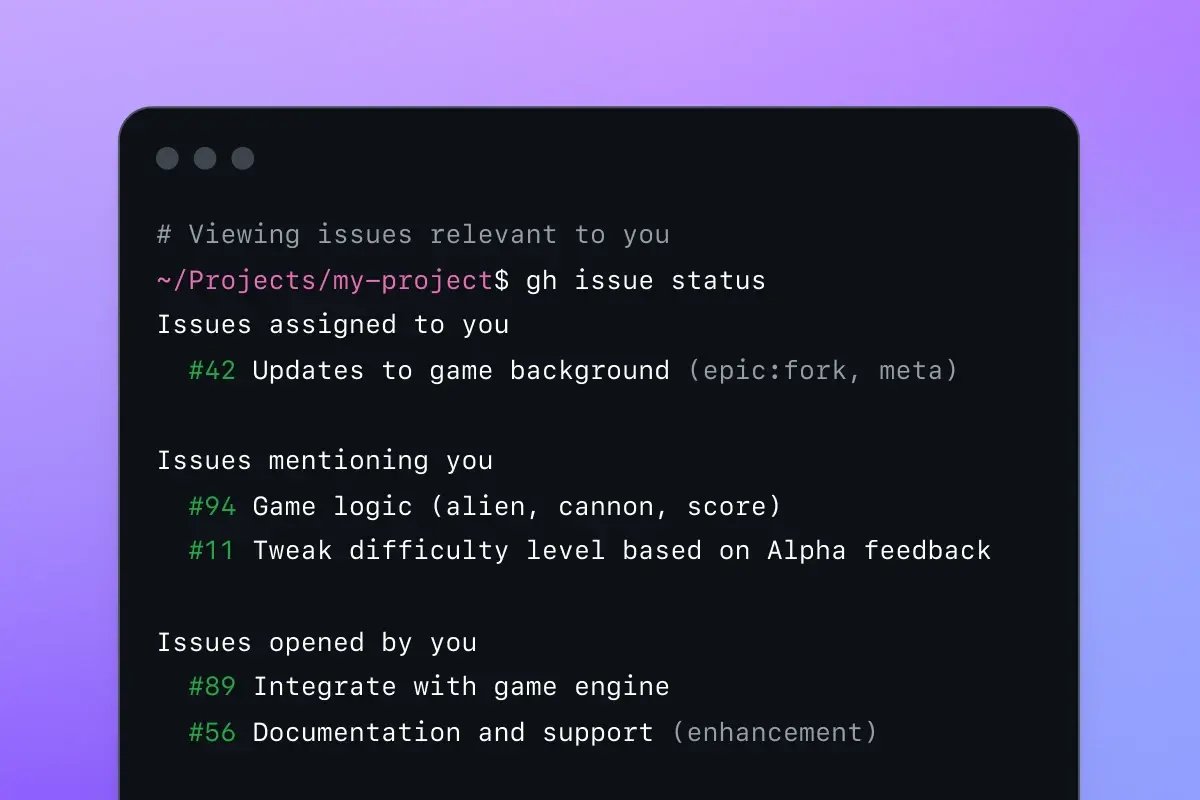
View, update, and create issues without ever leaving your terminal.
GitHub Mobile
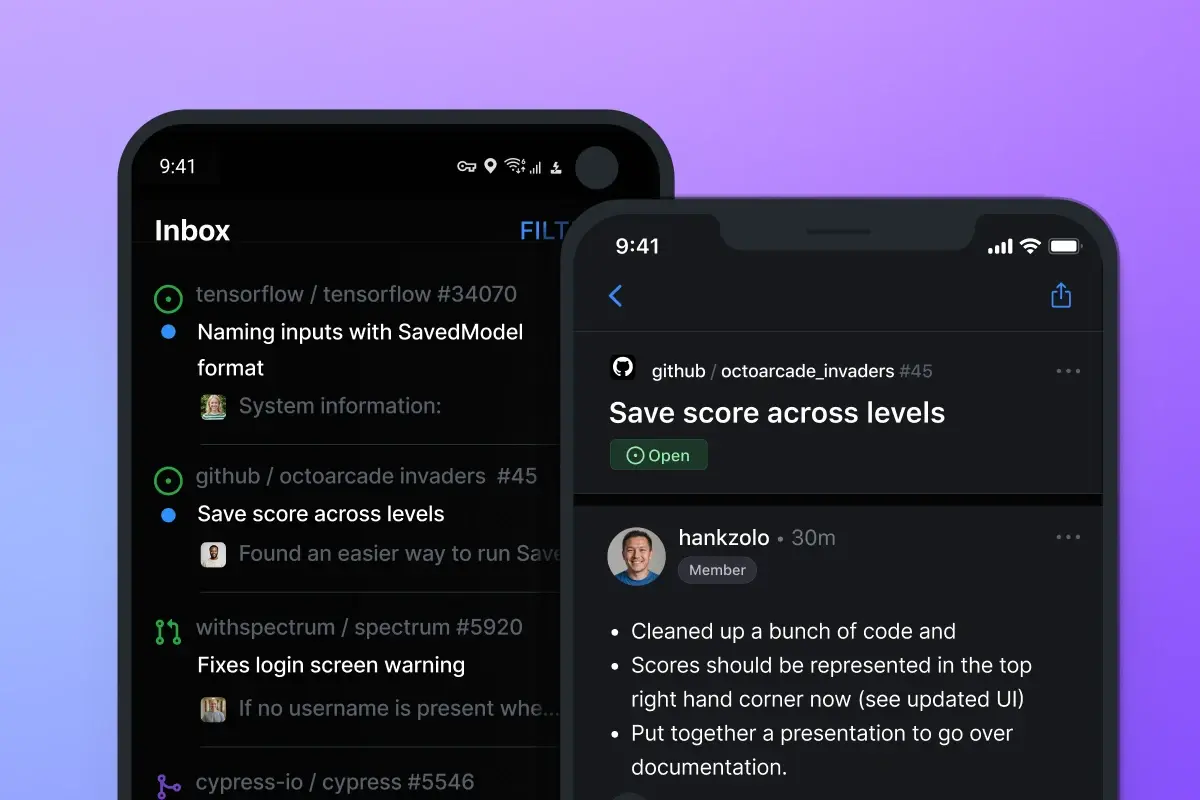
Create and manage issues on the go with our native iOS and Android mobile apps.
What developers are saying
The new planning and tracking functionality keeps my project management close to my code. I no longer find myself needing to reach for spreadsheets or 3P tools which go stale instantly.
Dan GodfreyDevelopment Manager
Frequently asked questions
What is GitHub Issues?
We all need a way to plan our work, track issues, and discuss the things we build. Our answer to this universal question is GitHub Issues, and it’s built-in to every repository. GitHub’s issue tracking is unique because of our focus on simplicity, references, and elegant formatting.
With GitHub Issues, you can express ideas with GitHub Flavored Markdown, assign and mention contributors, react with emojis, clarify with attachments and videos, plus reference code like commits, pull requests, and deploys. With task lists, you can break big issues into tasks, further organize your work with milestones and labels, and track relationships and dependencies.
We built GitHub Issues for developers. It is simple, adaptable, and powerful.
What are Projects?
As teams and projects grow, how we work evolves. Tools that hard-code a methodology are too specific and rigid to adapt to any moment. Often, we find ourselves creating a spreadsheet or pulling out a notepad to have the space to think. Then our planning is disconnected from where the work happens.
The new Projects connect your planning directly to the work your teams are doing and flexibly adapt to whatever your team needs at any point. Built like a spreadsheet, project tables give you a live canvas to filter, sort, and group issues and pull requests. You can use it, or the accompanying project board, along with custom fields, to track a sprint, plan a feature, or manage a large-scale release.
What plans have access to Projects?
All users have access to the free tier of GitHub Issues and Projects. For more information about paid tiers, see our pricing page.
Will the new Projects experience be available in GitHub Enterprise Server?
Yes! GitHub Enterprise Server (GHES) support follows our regular cadence of one to two quarters before enabling the on-premises functionality.