Webpage Access Key Shortcuts | Vivaldi Browser Help (original) (raw)
This post is also available in:
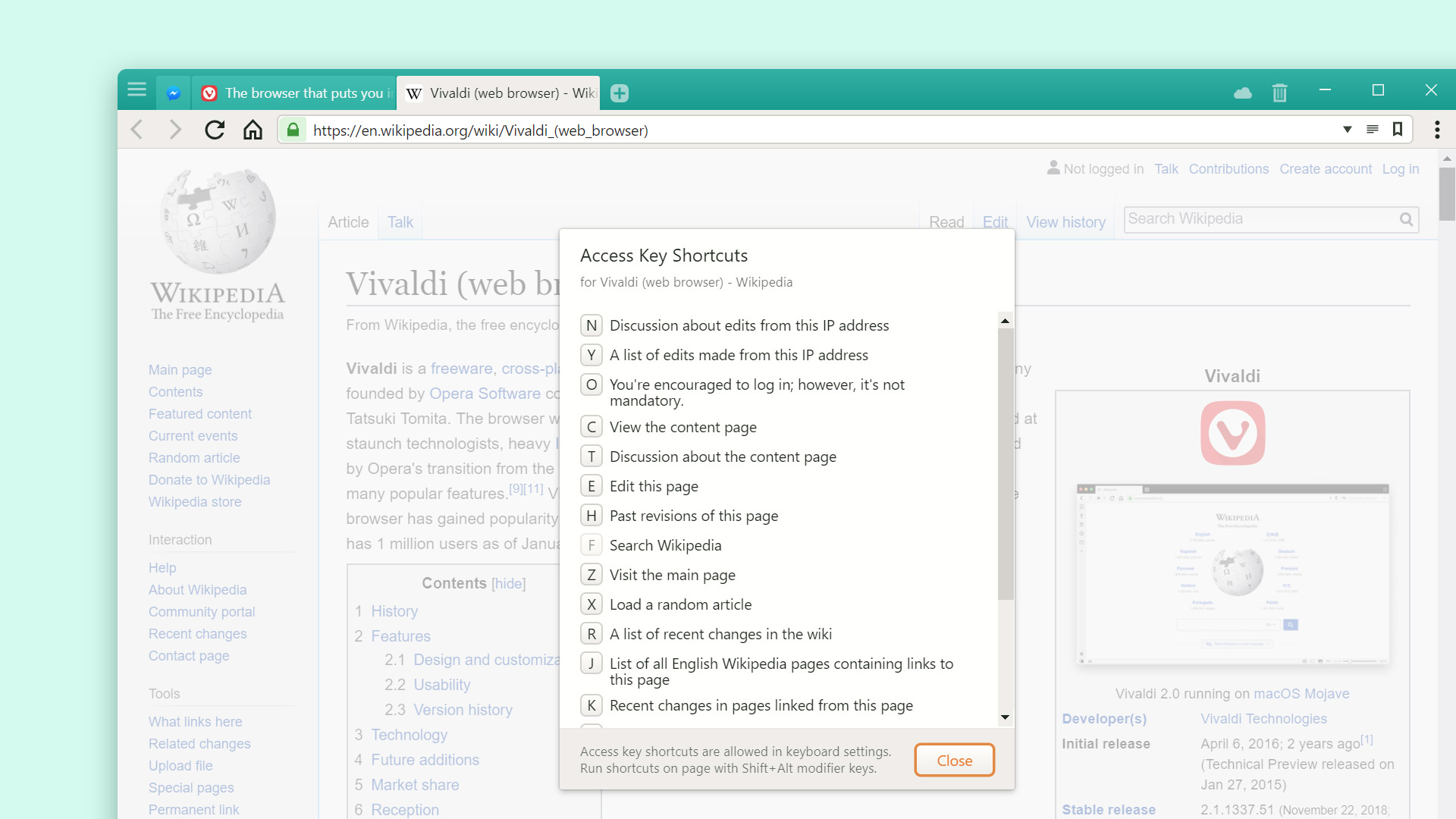
Access Keys are a way to access key functionality of a web page through keyboard shortcuts. Each website can define these shortcuts, so that the website is easily accessible from a browser.
To view the available shortcuts, either:
- Open Quick Commands and start typing “Show Webpage Access Key Shortcuts”;
- Apply Inline Access Keys Page Action from the Status Bar;
- Set a Keyboard Shortcut or a Mouse Gesture for this action in Settings.
Use the shortcut Alt Shift / Ctrl ⌥ and the listed key to run the shortcut on the webpage.
Was this helpful?
Thanks for your feedback!
Didn't find what you were looking for?
Ask our community of experts on the Vivaldi Forum.