Modify the look of a page with Page Actions | Vivaldi Browser Help (original) (raw)
This post is also available in:
Page Actions are custom filters that modify the look of a page. They allow you to make adjustments to individual webpages, and to make browsing more effective and focused on your individual needs. Page Actions are great for accessibility.
To apply an action, click on the  Page Actions button on the right side of the Status Bar and select the one you want to use. Alternatively, type the action’s name in Quick Commands, or create a Keyboard Shortcut or a Mouse Gesture to toggle your favorite actions on and off.
The action will only be applied to the active Tab and won’t be disabled if you navigate to a different website in that tab. In many cases, multiple page actions can be applied simultaneously.
When you turn off a Page Action, the page will reload.
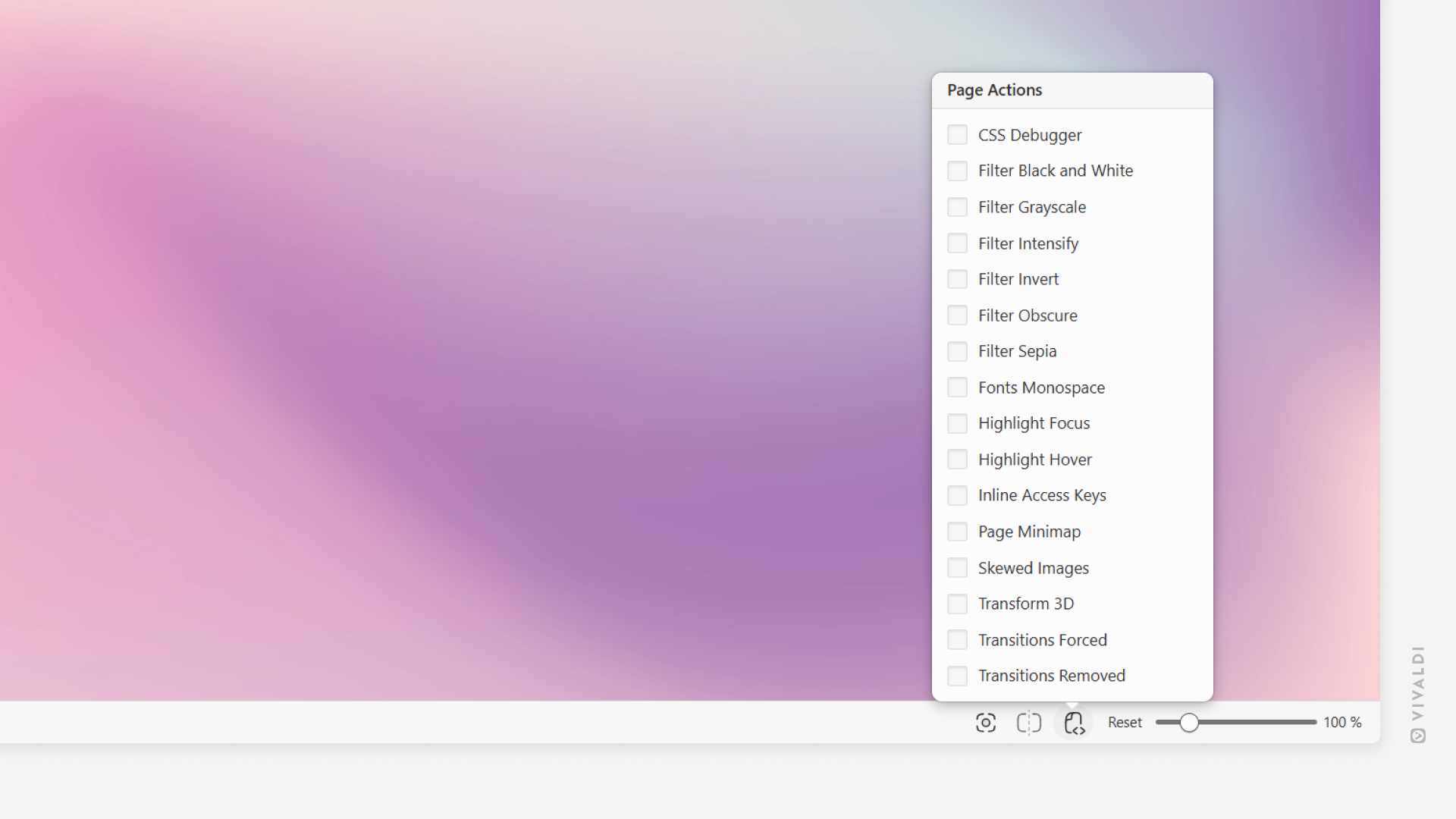
Available Page Actions
- CSS Debugger – outlines various element types for a simple CSS inspection;
- Filter Black and White – turns the page into black and white;
- Filter Grayscale – changes the page’s colors to grayscale;
- Filter Intensity – adds saturation and contrast to the images on the site;
- Filter Invert – flips the page colors (i.e. turns white to black);
- Filter Obscure – hides the content by blurring the page when the mouse cursor is moved outside of the window;
- Filter Sepia – changes the page’s color scheme to reddish-brown;
- Fonts Monospace – forces the text to be displayed in a monospace font. You can change the used font in Settings > Webpages > Fonts > Monospace;
- Highlight Focus – displays a box around the focused content;
- Highlight Hover – displays a box around the content the mouse cursor is hovering over;
- Inline Access Keys – shows the available keyboard shortcuts to interact with the website’s key features;
- Page Minimap – shows a miniature schematic of the current page with visible area highlighted. Click or drag on the map to change your location on the page.
- Skewed Images – tilts images at an angle;
- Transform 3D – distorts the whole page on hover;
- Transition Forced – makes transitions more prominent;
- Transition Removed – disables transitions;
Was this helpful?
Thanks for your feedback!