Fedora Linux Operating System (original) (raw)
Last Updated : 24 Nov, 2025
Fedora Linux is a powerful, open-source, community-driven Linux distribution known for its cutting-edge features, modern design, and strong security. Developed by the Fedora Project and sponsored by Red Hat, Fedora is widely used for software development, enterprise systems, and general desktop use.
It provides a polished Linux experience and includes tools for:
- Software development
- System administration
- Cloud computing
- Containerization
- Desktop productivity
Key Features
Given below are the main key features of Fedora Linux:
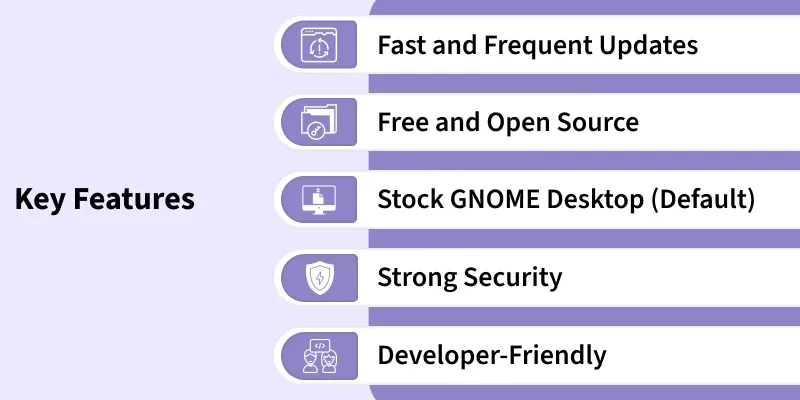
Key Features of Fedora
Fast and Frequent Updates
- Fedora releases a new version approximately every six months, ensuring users always get the latest software and kernel updates.
- Offers early access to new technologies before they move into enterprise distributions like Red Hat Enterprise Linux (RHEL).
Free and Open Source
- Fedora Linux is completely free to download, use, modify, and distribute.
- Built entirely on open-source components, ensuring transparency and community-driven development.
Stock GNOME Desktop (Default)
- Provides a clean, modern, and unmodified GNOME desktop environment.
- Ensures a smooth, user-friendly experience suitable for everyday use.
Strong Security
- Comes with SELinux (Security-Enhanced Linux) enabled by default, providing strong access control and system security.
- Regular security patches help protect users from vulnerabilities.
Developer-Friendly
- Includes a rich set of tools for programming, containers, virtualization, and server development.
- Widely used by developers working with technologies like Kubernetes, Docker, Podman, Python, C, Java, and more.
Applications of Fedora Linux
Fedora Linux is a versatile operating system that supports a wide range of real-world use cases across desktops, servers, cloud environments, and development workflows.
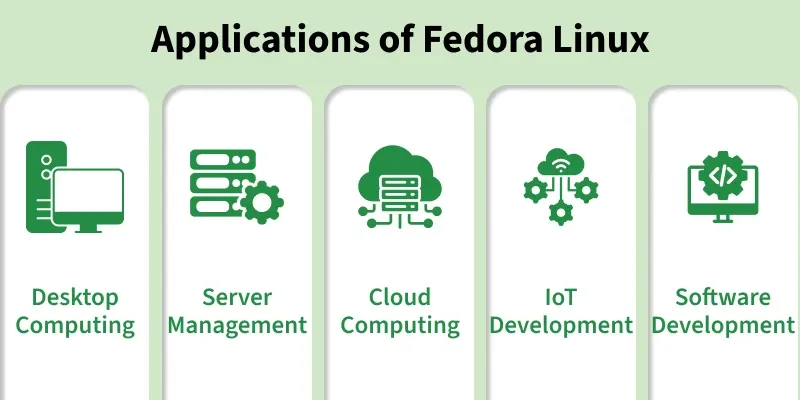
1. Desktop Computing
- Ideal for everyday activities such as web browsing, document editing, email, and multimedia consumption.
- Provides a clean and modern GNOME desktop with smooth performance.
2. Server Management
- Suitable for hosting web servers, file servers, DNS servers, and database systems.
- Offers strong security features like SELinux, making it reliable for enterprise server environments.
3. Cloud Computing
- Supports container-based workloads and integrates well with cloud services like AWS, Azure, and Google Cloud.
- Includes tools like Podman, Buildah, and Kubernetes for building and deploying cloud-native applications.
4. IoT Development
- Offers lightweight editions and ARM support for embedded systems, smart devices, and IoT projects.
- Ensures stable performance on low-resource hardware.
5. Software Development
- Equipped with modern programming tools, compilers, libraries, and IDEs for building and testing applications.
- Ideal for developers working with open-source technologies, DevOps, and container-based workflows.
History and Development
Fedora Linux was created as a community-powered, open-source successor to earlier Red Hat Linux releases.
[Phase 1]: Origin
- Fedora evolved from the “Fedora Linux Project,” which provided additional packages for Red Hat Linux systems.
- It became an independent community project supported by Red Hat in 2003.
[Phase 2]: Initial Release
- The first official version, Fedora Core 1, was released in November 2003.
- It introduced a cleaner package system, modern UI, and updated open-source tools.
[Phase 3]: Base System
- Fedora is based on the Linux kernel with packages from the RPM ecosystem.
- Uses DNF as its package manager for installing and updating software.
[Phase 4]: Developer
- Maintained by the Fedora Project, supported and funded by Red Hat Inc.
- Development is community-driven, with contributions from users worldwide.
[Phase 5]: Goal
- To provide an innovative, secure, and cutting-edge Linux distribution.
- Built for developers, system administrators, open-source enthusiasts, and enterprise testing.
Editions of Fedora Linux
Fedora provides several Editions tailored to different use cases:
[Edition 1]: Fedora Workstation
- Designed for desktop computers and laptops.
- Includes GNOME and general-purpose applications.
[Edition 2]: Fedora Server
- Optimized for server deployment and system administration.
- Provides tools for managing enterprise systems and servers at scale.
[Edition 3]: Fedora CoreOS
- Minimal OS designed for container-based workloads and cloud infrastructure.
- Ideal for Kubernetes and automated deployments.
[Edition 4]: Fedora IoT
- Lightweight edition for IoT and embedded devices.
- Suitable for low-resource hardware.
[Edition 5]: Fedora Silverblue
- Immutable desktop operating system.
- Ideal for containerized workflows and developers.
System Requirements for Fedora Linux
Fedora needs moderate hardware for a smooth experience:
- **Processor (CPU): 64-bit Intel or AMD processor
- **Memory (RAM): Minimum 2 GB, recommended 4 GB or more
- **Storage: Minimum 20 GB free space
- **Bootable Media: 8 GB USB drive for installation
- **Internet: Needed for updates, repos, and package installation
Desktop Environments in Fedora Linux
Fedora offers multiple Desktop Environments (DEs) based on user preference:
1. GNOME (Default)
- Modern, elegant, and user-friendly desktop.
- Clean UI with strong system integration.
2. KDE Plasma
- Highly customizable, visually rich desktop environment.
- Ideal for users who want advanced theming and controls.
3. Xfce
- Lightweight, fast, and stable.
- Suitable for older hardware or performance-focused users.
4. LXQt / LXDE
- Extremely lightweight with minimal resource usage.
- Designed for low-end or very old systems.
Basic Commands in Fedora Linux
Fedora uses standard Linux commands with the DNF package manager for managing software.
[Command 1]: Update Package Lists
sudo dnf check-update
- Fetches the latest available package versions.
[Command 2]: Upgrade Installed Packages
sudo dnf upgrade
- Installs the latest updates for all system packages.
[Command 3]: Install a New Package
sudo dnf install
**Example:
sudo dnf install git
[Command 4]: Start a System Service
sudo systemctl start
**Example:
sudo systemctl start httpd
[Command 5]: View Network Interface Details
ip a
- Displays all network interfaces and IP information.
Fedora Linux Usage Guidelines
Fedora Linux is a safe and open-source system designed for general use, development, and enterprise-level tasks. To ensure proper usage:
Use Fedora Responsibly
- Fedora is built for developers, system admins, students, and professionals.
- Designed for ethical computing and secure development practices.
Software Freedom and Sharing
- Fedora provides open-source software for learning and community contribution.
- Users can modify, study, and redistribute Fedora freely.
Practice Safe System Management
- Test new features in virtual machines before production use.
- Keep your system updated and follow secure configuration practices.